PiSovereign Documentation
A self-hosted, privacy-first AI assistant platform — deploy anywhere with Docker Compose.
Welcome to the official PiSovereign documentation. This guide covers everything from first deployment to production operations and development.
Introduction
PiSovereign runs a complete AI assistant stack on your own hardware. All inference stays local via Ollama — no data ever leaves your network. It deploys as a set of Docker containers on any Linux or macOS host and is optimized for the Raspberry Pi 5 with Hailo-10H NPU.
Core Principles:
- Privacy First — All processing happens locally on your hardware
- GDPR Compliant — No data leaves your network
- Open Source — MIT licensed, fully auditable,
#![forbid(unsafe_code)] - Extensible — Clean Architecture with Ports & Adapters
Key Features
| Feature | Description |
|---|---|
| Local LLM Inference | Ollama with dynamic model routing by task complexity |
| Signal & WhatsApp | Bidirectional messaging with voice message support |
| Voice Processing | Local STT (whisper.cpp) and TTS (Piper), optional OpenAI fallback |
| Calendar & Contacts | CalDAV/CardDAV (Baïkal, Radicale, Nextcloud) |
| IMAP/SMTP with any provider (Gmail, Outlook) | |
| Weather & Transit | Open-Meteo forecasts, German public transit via HAFAS |
| Web Search | Brave Search with automatic DuckDuckGo fallback |
| Persistent Memory | RAG with embeddings, decay, deduplication, XChaCha20 encryption |
| Reminders | Natural language scheduling with morning briefings |
| Agentic Mode | Multi-agent orchestration for complex tasks with parallel sub-agents |
| Secret Management | HashiCorp Vault with AppRole authentication |
| Observability | Prometheus, Grafana, Loki, OpenTelemetry |
| Docker Compose | Single-command deployment with optional monitoring and CalDAV profiles |
| Innovation Features | 15 research-backed innovations — see Innovation Features |
Innovation Highlights
PiSovereign includes 15 advanced features grouped into four phases:
| Category | Features |
|---|---|
| Advanced AI | Neuromorphic Memory, Causal Reasoning, LoRA Continual Learning, Cognitive Load Adaptation, Bayesian Self-Optimization, Multi-Agent Swarm, Cross-Modal Fusion, Edge Distillation, Explainable AI |
| Advanced Security | Post-Quantum Cryptography (ML-KEM + ML-DSA), Autonomous Red Team Agent, Homomorphic Semantic Search |
| Privacy & Analytics | Ebbinghaus Decay Knowledge Graphs, Differential Privacy, Digital Sovereignty Score |
For full details, see the Innovation Features documentation.
Quick Links
User Guide
| Document | Description |
|---|---|
| Getting Started | 5-minute Docker deployment |
| Hardware Setup | Raspberry Pi 5 + Hailo-10H assembly |
| Docker Setup | Detailed deployment and operations guide |
| Vault Setup | Secret management with HashiCorp Vault |
| Configuration | All config.toml options |
| External Services | WhatsApp, email, CalDAV, search setup |
| Signal Setup | Signal messenger registration |
| Reminder System | Reminders and morning briefings |
| Troubleshooting | Common issues and solutions |
Developer Guide
| Document | Description |
|---|---|
| Architecture | Clean Architecture overview |
| Memory System | RAG pipeline and encryption |
| Innovation Features | All 15 research-backed AI, security, and privacy innovations |
| Contributing | Development setup and workflow |
| Crate Reference | All 16 workspace crates documented |
| API Reference | REST API with OpenAPI spec |
Operations & Security
| Document | Description |
|---|---|
| Production Deployment | TLS, production config, multi-arch builds |
| Monitoring | Prometheus, Grafana, Loki, alerting |
| Backup & Restore | Data protection and recovery |
| Security Hardening | Application, network, and Vault security |
Getting Help
- GitHub Issues: Report bugs or request features
- Discussions: Ask questions and share ideas
- Security Issues: Report vulnerabilities privately via GitHub Security Advisories
Features at a Glance
A teenager-friendly guide to PiSovereign’s architecture and features
What is PiSovereign? It’s your own private AI assistant that runs on your computer (or a Raspberry Pi) instead of sending your data to the cloud. Think of it as having ChatGPT, but it lives in your house and keeps all your conversations private.
This page explains all the cool stuff PiSovereign can do using simple terms and real-world comparisons.
How It’s Built (Architecture)
PiSovereign is organized like a well-run school where each department has clear responsibilities and rules about who talks to whom.
The Layer Cake
┌─────────────────────────────────────────────────────────────┐
│  🖥️  PRESENTATION  (What you see and interact with)        │
│      Web UI, REST API, Command Line                         │
├─────────────────────────────────────────────────────────────┤
│  🔌  INFRASTRUCTURE  (The plumbing)                         │
│      Database, Cache, Secrets, Metrics                      │
├─────────────────────────────────────────────────────────────┤
│  🔗  INTEGRATION  (Connections to the outside world)        │
│      WhatsApp, Signal, Email, Calendar, Weather, Transit    │
├─────────────────────────────────────────────────────────────┤
│  🧠  AI  (The smart stuff)                                  │
│      LLM Inference, Speech-to-Text, Text-to-Speech          │
├─────────────────────────────────────────────────────────────┤
│  ⚙️  APPLICATION  (Business logic)                          │
│      Services, Use Cases, Rules                             │
├─────────────────────────────────────────────────────────────┤
│  💎  DOMAIN  (Core rules and data)                          │
│      Entities, Value Objects, Commands                      │
└─────────────────────────────────────────────────────────────┘
The Golden Rule: Inner layers never depend on outer layers. The Domain layer doesn’t care if you’re using WhatsApp or a CLI — it just knows about messages and conversations.
Architecture Patterns Explained
| Pattern | Real-World Analogy | What It Does |
|---|---|---|
| Clean Architecture | A school with separate buildings for classes, admin, and sports | Keeps code organized so the AI brain doesn’t need to know about databases |
| Ports & Adapters | Universal phone charger that fits any outlet | Different services (WhatsApp, Email) plug in without changing the core code |
| Decorator Chain | Matryoshka (Russian nesting) dolls | Each layer wraps the previous one, adding features like caching or sanitization |
| Dependency Injection | LEGO bricks that snap together | Easy to swap real services for test versions without rewriting code |
| Event-Driven | Waiter who takes your order while the kitchen cooks | Background tasks run without making you wait for responses |
| Circuit Breaker | Electrical fuse that prevents house fires | When a service fails repeatedly, stop trying and use a backup plan |
| Multi-Layer Cache | Sticky notes (fast) + notebook (permanent) | Frequently used data stays in memory; everything else on disk |
Feature Quick Reference
Here’s everything PiSovereign can do, explained simply:
⚡ Performance Features
| Feature | What It Does | Real-World Analogy | Why It’s Cool |
|---|---|---|---|
| Adaptive Model Routing | Sends easy questions to small, fast AI; hard questions to bigger AI | Express checkout vs. full-service lane at the grocery store | 4× faster for simple questions |
| Semantic Caching | Remembers similar questions you asked before, even if worded differently | A teacher who remembers “What’s 2+2?” and “Two plus two equals?” are the same question | No waiting for repeat questions |
| Multi-Layer Cache | Stores answers in fast memory + disk backup | Sticky notes on your desk (fast) + a notebook in your drawer (permanent) | Under 1ms for cached answers |
| In-Process Event Bus | Handles background work (saving memories, logging) without slowing your reply | A restaurant where the waiter takes your order while another waiter clears tables | 100-500ms saved per message |
| Proactive Pre-Computation | Prepares common answers before you ask | A friend who checks the weather before your camping trip | Instant morning briefings |
| Predictive Pre-Caching | Learns your patterns and generates answers before you ask | A barista who starts your regular order when you walk in | Bayesian prediction, thermal-aware |
| Template Responder | Answers trivial questions instantly without using AI | Automated phone menu for simple requests | Under 10ms for “Hello!” |
| HDC Vector Pre-Filter | Uses 10,000-bit binary vectors to speed up memory search | A card catalog that narrows down which shelf to check | 80% fewer floating-point operations |
🧠 AI Features
| Feature | What It Does | Real-World Analogy | Why It’s Cool |
|---|---|---|---|
| ReAct Agent (Tool Calling) | AI can use 18 tools: check weather, search web, read calendar, send emails | An assistant who can look things up instead of just guessing | AI acts, not just talks |
| Per-Request Tool Selection | Users pick which tools the AI may use per message; tools discovered dynamically from backend | Choosing which apps to open before asking Siri | Full control without frontend changes when adding new tools |
| Multi-Agent Orchestration | Multiple AIs work together on complex tasks | A group project where each person handles their specialty | Parallel work = faster results |
| RAG Memory System | Remembers your preferences, name, and past conversations | A personal diary that the AI actually reads | “Hey, I remember you like dark mode!” |
| Fact Extraction | Automatically pulls important facts from conversations | Highlighting key points in a textbook | Never forgets important stuff |
| Complexity Classification | Figures out how hard a question is before answering | A teacher deciding if it’s a pop quiz or a final exam | Right-sized AI for every question |
| Affective Computing | Detects your emotional state from text and voice, adjusts tone | A friend who notices when you’re stressed and speaks gently | Frustrated? Patient tone. Curious? Enthusiastic answers |
| Self-Evolving Prompts | AI’s own instructions improve over time from your feedback | A teacher who rewrites their lesson plan after every class | Thompson Sampling + security guardrails |
| Neuroplastic Routing | Model selection learns your preferences after 50 chats | A DJ who learns what music you like at different times | LinUCB bandit, gets better every day |
| Embodied Context | Memories are linked to rooms — kitchen questions get kitchen memories | Your brain remembering things by where you learned them | Method of Loci for AI |
| Dream Mode | Autonomous nightly processing that consolidates memories, discovers cross-domain patterns, and generates hypotheses while you sleep | Your brain replaying and reorganizing memories during sleep | NREM/REM cycles, dream journal, proactive “Did you know?” insights |
🔒 Security Features
| Feature | What It Does | Real-World Analogy | Why It’s Cool |
|---|---|---|---|
| Prompt Injection Defense | Blocks 60+ patterns of attempts to trick the AI | A bouncer checking IDs at a club entrance | Stops “ignore your instructions” attacks |
| Output Sanitization | Hides sensitive info (passwords, credit cards, emails) from responses | A TV censor bleeping out swear words | PII protection with 17 detection patterns |
| Context Sanitization | Cleans external data (web results, tool outputs) before feeding to AI | Airport security scanning luggage | Blocks hidden malicious instructions |
| Secret Management | Stores API keys and passwords in a secure vault | A safe with a combination lock | Secrets never appear in logs |
| Encryption at Rest | Encrypts your memories and conversations on disk | A locked diary with a key only you have | XChaCha20-Poly1305 encryption |
| Rate Limiting | Prevents abuse by limiting requests per minute | A “take a number” system at a deli counter | Auto-cleanup of old entries |
| HMAC Tool Receipts | Signs tool results to detect tampering | A wax seal on a medieval letter | Cryptographic proof nothing was changed |
| Immune System | AI attacks itself daily to find weaknesses, auto-patches them | A vaccine — controlled exposure to build immunity | Self-healing security, 20 attacks/day |
| ZK Decision Proofs | Cryptographic proof that AI followed the rules without revealing how | Proving you’re over 18 without showing your birthday | Merkle-tree proofs for compliance audits |
| Privacy Budget | Visible daily ε-budget for all data operations, auto-degrades when spent | A phone data plan — you see usage and it throttles at the limit | World’s first user-visible AI privacy budget |
🔊 Speech Features
| Feature | What It Does | Real-World Analogy | Why It’s Cool |
|---|---|---|---|
| Speech-to-Text (STT) | Converts voice messages to text | A court stenographer | Local processing via Whisper |
| Text-to-Speech (TTS) | Reads responses aloud | An audiobook narrator | Piper voices for natural speech |
| Hybrid Provider | Falls back to OpenAI if local processing fails | Having a backup phone charger | 99.9% uptime even when hardware struggles |
📝 Productivity Features
| Feature | What It Does | Real-World Analogy | Why It’s Cool |
|---|---|---|---|
| Snippets | Reusable Markdown text blocks with /snippet chat trigger and nested resolution | Copy-paste templates, but smarter — they auto-expand | Compose complex AI prompts from building blocks |
| @Agent Mentions | Type @ in chat to mention specialized AI agents inline | Tagging someone in a group chat | Route questions to the right expert AI |
| Reminders | Natural language reminders in English and German with CalDAV sync | A personal assistant who never forgets | “Erinnere mich morgen um 10 Uhr” |
| Tasks & Task Lists | Full task management with priorities, due dates, and calendar linking | A smart to-do list that syncs with your calendar | Organize, prioritize, and track progress |
| Morning Briefing | Daily summary of weather, calendar, emails, and tasks | A personal news anchor for your day | One command, full overview |
Integrations (External Services)
PiSovereign connects to 8 external services. Each one plugs in via the Ports & Adapters pattern, so adding new ones is easy.
| Service | What You Can Do | Example Commands |
|---|---|---|
| Send and receive messages via WhatsApp Cloud API | “Send Mom: Don’t forget the groceries!” | |
| Signal | Private encrypted messaging via signal-cli | “Message my Signal group: meeting at 5pm” |
| Calendar (CalDAV) | View, create, and manage events on any CalDAV server | “What’s on my calendar this week?” |
| Contacts (CardDAV) | Look up phone numbers and emails | “What’s Sarah’s email address?” |
| Email (IMAP/SMTP) | Read inbox, search, draft, and send emails | “Any new emails from GitHub?” |
| Weather (Open-Meteo) | Current conditions and 7-day forecast | “Will it rain tomorrow in Berlin?” |
| Web Search (Brave/DDG) | Search the internet privately | “Search for vegan pasta recipes” |
| Transit (HAFAS) | German public transport schedules | “Next train from Munich to Hamburg?” |
How a Request Flows Through the System
Here’s what happens when you ask “What’s the weather tomorrow?”:
1. 📱 You send message via Web UI / WhatsApp / Signal
         │
         ▼
2. 🚦 Adaptive Model Routing classifies complexity
   │   → "weather question" = Simple tier
   │
   ▼
3. 💾 Check Semantic Cache
   │   → Similar question asked before? Return cached answer!
   │   → No hit? Continue...
   │
   ▼
4. 🧠 ReAct Agent decides to use the weather tool
   │   → Calls Open-Meteo API
   │   → Sanitizes the result (removes any hidden tricks)
   │
   ▼
5. 🤖 Small AI model (gemma4:e4b) formats the response
         │
         ▼
6. 📤 Output Sanitizer checks for leaked secrets
         │
         ▼
7. 💬 Response sent back to you: "Tomorrow: 18°C, partly cloudy"
         │
         ▼
8. 📝 Event Bus (background): Save to cache, extract facts, log metrics
Total time: ~500ms (vs. 5-8 seconds without optimizations)
The 18 Crates (Code Modules)
PiSovereign is split into 18 Rust crates (think of them as LEGO sets that snap together):
| Layer | Crate | One-Line Description |
|---|---|---|
| Domain | domain | Core rules: what is a message, user, conversation? |
| Application | application | Business logic: how do we handle a chat request? |
| AI | ai_core | Ollama LLM inference and model routing |
| AI | ai_speech | Speech-to-text and text-to-speech |
| Infrastructure | infrastructure | Database, cache, secrets, metrics adapters |
| Integration | integration_whatsapp | WhatsApp Cloud API connector |
| Integration | integration_signal | Signal messenger via signal-cli |
| Integration | integration_caldav | CalDAV calendar protocol |
| Integration | integration_carddav | CardDAV contacts protocol |
| Integration | integration_email | IMAP/SMTP email |
| Integration | integration_weather | Open-Meteo weather API |
| Integration | integration_websearch | Brave Search + DuckDuckGo fallback |
| Integration | integration_transit | German public transit (HAFAS) |
| Presentation | presentation_http | REST API with Axum web framework |
| Presentation | presentation_cli | Command-line interface |
| Presentation | presentation_web | SolidJS web frontend |
Technology Stack
| Category | Technology | Why We Use It |
|---|---|---|
| Language | Rust 2024 | Fast, safe, no garbage collector pauses |
| Async Runtime | Tokio | Handle thousands of requests concurrently |
| Web Framework | Axum | Type-safe, fast HTTP handling |
| Frontend | SolidJS + Tailwind CSS | Reactive UI without React’s overhead |
| Database | PostgreSQL + pgvector | SQL + vector similarity search |
| Cache | Moka (memory) + Redb (disk) | Multi-layer for speed + persistence |
| LLM | Ollama | Run AI models locally, no cloud needed |
| Secrets | HashiCorp Vault | Enterprise-grade secret storage |
| Containers | Docker Compose | Easy deployment with profiles |
| Observability | Prometheus + Grafana + Loki | Metrics, dashboards, logs |
🚀 Innovation Features
PiSovereign includes 30 research-backed innovation features that go far beyond any self-hosted AI assistant. Connected through a unified Sovereign Intelligence Engine signal bus, these features work together — thermal state from the energy monitor pauses pre-caching, affective state modulates cognitive load, and the immune system protects evolving prompts.
Phase 1 — Foundation
| Feature | What It Does | Real-World Analogy | Why It’s Cool |
|---|---|---|---|
| Ebbinghaus Decay Knowledge Graphs | Memories fade naturally using forgetting curves (R = e^(-t/S)), and strengthen with each recall | How your brain remembers: study more = remember longer | AI memory feels genuinely human-like |
| Differential Privacy Analytics | Adds mathematical noise to analytics so individual interactions can’t be identified | Blurring faces in a photo — you can see the crowd but not who’s who | ε-differential privacy, even for local data |
| Cognitive Load-Adaptive Response Shaping | Detects cognitive capacity from 5 signals (circadian rhythm, duration, latency, complexity, multitasking) and shapes responses into bullet points, narrative, or TL;DR-first | A friend who reads the room — tired? Bullet points. Curious? Deep dive | 3 response formats, auto-selected |
| Digital Sovereignty Score | Real-time 0–100 score showing how private your setup actually is | A credit score, but for privacy | Actionable recommendations to improve |
Phase 2 — Advanced Security
| Feature | What It Does | Real-World Analogy | Why It’s Cool |
|---|---|---|---|
| Post-Quantum Cryptography (PQC) | Uses ML-KEM-768 + ML-DSA-65 algorithms that resist quantum computer attacks | A lock that even a supercomputer from the future can’t pick | First self-hosted AI with NIST PQC |
| Adversarial Self-Audit Immune System | Daily automated red-team attacks with immediate auto-hardening of prompt defense patterns via hot-reload | A vaccine — controlled exposure builds antibodies automatically | Self-healing security, 20 attacks/day |
| Homomorphic Semantic Search | Searches your memories without ever decrypting them | Finding a book in a locked library without opening it | Zero-knowledge RAG — world-first |
| Zero-Knowledge Decision Proofs | Cryptographic Merkle-tree proofs that AI followed rules — without revealing internal state | Proving you’re over 18 without showing your birthday | SHA-256 proofs for compliance audits |
Phase 3 — AI Core
| Feature | What It Does | Real-World Analogy | Why It’s Cool |
|---|---|---|---|
| Neuromorphic Memory | Three-store memory like the human brain: episodic (recent), semantic (facts), procedural (habits) | Short-term memory → long-term memory → muscle memory | AI forms genuine understanding, not just retrieval |
| Causal Reasoning Engine | Answers “why” and “what if” questions using Structural Causal Models | A detective who follows cause-and-effect chains, not just clues | Goes beyond correlational RAG |
| Local Continual Learning (LoRA) | AI improves over time from your feedback without data leaving your device | A tutor who remembers your learning style | Privacy-preserving personalization |
| Bayesian Self-Optimization | Automatically tunes system parameters for best performance on your hardware | A car that adjusts its own engine settings for the road you’re driving on | Hands-free performance tuning |
| Affective Computing | Detects emotional state from text + voice prosody, subtly adjusts response tone | A friend who notices when you’re stressed and speaks gently | 5 emotional states, 7-day memory |
| Self-Evolving Prompt Optimization | Prompt variants evolve over time via Thompson Sampling and mutation | A writer who drafts 5 versions and keeps the one readers liked most | Automatic security guardrails |
| Neuroplastic Model Routing | LinUCB contextual bandit learns which AI model works best for you | A DJ who quickly learns your music taste for different moods | Gets better with every conversation |
Phase 4 — Advanced AI
| Feature | What It Does | Real-World Analogy | Why It’s Cool |
|---|---|---|---|
| Multi-Agent Swarm | Multiple specialized AIs collaborate on complex tasks (researcher, planner, executor, critic) | A team of specialists working together on a project | Rust type-system safety guarantees |
| Cross-Modal Reasoning Fusion | Searches across chat, email, calendar, and voice simultaneously | Asking “who mentioned the deadline?” and getting results from email AND chat | Unified embeddings across all modalities |
| Edge Model Distillation | Creates custom AI models optimized for your specific hardware and usage patterns | Custom-tailored clothing vs. off-the-rack | Faster inference, lower power usage |
| Explainable AI with Counterfactuals | Shows why AI made each decision, plus what would have happened otherwise | “I chose fast model. Slow model: 3× slower, 10% more precise” | EU AI Act transparency compliance |
| Predictive Cognitive Pre-Caching | Learns your daily patterns and pre-generates answers before you ask | A barista who starts your regular order when you walk in | Bayesian prediction, thermal-aware |
| Temporal Knowledge Decay Visualization | Interactive 3D WebGL knowledge graph showing memory decay in real-time | Watching your AI’s thoughts glow and fade like stars | Three.js, Ebbinghaus decay formula |
Phase 5 — Decentralized & Edge
| Feature | What It Does | Real-World Analogy | Why It’s Cool |
|---|---|---|---|
| Sovereign Mesh Network | Trusted PiSovereign instances share compute power — if your AI is busy, a friend’s helps | Neighbors sharing a generator during a power outage | mDNS discovery, mTLS encryption |
| Federated Sovereign Learning | Multiple instances learn together without sharing any raw data | Study group where everyone shares notes, but nobody reads each other’s diaries | LoRA sync with differential privacy |
| Energy-Aware Inference Scheduling | Monitors thermal state and optionally carbon intensity, adjusts AI workload accordingly | A smart thermostat for your AI — runs heavy tasks when cool | Pi 5 sysfs, RAPL, Docker adapters |
| Quantum-Inspired Approximate Search (HDC) | 10,000-bit binary vectors make memory search blazing fast on edge hardware | A speed-reader who scans summaries before reading full articles | ARM NEON optimized, 80% fewer FLOPs |
| Formal ε-Privacy Budget | Visible daily privacy budget — you see how much is consumed and it auto-degrades | A data plan for your privacy — shows usage and throttles at the limit | World’s first user-visible AI privacy budget |
| Embodied Context Anchoring | Memories linked to physical rooms — kitchen questions recall kitchen memories | Your brain remembering where you read something | Method of Loci for AI, 1.5× RAG boost |
📖 For full technical details on all 30 innovation features, see the Innovation Features Developer Guide.
Glossary
| Term | Simple Definition |
|---|---|
| LLM | Large Language Model — the AI brain that generates text |
| RAG | Retrieval-Augmented Generation — giving the AI context from your memories |
| Embedding | Converting text to numbers so computers can measure similarity |
| Inference | The process of the AI generating a response |
| Port | An interface (contract) that says “I need X capability” |
| Adapter | A concrete implementation that fulfills a port’s contract |
| Decorator | A wrapper that adds behavior to something without changing it |
| Circuit Breaker | Pattern that stops calling a failing service to let it recover |
| Signal Bus | A pub/sub message highway connecting all innovation features |
| Contextual Bandit | A machine learning algorithm that learns the best action for each situation |
| Thompson Sampling | A strategy for choosing between options that balances trying new things vs. using what works |
| Federated Learning | Multiple AI instances learning together by sharing model updates, never raw data |
| mDNS | Multicast DNS — automatic zero-config device discovery on local networks |
| Merkle Tree | A cryptographic data structure that proves data integrity with minimal disclosure |
| HDC | Hyperdimensional Computing — brain-inspired computing with very large binary vectors |
| Affective Computing | Detecting and responding to human emotions via text, voice, and physiological signals |
| Event Bus | A message highway where components publish and subscribe to events |
| STT/TTS | Speech-to-Text / Text-to-Speech |
| CalDAV/CardDAV | Calendar / Contact protocols (like HTTP for calendars) |
| HAFAS | German public transit API standard |
Learn More
Want the full technical details? Check out these pages:
- Architecture Deep Dive — The complete system design
- Innovation Features — All 15 research-backed AI, security, and privacy innovations
- Tool Calling (ReAct Agent) — How the AI uses tools
- Memory System — RAG and long-term memory
- Model Routing — Complexity-based AI selection
- Security Hardening — All security measures
- API Reference — REST API documentation
Getting Started
Get PiSovereign running in under 5 minutes
PiSovereign is deployed as a set of Docker containers using Docker Compose. This is the only supported installation method.
Prerequisites
- Docker Engine 24+ with Docker Compose v2
- 8 GB RAM recommended (4 GB minimum)
- 20 GB disk space (models + data)
- A domain name with DNS pointing to your server (for HTTPS)
Quick Start
# Clone the repository
git clone https://github.com/twohreichel/PiSovereign.git
cd PiSovereign/docker

# Create your environment file
cp .env.example .env
nano .env  # Set PISOVEREIGN_DOMAIN and TRAEFIK_ACME_EMAIL

# Start all core services
docker compose up -d

# Initialize Vault (first run only — save the output!)
docker compose exec vault /vault/init.sh

# Wait for model download to complete
docker compose logs -f ollama-init
What Gets Deployed
| Service | Description |
|---|---|
| PiSovereign | AI assistant application |
| Traefik | HTTPS reverse proxy with Let’s Encrypt |
| Vault | Secret management (API keys, passwords) |
| Ollama | LLM inference engine |
| Signal-CLI | Signal messenger integration |
| Whisper | Speech-to-text processing |
| Piper | Text-to-speech synthesis |
Post-Setup
- Store secrets in Vault — See Vault Setup
- Register Signal number — See Signal Setup
- Configure integrations — See External Services
- Enable monitoring (optional) —
docker compose --profile monitoring up -d
Verify Installation
# Check all services are running
docker compose ps

# Test the health endpoint
curl https://your-domain.example.com/health

# Check individual services
curl https://your-domain.example.com/health/inference
curl https://your-domain.example.com/health/vault
Next Steps
-
Docker Setup — Full deployment reference and operations
-
Configuration Reference — All available settings
-
Docker Setup — Detailed deployment guide
-
Configuration Reference — All configuration options
-
Troubleshooting — Common issues and solutions
Hardware Setup
Hardware assembly guide for Raspberry Pi 5 with Hailo-10H AI HAT+
This guide covers the physical hardware setup. For software installation, see the Docker Setup guide.
Required Components
| Component | Recommended Model | Notes |
|---|---|---|
| Raspberry Pi 5 | 8 GB RAM variant | 4 GB works but limits concurrent operations |
| Hailo AI HAT+ 2 | Hailo-10H (26 TOPS) | Mounts via 40-pin GPIO + PCIe |
| Power Supply | Official 27W USB-C | Required for HAT+ power delivery |
| Cooling | Active Cooler for Pi 5 | Essential for sustained AI inference |
| Storage | NVMe SSD (256 GB+) | Via Hailo HAT+ PCIe or separate HAT |
| MicroSD Card | 32 GB+ Class 10 | For boot (if not using NVMe boot) |
| Case | Official Pi 5 Case (tall) | Must accommodate HAT+ height |
Assembly Instructions
Important: Always work on a static-free surface and handle boards by edges only.
Step 1: Prepare the Raspberry Pi
- Unbox the Raspberry Pi 5
- Attach the Active Cooler:
- Remove the protective film from the thermal pad
- Align with the CPU and press firmly
- Connect the 4-pin fan connector to the FAN header
Step 2: Install the Hailo AI HAT+
- Locate the 40-pin GPIO header on the Pi
- Align the Hailo HAT+ with the GPIO pins
- Gently press down until fully seated (approximately 3mm gap)
- Connect the PCIe FPC cable:
- Open the Pi 5’s PCIe connector latch
- Insert the flat cable (contacts facing down)
- Close the latch to secure
Step 3: Install Storage (Optional NVMe)
If using the Hailo HAT+ built-in M.2 slot:
- Insert NVMe SSD into M.2 slot (M key, 2242/2280)
- Secure with the provided screw
Step 4: Enclose and Power
- Place assembly in case
- Connect Ethernet cable (recommended over WiFi for production)
- Connect power supply
OS Installation
Flash Raspberry Pi OS
-
Install Raspberry Pi Imager on your computer
-
Choose Device: Raspberry Pi 5
-
Choose OS: Raspberry Pi OS Lite (64-bit)
-
Click Edit Settings:
- Set hostname:
pisovereign - Set username and strong password
- Enable SSH with public-key authentication
- Set your timezone
- Set hostname:
-
Flash to SD card / NVMe
First Boot
# SSH into the Pi
ssh pi@pisovereign.local

# Update system
sudo apt update && sudo apt full-upgrade -y

# Install Docker (required for PiSovereign)
curl -fsSL https://get.docker.com | sudo sh
sudo usermod -aG docker $USER

# Log out and back in for group change
exit
Configure Boot (Optional NVMe)
sudo raspi-config
- Advanced Options → Boot Order → NVMe/USB Boot
Next Steps
Once hardware is assembled and Docker is installed, proceed to the Docker Setup guide for PiSovereign deployment.
Docker Setup
Production deployment guide using Docker Compose
PiSovereign runs as a set of Docker containers orchestrated by Docker Compose. This is the recommended and only supported deployment method.
Prerequisites
- Docker Engine 24+ and Docker Compose v2
- 4 GB+ RAM (8 GB recommended)
- 20 GB+ free disk space
Install Docker if not already installed:
# Raspberry Pi / Debian / Ubuntu
curl -fsSL https://get.docker.com | sudo sh
sudo usermod -aG docker $USER
# Log out and back in

# macOS
brew install --cask docker
Quick Start
# 1. Clone the repository
git clone https://github.com/twohreichel/PiSovereign.git
cd PiSovereign/docker

# 2. Configure environment
cp .env.example .env
# Edit .env with your domain and email for TLS certificates
nano .env

# 3. Start core services
docker compose up -d

# 4. Initialize Vault (first time only)
docker compose exec vault /vault/init.sh
# Save the unseal key and root token printed to stdout!

# 5. Wait for Ollama model download
docker compose logs -f ollama-init
PiSovereign is now running at https://your-domain.example.com.
Architecture
The deployment consists of these core services:
| Service | Purpose | Port | URL |
|---|---|---|---|
| pisovereign | Main application server | 3000 (internal) | http://localhost/ via Traefik |
| traefik | Reverse proxy + TLS | 80, 443 | http://localhost:80 |
| vault | Secret management | 8200 (internal) | Internal only |
| ollama | LLM inference engine | 11434 (internal) | Internal only |
| signal-cli | Signal messenger daemon | Unix socket | Internal only |
| whisper | Speech-to-text (STT) | 8081 (internal) | Internal only |
| piper | Text-to-speech (TTS) | 8082 (internal) | Internal only |
Monitoring Stack (profile: monitoring)
| Service | Purpose | Port | URL |
|---|---|---|---|
| prometheus | Metrics collection & alerting | 9090 | http://localhost:9090 |
| grafana | Dashboards & visualization | 3000 (internal) | http://localhost/grafana via Traefik |
| loki | Log aggregation | 3100 (internal) | Internal only |
| promtail | Log shipping agent | — | Internal only |
| node-exporter | Host metrics exporter | 9100 (internal) | Internal only |
| otel-collector | OpenTelemetry Collector | 4317/4318 (internal) | Internal only |
CalDAV Server (profile: caldav)
| Service | Purpose | Port | URL |
|---|---|---|---|
| baikal | CalDAV/CardDAV server | 80 (internal) | http://localhost/caldav via Traefik |
Key Endpoints
| Endpoint | Description |
|---|---|
http://localhost/health | Application health check |
http://localhost/metrics/prometheus | Prometheus metrics scrape target |
http://localhost/grafana | Grafana dashboards (monitoring profile) |
http://localhost/caldav | Baïkal CalDAV web UI (caldav profile) |
http://localhost:9090 | Prometheus web UI (monitoring profile) |
http://localhost:9090/targets | Prometheus scrape target status |
Configuration
Environment Variables
Edit docker/.env before starting:
# Your domain (required for TLS)
PISOVEREIGN_DOMAIN=pi.example.com

# Email for Let's Encrypt certificates
TRAEFIK_ACME_EMAIL=you@example.com

# Vault root token (set after vault init)
VAULT_TOKEN=hvs.xxxxx

# Container image version
PISOVEREIGN_VERSION=latest

# Email provider preset: gmail, outlook, or custom
EMAIL_PROVIDER=gmail
Note: On first startup, PiSovereign automatically populates 32 default system commands and validates Vault credentials, logging warnings for any missing or invalid secrets. Check the container logs after first startup to verify all integrations are configured correctly.
Application Config
The main application config is at docker/config/config.toml.
All service hostnames use Docker network names (e.g., ollama:11434).
See Configuration Reference for all options.
Storing Secrets in Vault
After Vault initialization, store your integration secrets:
# Enter Vault container
docker compose exec vault sh

# Store WhatsApp credentials
vault kv put secret/pisovereign/whatsapp \
  access_token="your-meta-token" \
  app_secret="your-app-secret"

# Store Brave Search API key
vault kv put secret/pisovereign/websearch \
  api_key="your-brave-api-key"

# Store CalDAV credentials
vault kv put secret/pisovereign/caldav \
  password="your-caldav-password"

# Store email credentials (IMAP/SMTP)
vault kv put secret/pisovereign/email \
  password="your-email-password"
Docker Compose Profiles
Additional services are available via profiles (see tables above for URLs):
Monitoring Stack
docker compose --profile monitoring up -d
CalDAV Server
docker compose --profile caldav up -d
All Profiles
docker compose --profile monitoring --profile caldav up -d
Signal Registration (Docker)
Signal requires a one-time registration before messages can be sent/received.
1. Set your phone number
Edit docker/.env and set your phone number in E.164 format:
SIGNAL_CLI_NUMBER=+491701234567
This automatically configures both the PiSovereign application and can be stored in Vault for secure persistence.
2. Register with Signal
# Register via SMS
docker compose exec signal-cli signal-cli -a +491701234567 register

# Or register via voice call
docker compose exec signal-cli signal-cli -a +491701234567 register --voice
3. Verify the code
# Enter the verification code received via SMS/voice
docker compose exec signal-cli signal-cli -a +491701234567 verify 123-456
4. Store in Vault (optional)
For production, store the phone number in Vault so it’s managed centrally:
docker compose exec vault vault kv put secret/pisovereign/signal \
  phone_number="+491701234567"
The application loads the phone number in this priority order:
- config.toml —
[signal] phone_number = "..." - Environment variable —
PISOVEREIGN_SIGNAL__PHONE_NUMBER(set via.env) - Vault —
secret/pisovereign/signal→phone_number
5. Restart and verify
docker compose restart pisovereign
docker compose logs pisovereign | grep -i signal
For the full Signal setup guide, see Signal Setup.
Operations
Updating
cd docker

# Pull latest images
docker compose pull

# Recreate containers with new images
docker compose up -d
Vault Management
# Check Vault status
docker compose exec vault vault status

# Unseal after restart (use key from init)
docker compose exec vault vault operator unseal <UNSEAL_KEY>

# Read a secret
docker compose exec vault vault kv get secret/pisovereign/whatsapp
Logs
# Follow all logs
docker compose logs -f

# Specific service
docker compose logs -f pisovereign

# Last 100 lines
docker compose logs --tail=100 pisovereign
Backup
Database Backup (recommended)
Create a timestamped SQL dump of the PostgreSQL database without stopping any services:
# Create a backup
just db-backup
# → sql/pisovereign_20260331_120000.sql

# List available backups
just db-backups

# Restore from a backup (⚠️ overwrites current database)
just db-restore sql/pisovereign_20260331_120000.sql
Backups are stored in the sql/ directory at the project root. This directory is git-ignored so backups stay local and are never committed.
Volume Backup (full)
For a complete backup including all Docker volumes:
# Stop services
docker compose down

# Backup volumes
docker run --rm -v pisovereign-data:/data -v $(pwd):/backup \
  alpine tar czf /backup/pisovereign-backup-$(date +%Y%m%d).tar.gz /data

# Restart
docker compose up -d
Troubleshooting
See the Troubleshooting guide for common issues.
GPU Acceleration
By default, Ollama runs CPU-only inside Docker. For GPU-accelerated inference:
- macOS (Metal): Run Ollama natively and set
OLLAMA_BASE_URLin.env - Linux (NVIDIA): Use
docker compose -f compose.yml -f compose.gpu-nvidia.yml up -d - Linux (AMD/ROCm): Create a
compose.override.ymlwith the ROCm image
See the full GPU Acceleration guide for setup instructions.
GPU Acceleration
Run Ollama with GPU acceleration for faster LLM inference
By default, PiSovereign runs Ollama inside a Docker container using CPU-only
inference. With GPU acceleration, inference speed improves dramatically —
especially for larger models like qwen2.5:14b or qwen2.5:32b.
Platform Overview
| Platform | GPU Access | Method |
|---|---|---|
| macOS (Apple Silicon / Intel) | Metal | Native Ollama (hybrid mode) |
| Linux + NVIDIA GPU | CUDA | Compose override file |
| Linux + AMD GPU | ROCm | Manual compose override |
| Raspberry Pi + Hailo | NPU | See Hardware Setup |
macOS — Native Ollama with Metal GPU
Docker Desktop on macOS runs containers inside a Linux VM and cannot pass through the Metal GPU. To use GPU acceleration, run Ollama natively on the host and point PiSovereign’s Docker container at it.
1. Install Ollama
brew install ollama
2. Start Ollama
ollama serve
Ollama will listen on http://localhost:11434 and automatically use Metal for
GPU-accelerated inference on Apple Silicon (M1/M2/M3/M4) or Intel Macs.
3. Pull the inference model
# Default model (recommended for 16 GB+ RAM)
ollama pull qwen2.5:14b

# Embedding model (required)
ollama pull nomic-embed-text
4. Configure Docker environment
Edit docker/.env and set:
OLLAMA_BASE_URL=http://host.docker.internal:11434
This tells the PiSovereign container to connect to the native Ollama instance
via Docker’s host.docker.internal bridge (already configured in
compose.yml via extra_hosts).
5. Start PiSovereign
# From the repository root
just docker-up

# Or directly
cd docker && docker compose up -d
Note: The Ollama Docker container will still start but is unused. It runs idle with minimal resource consumption. The PiSovereign container connects to native Ollama via the configured
OLLAMA_BASE_URL.
Verify GPU is active
# Check Ollama is using Metal
ollama ps
# Should show "metal" in the processor column

# Test inference
curl http://localhost:11434/api/generate -d '{
  "model": "qwen2.5:14b",
  "prompt": "Hello",
  "stream": false
}'
Linux — NVIDIA GPU
On Linux with an NVIDIA GPU, Ollama runs inside Docker with full GPU passthrough via the NVIDIA Container Toolkit.
1. Install NVIDIA Container Toolkit
# Add the NVIDIA repository
curl -fsSL https://nvidia.github.io/libnvidia-container/gpgkey \
  | sudo gpg --dearmor -o /usr/share/keyrings/nvidia-container-toolkit-keyring.gpg

curl -s -L https://nvidia.github.io/libnvidia-container/stable/deb/nvidia-container-toolkit.list \
  | sed 's#deb https://#deb [signed-by=/usr/share/keyrings/nvidia-container-toolkit-keyring.gpg] https://#g' \
  | sudo tee /etc/apt/sources.list.d/nvidia-container-toolkit.list

sudo apt-get update
sudo apt-get install -y nvidia-container-toolkit

# Configure Docker runtime
sudo nvidia-ctk runtime configure --runtime=docker
sudo systemctl restart docker
2. Verify GPU is visible to Docker
docker run --rm --gpus all nvidia/cuda:12.0-base nvidia-smi
This should display your GPU model, driver version, and CUDA version.
3. Start with GPU override
# From the repository root
just docker-up-gpu

# Or directly
cd docker && docker compose -f compose.yml -f compose.gpu-nvidia.yml up -d
This merges compose.gpu-nvidia.yml into the Ollama service, adding NVIDIA GPU
device reservations and higher resource limits. The same ollama service is
used — only the resource configuration is overridden.
4. Verify GPU inference
# Check GPU layers are loaded
docker compose -f compose.yml -f compose.gpu-nvidia.yml exec ollama ollama ps
# Should show GPU layers in the "processor" column

# Check NVIDIA GPU usage
docker compose -f compose.yml -f compose.gpu-nvidia.yml exec ollama nvidia-smi
GPU Resource Limits
The GPU override file (compose.gpu-nvidia.yml) configures higher resource
limits than CPU-only:
| Setting | CPU-only | GPU (NVIDIA) |
|---|---|---|
| Memory limit | 12 GB | 24 GB |
| CPU limit | 4.0 | 8.0 |
| Parallel requests | 1 | 2 |
| Loaded models | 1 | 2 |
Adjust these in docker/compose.gpu-nvidia.yml to match your hardware.
Linux — AMD GPU (ROCm)
AMD GPU support requires the ROCm-specific Ollama image and device mappings. This is not provided as a built-in profile due to the different base image, but can be configured manually:
1. Install ROCm drivers
Follow the AMD ROCm installation guide.
2. Create a compose override
Create docker/compose.override.yml:
services:
  ollama:
    image: ollama/ollama:rocm
    devices:
      - /dev/kfd:/dev/kfd
      - /dev/dri:/dev/dri
    group_add:
      - video
      - render
    deploy:
      resources:
        limits:
          memory: 24G
          cpus: "8.0"
    environment:
      - OLLAMA_NUM_PARALLEL=2
      - OLLAMA_MAX_LOADED_MODELS=3
      - OLLAMA_FLASH_ATTENTION=1
3. Start services
cd docker && docker compose up -d
Docker Compose automatically merges compose.yml with compose.override.yml.
Model Configuration
The inference model is configurable via the OLLAMA_MODEL environment variable
in docker/.env. The ollama-init container pulls this model on first start.
Recommended models by VRAM / RAM
| VRAM / RAM | Model | Parameter |
|---|---|---|
| 8 GB | qwen2.5:7b | OLLAMA_MODEL=qwen2.5:7b |
| 16 GB | qwen2.5:14b | OLLAMA_MODEL=qwen2.5:14b (default) |
| 24 GB+ | qwen2.5:32b | OLLAMA_MODEL=qwen2.5:32b |
To change the model:
# Edit docker/.env
OLLAMA_MODEL=qwen2.5:32b

# Restart ollama-init to pull the new model
cd docker && docker compose restart ollama-init

# Or pull manually
just docker-model-pull qwen2.5:32b
The embedding model (nomic-embed-text) is always pulled regardless of the
OLLAMA_MODEL setting.
Troubleshooting
macOS: Ollama not reachable from Docker
# Verify Ollama is running
curl http://localhost:11434/api/tags

# Verify Docker can reach the host
docker run --rm --add-host=host.docker.internal:host-gateway \
  curlimages/curl curl -s http://host.docker.internal:11434/api/tags

# Check .env is correct
grep OLLAMA_BASE_URL docker/.env
# Should show: OLLAMA_BASE_URL=http://host.docker.internal:11434
NVIDIA: GPU not visible in container
# Check NVIDIA driver is loaded
nvidia-smi

# Check Container Toolkit is installed
nvidia-ctk --version

# Check Docker runtime
docker info | grep -i nvidia

# Test GPU access
docker run --rm --gpus all nvidia/cuda:12.0-base nvidia-smi
Model download fails
# Check ollama-init logs
docker compose logs ollama-init

# Pull manually
docker compose exec ollama ollama pull qwen2.5:14b

# Or via Justfile
just docker-model-pull qwen2.5:14b
Performance is slow despite GPU
# Verify GPU layers are being used
ollama ps
# The "processor" column should show "gpu" or "metal", not "cpu"

# Check if model fits in VRAM — if it spills to RAM, inference slows down
# Reduce model size if VRAM is insufficient
HashiCorp Vault Setup
Secure secret management for PiSovereign using HashiCorp Vault
Vault is included in the Docker Compose stack and initialized automatically on first run. This guide covers how secrets are structured, how to store them, and how Vault integrates with PiSovereign.
Overview
HashiCorp Vault provides centralized secret management with encryption at rest and in transit, fine-grained access control, audit logging, and secret rotation. PiSovereign’s Docker Compose setup includes Vault with automatic initialization via the vault-init sidecar container.
How It Works
┌─────────────────────────────────────────────────────┐
│                    PiSovereign                       │
│  ┌─────────────────────────────────────────────┐   │
│  │           ChainedSecretStore                 │   │
│  │  ┌─────────────┐    ┌──────────────────┐   │   │
│  │  │ VaultSecret │ →  │ EnvironmentSecret │   │   │
│  │  │   Store     │    │     Store         │   │   │
│  │  └─────────────┘    └──────────────────┘   │   │
│  └─────────────────────────────────────────────┘   │
└─────────────────────────────────────────────────────┘
           │
           ▼
┌─────────────────────────────────────────────────────┐
│                 HashiCorp Vault                      │
│  ┌──────────────┐  ┌─────────────┐  ┌───────────┐ │
│  │ KV v2 Engine │  │   AppRole   │  │  Audit    │ │
│  │              │  │    Auth     │  │   Log     │ │
│  └──────────────┘  └─────────────┘  └───────────┘ │
└─────────────────────────────────────────────────────┘
PiSovereign uses a ChainedSecretStore that tries multiple backends in order:
- Vault (primary) — Production secrets stored securely
- Environment variables (fallback) — Overrides for development or CI
Initialization
Vault is initialized on first deployment via the Docker Compose init container. Run manually if needed:
cd docker
docker compose exec vault /vault/init.sh
Important: Save the unseal key and root token printed to stdout. Loss of the unseal key means loss of access to secrets.
After a container restart, Vault may need to be unsealed:
docker compose exec vault vault operator unseal <UNSEAL_KEY>
Storing Secrets
Store integration credentials in Vault after initialization:
# Enter the Vault container
docker compose exec vault sh

# WhatsApp credentials
vault kv put secret/pisovereign/whatsapp \
    access_token="your-meta-access-token" \
    app_secret="your-app-secret"

# Email credentials (IMAP/SMTP password or Bridge password)
vault kv put secret/pisovereign/email \
    password="your-email-password"

# CalDAV credentials
vault kv put secret/pisovereign/caldav \
    username="your-username" \
    password="your-password"

# OpenAI API key (for speech fallback)
vault kv put secret/pisovereign/openai \
    api_key="sk-your-openai-key"

# Brave Search API key
vault kv put secret/pisovereign/websearch \
    brave_api_key="BSA-your-key"

# Signal phone number
vault kv put secret/pisovereign/signal \
    phone_number="+491701234567"

# Verify a secret
vault kv get secret/pisovereign/whatsapp
Secret Paths
PiSovereign expects secrets at these paths:
| Secret | Vault Path | Environment Variable Fallback |
|---|---|---|
| WhatsApp Access Token | secret/pisovereign/whatsapp → access_token | PISOVEREIGN_WHATSAPP_ACCESS_TOKEN |
| WhatsApp App Secret | secret/pisovereign/whatsapp → app_secret | PISOVEREIGN_WHATSAPP_APP_SECRET |
| Email Password | secret/pisovereign/email → password | PISOVEREIGN_EMAIL_PASSWORD |
| CalDAV Username | secret/pisovereign/caldav → username | PISOVEREIGN_CALDAV_USERNAME |
| CalDAV Password | secret/pisovereign/caldav → password | PISOVEREIGN_CALDAV_PASSWORD |
| OpenAI API Key | secret/pisovereign/openai → api_key | PISOVEREIGN_OPENAI_API_KEY |
| Brave Search Key | secret/pisovereign/websearch → brave_api_key | PISOVEREIGN_WEBSEARCH_BRAVE_API_KEY |
| Signal Phone Number | secret/pisovereign/signal → phone_number | PISOVEREIGN_SIGNAL__PHONE_NUMBER |
AppRole Authentication
For production, use AppRole instead of the root token. AppRole provides short-lived tokens with scoped permissions.
Create Policy
docker compose exec vault sh

vault policy write pisovereign - <<EOF
path "secret/data/pisovereign/*" {
  capabilities = ["read"]
}
path "secret/metadata/pisovereign/*" {
  capabilities = ["list"]
}
path "auth/token/renew-self" {
  capabilities = ["update"]
}
EOF
Configure AppRole
vault auth enable approle

vault write auth/approle/role/pisovereign \
    token_policies="pisovereign" \
    token_ttl=1h \
    token_max_ttl=4h \
    secret_id_ttl=720h \
    secret_id_num_uses=0

# Get Role ID
vault read auth/approle/role/pisovereign/role-id

# Generate Secret ID
vault write -f auth/approle/role/pisovereign/secret-id
Then configure PiSovereign to use AppRole in config.toml:
[vault]
address = "http://vault:8200"
role_id = "12345678-1234-1234-1234-123456789012"
secret_id = "abcd1234-abcd-1234-abcd-abcd12345678"
mount_path = "secret"
timeout_secs = 5
Tip: Store
secret_idas an environment variable rather than in the config file:export PISOVEREIGN_VAULT_SECRET_ID="abcd1234-..."
Operations
Secret Rotation
Update a secret without downtime — PiSovereign reads the latest version automatically:
vault kv put secret/pisovereign/whatsapp \
    access_token="new-access-token" \
    app_secret="same-app-secret"
View secret versions or rollback:
vault kv metadata get secret/pisovereign/whatsapp
vault kv rollback -version=2 secret/pisovereign/whatsapp
Backup
# Backup Vault data volume
docker run --rm -v docker_vault-data:/data -v $(pwd):/backup \
  alpine tar czf /backup/vault-backup-$(date +%Y%m%d).tar.gz /data
For disaster recovery, ensure you have the unseal key and root token stored securely in a separate location.
Troubleshooting
Cannot connect to Vault
docker compose exec vault vault status
docker compose logs vault
Permission denied
# Verify the token has the correct policy
docker compose exec vault vault token lookup
docker compose exec vault vault policy read pisovereign
Secret not found
# Verify the secret exists
docker compose exec vault vault kv get secret/pisovereign/whatsapp

# Check the mount path
docker compose exec vault vault secrets list
Vault sealed after restart
docker compose exec vault vault operator unseal <UNSEAL_KEY>
Next Steps
- Configuration Reference — All PiSovereign options
- Security Hardening — Vault security best practices
- Docker Setup — Full deployment reference
Configuration Reference
⚙️ Complete reference for all PiSovereign configuration options
This document covers every configuration option available in config.toml.
Table of Contents
- Overview
- Environment Settings
- Server Settings
- Inference Engine
- Security Settings
- Memory & Knowledge Storage
- Database & Cache
- Integrations
- Model Selector
- Telemetry
- Resilience
- Health Checks
- Event Bus
- Agentic Mode
- Vault Integration
- Environment Variables
- Example Configurations
Overview
PiSovereign uses a layered configuration system:
- Default values - Built into the application
- Configuration file -
config.tomlin the working directory - Environment variables - Override config file values (prefix:
PISOVEREIGN_)
Configuration File Location
The application loads config.toml from the current working directory:
# Default location (relative to working directory)
./config.toml
Environment Variable Mapping
Config values can be overridden using environment variables:
[server]
port = 3000

# Becomes:
PISOVEREIGN_SERVER_PORT=3000
Nested values use double underscores:
[speech.local_stt]
threads = 4

# Becomes:
PISOVEREIGN_SPEECH_LOCAL_STT__THREADS=4
Environment Settings
# Application environment: "development" or "production"
# In production:
#   - JSON logging is enforced
#   - Security warnings block startup (unless PISOVEREIGN_ALLOW_INSECURE_CONFIG=true)
#   - TLS verification is enforced
environment = "development"
| Value | Description |
|---|---|
development | Relaxed security, human-readable logs |
production | Strict security, JSON logs, TLS enforced |
Server Settings
[server]
# Network interface to bind to
# "127.0.0.1" = localhost only (recommended for security)
# "0.0.0.0" = all interfaces (use behind reverse proxy)
host = "127.0.0.1"

# HTTP port
port = 3000

# Enable CORS (Cross-Origin Resource Sharing)
cors_enabled = true

# Allowed CORS origins
# Empty array = allow all (WARNING in production)
# Example: ["https://app.example.com", "https://admin.example.com"]
allowed_origins = []

# Graceful shutdown timeout (seconds)
# Time to wait for active requests to complete
shutdown_timeout_secs = 30

# Log format: "json" or "text"
# In production mode, defaults to "json" even if set to "text"
log_format = "text"

# Secure session cookies (requires HTTPS)
# Set to false for local HTTP development
secure_cookies = false

# Maximum request body size for JSON payloads (optional, bytes)
# max_body_size_json_bytes = 1048576  # 1MB

# Maximum request body size for audio uploads (optional, bytes)
# max_body_size_audio_bytes = 10485760  # 10MB
| Option | Type | Default | Description |
|---|---|---|---|
host | String | 127.0.0.1 | Bind address |
port | Integer | 3000 | HTTP port |
cors_enabled | Boolean | true | Enable CORS |
allowed_origins | Array | [] | CORS allowed origins |
shutdown_timeout_secs | Integer | 30 | Shutdown grace period |
log_format | String | text | Log output format |
secure_cookies | Boolean | false | Secure cookie mode (HTTPS) |
max_body_size_json_bytes | Integer | 1048576 | (Optional) Max JSON payload size |
max_body_size_audio_bytes | Integer | 10485760 | (Optional) Max audio upload size |
Inference Engine
[inference]
# Ollama-compatible server URL
# Works with both hailo-ollama (Raspberry Pi) and standard Ollama (macOS)
base_url = "http://localhost:11434"

# Default model for inference
default_model = "qwen2.5:1.5b"

# Request timeout (milliseconds)
timeout_ms = 60000

# Maximum tokens to generate (unset = no limit, model decides)
# max_tokens = 4096

# Sampling temperature (0.0 = deterministic, 2.0 = creative)
temperature = 0.7

# Top-p (nucleus) sampling (0.0-1.0)
top_p = 0.9

# System prompt (optional)
# system_prompt = "You are a helpful AI assistant."
| Option | Type | Default | Range | Description |
|---|---|---|---|---|
base_url | String | http://localhost:11434 | - | Inference server URL |
default_model | String | qwen2.5:1.5b | - | Model identifier |
timeout_ms | Integer | 60000 | 1000-300000 | Request timeout |
max_tokens | Integer | None | 1-131072 | Max generation length (unset = unlimited) |
temperature | Float | 0.7 | 0.0-2.0 | Randomness |
top_p | Float | 0.9 | 0.0-1.0 | Nucleus sampling |
system_prompt | String | None | - | (Optional) System prompt |
Security Settings
[security]
# Whitelisted phone numbers for WhatsApp
# Empty = allow all, Example: ["+491234567890", "+491234567891"]
whitelisted_phones = []

# API Keys (hashed with Argon2id)
# Generate hashed keys using: pisovereign-cli hash-api-key <your-key>
# Migrate existing plaintext keys: pisovereign-cli migrate-keys --input config.toml --dry-run
#
# [[security.api_keys]]
# hash = "$argon2id$v=19$m=19456,t=2,p=1$..."
# user_id = "550e8400-e29b-41d4-a716-446655440000"
#
# [[security.api_keys]]
# hash = "$argon2id$v=19$m=19456,t=2,p=1$..."
# user_id = "6ba7b810-9dad-11d1-80b4-00c04fd430c8"

# Trusted reverse proxies (IP addresses) - optional
# Add your proxy IPs here if behind a reverse proxy
# trusted_proxies = ["127.0.0.1", "::1"]

# Rate limiting
rate_limit_enabled = true
rate_limit_rpm = 120  # Requests per minute per IP

# TLS settings for outbound connections
tls_verify_certs = true
connection_timeout_secs = 30
min_tls_version = "1.2"  # "1.2" or "1.3"
| Option | Type | Default | Description |
|---|---|---|---|
whitelisted_phones | Array | [] | (Optional) Allowed phone numbers |
api_keys | Array | [] | API key definitions with Argon2id hash |
trusted_proxies | Array | - | (Optional) Trusted reverse proxy IPs |
rate_limit_enabled | Boolean | true | Enable rate limiting |
rate_limit_rpm | Integer | 120 | Requests/minute/IP |
tls_verify_certs | Boolean | true | Verify TLS certificates for outbound connections |
connection_timeout_secs | Integer | 30 | Connection timeout for external services |
min_tls_version | String | 1.2 | Minimum TLS version (“1.2” or “1.3”) |
Prompt Security
Protects against prompt injection and other AI security threats.
[prompt_security]
# Enable prompt security analysis
enabled = true

# Sensitivity level: "low", "medium", or "high"
# - low: Only block high-confidence threats
# - medium: Block medium and high confidence threats (recommended)
# - high: Block all detected threats including low confidence
sensitivity = "medium"

# Block requests when security threats are detected
block_on_detection = true

# Maximum violations before auto-blocking an IP
max_violations_before_block = 3

# Time window for counting violations (seconds)
violation_window_secs = 3600  # 1 hour

# How long to block an IP after exceeding max violations (seconds)
block_duration_secs = 86400  # 24 hours

# Immediately block IPs that send critical-level threats
auto_block_on_critical = true

# Custom patterns to detect (in addition to built-in patterns) - optional
# custom_patterns = ["DROP TABLE", "eval("]
| Option | Type | Default | Description |
|---|---|---|---|
enabled | Boolean | true | Enable prompt security analysis |
sensitivity | String | medium | Detection level: “low”, “medium”, or “high” |
block_on_detection | Boolean | true | Block requests when threats detected |
max_violations_before_block | Integer | 3 | Violations before IP auto-block |
violation_window_secs | Integer | 3600 | Time window for counting violations |
block_duration_secs | Integer | 86400 | IP block duration after violations |
auto_block_on_critical | Boolean | true | Auto-block critical threats immediately |
custom_patterns | Array | - | (Optional) Custom threat detection patterns |
API Key Authentication
API keys are now securely hashed using Argon2id. Use the CLI tools to generate and migrate keys.
Generate a new hashed key:
pisovereign-cli hash-api-key <your-api-key>
Migrate existing plaintext keys:
pisovereign-cli migrate-keys --input config.toml --dry-run
pisovereign-cli migrate-keys --input config.toml --output config-new.toml
Configuration:
[[security.api_keys]]
hash = "$argon2id$v=19$m=19456,t=2,p=1$..."
user_id = "550e8400-e29b-41d4-a716-446655440000"
Usage:
curl -H "Authorization: Bearer <your-api-key>" http://localhost:3000/v1/chat
Memory & Knowledge Storage
Persistent AI memory for RAG-based context retrieval. Stores interactions, facts, preferences, and corrections using embeddings for semantic similarity search.
[memory]
# Enable memory storage (default: true)
# enabled = true

# Enable RAG context retrieval (default: true)
# enable_rag = true

# Enable automatic learning from interactions (default: true)
# enable_learning = true

# Number of memories to retrieve for RAG context (default: 5)
# rag_limit = 5

# Minimum similarity threshold for RAG retrieval (0.0-1.0, default: 0.5)
# rag_threshold = 0.5

# Similarity threshold for memory deduplication (0.0-1.0, default: 0.85)
# merge_threshold = 0.85

# Minimum importance score to keep memories (default: 0.1)
# min_importance = 0.1

# Decay factor for memory importance over time (default: 0.95)
# decay_factor = 0.95

# Enable content encryption (default: true)
# enable_encryption = true

# Path to encryption key file (generated if not exists)
# encryption_key_path = "memory_encryption.key"

[memory.embedding]
# Embedding model name (default: nomic-embed-text)
# model = "nomic-embed-text"

# Embedding dimension (default: 384 for nomic-embed-text)
# dimension = 384

# Request timeout in milliseconds (default: 30000)
# timeout_ms = 30000
| Option | Type | Default | Description |
|---|---|---|---|
enabled | Boolean | true | (Optional) Enable memory storage |
enable_rag | Boolean | true | (Optional) Enable RAG context retrieval |
enable_learning | Boolean | true | (Optional) Auto-learn from interactions |
rag_limit | Integer | 5 | (Optional) Number of memories for RAG |
rag_threshold | Float | 0.5 | (Optional) Min similarity for RAG (0.0-1.0) |
merge_threshold | Float | 0.85 | (Optional) Similarity for deduplication (0.0-1.0) |
min_importance | Float | 0.1 | (Optional) Min importance to keep memories |
decay_factor | Float | 0.95 | (Optional) Importance decay over time |
enable_encryption | Boolean | true | (Optional) Encrypt stored content |
encryption_key_path | String | memory_encryption.key | (Optional) Encryption key file path |
Embedding Settings:
| Option | Type | Default | Description |
|---|---|---|---|
embedding.model | String | nomic-embed-text | (Optional) Embedding model name |
embedding.dimension | Integer | 384 | (Optional) Embedding vector dimension |
embedding.timeout_ms | Integer | 30000 | (Optional) Request timeout |
Database & Cache
Database
[database]
# SQLite database file path
path = "pisovereign.db"

# Connection pool size
max_connections = 5

# Auto-run migrations on startup
run_migrations = true
| Option | Type | Default | Description |
|---|---|---|---|
path | String | pisovereign.db | Database file path |
max_connections | Integer | 5 | Pool size |
run_migrations | Boolean | true | Auto-migrate |
Cache
PiSovereign uses a 3-layer caching architecture:
- L1 (Moka) - In-memory cache for fastest access
- L2 (Redb) - Persistent disk cache for exact-match lookups
- L3 (Semantic) - pgvector-based similarity cache for semantically equivalent queries
[cache]
# Enable caching (disable for debugging)
enabled = true

# TTL values (seconds)
ttl_short_secs = 300       # 5 minutes - frequently changing
ttl_medium_secs = 3600     # 1 hour - moderately stable
ttl_long_secs = 86400      # 24 hours - stable data

# LLM response caching
ttl_llm_dynamic_secs = 3600   # Dynamic content (briefings)
ttl_llm_stable_secs = 86400   # Stable content (help text)

# L1 (in-memory) cache size
l1_max_entries = 10000
| Option | Type | Default | Description |
|---|---|---|---|
enabled | Boolean | true | Enable caching |
ttl_short_secs | Integer | 300 | Short TTL |
ttl_medium_secs | Integer | 3600 | Medium TTL |
ttl_long_secs | Integer | 86400 | Long TTL |
ttl_llm_dynamic_secs | Integer | 3600 | Dynamic LLM TTL |
ttl_llm_stable_secs | Integer | 86400 | Stable LLM TTL |
l1_max_entries | Integer | 10000 | Max memory cache entries |
Semantic Cache
The semantic cache provides an additional layer that matches queries based on embedding similarity rather than exact string matching. This enables cache hits for semantically equivalent queries like:
- “What’s the weather?” ≈ “How’s the weather today?”
- “Tell me about the capital of France” ≈ “What is Paris?”
[cache.semantic]
# Enable semantic caching
enabled = true

# Minimum cosine similarity for cache hit (0.0-1.0)
# Higher = stricter matching, lower = more cache hits
similarity_threshold = 0.92

# TTL for cached entries (hours)
ttl_hours = 48

# Maximum cached entries
max_entries = 10000

# Patterns that bypass semantic cache (time-sensitive queries)
bypass_patterns = ["weather", "time", "date", "today", "tomorrow", "now", "latest", "current", "recent"]

# How often to evict expired entries (minutes)
eviction_interval_minutes = 60
| Option | Type | Default | Description |
|---|---|---|---|
enabled | Boolean | true | Enable semantic caching |
similarity_threshold | Float | 0.92 | Minimum cosine similarity (0.0-1.0) |
ttl_hours | Integer | 48 | Time-to-live in hours |
max_entries | Integer | 10000 | Maximum cache entries |
bypass_patterns | Array | See above | Queries containing these words skip cache |
eviction_interval_minutes | Integer | 60 | Expired entry cleanup interval |
Integrations
Messenger Selection
PiSovereign supports one messenger at a time:
# Choose one: "whatsapp", "signal", or "none"
messenger = "whatsapp"
| Value | Description |
|---|---|
whatsapp | Use WhatsApp Business API (webhooks) |
signal | Use Signal via signal-cli (polling) |
none | Disable messenger integration |
WhatsApp Business
[whatsapp]
# Meta Graph API access token (store in Vault)
# access_token = "your-access-token"

# Phone number ID from WhatsApp Business
# phone_number_id = "your-phone-number-id"

# App secret for webhook signature verification
# app_secret = "your-app-secret"

# Verify token for webhook setup
# verify_token = "your-verify-token"

# Require webhook signature verification
signature_required = true

# Meta Graph API version
api_version = "v18.0"

# Phone numbers allowed to send messages (empty = allow all)
# whitelist = ["+1234567890"]

# Conversation Persistence Settings
[whatsapp.persistence]
# Enable conversation persistence (default: true)
# enabled = true

# Enable encryption for stored messages (default: true)
# enable_encryption = true

# Enable RAG context retrieval from memory system (default: true)
# enable_rag = true

# Enable automatic learning from interactions (default: true)
# enable_learning = true

# Maximum days to retain conversations (optional, unlimited if not set)
# retention_days = 90

# Maximum messages per conversation before FIFO truncation (optional)
# max_messages_per_conversation = 1000

# Number of recent messages to use as context (default: 50)
# context_window = 50
| Option | Type | Default | Description |
|---|---|---|---|
access_token | String | - | (Optional) Meta Graph API token (store in Vault) |
phone_number_id | String | - | (Optional) WhatsApp Business phone number ID |
app_secret | String | - | (Optional) Webhook signature secret |
verify_token | String | - | (Optional) Webhook verification token |
signature_required | Boolean | true | Require webhook signature verification |
api_version | String | v18.0 | Meta Graph API version |
whitelist | Array | [] | (Optional) Allowed phone numbers |
Persistence Options:
| Option | Type | Default | Description |
|---|---|---|---|
persistence.enabled | Boolean | true | (Optional) Store conversations in database |
persistence.enable_encryption | Boolean | true | (Optional) Encrypt stored messages |
persistence.enable_rag | Boolean | true | (Optional) Enable RAG context retrieval |
persistence.enable_learning | Boolean | true | (Optional) Auto-learn from interactions |
persistence.retention_days | Integer | - | (Optional) Max retention days (unlimited if not set) |
persistence.max_messages_per_conversation | Integer | - | (Optional) Max messages before truncation |
persistence.context_window | Integer | 50 | (Optional) Recent messages for context |
Signal Messenger
[signal]
# Your phone number registered with Signal (E.164 format)
phone_number = "+1234567890"

# Path to signal-cli JSON-RPC socket
socket_path = "/var/run/signal-cli/socket"

# Path to signal-cli data directory (optional)
# data_path = "/var/lib/signal-cli"

# Connection timeout in milliseconds
timeout_ms = 30000

# Phone numbers allowed to send messages (empty = allow all)
# whitelist = ["+1234567890", "+0987654321"]

# Conversation Persistence Settings
[signal.persistence]
# Enable conversation persistence (default: true)
# enabled = true

# Enable encryption for stored messages (default: true)
# enable_encryption = true

# Enable RAG context retrieval from memory system (default: true)
# enable_rag = true

# Enable automatic learning from interactions (default: true)
# enable_learning = true

# Maximum days to retain conversations (optional, unlimited if not set)
# retention_days = 90

# Maximum messages per conversation before FIFO truncation (optional)
# max_messages_per_conversation = 1000

# Number of recent messages to use as context (default: 50)
# context_window = 50
| Option | Type | Default | Description |
|---|---|---|---|
phone_number | String | - | Your Signal phone number (E.164) |
socket_path | String | /var/run/signal-cli/socket | signal-cli daemon socket |
data_path | String | - | (Optional) signal-cli data directory |
timeout_ms | Integer | 30000 | Connection timeout |
whitelist | Array | [] | (Optional) Allowed phone numbers |
Persistence Options:
| Option | Type | Default | Description |
|---|---|---|---|
persistence.enabled | Boolean | true | (Optional) Store conversations in database |
persistence.enable_encryption | Boolean | true | (Optional) Encrypt stored messages |
persistence.enable_rag | Boolean | true | (Optional) Enable RAG context retrieval |
persistence.enable_learning | Boolean | true | (Optional) Auto-learn from interactions |
persistence.retention_days | Integer | - | (Optional) Max retention days (unlimited if not set) |
persistence.max_messages_per_conversation | Integer | - | (Optional) Max messages before truncation |
persistence.context_window | Integer | 50 | (Optional) Recent messages for context |
📖 See Signal Setup Guide for installation instructions.
Speech Processing
Voice message support for speech-to-text (STT) and text-to-speech (TTS).
Cloud Provider (OpenAI):
- Works on all platforms
- Requires API key
Local Provider (whisper.cpp + Piper):
- Raspberry Pi: Models in
/usr/local/share/{whisper,piper}/ - macOS: Models in
~/Library/Application Support/{whisper,piper}/ - Install whisper.cpp:
brew install whisper-cpp(Mac) or build from source (Pi) - Install Piper: Download from https://github.com/rhasspy/piper/releases
[speech]
# Speech provider: "openai" (cloud) or "local" (whisper.cpp + Piper)
# provider = "openai"

# OpenAI API key for Whisper (STT) and TTS
# openai_api_key = "sk-..."

# OpenAI API base URL (for custom endpoints)
# openai_base_url = "https://api.openai.com/v1"

# Speech-to-text model (OpenAI Whisper)
# stt_model = "whisper-1"

# Text-to-speech model
# tts_model = "tts-1"

# Default TTS voice: alloy, echo, fable, onyx, nova, shimmer
# default_voice = "nova"

# Output audio format: opus, ogg, mp3, wav
# output_format = "opus"

# Request timeout in milliseconds
# timeout_ms = 60000

# Maximum audio duration in milliseconds (25 min for Whisper)
# max_audio_duration_ms = 1500000

# Response format preference: mirror, text, voice
# response_format = "mirror"

# TTS speaking speed (0.25 to 4.0)
# speed = 1.0
| Option | Type | Default | Description |
|---|---|---|---|
provider | String | openai | (Optional) Speech provider: “openai” or “local” |
openai_api_key | String | - | (Optional) OpenAI API key (store in Vault) |
openai_base_url | String | https://api.openai.com/v1 | (Optional) OpenAI API base URL |
stt_model | String | whisper-1 | (Optional) Speech-to-text model |
tts_model | String | tts-1 | (Optional) Text-to-speech model |
default_voice | String | nova | (Optional) TTS voice (alloy, echo, fable, onyx, nova, shimmer) |
output_format | String | opus | (Optional) Audio format (opus, ogg, mp3, wav) |
timeout_ms | Integer | 60000 | (Optional) Request timeout |
max_audio_duration_ms | Integer | 1500000 | (Optional) Max audio duration (25 minutes) |
response_format | String | mirror | (Optional) Response format (mirror, text, voice) |
speed | Float | 1.0 | (Optional) TTS speaking speed (0.25 to 4.0) |
Voice-First Interface
Multi-room voice interaction with wake word detection, speaker identification, and MQTT audio streaming. Requires the voice Docker Compose profile. See the Voice-First Interface developer guide for architecture details.
[voice]
# Enable the voice-first interface
# enabled = false

[voice.mqtt]
# broker_url = "mqtt://mosquitto:1883"    # MQTT broker URL
# client_id = "pisovereign-voice"          # MQTT client identifier
# keep_alive_secs = 30                     # Keep-alive interval
# max_inflight = 100                       # Max inflight messages
# topic_prefix = "pisovereign"             # MQTT topic prefix

[voice.wake_word]
# service_url = "http://openwakeword:8083" # openWakeWord service URL
# words = ["sovereign"]                    # Wake words to listen for
# sensitivity = 0.5                        # Detection sensitivity (0.0–1.0)
# timeout_ms = 2000                        # Detection request timeout

[voice.speaker_id]
# service_url = "http://speaker-id:8084"   # Speaker-ID service URL
# min_enrollment_samples = 3               # Samples needed for enrollment
# match_threshold = 0.75                   # Cosine similarity threshold
# timeout_ms = 5000                        # Identification request timeout

[voice.conversation]
# follow_up_window_ms = 10000              # Follow-up listening window (10s)
# max_session_duration_ms = 300000         # Max session duration (5 min)

[voice.whisper_mode]
# enabled = true                           # Enable quiet-hours mode
# quiet_start = "22:00"                    # Quiet hours start
# quiet_end = "07:00"                      # Quiet hours end
# quiet_volume = 30                        # Volume during quiet hours (0–100)

[voice.gpio]
# enabled = false                          # GPIO control (RPi only)
# privacy_led_pin = 17                     # BCM pin for privacy LED

[voice.rooms]
# default_volume = 80                      # Default room volume (0–100)
# heartbeat_timeout_ms = 30000             # Offline threshold (30s)
| Option | Type | Default | Description |
|---|---|---|---|
enabled | Boolean | false | Enable voice-first interface |
mqtt.broker_url | String | mqtt://mosquitto:1883 | MQTT broker URL |
mqtt.client_id | String | pisovereign-voice | MQTT client identifier |
mqtt.keep_alive_secs | Integer | 30 | MQTT keep-alive interval |
mqtt.max_inflight | Integer | 100 | Max inflight MQTT messages |
mqtt.topic_prefix | String | pisovereign | MQTT topic prefix |
wake_word.service_url | String | http://openwakeword:8083 | openWakeWord service URL |
wake_word.words | Array | ["sovereign"] | Wake words to listen for |
wake_word.sensitivity | Float | 0.5 | Detection sensitivity (0.0–1.0) |
wake_word.timeout_ms | Integer | 2000 | Detection request timeout |
speaker_id.service_url | String | http://speaker-id:8084 | Speaker-ID service URL |
speaker_id.min_enrollment_samples | Integer | 3 | Samples for enrollment |
speaker_id.match_threshold | Float | 0.75 | Cosine similarity threshold |
speaker_id.timeout_ms | Integer | 5000 | Identification request timeout |
conversation.follow_up_window_ms | Integer | 10000 | Follow-up listening window |
conversation.max_session_duration_ms | Integer | 300000 | Max session duration |
whisper_mode.enabled | Boolean | true | Enable quiet-hours mode |
whisper_mode.quiet_start | String | 22:00 | Quiet hours start time |
whisper_mode.quiet_end | String | 07:00 | Quiet hours end time |
whisper_mode.quiet_volume | Integer | 30 | Volume during quiet hours |
gpio.enabled | Boolean | false | Enable GPIO control (RPi only) |
gpio.privacy_led_pin | Integer | 17 | BCM GPIO pin for privacy LED |
rooms.default_volume | Integer | 80 | Default room volume (0–100) |
rooms.heartbeat_timeout_ms | Integer | 30000 | Offline detection threshold |
Weather
[weather]
# Open-Meteo API (free, no key required)
# base_url = "https://api.open-meteo.com/v1"

# Connection timeout in seconds
# timeout_secs = 30

# Number of forecast days (1-16)
# forecast_days = 7

# Cache TTL in minutes
# cache_ttl_minutes = 30

# Default location (when user has no profile)
# default_location = { latitude = 52.52, longitude = 13.405 }  # Berlin
| Option | Type | Default | Description |
|---|---|---|---|
base_url | String | https://api.open-meteo.com/v1 | (Optional) Open-Meteo API URL |
timeout_secs | Integer | 30 | (Optional) Request timeout |
forecast_days | Integer | 7 | (Optional) Forecast days (1-16) |
cache_ttl_minutes | Integer | 30 | (Optional) Cache TTL |
default_location | Object | - | (Optional) Default location { latitude, longitude } |
CalDAV Calendar
[caldav]
# CalDAV server URL (Baïkal, Radicale, Nextcloud)
# server_url = "https://cal.example.com"
# When using Baïkal via Docker (setup --baikal):
# server_url = "http://baikal:80/dav.php"

# Authentication (store in Vault)
# username = "your-username"
# password = "your-password"

# Default calendar path (optional)
# calendar_path = "/calendars/user/default"

# TLS verification
# verify_certs = true

# Connection timeout in seconds
# timeout_secs = 30
| Option | Type | Default | Description |
|---|---|---|---|
server_url | String | - | (Optional) CalDAV server URL |
username | String | - | (Optional) Username for authentication (store in Vault) |
password | String | - | (Optional) Password for authentication (store in Vault) |
calendar_path | String | /calendars/user/default | (Optional) Default calendar path |
verify_certs | Boolean | true | (Optional) Verify TLS certificates |
timeout_secs | Integer | 30 | (Optional) Connection timeout |
Email (IMAP/SMTP)
PiSovereign supports any email provider that offers IMAP/SMTP access, including Gmail, Outlook, and custom servers. Authentication is supported via password or OAuth2 (XOAUTH2).
Quick setup with provider presets:
The easiest way to configure email is using the provider field, which automatically sets sensible defaults for IMAP/SMTP hosts and ports:
[email]
provider = "gmail"    # or "custom"
email = "user@gmail.com"
password = "app-password"
Available providers:
| Provider | IMAP Host | IMAP Port | SMTP Host | SMTP Port |
|---|---|---|---|---|
gmail | imap.gmail.com | 993 | smtp.gmail.com | 465 |
custom | (must specify) | (must specify) | (must specify) | (must specify) |
Explicit
imap_host,imap_port,smtp_host,smtp_portvalues always override provider presets.
Full configuration:
[email]
# Provider preset: "gmail" (default) or "custom"
# provider = "gmail"

# IMAP server host (overrides provider preset)
# imap_host = "imap.gmail.com"       # Gmail
# imap_host = "outlook.office365.com" # Outlook

# IMAP server port (993 for TLS)
# imap_port = 993

# SMTP server host
# smtp_host = "smtp.gmail.com"       # Gmail
# smtp_host = "smtp.office365.com"   # Outlook

# SMTP server port (465 for TLS, 587 for STARTTLS)
# smtp_port = 465

# Email address
# email = "user@gmail.com"

# Authentication: password or OAuth2
# For password-based auth (app passwords, Bridge passwords):
# password = "app-password"

# For OAuth2 (Gmail, Outlook):
# [email.auth]
# type = "oauth2"
# access_token = "ya29.your-token"

# TLS configuration
[email.tls]
# Verify TLS certificates
# verify_certificates = true

# Minimum TLS version
# min_tls_version = "1.2"

# Custom CA certificate path (optional)
# ca_cert_path = "/path/to/ca.pem"
| Option | Type | Default | Description |
|---|---|---|---|
provider | String | gmail | (Optional) Provider preset: gmail or custom. Sets default host/port values. |
imap_host | String | 127.0.0.1 | (Optional) IMAP server host (overrides provider preset) |
imap_port | Integer | 1143 | (Optional) IMAP server port (overrides provider preset) |
smtp_host | String | 127.0.0.1 | (Optional) SMTP server host (overrides provider preset) |
smtp_port | Integer | 1025 | (Optional) SMTP server port (overrides provider preset) |
email | String | - | (Optional) Email address (store in Vault) |
password | String | - | (Optional) Password (store in Vault) |
auth.type | String | password | (Optional) Auth method: password or oauth2 |
auth.access_token | String | - | (Optional) OAuth2 access token (store in Vault) |
tls.verify_certificates | Boolean | true | (Optional) Verify TLS certificates |
tls.min_tls_version | String | 1.2 | (Optional) Minimum TLS version |
tls.ca_cert_path | String | - | (Optional) Custom CA certificate path |
Provider-specific examples:
Gmail
[email]
provider = "gmail"
email = "user@gmail.com"
# Use an App Password (not your Google account password)
# Generate at: https://myaccount.google.com/apppasswords
password = "xxxx xxxx xxxx xxxx"
Outlook / Microsoft 365
[email]
provider = "custom"
imap_host = "outlook.office365.com"
imap_port = 993
smtp_host = "smtp.office365.com"
smtp_port = 587
email = "user@outlook.com"
password = "your-app-password"
Web Search
[websearch]
# Brave Search API key (required for primary provider)
# Get your key at: https://brave.com/search/api/
# api_key = "BSA-your-brave-api-key"

# Maximum results per search query (default: 5)
max_results = 5

# Request timeout in seconds (default: 30)
timeout_secs = 30

# Enable DuckDuckGo fallback if Brave fails (default: true)
fallback_enabled = true

# Safe search: "off", "moderate", "strict" (default: "moderate")
safe_search = "moderate"

# Country code for localized results (e.g., "US", "DE", "GB")
country = "DE"

# Language code for results (e.g., "en", "de", "fr")
language = "de"

# Rate limit: requests per minute (default: 60)
rate_limit_rpm = 60

# Cache TTL in minutes (default: 30)
cache_ttl_minutes = 30
| Option | Type | Default | Description |
|---|---|---|---|
api_key | String | - | (Optional) Brave Search API key (store in Vault) |
max_results | Integer | 5 | (Optional) Max search results (1-10) |
timeout_secs | Integer | 30 | (Optional) Request timeout |
fallback_enabled | Boolean | true | (Optional) Enable DuckDuckGo fallback |
safe_search | String | moderate | (Optional) Safe search: “off”, “moderate”, “strict” |
country | String | DE | (Optional) Country code for results |
language | String | de | (Optional) Language code for results |
rate_limit_rpm | Integer | 60 | (Optional) Rate limit (requests/minute) |
cache_ttl_minutes | Integer | 30 | (Optional) Cache time-to-live |
Security Note: Store the Brave API key in Vault rather than config.toml:
vault kv put secret/pisovereign/websearch brave_api_key="BSA-..."
Public Transit (ÖPNV)
Provides public transit routing for German transport networks via transport.rest API. Used for “How do I get to X?” queries and location-based reminders.
[transit]
# Base URL for transport.rest API (default: v6.db.transport.rest)
# base_url = "https://v6.db.transport.rest"

# Request timeout in seconds
# timeout_secs = 10

# Maximum number of journey results
# max_results = 3

# Cache TTL in minutes
# cache_ttl_minutes = 5

# Include transit info in location-based reminders
# include_in_reminders = true

# Transport modes to include:
# products_bus = true
# products_suburban = true  # S-Bahn
# products_subway = true    # U-Bahn
# products_tram = true
# products_regional = true  # RB/RE
# products_national = false # ICE/IC

# User's home location for route calculations
# home_location = { latitude = 52.52, longitude = 13.405 }  # Berlin
| Option | Type | Default | Description |
|---|---|---|---|
base_url | String | https://v6.db.transport.rest | (Optional) transport.rest API URL |
timeout_secs | Integer | 10 | (Optional) Request timeout |
max_results | Integer | 3 | (Optional) Max journey results |
cache_ttl_minutes | Integer | 5 | (Optional) Cache TTL |
include_in_reminders | Boolean | true | (Optional) Include in location reminders |
products_bus | Boolean | true | (Optional) Include bus routes |
products_suburban | Boolean | true | (Optional) Include S-Bahn |
products_subway | Boolean | true | (Optional) Include U-Bahn |
products_tram | Boolean | true | (Optional) Include tram |
products_regional | Boolean | true | (Optional) Include regional trains (RB/RE) |
products_national | Boolean | false | (Optional) Include national trains (ICE/IC) |
home_location | Object | - | (Optional) Home location { latitude, longitude } |
Reminder System
Configures the proactive reminder system including CalDAV sync, custom reminders, and scheduling settings.
[reminder]
# Maximum number of snoozes per reminder
# max_snooze = 5

# Default snooze duration in minutes
# default_snooze_minutes = 15

# How far in advance to create reminders from CalDAV events (minutes)
# caldav_reminder_lead_time_minutes = 30

# Interval for checking due reminders (seconds)
# check_interval_secs = 60

# CalDAV sync interval (minutes)
# caldav_sync_interval_minutes = 15

# Morning briefing time (HH:MM format)
# morning_briefing_time = "07:00"

# Enable morning briefing
# morning_briefing_enabled = true
| Option | Type | Default | Description |
|---|---|---|---|
max_snooze | Integer | 5 | (Optional) Max snoozes per reminder |
default_snooze_minutes | Integer | 15 | (Optional) Default snooze duration |
caldav_reminder_lead_time_minutes | Integer | 30 | (Optional) CalDAV event advance notice |
check_interval_secs | Integer | 60 | (Optional) How often to check for due reminders |
caldav_sync_interval_minutes | Integer | 15 | (Optional) CalDAV sync frequency |
morning_briefing_time | String | 07:00 | (Optional) Morning briefing time (HH:MM) |
morning_briefing_enabled | Boolean | true | (Optional) Enable daily morning briefing |
Model Selector (Deprecated)
Deprecated since v0.6.0: Use
[model_routing]instead. See Adaptive Model Routing.
The old [model_selector] section with small_model / large_model is still accepted but will be removed in a future release.
Adaptive Model Routing
Routes requests to different LLM models based on complexity. See the dedicated Adaptive Model Routing page for full documentation.
[model_routing]
enabled = true

[model_routing.models]
trivial = "template"
simple = "gemma4:e4b"
moderate = "gemma4:26b"
complex = "gemma4:31b"
| Option | Type | Default | Description |
|---|---|---|---|
enabled | Boolean | false | Enable adaptive routing |
models.trivial | String | "template" | Model for trivial tier (usually "template") |
models.simple | String | "gemma4:e4b" | Small model for simple queries |
models.moderate | String | "gemma4:26b" | Medium model for moderate queries |
models.complex | String | "gemma4:31b" | Large model for complex queries |
classification.confidence_threshold | Float | 0.6 | Below this, upgrade tier |
Telemetry
[telemetry]
# Enable OpenTelemetry export
enabled = false

# OTLP endpoint (Tempo, Jaeger)
# otlp_endpoint = "http://localhost:4317"

# Sampling ratio (0.0-1.0, 1.0 = all traces)
# sample_ratio = 1.0

# Service name for traces
# service_name = "pisovereign"

# Log level filter (e.g., "info", "debug", "pisovereign=debug,tower_http=info")
# log_filter = "pisovereign=info,tower_http=info"

# Batch export timeout in seconds
# export_timeout_secs = 30

# Maximum batch size for trace export
# max_batch_size = 512

# Graceful fallback to console-only logging if OTLP collector is unavailable.
# When true (default), the application starts with console logging if the collector
# cannot be reached. Set to false to require a working collector in production.
# graceful_fallback = true
| Option | Type | Default | Description |
|---|---|---|---|
enabled | Boolean | false | Enable OpenTelemetry export |
otlp_endpoint | String | http://localhost:4317 | (Optional) OTLP collector endpoint |
sample_ratio | Float | 1.0 | (Optional) Trace sampling ratio (0.0-1.0) |
service_name | String | pisovereign | (Optional) Service name for traces |
log_filter | String | pisovereign=info,tower_http=info | (Optional) Log level filter |
export_timeout_secs | Integer | 30 | (Optional) Batch export timeout |
max_batch_size | Integer | 512 | (Optional) Max batch size for export |
graceful_fallback | Boolean | true | (Optional) Fallback to console logging if collector unavailable |
Resilience
Degraded Mode
[degraded_mode]
# Enable fallback when backend unavailable
enabled = true

# Message returned during degraded mode
unavailable_message = "I'm currently experiencing technical difficulties. Please try again in a moment."

# Cooldown before retrying primary backend (seconds)
retry_cooldown_secs = 30

# Number of failures before entering degraded mode
failure_threshold = 3

# Number of successes required to exit degraded mode
success_threshold = 2
| Option | Type | Default | Description |
|---|---|---|---|
enabled | Boolean | true | Enable degraded mode fallback |
unavailable_message | String | See above | Message returned during degraded mode |
retry_cooldown_secs | Integer | 30 | Cooldown before retrying primary backend |
failure_threshold | Integer | 3 | Failures before entering degraded mode |
success_threshold | Integer | 2 | Successes to exit degraded mode |
Retry Configuration
Exponential backoff for retrying failed requests.
[retry]
# Initial delay before first retry in milliseconds
initial_delay_ms = 100

# Maximum delay between retries in milliseconds
max_delay_ms = 10000

# Multiplier for exponential backoff (delay = initial * multiplier^attempt)
multiplier = 2.0

# Maximum number of retry attempts
max_retries = 3
| Option | Type | Default | Description |
|---|---|---|---|
initial_delay_ms | Integer | 100 | Initial retry delay (milliseconds) |
max_delay_ms | Integer | 10000 | Maximum retry delay (milliseconds) |
multiplier | Float | 2.0 | Exponential backoff multiplier |
max_retries | Integer | 3 | Maximum retry attempts |
Formula: delay = min(initial_delay * multiplier^attempt, max_delay)
Health Checks
[health]
# Global timeout for all health checks in seconds
global_timeout_secs = 5

# Service-specific timeout overrides (uncomment to customize):
# inference_timeout_secs = 10
# email_timeout_secs = 5
# calendar_timeout_secs = 5
# weather_timeout_secs = 5
| Option | Type | Default | Description |
|---|---|---|---|
global_timeout_secs | Integer | 5 | Global timeout for all health checks |
inference_timeout_secs | Integer | 5 | (Optional) Inference service timeout override |
email_timeout_secs | Integer | 5 | (Optional) Email service timeout override |
calendar_timeout_secs | Integer | 5 | (Optional) Calendar service timeout override |
weather_timeout_secs | Integer | 5 | (Optional) Weather service timeout override |
Event Bus
The in-process event bus decouples post-processing from the user-facing response path. When enabled, background handlers asynchronously handle fact extraction, audit logging, conversation persistence verification, and metrics collection — reducing perceived latency by 100–500 ms per request.
[events]
# Enable or disable the event bus (default: true)
enabled = true

# Broadcast channel buffer capacity (default: 1024)
# Increase if handlers can't keep up under high load.
channel_capacity = 1024

# Error handling policy: "log" or "retry" (default: "log", reserved for future use)
# handler_error_policy = "log"

# Retry settings (reserved for future use)
# max_retry_attempts = 3
# retry_delay_ms = 500
| Option | Type | Default | Description |
|---|---|---|---|
enabled | Boolean | true | Enable or disable the event bus |
channel_capacity | Integer | 1024 | Broadcast channel buffer size. Values 256–4096 suit most workloads |
handler_error_policy | String | "log" | (Reserved) "log" = log-and-continue, "retry" = retry with backoff |
max_retry_attempts | Integer | 3 | (Reserved) Max retries when policy is "retry" |
retry_delay_ms | Integer | 500 | (Reserved) Base delay between retries in milliseconds |
Background handlers spawned automatically:
| Handler | Requires | Purpose |
|---|---|---|
FactExtractionHandler | Memory context | Extracts structured facts from conversations via LLM |
AuditLogHandler | Database | Records audit trail entries for chat/command/security events |
ConversationPersistenceHandler | Conversation store | Verifies conversation integrity after each interaction |
MetricsHandler | (always) | Feeds event data into the metrics collector |
Tip: Set
enabled = falseto disable all background processing and fall back to synchronous inline behavior.
Agentic Mode
Multi-agent orchestration for complex tasks. When enabled, the system decomposes complex user requests into parallel sub-tasks, each handled by an independent AI agent.
Note: Requires
[agent.tool_calling] enabled = trueto be set.
[agentic]
# Enable agentic mode (default: false)
enabled = false

# Maximum concurrent sub-agents running in parallel
max_concurrent_sub_agents = 4

# Maximum sub-agents spawned per task
max_sub_agents_per_task = 10

# Total timeout for the entire agentic task (minutes)
total_timeout_minutes = 30

# Timeout for each individual sub-agent (minutes)
sub_agent_timeout_minutes = 10

# Operations that require user approval before execution
# Example: ["send_email", "delete_contact", "execute_code"]
require_approval_for = []
| Option | Type | Default | Description |
|---|---|---|---|
enabled | Boolean | false | Enable agentic multi-agent orchestration |
max_concurrent_sub_agents | Integer | 4 | Max sub-agents running in parallel |
max_sub_agents_per_task | Integer | 10 | Max sub-agents per task |
total_timeout_minutes | Integer | 30 | Total task timeout (minutes) |
sub_agent_timeout_minutes | Integer | 10 | Per sub-agent timeout (minutes) |
require_approval_for | Array | [] | Operations requiring user approval |
Vault Integration
[vault]
# Vault server address
# address = "http://127.0.0.1:8200"

# AppRole authentication (recommended)
# role_id = "your-role-id"
# secret_id = "your-secret-id"

# Or token authentication
# token = "hvs.your-token"

# KV engine mount path
# mount_path = "secret"

# Request timeout in seconds
# timeout_secs = 5

# Vault Enterprise namespace (optional)
# namespace = "admin/pisovereign"
| Option | Type | Default | Description |
|---|---|---|---|
address | String | http://127.0.0.1:8200 | (Optional) Vault server address |
role_id | String | - | (Optional) AppRole role ID (recommended) |
secret_id | String | - | (Optional) AppRole secret ID |
token | String | - | (Optional) Vault token (alternative to AppRole) |
mount_path | String | secret | (Optional) KV engine mount path |
timeout_secs | Integer | 5 | (Optional) Request timeout |
namespace | String | - | (Optional) Vault Enterprise namespace |
Environment Variables
All configuration options can be set via environment variables.
Use __ (double underscore) as the nesting separator to avoid conflicts
with field names containing underscores (e.g., phone_number):
| Config Path | Environment Variable |
|---|---|
server.port | PISOVEREIGN_SERVER__PORT |
inference.base_url | PISOVEREIGN_INFERENCE__BASE_URL |
signal.phone_number | PISOVEREIGN_SIGNAL__PHONE_NUMBER |
database.path | PISOVEREIGN_DATABASE__PATH |
vault.address | PISOVEREIGN_VAULT__ADDRESS |
Special variables:
| Variable | Description |
|---|---|
PISOVEREIGN_ALLOW_INSECURE_CONFIG | Allow insecure settings in production |
RUST_LOG | Log level override |
Example Configurations
Development
environment = "development"

[server]
host = "127.0.0.1"
port = 3000
log_format = "text"

[inference]
base_url = "http://localhost:11434"
default_model = "qwen2.5:1.5b"

[database]
path = "./dev.db"

[cache]
enabled = false  # Disable for debugging

[security]
rate_limit_enabled = false
tls_verify_certs = false
Production
environment = "production"

[server]
host = "127.0.0.1"  # Behind reverse proxy
port = 3000
log_format = "json"
cors_enabled = true
allowed_origins = ["https://app.example.com"]

[inference]
base_url = "http://localhost:11434"
default_model = "qwen2.5:1.5b"
timeout_ms = 120000

[database]
path = "/var/lib/pisovereign/pisovereign.db"
max_connections = 10

[security]
rate_limit_enabled = true
rate_limit_rpm = 30
min_tls_version = "1.3"

[prompt_security]
enabled = true
sensitivity = "high"
block_on_detection = true

[vault]
address = "https://vault.internal:8200"
role_id = "..."
mount_path = "secret"

[telemetry]
enabled = true
otlp_endpoint = "http://tempo:4317"
sample_ratio = 0.1
Minimal (Quick Start)
environment = "development"

[server]
port = 3000

[inference]
base_url = "http://localhost:11434"
default_model = "qwen2.5:1.5b"

[database]
path = "pisovereign.db"
Adaptive Model Routing
Complexity-based request routing to reduce latency and resource usage
Overview
Model routing classifies every incoming message into one of four complexity tiers and routes it to an appropriately sized LLM model — or answers trivially without calling any model at all.
| Tier | Default Model | Typical Latency | Use Case |
|---|---|---|---|
| Trivial | template (no LLM) | <10 ms | Greetings, thanks, farewells |
| Simple | gemma4:e4b | ~0.5 s | Short factual questions |
| Moderate | gemma4:26b | ~2 s | Multi-turn conversations, explanations |
| Complex | gemma4:31b | ~6 s | Code generation, analysis, creative writing |
Goal: Route 60–70% of queries to the Trivial or Simple tier, reducing average response time from ~8 s to ~3 s.
Configuration
Enable in config.toml:
[model_routing]
enabled = true

[model_routing.models]
trivial = "template"       # No LLM call
simple = "gemma4:e4b"
moderate = "gemma4:26b"
complex = "gemma4:31b"

[model_routing.classification]
confidence_threshold = 0.6
max_simple_words = 15
max_simple_chars = 100
max_moderate_sentences = 5
complex_min_words = 50
complex_keywords = [
    "code", "implement", "explain", "analyze",
    "compare", "debug", "refactor", "translate"
]
trivial_patterns = [
    "^hi$", "^hello$", "^hey$", "^hallo$",
    "^moin$", "^danke$", "^thanks$"
]

[model_routing.templates]
greeting = ["Hello! How can I help?", "Hallo! Wie kann ich helfen?"]
farewell = ["Goodbye!", "Tschüss!"]
thanks = ["You're welcome!", "Gerne!"]
help = ["I can help with questions, tasks, weather, transit, and more."]
system_info = ["PiSovereign — your private AI assistant."]
unknown = ["How can I help you?", "Wie kann ich Ihnen helfen?"]
Docker Compose
When routing is enabled, Ollama needs to keep multiple models loaded. Set in compose.yml:
OLLAMA_MAX_LOADED_MODELS: 3
This allows the small and large models to stay warm in memory simultaneously.
How Classification Works
The rule-based classifier runs synchronously (no LLM call) and takes <1 ms:
- Trivial detection: Regex patterns, emoji-only, empty input → instant template
- Complex detection: Code patterns (backticks, keywords), high word count (≥50), configured keywords → large model
- Simple detection: Short messages (≤15 words, ≤100 chars), single sentence, no conversation history → small model
- Moderate fallback: Everything else, or follow-up messages in an ongoing conversation
Confidence & Tier Upgrades
Each classification includes a confidence score (0.0–1.0). When confidence falls below the confidence_threshold (default: 0.6), the classifier upgrades to the next higher tier:
- Simple → Moderate
- Moderate → Complex
This ensures borderline cases use a more capable model rather than risk a poor response.
Metrics
Model routing exposes Prometheus metrics at /metrics/prometheus:
model_routing_requests_total{tier="trivial"} 142
model_routing_requests_total{tier="simple"} 89
model_routing_requests_total{tier="moderate"} 45
model_routing_requests_total{tier="complex"} 24
model_routing_template_hits_total 142
model_routing_upgrades_total 12
The JSON /metrics endpoint also includes a model_routing object when routing is enabled.
Decorator Chain
When model routing is enabled, the inference decorator chain becomes:
Per tier:
  OllamaInferenceAdapter(tier_model)
    → DegradedInferenceAdapter (per-tier circuit breaker)

ModelRoutingAdapter
  → classifies message → selects tier adapter
  → delegates to appropriate tier

CachedInferenceAdapter (shared across all tiers)
  → SanitizedInferencePort (shared output filter)
    → ChatService
When disabled, the chain is the standard single-model path:
OllamaInferenceAdapter → Degraded → Cached → Sanitized → ChatService
Backward Compatibility
- The old
[model_selector]configuration is deprecated since v0.6.0 - Setting
model_routing.enabled = false(or omitting the section) preserves the original single-model behavior - No breaking changes to the
InferencePorttrait or HTTP API
External Services Setup
Configure WhatsApp, Signal, Email, CalDAV/CardDAV, OpenAI, and Brave Search integrations
Messenger Selection
PiSovereign supports one messenger at a time:
messenger = "signal"     # Signal via signal-cli (default)
messenger = "whatsapp"   # WhatsApp Business API
messenger = "none"       # Disable messenger integration
| Messenger | Use Case |
|---|---|
| Signal | Privacy-focused, polling-based, no public URL needed |
| Business integration, webhook-based, requires public URL |
WhatsApp Business
PiSovereign uses the WhatsApp Business API for bidirectional messaging.
Meta Business Account
- Create a Meta Business Account
- Create a Meta Developer Account
WhatsApp App Setup
- Create an app at developers.facebook.com/apps (type: Business)
- Add the WhatsApp product
- In WhatsApp → Getting Started, note the Phone Number ID and generate an Access Token
- For a permanent token: Business Settings → System Users → create Admin → generate token with
whatsapp_business_messagingpermission - Note the App Secret from App Settings → Basic
Webhook Configuration
PiSovereign needs a public URL for WhatsApp webhooks. The Docker Compose stack uses Traefik for this automatically.
Configure in Meta Developer Console:
- WhatsApp → Configuration → Edit Webhooks
- Callback URL:
https://your-domain.com/v1/webhooks/whatsapp - Verify Token: your chosen
verify_token - Subscribe to:
messages,message_template_status_update
PiSovereign Configuration
Store credentials in Vault:
docker compose exec vault vault kv put secret/pisovereign/whatsapp \
    access_token="your-access-token" \
    app_secret="your-app-secret"
Add to config.toml:
[whatsapp]
phone_number_id = "your-phone-number-id"
verify_token = "your-verify-token"
signature_required = true
api_version = "v18.0"
Signal Messenger
Signal provides privacy-focused messaging with end-to-end encryption, polling-based delivery (no public URL required), and voice message support.
For the full setup guide, see Signal Setup.
Quick config:
messenger = "signal"

[signal]
phone_number = "+1234567890"
socket_path = "/var/run/signal-cli/socket"
Email Integration (IMAP/SMTP)
PiSovereign supports any provider with standard IMAP/SMTP access. Use the provider field for automatic host/port configuration, or specify hosts and ports manually.
Provider Quick Reference
| Provider | provider Value | IMAP Host | IMAP Port | SMTP Host | SMTP Port | Auth |
|---|---|---|---|---|---|---|
| Gmail | gmail | imap.gmail.com | 993 | smtp.gmail.com | 465 | App Password |
| Outlook | custom | outlook.office365.com | 993 | smtp.office365.com | 587 | App Password |
Gmail: Enable IMAP in Gmail settings, then generate an App Password (requires 2-Step Verification).
Outlook: Enable IMAP in settings, generate an App Password at account.microsoft.com/security if 2FA is enabled.
Configuration
Store the password in Vault:
docker compose exec vault vault kv put secret/pisovereign/email \
    password="your-email-password"
Example configs — choose one:
# Gmail (using provider preset)
[email]
provider = "gmail"
email = "yourname@gmail.com"

# Outlook (custom provider with explicit hosts)
[email]
provider = "custom"
imap_host = "outlook.office365.com"
imap_port = 993
smtp_host = "smtp.office365.com"
smtp_port = 587
email = "yourname@outlook.com"
CalDAV / CardDAV (Baïkal)
Baïkal is a lightweight, self-hosted CalDAV/CardDAV server included in the Docker Compose stack as an optional profile.
Docker Setup
docker compose --profile caldav up -d
This starts Baïkal at http://localhost/caldav (via Traefik). PiSovereign accesses it internally via the Docker network at http://baikal:80/dav.php.
Security: Baïkal is not directly exposed to the internet. All access is through the Docker network or localhost.
Auto-recreation: PiSovereign automatically re-creates calendars and address books if they return 404 errors (e.g., after a Baïkal database reset or re-initialization). No manual intervention is needed.
Initial Setup
- Open
http://localhost/caldavin your browser - Complete the setup wizard, set an admin password, choose SQLite
- Create a user under Users and Resources
- Create a calendar via any CalDAV client or the admin interface
Configuration
Store credentials in Vault (optional):
docker compose exec vault vault kv put secret/pisovereign/caldav \
    username="your-username" \
    password="your-password"
Add to config.toml:
[caldav]
server_url = "http://baikal:80/dav.php"
username = "your-username"
password = "your-password"
calendar_path = "/calendars/username/default/"
verify_certs = true
timeout_secs = 30
CardDAV for contacts uses the same server and credentials — PiSovereign automatically discovers the address book.
OpenAI API
OpenAI is used as an optional cloud fallback for speech processing (STT/TTS).
Setup
- Create an account at platform.openai.com
- Add a payment method and set usage limits (recommended: $10–20/month)
- Create an API key at platform.openai.com/api-keys
Store in Vault:
docker compose exec vault vault kv put secret/pisovereign/openai \
    api_key="sk-your-openai-key"
Configuration
[speech]
provider = "hybrid"  # Local first, OpenAI fallback

openai_base_url = "https://api.openai.com/v1"
stt_model = "whisper-1"
tts_model = "tts-1"
default_voice = "nova"
timeout_ms = 60000

[speech.hybrid]
prefer_local = true
allow_cloud_fallback = true
For maximum privacy (no cloud at all):
[speech]
provider = "local"

[speech.hybrid]
prefer_local = true
allow_cloud_fallback = false
Brave Search API
Brave Search enables web search with source citations. DuckDuckGo is used as an automatic fallback.
Setup
- Sign up at brave.com/search/api — the Free tier (2,000 queries/month) is sufficient for personal use
- Create an API key in the dashboard
Store in Vault:
docker compose exec vault vault kv put secret/pisovereign/websearch \
    brave_api_key="BSA-your-brave-api-key"
Configuration
[websearch]
api_key = "BSA-your-brave-api-key"
max_results = 5
timeout_secs = 30
fallback_enabled = true
safe_search = "moderate"
country = "DE"
language = "de"
DuckDuckGo’s Instant Answer API is used automatically when Brave is unavailable, rate-limited, or not configured. No API key required. To disable the fallback:
[websearch]
fallback_enabled = false
Verify All Integrations
# Check all services
docker compose exec pisovereign pisovereign-cli status

# Or via HTTP
curl https://your-domain.example.com/ready/all | jq
Troubleshooting
WhatsApp webhook not receiving messages
- Verify callback URL is publicly accessible
- Check
verify_tokenmatches between config and Meta console - Ensure webhook is subscribed to
messages
Email connection refused
- Verify host and port match your provider
- Check password type (App Password for Gmail/Outlook)
CalDAV authentication failed
- Verify username/password
- Check
calendar_pathformat — must match user and calendar name in Baïkal
Next Steps
- Configuration Reference — Fine-tune all options
- Monitoring — Track service health
Signal Messenger Setup
📱 Connect Signal messenger to PiSovereign via Docker
PiSovereign uses signal-cli as a Docker container to send and receive Signal messages. This guide covers the complete setup process.
Prerequisites
- Docker must be running (
docker compose up -din thedocker/directory) - Signal app installed on your smartphone and registered with a phone number
- qrencode installed on the host (for QR code display)
- Phone number stored in
.envor Vault
Installing qrencode
macOS:
brew install qrencode
Debian / Raspberry Pi:
sudo apt-get install qrencode
Linking Your Signal Account
signal-cli is connected as a linked device to your existing Signal account (similar to Signal Desktop). No new account is created.
⚠️ Important: The
linkcommand outputs asgnl://URI that must be converted into a QR code. You cannot pipe the output directly toqrencode, becauseqrencodewaits for EOF — by that time the link process has already terminated and the URI has expired. Therefore, two separate terminal commands must be used.
Step 1: Start the Link Process and Capture the URI
Open a terminal and run:
docker exec -it pisovereign-signal-cli signal-cli --config /var/lib/signal-cli link -n "PiSovereign" | tee /tmp/signal-uri.txt
This command:
- Starts the link process in the background
- Captures the URI to
/tmp/signal-uri.txt - Displays the URI after 8 seconds (for verification)
Step 2: Display the QR Code and Scan
Once the URI is displayed, generate the QR code:
head -1 /tmp/signal-uri.txt | tr -d '\n' | qrencode -t ANSIUTF8
Now quickly scan with your phone:
- Open Signal on your smartphone
- Go to Settings → Linked Devices → Link New Device
- Scan the QR code shown in the terminal
- Confirm the link on your phone
💡 The link process is still running in the background, waiting for the scan. If the QR code has expired, simply repeat both steps.
Step 3: Verify the Link
After a successful scan, restart the container:
cd docker/
docker compose restart signal-cli
The logs should no longer show a NotRegisteredException:
docker compose logs signal-cli
Configuration
Phone Number
The Signal phone number must be known to PiSovereign. Use one of the following methods:
Option A: .env file (in the docker/ directory):
PISOVEREIGN_SIGNAL__PHONE_NUMBER=+491234567890
Option B: Vault:
vault kv put secret/pisovereign/signal \
    phone_number="+491234567890"
See Vault Setup for full Vault initialization and secret management.
config.toml
messenger = "signal"

[signal]
phone_number = "+491234567890"        # E.164 format
socket_path = "/var/run/signal-cli/socket"
timeout_ms = 30000
Environment Variables
export PISOVEREIGN_MESSENGER=signal
export PISOVEREIGN_SIGNAL__PHONE_NUMBER=+491234567890
export PISOVEREIGN_SIGNAL__SOCKET_PATH=/var/run/signal-cli/socket
Troubleshooting
Socket Already in Use
Failed to bind socket /var/run/signal-cli/socket: Address already in use
Cause: A stale socket from a previous run persists in the Docker volume.
Solution: The container uses an entrypoint script that automatically cleans up the socket before starting. If the error still occurs:
docker compose restart signal-cli
NotRegisteredException
WARN MultiAccountManager - Ignoring +49...: User is not registered.
Cause: signal-cli has not been linked to a Signal account.
Solution: Complete the account linking procedure.
Expired QR Code
Cause: qrencode waits for EOF. When piping signal-cli link | qrencode, the QR code is only displayed after the link process terminates — at which point the URI is already invalid.
Solution: Redirect the URI to a file (Step 1) and display it as a QR code separately (Step 2). See Linking Your Signal Account.
Daemon Connection Failed
# Check the socket
docker exec pisovereign-signal-cli ls -la /var/run/signal-cli/socket

# Check container logs
docker compose logs signal-cli
Security
- Signal messages are end-to-end encrypted
- signal-cli stores cryptographic keys locally in the
signal-cli-datavolume - The socket (
signal-cli-socket) is shared only within the Docker network
Backup
The signal-cli data should be backed up regularly:
docker run --rm -v docker_signal-cli-data:/data -v $(pwd):/backup \
  alpine tar czf /backup/signal-cli-backup.tar.gz -C /data .
See Backup & Restore for complete backup procedures.
See Also
- Docker Setup — Set up the Docker environment
- Vault Setup — Manage secrets
- Configuration Reference — All configuration options
- signal-cli Documentation — Upstream documentation
Reminder System
PiSovereign includes a proactive reminder system that helps you stay on top of appointments, tasks, and custom reminders. The system integrates with CalDAV calendars and provides beautiful German-language notifications via WhatsApp or Signal.
Features
- Calendar Integration: Automatically creates reminders from CalDAV events
- Custom Reminders: Create personal reminders with natural language
- Smart Notifications: Beautiful formatted messages with emoji and key information
- Location Support: Google Maps links and ÖPNV transit connections for location-based events
- Snooze Management: Snooze reminders up to 5 times (configurable)
- Morning Briefing: Daily summary of your upcoming appointments
Natural Language Commands
Creating Reminders
"Erinnere mich morgen um 10 Uhr an den Arzttermin"
"Remind me tomorrow at 3pm to call mom"
"Erinnere mich in 2 Stunden an die Wäsche"
Listing Reminders
"Zeige meine Erinnerungen"
"Welche Termine habe ich heute?"
"Liste alle aktiven Erinnerungen"
Snoozing Reminders
"Erinnere mich nochmal in 15 Minuten"
"Snooze für eine Stunde"
Acknowledging Reminders
"Ok, danke!"
"Erledigt"
Deleting Reminders
"Lösche die Erinnerung zum Arzttermin"
Transit Connections
When you have an appointment at a specific location, PiSovereign can automatically include ÖPNV (public transit) connections in your reminder:
📅 **Meeting mit Hans**
📍 Alexanderplatz 1, Berlin
🕒 Morgen um 14:00 Uhr

🚇 **So kommst du hin:**
🚌 Bus 200 → S-Bahn S5 → U-Bahn U2
   Abfahrt: 13:22 (38 min)
   Ankunft: 14:00

🗺️ [Auf Google Maps öffnen](https://www.google.com/maps/...)
Searching Transit Routes
You can also search for transit connections directly:
"Wie komme ich zum Hauptbahnhof?"
"ÖPNV Verbindung nach Alexanderplatz"
Configuration
Add the following sections to your config.toml:
Transit Configuration
[transit]
# Include transit info in location-based reminders
include_in_reminders = true

# Your home location for route calculations
home_location = { latitude = 52.52, longitude = 13.405 }

# Transport modes to include
products_bus = true
products_suburban = true    # S-Bahn
products_subway = true      # U-Bahn
products_tram = true
products_regional = true    # RB/RE
products_national = false   # ICE/IC
Reminder Configuration
[reminder]
# Maximum number of snoozes per reminder (default: 5)
max_snooze = 5

# Default snooze duration in minutes (default: 15)
default_snooze_minutes = 15

# How far in advance to create reminders from CalDAV events
caldav_reminder_lead_time_minutes = 30

# Interval for checking due reminders (seconds)
check_interval_secs = 60

# CalDAV sync interval (minutes)
caldav_sync_interval_minutes = 15

# Morning briefing settings
morning_briefing_time = "07:00"
morning_briefing_enabled = true
CalDAV Configuration
For calendar integration, you need a CalDAV server (like Baikal, Radicale, or Nextcloud):
[caldav]
server_url = "https://cal.example.com/dav.php"
username = "your-username"
password = "your-password"
calendar_path = "/calendars/user/default"
Reminder Sources
Reminders can come from two sources:
- CalDAV Events: Automatically synced from your calendar
- Custom Reminders: Created via natural language commands
CalDAV events include the original event details (title, time, location) while custom reminders are more flexible and can include any text.
Notification Format
Reminders are formatted as beautiful German messages with:
- Bold headers for event titles
- Emoji prefixes for quick scanning (📅 📍 🕒)
- Time formatting relative to now (“in 30 Minuten”)
- Location links to Google Maps
- Transit info for getting there
Example reminder notification:
📅 **Zahnarzt Dr. Müller**
📍 Friedrichstraße 123, Berlin
🕒 Heute um 15:00 (in 2 Stunden)

🗺️ Auf Google Maps öffnen
Morning Briefing
When enabled, you receive a daily summary at the configured time (default 7:00 AM):
☀️ **Guten Morgen!**

📅 **Heute hast du 3 Termine:**

1. 09:00 - Team Meeting (Büro)
2. 12:30 - Mittagessen mit Lisa (Restaurant Mitte)
3. 16:00 - Arzttermin (Praxis Dr. Schmidt)

🌤️ Wetter: 18°C, leicht bewölkt

📋 **Offene Erinnerungen:**
- Geburtstagskarte für Mama kaufen
- Wäsche abholen
Snooze Limits
Each reminder can be snoozed up to max_snooze times (default: 5). After that, the system will indicate that no more snoozes are available:
⏰ Diese Erinnerung wurde bereits 5x verschoben.
Bitte bestätige oder lösche sie.
Status Tracking
Reminders go through these states:
- Pending: Waiting for the remind time
- Sent: Notification was delivered
- Acknowledged: User confirmed receipt
- Snoozed: User requested a later reminder
- Deleted: User removed the reminder
You can list reminders filtered by status using commands like “zeige alle erledigten Erinnerungen”.
Snippets
PiSovereign includes a Snippet system for reusable text blocks. Snippets are Markdown-formatted templates that you can manage via the web UI and instantly insert into chat messages using the /snippet trigger.
Features
- Reusable Text Blocks: Save frequently used instructions, prompts, or templates as named snippets
- Markdown Support: Full Markdown formatting in snippet content
/snippetChat Trigger: Type/snippetin the chat input to search and insert snippets inline- Nested Resolution: Snippets can reference other snippets via
/snippet Title— all references are resolved recursively at insertion time - Cycle Detection: Circular snippet references are detected and prevented (max depth: 10 levels)
- Full-Text Search: Search snippets by title via the UI or API
Managing Snippets
Web UI
Navigate to Snippets in the sidebar (code brackets icon). The Snippets page provides full CRUD:
- Create: Click “New Snippet”, enter a unique title and Markdown content, then save
- Edit: Click on any snippet row to open the edit form
- Search: Use the search bar to filter snippets by title
- Delete: Click the delete button on a snippet row (with confirmation)
REST API
All snippet operations are also available via the REST API under /v1/snippets. See the API Reference for full endpoint documentation.
# List all snippets
curl -H "Authorization: Bearer sk-..." http://localhost:3000/v1/snippets

# Create a snippet
curl -X POST -H "Authorization: Bearer sk-..." \
  -H "Content-Type: application/json" \
  -d '{"title": "Meeting Follow-up", "content": "## Action Items\n\n- [ ] ..."}' \
  http://localhost:3000/v1/snippets

# Get resolved content (nested references expanded)
curl -H "Authorization: Bearer sk-..." \
  http://localhost:3000/v1/snippets/{id}/resolved
Using Snippets in Chat
The /snippet Trigger
In the chat input, type /snippet followed by a space to open the snippet picker:
/snippet Meeting
A dropdown appears showing matching snippets filtered by title. Select one to replace the /snippet ... text with the resolved snippet content.
Nested Snippet Resolution
Snippets can embed other snippets by including /snippet Title in their Markdown content. When you insert a snippet (via chat or API), all nested references are resolved recursively.
Example:
Snippet “Task List”:
## Aufgaben

1. Analysiere alle gesammelten Informationen
2. Erstelle eine priorisierte Taskliste
3. Speichere als Erinnerungen im System
Snippet “Calendar Entries”:
## Kalendereinträge

1. Erstelle Kalendereinträge für alle Termine
2. Verknüpfe relevante Tasks mit Terminen
3. Setze Erinnerungen für kritische Deadlines
Snippet “Meeting Follow-up Complete”:
# Meeting-Nachbereitung

/snippet Task List

/snippet Calendar Entries
When you insert “Meeting Follow-up Complete”, the /snippet Task List and /snippet Calendar Entries references are automatically replaced with their respective content — producing a single, fully expanded document.
Limits
| Setting | Value |
|---|---|
| Maximum title length | 200 characters |
| Maximum content length | 50,000 characters |
| Maximum nesting depth | 10 levels |
| Title uniqueness | Enforced (case-insensitive) |
Use Cases
- AI Prompt Templates: Save complex AI instructions as snippets and insert them into chat with a single command
- Meeting Workflows: Combine task creation, calendar entries, and reminders into a composite snippet
- Research Templates: Standard web research instructions with documentation format
- Knowledge Graph Queries: Reusable analysis prompts for the knowledge graph
Tips
- Keep snippet titles short and descriptive — they are used for search in the
/snippetpicker - Use nested snippets to compose complex workflows from simpler building blocks
- The
/snippettrigger works with partial title matches, so you don’t need to type the full title
Multi-Agent Project Management with PiSovereign
How-To Guide: Plan an entire software project from requirements analysis through calendar milestones using 9 specialized AI agents — then execute the tasks with GitHub Copilot.
Table of Contents
- Overview
- Prerequisites
- Creating the Agent Team
- Example Project: SmartInventory
- Phase-by-Phase Walkthrough
- Results: Calendar Events & Tasks
- Executing Tasks with GitHub Copilot
- Tips & Best Practices
Overview
PiSovereign enables a team of specialized agents to collaborate within a single AI conversation. Each agent has its own profile with a defined role, skills, communication style, and optional model overrides. The system automatically orchestrates agents in dependency-aware waves — executing tasks in parallel where possible and sequentially where necessary.
Architecture Overview
┌─────────────────────────────────────────────────────────────────────┐
│                          USER (Chat UI)                           │
│  Project description + upload documents + @Agent mentions         │
└──────────────┬──────────────────────────────────────┬──────────────┘
               │                                      │
               ▼                                      ▼
┌──────────────────────────┐         ┌──────────────────────────────┐
│   File Ingestion Service │         │    Agentic Orchestrator      │
│  ┌────────────────────┐  │         │  ┌────────────────────────┐  │
│  │ Document Parser     │  │         │  │ 1. Planning (LLM)      │  │
│  │ OCR / Code Parser   │  │         │  │ 2. Validation          │  │
│  │ Entity Extraction   │  │         │  │ 3. Wave Computation    │  │
│  └────────┬───────────┘  │         │  │ 4. Parallel Execution  │  │
│           │              │         │  │ 5. Result Synthesis    │  │
│           ▼              │         │  └──────────┬─────────────┘  │
│  ┌────────────────────┐  │         │             │                │
│  │ Knowledge Graph     │◄─┼─────────┼─────────────┘                │
│  │ (Nodes + Edges +   │  │         │                              │
│  │  pgvector Embeddings)│  │         │  Sub-Agent Execution:       │
│  └────────────────────┘  │         │  ┌──────┐ ┌──────┐ ┌──────┐ │
└──────────────────────────┘         │  │ PM   │ │Resrch│ │Archi │ │
                                     │  └──┬───┘ └──┬───┘ └──┬───┘ │
                                     │     │        │        │     │
                                     │     ▼        ▼        ▼     │
                                     │  ┌──────────────────────┐   │
                                     │  │ Tool Execution       │   │
                                     │  │ (ReAct Loop)         │   │
                                     │  │ • create_calendar..  │   │
                                     │  │ • create_task        │   │
                                     │  │ • search_web         │   │
                                     │  │ • store_memory       │   │
                                     │  └──────────┬───────────┘   │
                                     └─────────────┼───────────────┘
                                                   │
                                                   ▼
                                     ┌──────────────────────────────┐
                                     │   CalDAV Server (Baikal)     │
                                     │  • VEVENT (Milestones)       │
                                     │  • VTODO  (Tasks w/ Priority)│
                                     └──────────────────────────────┘
The 9 Lifecycle Agents
| # | Agent | Emoji | Primary Responsibility |
|---|---|---|---|
| 1 | PM / Orchestrator | 📋 | Milestones, timelines, coordination |
| 2 | Research | 🔍 | Knowledge graph analysis, refine requirements |
| 3 | Data / Analytics | 📊 | Data models, schema design, pattern detection |
| 4 | Solution Architect | 🏗️ | System architecture, interfaces, data flows |
| 5 | Security / DevSecOps | 🔐 | Auth, secrets, threat model, compliance |
| 6 | Developer | 💻 | Code planning, task decomposition, implementation |
| 7 | QA / Validation | ✅ | Test strategy, edge cases, validation |
| 8 | DevOps / SRE | 🚀 | CI/CD, deployment, monitoring, observability |
| 9 | Documentation | 📝 | ADRs, runbooks, calendar entries, knowledge |
Dependency Flow
Phase 1: Intake (Upload documents)
    │
    ▼
Phase 2: PM/Orchestrator ──► High-level plan + milestones
    │
    ▼
Phase 3: Research ──► Requirements + knowledge graph
    │
    ├──────────────────┐
    ▼                  ▼
Phase 4: Data      Phase 5: Architect ◄──── Phase 6: Security
    │                  │                        │
    └──────┬───────────┘                        │
           ▼                                    │
Phase 7: Developer ◄───────────────────────────┘
    │
    ├──────────────────┐
    ▼                  ▼
Phase 8: QA        Phase 9: DevOps
    │                  │
    └──────┬───────────┘
           ▼
Phase 10: Documentation ──► Final tasks + calendar
Prerequisites
1. PiSovereign Docker Setup
PiSovereign must be running with the CalDAV profile enabled so that calendar events and tasks can be created:
# Start core + CalDAV
just docker-up -- --profile caldav

# Or start everything (incl. monitoring):
just docker-up-all
2. Configuration (config.toml)
The following sections must be enabled:
# ─── Agentic Mode ────────────────────────────────────────────
[agentic]
enabled = true
max_concurrent_sub_agents = 3          # Pi 5: 2-3, Desktop: 3-5
max_sub_agents_per_task = 8
total_timeout_minutes = 10
sub_agent_timeout_minutes = 5
require_approval_for = ["send_email", "delete_contact", "execute_code"]

# ─── Tool Calling (ReAct Loop) ───────────────────────────────
[agent.tool_calling]
enabled = true
max_iterations = 5
parallel_tool_execution = true

# ─── CalDAV Server ───────────────────────────────────────────
[caldav]
enabled = true
base_url = "http://baikal:80/dav.php"
# Credentials via Vault: just docker-vault-set-caldav USERNAME PASSWORD

# ─── Token Optimization (recommended) ───────────────────────
[token_optimization]
enabled = true
max_profile_prompt_tokens = 300        # Agent prompt budget
3. Vault Secrets
# Set CalDAV credentials
just docker-vault-set-caldav admin mysecurepassword
4. Verify Initial Setup
Open the web UI at http://localhost:3000 and navigate to:
- Team (sidebar) → Manage agent profiles
- Chat (sidebar) → Conversations with @mentions
- Agentic (sidebar) → Launch complex multi-agent tasks
Creating the Agent Team
Create all 9 agents via the web UI (Team → + New Agent) or through the API. Below are the complete profile definitions for each agent.
1. PM / Orchestrator
POST /v1/agent-profiles
{
  "name": "PM",
  "role": "Senior project manager and orchestrator. Analyzes requirements, breaks down goals into milestones, creates timelines with calendar entries, assigns tasks to agents, and monitors progress.",
  "emoji": "📋",
  "skills": [
    "project_management", "milestone_planning", "task_decomposition",
    "risk_assessment", "stakeholder_communication", "resource_planning",
    "timeline_creation", "priority_management", "workflow_design",
    "multi_agent_coordination", "calendar_management"
  ],
  "style": {
    "tone": "structured and decisive",
    "verbosity": "normal",
    "reasoning_depth": "deep"
  },
  "system_prompt_template": "You are an experienced project manager. Your task is to break down requirements into clear milestones, create timelines with concrete calendar entries, and distribute tasks to specialized agents. Use the create_calendar_event and create_task tools to schedule deadlines and tasks in the calendar. Each milestone needs a date, a description, and clear deliverables. Prioritize by business value and technical dependencies.",
  "inference_overrides": {
    "temperature": 0.4
  },
  "autonomy_level": "high"
}
2. Research Agent
POST /v1/agent-profiles
{
  "name": "Research",
  "role": "Senior research agent. Analyzes internal documents, knowledge graphs, and external sources to refine requirements and close knowledge gaps.",
  "emoji": "🔍",
  "skills": [
    "document_analysis", "knowledge_graph_analysis", "requirements_refinement",
    "gap_analysis", "data_source_evaluation", "api_analysis",
    "constraint_identification", "fact_verification", "web_research",
    "data_quality_assessment"
  ],
  "style": {
    "tone": "analytical and thorough",
    "verbosity": "verbose",
    "reasoning_depth": "deep"
  },
  "system_prompt_template": "You are a research specialist. Analyze the knowledge graph (via recall_memory) and search the web (via search_web) for relevant information. Identify knowledge gaps, verify assumptions, and clearly document open questions. Use store_memory to save key findings for other agents.",
  "inference_overrides": {
    "temperature": 0.5
  },
  "autonomy_level": "medium"
}
3. Data / Analytics Agent
POST /v1/agent-profiles
{
  "name": "DataAnalyst",
  "role": "Senior data analyst. Compares schemas, detects patterns in data, and proposes data models, transformation rules, and index strategies.",
  "emoji": "📊",
  "skills": [
    "data_modeling", "schema_design", "data_mapping", "data_validation",
    "pattern_recognition", "performance_analysis", "index_optimization",
    "data_quality", "data_transformation", "data_governance"
  ],
  "style": {
    "tone": "precise and data-driven",
    "verbosity": "normal",
    "reasoning_depth": "deep"
  },
  "system_prompt_template": "You are a data analyst. Analyze existing data structures and propose optimal schemas, indexes, and data models. Consider performance, storage, and consistency. Use the knowledge graph to understand existing entities and their relationships. Document data flows clearly.",
  "inference_overrides": {
    "temperature": 0.3
  },
  "autonomy_level": "medium"
}
4. Solution Architect Agent
POST /v1/agent-profiles
{
  "name": "Architect",
  "role": "Senior architect. Translates requirements into an overall technical architecture: services, interfaces, data flows, protocols, and deployment topology.",
  "emoji": "🏗️",
  "skills": [
    "system_architecture", "api_design", "data_flow_design",
    "microservices", "event_driven_architecture", "deployment_topology",
    "scalability_planning", "integration_patterns", "protocol_selection",
    "technology_evaluation"
  ],
  "style": {
    "tone": "technical and systematic",
    "verbosity": "verbose",
    "reasoning_depth": "deep"
  },
  "system_prompt_template": "You are a solution architect. Design the overall technical architecture based on the results from research and data analysis. Define services, APIs, data flows, and deployment strategy. Document architecture decisions as ADRs (Architecture Decision Records). Focus on scalability, maintainability, and clean interfaces.",
  "inference_overrides": {
    "temperature": 0.4
  },
  "autonomy_level": "medium"
}
5. Security / DevSecOps Agent
POST /v1/agent-profiles
{
  "name": "Security",
  "role": "Senior security agent. Defines auth models, secrets management, encryption, logging policies, and analyzes threat models.",
  "emoji": "🔐",
  "skills": [
    "threat_modeling", "authentication_design", "authorization_design",
    "secrets_management", "encryption_strategy", "security_audit",
    "compliance_check", "owasp_analysis", "security_architecture",
    "incident_response_planning"
  ],
  "style": {
    "tone": "cautious and thorough",
    "verbosity": "verbose",
    "reasoning_depth": "deep"
  },
  "system_prompt_template": "You are a security specialist. Analyze the planned architecture for vulnerabilities. Create a threat model, define auth flows (RBAC/ABAC), secrets management, and encryption strategies. Validate against OWASP Top 10. Deliver concrete security requirements as tasks.",
  "inference_overrides": {
    "temperature": 0.3
  },
  "autonomy_level": "low"
}
6. Developer Agent
POST /v1/agent-profiles
{
  "name": "Developer",
  "role": "Senior developer. Writes production code, tests, configurations, and breaks down architecture decisions into actionable development tasks.",
  "emoji": "💻",
  "skills": [
    "code_generation", "code_review", "test_automation",
    "refactoring", "api_implementation", "database_migration",
    "module_design", "type_system_design", "dependency_management",
    "code_documentation"
  ],
  "style": {
    "tone": "pragmatic and concise",
    "verbosity": "terse",
    "reasoning_depth": "standard"
  },
  "system_prompt_template": "You are a senior developer. Break down the architecture into concrete development tasks with clear acceptance criteria. Each task should describe a specific module, API route, or database migration. Prioritize by technical dependencies. Use create_task to register each task in the calendar.",
  "inference_overrides": {
    "temperature": 0.2
  },
  "autonomy_level": "medium"
}
7. QA / Validation Agent
POST /v1/agent-profiles
{
  "name": "QA",
  "role": "Senior QA agent. Plans and defines tests at all levels: unit, integration, contract, and end-to-end tests. Detects edge cases and validation gaps.",
  "emoji": "✅",
  "skills": [
    "test_planning", "test_design", "edge_case_detection",
    "test_coverage_analysis", "load_testing_strategy",
    "contract_testing", "regression_testing", "test_automation_strategy",
    "quality_metrics", "acceptance_criteria"
  ],
  "style": {
    "tone": "meticulous and systematic",
    "verbosity": "normal",
    "reasoning_depth": "deep"
  },
  "system_prompt_template": "You are a QA specialist. Create a comprehensive test strategy based on the development tasks. For each module, define: unit tests, integration tests, edge cases, and acceptance criteria. Identify risk areas that require special test coverage. Create QA tasks with create_task.",
  "inference_overrides": {
    "temperature": 0.3
  },
  "autonomy_level": "medium"
}
8. DevOps / SRE Agent
POST /v1/agent-profiles
{
  "name": "DevOps",
  "role": "Senior DevOps and SRE agent. Defines CI/CD pipelines, deployment strategies, observability, and disaster recovery workflows.",
  "emoji": "🚀",
  "skills": [
    "ci_cd_pipeline_design", "deployment_strategy", "container_orchestration",
    "monitoring_setup", "log_analysis", "incident_response",
    "disaster_recovery", "infrastructure_as_code", "rollback_strategy",
    "performance_tuning"
  ],
  "style": {
    "tone": "operational and pragmatic",
    "verbosity": "normal",
    "reasoning_depth": "standard"
  },
  "system_prompt_template": "You are a DevOps/SRE specialist. Define the CI/CD pipeline, container configuration, monitoring stack, and deployment strategy. Create concrete tasks for: pipeline setup, Docker configuration, monitoring alerts, and runbook creation. Use create_task for each DevOps task.",
  "inference_overrides": {
    "temperature": 0.3
  },
  "autonomy_level": "medium"
}
9. Documentation / Knowledge Agent
POST /v1/agent-profiles
{
  "name": "Documentation",
  "role": "Senior documentation and knowledge agent. Creates ADRs, API documentation, runbooks, operational guides, and maintains the knowledge graph.",
  "emoji": "📝",
  "skills": [
    "technical_writing", "adr_creation", "api_documentation",
    "runbook_design", "onboarding_guides", "knowledge_management",
    "document_structuring", "version_tracking", "knowledge_graph_maintenance",
    "stakeholder_documentation"
  ],
  "style": {
    "tone": "clear and structured",
    "verbosity": "verbose",
    "reasoning_depth": "standard"
  },
  "system_prompt_template": "You are a documentation specialist. Based on all prior results, create: ADRs, API documentation templates, operational guides, and a final project plan. Save key decisions to the knowledge graph (store_memory). Create final milestone events (create_calendar_event) and documentation tasks (create_task).",
  "inference_overrides": {
    "temperature": 0.4
  },
  "autonomy_level": "medium"
}
Tip: All agents can also be created visually via the web UI under Team — emoji, role, skills, and system prompt can be configured conveniently through the form interface.
Example Project: SmartInventory
As a running example throughout this guide, we use a fictitious mid-sized software project:
Project Description
SmartInventory is a cloud-native warehouse management system for mid-sized retail companies. The system manages stock levels in real time, supports barcode/QR code scanning via smartphone, automatically alerts on low inventory, integrates with supplier APIs for automated reorders, and provides a role-based dashboard for warehouse workers, procurement staff, and management.
Planned Technology Stack
- Backend: Rust (Axum), PostgreSQL, Redis
- Frontend: SolidJS + Tailwind CSS
- Mobile: PWA with Camera API for barcode scanning
- Deployment: Docker Compose, Traefik, Prometheus/Grafana
- Authentication: OAuth 2.0 + RBAC
Documents for Intake
Over the course of this walkthrough, the following fictitious documents are “uploaded,” which the system ingests into the knowledge graph:
| File | Contents |
|---|---|
requirements.md | Functional & non-functional requirements |
data-model.csv | Initial tables: products, warehouses, orders |
api-draft.json | High-level REST API endpoint design |
stakeholder-interviews.md | Summary of user interviews |
compliance-checklist.md | GDPR and audit requirements |
Phase-by-Phase Walkthrough
Phase 1: Project Intake — Uploading Documents
Goal: Load all project documents into the knowledge graph so that every agent can access them.
Step 1: Open Chat and Submit the Project Description
Open the Chat in the web UI and start a new conversation:
User:
I'm starting a new project called "SmartInventory" — a warehouse management system.
Here is the project description:

SmartInventory is a cloud-native warehouse management system for mid-sized retail
companies. It should manage stock levels in real time, support barcode scanning
via smartphone, alert on low inventory, integrate with supplier APIs for automated
reorders, and provide a role-based dashboard.

Tech stack: Rust (Axum), PostgreSQL, Redis, SolidJS, Docker Compose.
Target audience: Warehouse workers, procurement staff, management.
Planned go-live: Q3 2026.
Step 2: Upload Documents
In the chat input field: Click the file icon or drag and drop files into the input area.
User:
[Drag & Drop: requirements.md, data-model.csv, api-draft.json,
 stakeholder-interviews.md, compliance-checklist.md]

Here are the project documents. Please analyze them and integrate
the information into the knowledge graph.
What happens behind the scenes:
FileIngestionServicereceives each fileDocumentParserextracts the text (Markdown, CSV, JSON)- Entity Extraction identifies entities: Product, Warehouse, Order, Supplier, User Role, API Endpoint, GDPR, etc.
- Knowledge Graph stores the entities as nodes with relationships:
Product—[part_of]→WarehouseOrder—[relates_to]→SupplierDashboard—[used_by]→Management
- pgvector embeddings are generated for each entity → semantic search enabled
Expected response:
PiSovereign:
✅ 5 files processed:
  • requirements.md — 23 entities extracted
  • data-model.csv — 15 entities, 8 relationships
  • api-draft.json — 12 API endpoints identified
  • stakeholder-interviews.md — 9 stakeholder requirements
  • compliance-checklist.md — 7 compliance requirements

Knowledge graph updated: 66 nodes, 34 edges.
You can now use @PM to create the project plan.
Phase 2: PM / Orchestrator
Goal: High-level planning with milestones and a timeline as calendar entries.
Option A: @Mention in Chat
User:
@PM Create a project plan for SmartInventory with milestones and
concrete calendar entries. Planned start: April 1, 2026,
go-live: September 30, 2026.
Consider the uploaded requirements and data model.
Option B: Agentic Task (recommended for complex tasks)
Navigate to Agentic in the sidebar:
Task input:
Analyze the SmartInventory project (all uploaded documents in the
knowledge graph) and create a complete project plan:
1. Break the project into 5-8 milestones
2. Create a calendar entry for each milestone (create_calendar_event)
3. Create tasks for the main deliverables (create_task) with priorities
4. Consider technical dependencies and risks
5. Timeframe: April 1, 2026 – September 30, 2026
What the PM agent does (tool calls):
The PM agent uses the ReAct loop and invokes tools:
Tool Call 1: recall_memory("SmartInventory requirements data model")
→ Retrieves knowledge graph context: entities, relationships, stakeholders

Tool Call 2: create_calendar_event({
    "title": "M1: Project Kickoff & Setup",
    "start": "2026-04-01T09:00:00Z",
    "end": "2026-04-01T17:00:00Z",
    "description": "Kickoff, dev environment, repository, CI/CD scaffold"
})

Tool Call 3: create_calendar_event({
    "title": "M2: Data Model & API Design Review",
    "start": "2026-04-24T09:00:00Z",
    "end": "2026-04-24T17:00:00Z",
    "description": "Schema finalized, API spec reviewed, security audit passed"
})

Tool Call 4: create_task({
    "title": "Set up repository and CI/CD",
    "due_date": "2026-04-07",
    "priority": "high",
    "description": "Git repo, Docker Compose, GitHub Actions pipeline, linting & formatting"
})

... (additional tool calls for M3-M6 and associated tasks)
SSE events (live progress in the UI):
event: planning
data: {"summary": "6 milestones identified", "sub_tasks": 4}

event: sub_agent_spawned
data: {"label": "Milestone planning", "profile_name": "PM"}

event: step_completed
data: {"steps_completed": 1, "steps_total": 6, "current_step": "M1 created"}

event: task_completed
data: {"final_response": "Project plan created with 6 milestones...",
       "actual_duration_seconds": 45}
Result — Milestone Plan:
| Milestone | Date | Deliverable |
|---|---|---|
| M1: Project Kickoff | Apr 1, 2026 | Environment, repo, CI/CD |
| M2: Design Review | Apr 24, 2026 | Schema, API spec, security audit |
| M3: Core Backend | May 22, 2026 | CRUD APIs, auth, database access |
| M4: Frontend & PWA | Jun 19, 2026 | Dashboard, barcode scanner, alerts |
| M5: Integrations | Jul 17, 2026 | Supplier API, email notifications |
| M6: Go-Live | Sep 30, 2026 | Production deployment, documentation |
Phase 3: Research Agent
Goal: Refine requirements, identify knowledge gaps, research external sources.
User:
@Research Analyze the knowledge graph for SmartInventory and check:
1. Are all functional requirements complete?
2. Are there technical risks with the chosen stack?
3. Which barcode/QR standards must be supported?
4. Which supplier API standards (EDI, REST) are industry standard?
Research on the web and document findings.
What the Research agent does:
Tool Call 1: recall_memory("SmartInventory functional requirements")
→ Knowledge Graph: 23 functional requirements from requirements.md

Tool Call 2: search_web("barcode QR code standards warehouse management 2026")
→ Result: EAN-13, Code 128, QR Code (ISO 18004), GS1 DataMatrix

Tool Call 3: search_web("supplier API standards EDI REST integration warehouse")
→ Result: EDI X12, GS1 EANCOM, REST-based cXML, Punchout catalogs

Tool Call 4: store_memory("SmartInventory supports EAN-13, Code 128,
  QR Code (ISO 18004). Supplier integration via REST (cXML) and
  optional EDI X12. Open question: Multi-warehouse support not specified.")
Result report:
Research:
📋 Analysis complete. Key findings:

✅ Complete: 21/23 requirements are sufficiently specified
⚠️ Gaps identified:
  • Multi-warehouse support not defined (single or multiple warehouses?)
  • PWA offline capability not specified
  • Unit conversion (piece/carton/pallet) missing

🔍 Technical recommendations:
  • Barcode standards: EAN-13, Code 128, QR Code (ISO 18004)
  • Supplier API: REST with cXML preferred, EDI X12 as fallback
  • PWA camera: Web API MediaDevices + ZXing library

All findings stored in the knowledge graph.
Phase 4: Data / Analytics Agent
Goal: Finalize data model, schema design, index strategy.
User:
@DataAnalyst Analyze the existing data model from the knowledge graph
and create a final schema design for SmartInventory. Consider:
- The multi-warehouse requirement (from Research)
- Performance for real-time inventory queries
- Audit trail for compliance (GDPR)
Result:
DataAnalyst:
📊 Schema Design for SmartInventory:

Core Entities (PostgreSQL):
┌──────────────┐    ┌──────────────┐    ┌──────────────┐
│  warehouses  │    │   products   │    │   suppliers  │
├──────────────┤    ├──────────────┤    ├──────────────┤
│ id (UUID)    │    │ id (UUID)    │    │ id (UUID)    │
│ name         │    │ sku          │    │ name         │
│ location     │◄───│ barcode      │    │ api_endpoint │
│ capacity     │    │ name         │───►│ api_type     │
│ is_active    │    │ unit         │    │ lead_time_d  │
└──────────────┘    │ min_stock    │    └──────────────┘
                    └──────────────┘
                           │
                    ┌──────┴────────┐
                    │   inventory   │
                    ├───────────────┤
                    │ product_id    │  ← Composite Index
                    │ warehouse_id  │  ← (product_id, warehouse_id)
                    │ quantity      │
                    │ last_counted  │
                    │ updated_at    │
                    └───────────────┘

Index Strategy:
  • B-Tree: products(sku), products(barcode), inventory(product_id, warehouse_id)
  • GIN: products(name) with pg_trgm for fuzzy search
  • Partitioning: audit_log by month (GDPR retention periods)

Audit Trail:
  • Table audit_log with JSONB payload
  • Triggers on inventory for INSERT/UPDATE/DELETE
  • Retention: 10 years (configurable)
Phase 5: Solution Architect Agent
Goal: Define system architecture, services, APIs, data flows.
User:
@Architect Design the overall architecture for SmartInventory based
on the data model and research findings. Define:
- Service boundaries and API design
- Event-driven processes (inventory alerts, reorder triggers)
- Deployment topology (Docker)
- Supplier integration interfaces
Result (abbreviated):
Architect:
🏗️ Architecture Design — SmartInventory

Services:
┌───────────────────────────────────────────────────────────┐
│                    Traefik (Reverse Proxy)                │
├──────────┬──────────┬──────────┬──────────┬──────────────┤
│ Auth     │ Inventory│ Supplier │ Alert    │ Dashboard    │
│ Service  │ Service  │ Gateway  │ Engine   │ (SolidJS)    │
│ (OAuth)  │ (CRUD+)  │ (cXML)  │ (Events) │ (PWA)        │
├──────────┴──────────┴──────────┴──────────┴──────────────┤
│              PostgreSQL        │         Redis            │
│           (Data + Audit)       │   (Cache + Pub/Sub)      │
└────────────────────────────────┴─────────────────────────┘

Event Flow (inventory alert):
  inventory.updated → Redis Pub/Sub → Alert Engine
  → IF quantity < min_stock → create_task("Review reorder")
  → Email to procurement team

ADR-001: Monorepo with service modules (no microservice split in V1)
ADR-002: Event-driven via Redis Pub/Sub (not Kafka — overhead too high)
ADR-003: OAuth 2.0 + RBAC with 3 roles: admin, buyer, warehouse_worker
Phase 6: Security / DevSecOps Agent
Goal: Threat model, auth design, compliance requirements.
User:
@Security Create a threat model for SmartInventory and define:
- Auth flow (OAuth 2.0 + RBAC)
- Secrets management strategy
- GDPR-compliant data processing
- API hardening (rate limiting, input validation)
Result (abbreviated):
Security:
🔐 Threat Model & Security Requirements

STRIDE Analysis:
  ┌─────────────┬───────────────────────┬──────────────┐
  │ Threat      │ Risk                  │ Mitigation   │
  ├─────────────┼───────────────────────┼──────────────┤
  │ Spoofing    │ Fake barcode scans    │ JWT + HMAC   │
  │ Tampering   │ Inventory manipulation│ Audit trail  │
  │ Repudiation │ Unauthorized orders   │ Audit log    │
  │ Info Disc.  │ Customer data leak    │ Encryption   │
  │ DoS         │ API flooding          │ Rate limit   │
  │ Elevation   │ Role escalation       │ RBAC + ABAC  │
  └─────────────┴───────────────────────┴──────────────┘

RBAC Roles:
  • admin: Full access + audit logs
  • buyer: Orders + suppliers
  • warehouse_worker: Inventory + scanner

Security tasks created:
  ☐ Implement OAuth 2.0 server (Priority: high)
  ☐ RBAC middleware (Priority: high)
  ☐ Configure API rate limiting (Priority: medium)
  ☐ Database encryption at rest (Priority: medium)
  ☐ GDPR: Deletion policy for personal data (Priority: high)
Phase 7: Developer Agent
Goal: Create concrete development tasks with acceptance criteria.
User:
@Developer Break down the architecture and security requirements into
concrete development tasks. Each task should be a clearly scoped
work package with:
- Title, description, acceptance criteria
- Priority and estimated effort
- Technical dependencies on other tasks
Create the tasks in the calendar.
Example tool calls from the Developer agent:
Tool Call: create_task({
    "title": "INV-001: Inventory CRUD API",
    "due_date": "2026-05-08",
    "priority": "high",
    "description": "REST endpoints for inventory:\n
      POST /api/v1/inventory (stock in)\n
      GET /api/v1/inventory?warehouse_id=X (inventory list)\n
      PATCH /api/v1/inventory/{id} (update stock)\n
      Acceptance Criteria:\n
      - Validate all inputs\n
      - Audit log for every change\n
      - Unit tests ≥ 90% coverage\n
      Depends on: Schema migration, Auth middleware"
})

Tool Call: create_task({
    "title": "INV-002: Barcode Scanner PWA Module",
    "due_date": "2026-06-05",
    "priority": "high",
    "description": "PWA camera module for barcode scanning:\n
      - MediaDevices API for camera access\n
      - ZXing-js for EAN-13, Code 128, QR\n
      - Offline queue: buffer scans locally\n
      Acceptance Criteria:\n
      - Recognition in < 500ms\n
      - Works without network (PWA offline)\n
      Depends on: INV-001 (API must be ready)"
})
Result: ~15-20 tasks in the calendar with correct dependency ordering.
Phase 8: QA / Validation Agent
Goal: Define test strategy and QA tasks.
User:
@QA Create a test strategy for SmartInventory based on the
developer tasks. Define:
- Unit test requirements per module
- Integration tests for API endpoints
- E2E tests for critical workflows (stock booking, reorder)
- Load tests (how many concurrent scanner sessions?)
Create QA tasks in the calendar.
Result (abbreviated):
QA:
✅ Test Strategy — SmartInventory

Test Pyramid:
  ┌─────────────────────┐
  │   E2E Tests (10)    │ ← Cypress/Playwright
  ├─────────────────────┤
  │  Integration (35)   │ ← API tests with Testcontainers
  ├─────────────────────┤
  │   Unit Tests (120+) │ ← Module tests + property tests
  └─────────────────────┘

Critical Paths (E2E):
  1. Login → Dashboard → Inventory overview
  2. Open scanner → Scan barcode → Inventory updated
  3. Stock below minimum → Alert → Reorder triggered
  4. Supplier API timeout → Fallback → Manual notification

Load Test Targets:
  • 50 concurrent scanner sessions
  • 1,000 inventory queries/minute
  • 99.9% availability under load

QA tasks created: 8 tasks with priorities in the calendar.
Phase 9: DevOps / SRE Agent
Goal: Define CI/CD, deployment, and monitoring.
User:
@DevOps Define the CI/CD pipeline and deployment strategy for
SmartInventory. Consider:
- GitHub Actions as CI/CD
- Docker Compose for staging/production
- Prometheus + Grafana for monitoring
- Rollback strategy
Create DevOps tasks in the calendar.
Result (abbreviated):
DevOps:
🚀 CI/CD & Deployment Strategy

Pipeline Stages:
  ┌──────┐   ┌──────┐   ┌──────┐   ┌──────┐   ┌──────┐
  │ Lint │──►│Build │──►│ Test │──►│Stage │──►│ Prod │
  │      │   │Docker│   │Unit+ │   │Deploy│   │Deploy│
  │      │   │Image │   │Integr│   │ + E2E│   │Blue/ │
  │      │   │      │   │      │   │      │   │Green │
  └──────┘   └──────┘   └──────┘   └──────┘   └──────┘

Monitoring Alerts:
  • inventory_low_stock_total > threshold → PagerDuty
  • http_request_duration_p99 > 500ms → Slack
  • error_rate_5xx > 1% → PagerDuty

DevOps tasks created: 6 tasks in the calendar
  ☐ GitHub Actions pipeline (Priority: high, due Apr 7)
  ☐ Docker Compose production config (Priority: high, due Apr 14)
  ☐ Prometheus + Grafana setup (Priority: medium, due May 1)
  ☐ Define alerting rules (Priority: medium, due May 15)
  ☐ Blue/green deployment script (Priority: medium, due Jul 1)
  ☐ Disaster recovery runbook (Priority: low, due Sep 1)
Phase 10: Documentation / Knowledge Agent
Goal: Consolidate final documentation, ADRs, and calendar milestones.
User:
@Documentation Create the final project documentation for SmartInventory:
1. Summarize all architecture decisions as ADRs
2. Create an API documentation template
3. Write an onboarding document for new developers
4. Create final milestone calendar entries with review dates
5. Store all findings in the knowledge graph
Tool calls from the Documentation agent:
Tool Call: store_memory("SmartInventory ADR-001: Monorepo with service modules
  instead of microservices. Rationale: Team size (3-5 devs), reduced ops overhead,
  easier debugging. Trade-off: Later migration to microservices possible.")

Tool Call: store_memory("SmartInventory ADR-002: Redis Pub/Sub instead of Kafka.
  Rationale: Lower infrastructure complexity, sufficient for ~1,000 events/min.
  Trade-off: No replay capability, acceptable for V1.")

Tool Call: create_calendar_event({
    "title": "SmartInventory: M2 Design Review",
    "start": "2026-04-24T10:00:00Z",
    "end": "2026-04-24T12:00:00Z",
    "description": "Review: Data model, API spec, security audit.\n
      Participants: Architect, Security, DataAnalyst.\n
      Deliverables: Final schema, API OpenAPI spec, threat model.",
    "location": "Remote / Video Call"
})

Tool Call: create_calendar_event({
    "title": "SmartInventory: M4 Frontend Review",
    "start": "2026-06-19T10:00:00Z",
    "end": "2026-06-19T12:00:00Z",
    "description": "Review: Dashboard, PWA scanner, responsive design.\n
      Deliverables: Working prototype, accessibility audit.",
    "location": "Remote / Video Call"
})

Tool Call: create_task({
    "title": "DOC-001: API Documentation (OpenAPI 3.1)",
    "due_date": "2026-05-15",
    "priority": "medium",
    "description": "Complete OpenAPI spec for all endpoints.\n
      Must include: Schemas, examples, auth flows, error codes."
})
Results: Calendar Entries & Tasks
After completing all 10 phases, the following entries exist in the CalDAV server (Baikal):
Milestone Calendar (VEVENT)
| Date | Milestone | Status |
|---|---|---|
| Apr 1, 2026 | M1: Project Kickoff & Setup | Kick-off |
| Apr 24, 2026 | M2: Design Review | Schema, API, Security |
| May 22, 2026 | M3: Core Backend complete | CRUD, Auth, DB |
| Jun 19, 2026 | M4: Frontend & PWA Review | Dashboard, Scanner |
| Jul 17, 2026 | M5: Integrations complete | Suppliers, Alerts |
| Sep 4, 2026 | M6: Pre-Launch Review | Load tests, Staging |
| Sep 30, 2026 | M7: Go-Live | Production deployment |
Task Board (VTODO)
All tasks are created as VTODO entries in CalDAV, with:
- Priority: High (1–3) / Medium (4–6) / Low (7–9)
- Status:
NEEDS-ACTION→IN-PROGRESS→COMPLETED - Categories:
backend,frontend,devops,security,qa,docs - Dependencies: via
RELATED-TO(parent ID) in the VTODO
Example VTODO:
BEGIN:VTODO
UID:inv-001-inventory-crud@smartinventory
SUMMARY:INV-001: Inventory CRUD API
DESCRIPTION:REST endpoints for inventory...
DUE;VALUE=DATE:20260508
PRIORITY:3
STATUS:NEEDS-ACTION
CATEGORIES:backend,api
RELATED-TO:inv-000-schema-migration
END:VTODO
Task Overview by Phase
April 2026
├── CW 14: Repository setup, CI/CD pipeline                   [DevOps]
├── CW 15: Schema migration, auth middleware                   [Dev, Security]
├── CW 16: Finalize API design                                 [Architect]
└── CW 17: Design Review (M2) ⭐                               [All]

May 2026
├── CW 18: Inventory CRUD API                                  [Dev]
├── CW 19: Product management, warehouse management            [Dev]
├── CW 20: Unit tests + integration tests (core)               [QA]
├── CW 21: API documentation, monitoring setup                 [Docs, DevOps]
└── CW 22: Core Backend Review (M3) ⭐                          [All]

June 2026
├── CW 23: Dashboard (SolidJS), responsive layout              [Dev]
├── CW 24: Barcode scanner PWA module                          [Dev]
├── CW 25: Frontend tests, accessibility audit                 [QA]
└── CW 26: Frontend Review (M4) ⭐                              [All]

July 2026
├── CW 27: Supplier gateway (cXML)                             [Dev]
├── CW 28: Alert engine (Redis Pub/Sub)                        [Dev]
├── CW 29: Integration tests, contract tests                   [QA]
└── CW 30: Integrations Review (M5) ⭐                          [All]

August 2026
├── CW 31-32: Load tests, performance optimization             [QA, DevOps]
├── CW 33: Blue/green deployment, staging                      [DevOps]
├── CW 34: Penetration test, security audit                    [Security]
└── CW 35: GDPR checklist, runbooks                            [Docs, Security]

September 2026
├── CW 36: Pre-Launch Review (M6) ⭐                             [All]
├── CW 37-38: Bug fixes, finalize documentation                [Dev, Docs]
├── CW 39: Go-Live preparation                                 [DevOps]
└── CW 40: Go-Live (M7) 🚀                                      [All]
Tips & Best Practices
1. Preserve Conversation Context
Keep all phases in the same conversation. PiSovereign merges messages
from all agents — allowing @Architect to access the results of @Research
without re-entering information.
# Bad: New conversation per agent
Chat 1: @Research → Results are lost
Chat 2: @Architect → has no context

# Good: Everything in one conversation
Chat 1: Upload → @Research → @DataAnalyst → @Architect → ...
         └── All agents see the entire history
2. Use Agentic Tasks for Complex Phases
For phases with multiple parallel subtasks (e.g., PM planning), Agentic Mode is more efficient than individual @Mentions because it:
- Automatically splits subtasks into parallel waves
- Respects dependencies
- Shows live progress via SSE
- Consolidates results from all sub-agents at the end
3. Actively Leverage the Knowledge Graph
The knowledge graph is the project’s “memory”. Use it deliberately:
- Intake: Upload documents → Entities are automatically extracted
- Query: Agents use
recall_memoryautomatically for RAG context - Store: Agents use
store_memoryfor important decisions - API:
GET /v1/knowledge-graph/statsshows graph statistics
4. Agent Memory for Continuity
Each agent has its own long-term memory (AgentMemory) that persists
across tasks. The PM agent “remembers” the last project status, and
the Security agent remembers previously identified risks.
5. Token Optimization for Large Projects
When a conversation accumulates many messages, automatic token optimization kicks in:
- Rolling Summary: Old messages are condensed into summaries
- Progressive Tool Compression: Previously used tools are compressed
- Context Budget: System prompt, RAG, and history share the context window
Configurable via [token_optimization] in config.toml.
6. Approval Workflows for Critical Actions
Certain tools require user approval before execution
(configured in [agentic] require_approval_for):
require_approval_for = ["send_email", "delete_contact", "execute_code"]
For these actions, the agent pauses and waits for your confirmation.
7. Version Agent Profiles
Every profile update creates a new version. Use version tags to mark proven configurations:
POST /v1/agent-profiles/{id}/versions/{version}/tag
{ "tag": "smartinventory-v1" }
This lets you reproduce agent configurations after a project concludes.
8. Maximize Parallel Agent Work
The orchestrator distributes independent subtasks across parallel waves. To make optimal use of this:
- Formulate tasks with clear dependencies
- Independent tasks (e.g., Security + Architect) can run in parallel
max_concurrent_sub_agents = 3is optimal for Raspberry Pi 5- On desktop hardware: up to
5parallel agents
Executing Tasks with GitHub Copilot
Once PiSovereign’s agents have created milestones and tasks, you can feed them to GitHub Copilot (in VS Code Agent Mode) for automated implementation. The recommended workflow uses the REST API to query tasks per milestone in dependency order, then generates a structured prompt file that Copilot can execute step by step.
API vs. Export — Which Approach Is Better?
| Approach | Pros | Cons |
|---|---|---|
| API query (recommended) | Always up to date, filterable, includes status | Requires PiSovereign to be running |
| Markdown export (via script) | Works offline, version-controllable in Git | Snapshot — can become stale |
| iCal export (CalDAV native) | Standards-based, importable into other tools | Not human-readable, no Copilot integration |
Recommendation: Use the API query → Markdown export pipeline. Query tasks live via the API, then export a Markdown file that serves as Copilot’s work instruction. This combines freshness with offline usability.
Step 1: Query Milestones and Linked Tasks
PiSovereign links tasks to milestone events via the Event-Task Link API. Query milestones (calendar events) and their associated tasks:
# List all milestone events in a date range
curl -s http://localhost:3000/v1/calendar/events?start=2026-04-01&end=2026-09-30 \
  | jq '.events[] | {id, title, start, end, description}'

# Get tasks linked to a specific milestone
curl -s http://localhost:3000/v1/calendar/events/{event_id}/tasks \
  | jq '.tasks[] | {id, title, priority, status, due_date, description}'

# List all tasks, filtered by status and priority
curl -s "http://localhost:3000/v1/tasks?status=pending&priority=high" \
  | jq '.tasks[]'

# Get the dependency order for a task list
curl -s http://localhost:3000/v1/tasks/lists/{list_id}/order \
  | jq '.order'
Step 2: Export Tasks as Copilot Work Instructions
Use this shell script to generate a structured Markdown file from the API that GitHub Copilot can process as a task list:
#!/usr/bin/env bash
# export-tasks-for-copilot.sh
# Exports PiSovereign tasks per milestone as a Copilot-ready Markdown file.

set -euo pipefail

API="http://localhost:3000"
OUTPUT="copilot-tasks.md"
START_DATE="${1:-2026-04-01}"
END_DATE="${2:-2026-09-30}"

echo "# Project Tasks for GitHub Copilot" > "$OUTPUT"
echo "" >> "$OUTPUT"
echo "> Auto-generated from PiSovereign on $(date -Iseconds)" >> "$OUTPUT"
echo "> Execute tasks in the listed order per milestone." >> "$OUTPUT"
echo "" >> "$OUTPUT"

# Fetch milestones sorted by date
MILESTONES=$(curl -s "${API}/v1/calendar/events?start=${START_DATE}&end=${END_DATE}")

echo "$MILESTONES" | jq -r '.events | sort_by(.start)[] | @base64' | while read -r EVENT; do
  TITLE=$(echo "$EVENT" | base64 -d | jq -r '.title')
  EVENT_ID=$(echo "$EVENT" | base64 -d | jq -r '.id')
  DATE=$(echo "$EVENT" | base64 -d | jq -r '.start[:10]')
  DESC=$(echo "$EVENT" | base64 -d | jq -r '.description // ""')

  echo "## ${TITLE}" >> "$OUTPUT"
  echo "**Deadline**: ${DATE}" >> "$OUTPUT"
  [ -n "$DESC" ] && echo "" >> "$OUTPUT" && echo "${DESC}" >> "$OUTPUT"
  echo "" >> "$OUTPUT"

  # Fetch linked tasks for this milestone
  TASKS=$(curl -s "${API}/v1/calendar/events/${EVENT_ID}/tasks")
  TASK_COUNT=$(echo "$TASKS" | jq '.tasks | length')

  if [ "$TASK_COUNT" -gt 0 ]; then
    echo "### Tasks (ordered by priority & dependencies)" >> "$OUTPUT"
    echo "" >> "$OUTPUT"

    echo "$TASKS" | jq -r '.tasks | sort_by(.priority == "low", .priority == "medium", .priority == "high" | not)[] | @base64' | while read -r TASK; do
      T_TITLE=$(echo "$TASK" | base64 -d | jq -r '.title')
      T_STATUS=$(echo "$TASK" | base64 -d | jq -r '.status')
      T_PRIORITY=$(echo "$TASK" | base64 -d | jq -r '.priority')
      T_DUE=$(echo "$TASK" | base64 -d | jq -r '.due_date // "no date"')
      T_DESC=$(echo "$TASK" | base64 -d | jq -r '.description // ""')
      T_ID=$(echo "$TASK" | base64 -d | jq -r '.id')

      if [ "$T_STATUS" = "completed" ]; then
        CHECKBOX="[x]"
      else
        CHECKBOX="[ ]"
      fi

      echo "- ${CHECKBOX} **${T_TITLE}** (Priority: ${T_PRIORITY}, Due: ${T_DUE})" >> "$OUTPUT"
      if [ -n "$T_DESC" ]; then
        echo "  > ${T_DESC}" >> "$OUTPUT"
      fi
      echo "  Task-ID: \`${T_ID}\`" >> "$OUTPUT"
      echo "" >> "$OUTPUT"
    done
  else
    echo "_No tasks linked to this milestone yet._" >> "$OUTPUT"
    echo "" >> "$OUTPUT"
  fi

  echo "---" >> "$OUTPUT"
  echo "" >> "$OUTPUT"
done

echo "Export complete: $OUTPUT"
Make it executable and run it:
chmod +x export-tasks-for-copilot.sh
./export-tasks-for-copilot.sh 2026-04-01 2026-09-30
Step 3: Use the Exported File with GitHub Copilot
The generated copilot-tasks.md file can be used in multiple ways:
Option A: Attach as Context in Copilot Chat (Recommended)
Open VS Code, start Copilot Chat in Agent Mode, and attach the file:
User:
#file:copilot-tasks.md

Work through the tasks in this file in order. Start with the first
uncompleted task under Milestone M1. For each task:
1. Implement the code changes described
2. Write tests (target 90%+ coverage)
3. Run `cargo test` to verify
4. Mark the task as done when complete
5. Move to the next task

Ask me before making architectural decisions not covered by the task.
Option B: Use as Custom Instructions (.github/copilot-instructions.md)
For long-running projects, place the task list in your repo:
mkdir -p .github
cp copilot-tasks.md .github/copilot-instructions.md
Copilot will automatically use this as context for every interaction.
Option C: Milestone-by-Milestone with Focused Prompts
For finer control, query tasks for a single milestone and prompt Copilot with just that scope:
# Export only tasks for the next milestone
curl -s http://localhost:3000/v1/calendar/events/{m3_event_id}/tasks \
  | jq -r '.tasks[] | "- [ ] \(.title)\n  > \(.description)\n"'
Then in Copilot Chat:
User:
Here are the tasks for Milestone M3 (Core Backend, due May 22):

- [ ] INV-001: Inventory CRUD API
  > REST endpoints: POST, GET, PATCH for /api/v1/inventory
  > Acceptance: input validation, audit log, 90% test coverage

- [ ] INV-003: Auth Middleware (OAuth 2.0 + RBAC)
  > JWT validation, role extraction, 3 roles: admin, buyer, warehouse_worker

Implement these in order. Start with INV-001.
Step 4: Mark Tasks Complete via API
After Copilot finishes a task, mark it as completed in PiSovereign so the dashboard and other agents stay in sync:
# Mark a single task as completed
curl -X POST http://localhost:3000/v1/tasks/{task_id}/complete

# Or update the status to in-progress first
curl -X PUT http://localhost:3000/v1/tasks/{task_id} \
  -H 'Content-Type: application/json' \
  -d '{"status": "in_progress"}'
This can be scripted into a post-commit hook or CI step for automatic tracking.
Recommended Workflow Summary
┌──────────────────────────────────────────────────────────────────┐
│                    PiSovereign (Planning)                       │
│  Agents create milestones + tasks in CalDAV                     │
└──────────────┬───────────────────────────────────────────────────┘
               │ GET /v1/calendar/events/.../tasks
               ▼
┌──────────────────────────────────────────────────────────────────┐
│              export-tasks-for-copilot.sh                        │
│  Generates copilot-tasks.md (ordered by milestone & priority)   │
└──────────────┬───────────────────────────────────────────────────┘
               │ Attach as context
               ▼
┌──────────────────────────────────────────────────────────────────┐
│              GitHub Copilot (Agent Mode)                        │
│  Executes tasks: implement → test → verify → next              │
└──────────────┬───────────────────────────────────────────────────┘
               │ POST /v1/tasks/{id}/complete
               ▼
┌──────────────────────────────────────────────────────────────────┐
│              PiSovereign (Tracking)                             │
│  Dashboard shows progress, agents see completed work            │
└──────────────────────────────────────────────────────────────────┘
Summary: With PiSovereign’s multi-agent system, a complete software project is systematically planned by 9 specialized agents. The result is concrete, prioritized tasks and milestones as calendar entries — ready for execution by GitHub Copilot or any other AI coding assistant.
Multi-Agent Family Management with PiSovereign
How-To Guide: Organize your entire family life — from weekly schedules and meal planning to budgeting, school events, and vacation planning — using 7 specialized AI agents.
Table of Contents
- Overview
- Prerequisites
- Creating the Agent Team
- Example Project: FamilyHub
- Phase-by-Phase Walkthrough
- Results: Calendar Entries & Tasks
- Tips & Best Practices for Families
Overview
Running a household with children is a complex coordination challenge. School schedules, doctor’s appointments, grocery shopping, meal planning, household chores, budgeting, and vacation planning all compete for attention — often managed across sticky notes, WhatsApp groups, and separate apps.
PiSovereign’s multi-agent system turns your private AI assistant into a family command center. Seven specialized agents collaborate within a single conversation, each responsible for a distinct area of family life:
Architecture Overview
┌─────────────────────────────────────────────────────────────────────┐
│                       FAMILY (Chat UI / Signal)                    │
│  "What's for dinner?", "@MealPlanner plan next week",             │
│  "@BudgetCoach how are we doing this month?"                      │
└──────────────┬──────────────────────────────────────┬──────────────┘
               │                                      │
               ▼                                      ▼
┌──────────────────────────┐         ┌──────────────────────────────┐
│   Knowledge Graph        │         │    Agentic Orchestrator      │
│  ┌────────────────────┐  │         │  ┌────────────────────────┐  │
│  │ Family Profiles     │  │         │  │ 1. Understand Request  │  │
│  │ Dietary Preferences │  │         │  │ 2. Route to Agent(s)   │  │
│  │ School Schedules    │  │         │  │ 3. Parallel Execution  │  │
│  │ Medical History     │  │         │  │ 4. Calendar + Tasks    │  │
│  │ Budget Data         │  │         │  │ 5. Result Synthesis    │  │
│  └────────────────────┘  │         │  └──────────┬─────────────┘  │
└──────────────────────────┘         │             │                │
                                     │  Agent Team:                 │
                                     │  ┌──────┐ ┌──────┐ ┌──────┐ │
                                     │  │Family│ │Meal  │ │Budget│ │
                                     │  │Plannr│ │Plannr│ │Coach │ │
                                     │  └──┬───┘ └──┬───┘ └──┬───┘ │
                                     │  ┌──────┐ ┌──────┐ ┌──────┐ │
                                     │  │School│ │Health│ │Home  │ │
                                     │  │Suprt │ │Keepr │ │Mngr  │ │
                                     │  └──┬───┘ └──┬───┘ └──┬───┘ │
                                     │  ┌──────┐    │        │     │
                                     │  │Travel│    ▼        ▼     │
                                     │  │Plannr│  ┌──────────────┐ │
                                     │  └──┬───┘  │ Tool Calls   │ │
                                     │     │      │ • calendar   │ │
                                     │     │      │ • tasks      │ │
                                     │     │      │ • search_web │ │
                                     │     │      │ • memory     │ │
                                     │     │      └──────┬───────┘ │
                                     └─────┼─────────────┼─────────┘
                                           │             │
                                           ▼             ▼
                                     ┌──────────────────────────────┐
                                     │   CalDAV Server (Baikal)     │
                                     │  • VEVENT (Appointments)     │
                                     │  • VTODO  (Tasks, Chores)    │
                                     └──────────────────────────────┘
The 7 Family Agents
| # | Agent | Emoji | Primary Responsibility |
|---|---|---|---|
| 1 | FamilyPlanner | 📅 | Weekly/monthly schedule coordination, conflict detection |
| 2 | MealPlanner | 🍽️ | Meal plans, grocery lists, nutrition tracking |
| 3 | BudgetCoach | 💰 | Family finances, savings goals, expense tracking |
| 4 | SchoolSupport | 📚 | Homework, exams, parent-teacher events |
| 5 | HealthKeeper | ❤️🩹 | Medical appointments, vaccinations, preventive care |
| 6 | HomeManager | 🏠 | Chore distribution, maintenance, repairs |
| 7 | TravelPlanner | ✈️ | Family vacations, packing lists, itineraries |
How Agents Collaborate
Phase 1: Family Onboarding (profiles, preferences, schedules)
    │
    ▼
Phase 2: FamilyPlanner ──► Weekly schedule with conflict resolution
    │
    ├──────────────────┬──────────────────┐
    ▼                  ▼                  ▼
Phase 3: MealPlanner  Phase 4: Budget   Phase 5: SchoolSupport
    │                  │                  │
    └──────┬───────────┘                  │
           │                              │
           ▼                              │
Phase 6: HealthKeeper ◄──────────────────┘
    │
    ▼
Phase 7: HomeManager + TravelPlanner ──► Chores & vacation plan
Prerequisites
1. PiSovereign Docker Setup
PiSovereign must be running with the CalDAV profile enabled for calendar events and task management:
# Start core + CalDAV
just docker-up -- --profile caldav

# Or start everything (incl. monitoring):
just docker-up-all
2. Configuration (config.toml)
The following sections must be enabled:
# ─── Agentic Mode ────────────────────────────────────────────
[agentic]
enabled = true
max_concurrent_sub_agents = 3          # Pi 5: 2-3, Desktop: 3-5
max_sub_agents_per_task = 7
total_timeout_minutes = 10
sub_agent_timeout_minutes = 5
require_approval_for = ["send_email", "delete_contact", "execute_code"]

# ─── Tool Calling (ReAct Loop) ───────────────────────────────
[agent.tool_calling]
enabled = true
max_iterations = 5
parallel_tool_execution = true

# ─── CalDAV Server ───────────────────────────────────────────
[caldav]
enabled = true
base_url = "http://baikal:80/dav.php"
# Credentials via Vault: just docker-vault-set-caldav USERNAME PASSWORD

# ─── Token Optimization (recommended) ───────────────────────
[token_optimization]
enabled = true
max_profile_prompt_tokens = 300        # Agent prompt budget
3. Vault Secrets
# Set CalDAV credentials
just docker-vault-set-caldav admin mysecurepassword
4. Verify Initial Setup
Open the web UI at http://localhost:3000 and navigate to:
- Team (sidebar) → Manage agent profiles
- Chat (sidebar) → Conversations with @mentions
- Agentic (sidebar) → Launch complex multi-agent tasks
Creating the Agent Team
Create all 7 agents via the web UI (Team → + New Agent) or through the API. Below are the complete profile definitions for each agent.
1. FamilyPlanner
POST /v1/agent-profiles
{
  "name": "FamilyPlanner",
  "role": "Weekly and monthly family schedule coordinator. Detects conflicts between family members' events, creates the weekly plan, and sends reminders for upcoming commitments.",
  "emoji": "📅",
  "skills": [
    "schedule_coordination", "conflict_detection", "weekly_planning",
    "monthly_overview", "reminder_management", "event_prioritization",
    "time_blocking", "calendar_management", "family_communication",
    "routine_optimization"
  ],
  "style": {
    "tone": "warm and organized",
    "verbosity": "normal",
    "reasoning_depth": "standard"
  },
  "system_prompt_template": "You are a family schedule coordinator. Your job is to organize the weekly and monthly calendar for the entire family. Use create_calendar_event to schedule appointments and activities. Use create_task for to-dos. Detect scheduling conflicts between family members and suggest alternatives. Always consider commute times and downtime between activities. Prioritize family well-being over productivity.",
  "inference_overrides": {
    "temperature": 0.4
  },
  "autonomy_level": "medium"
}
2. MealPlanner
POST /v1/agent-profiles
{
  "name": "MealPlanner",
  "role": "Meal planning specialist. Creates weekly meal plans considering allergies, dietary preferences, nutritional balance, and budget. Generates organized grocery lists.",
  "emoji": "🍽️",
  "skills": [
    "meal_planning", "grocery_list_generation", "nutrition_tracking",
    "allergy_awareness", "budget_meal_optimization", "recipe_suggestion",
    "seasonal_cooking", "batch_cooking_planning", "leftover_management",
    "dietary_balance"
  ],
  "style": {
    "tone": "friendly and practical",
    "verbosity": "normal",
    "reasoning_depth": "standard"
  },
  "system_prompt_template": "You are a family meal planner. Create weekly meal plans that respect all dietary restrictions, allergies, and preferences stored in the knowledge graph (recall_memory). Balance nutrition across the week: protein, vegetables, carbohydrates. Consider the family schedule — quick meals on busy days, elaborate meals on weekends. Generate consolidated grocery lists grouped by store section. Use create_task for grocery shopping tasks and create_calendar_event for special meal events (birthdays, guests).",
  "inference_overrides": {
    "temperature": 0.6
  },
  "autonomy_level": "medium"
}
3. BudgetCoach
POST /v1/agent-profiles
{
  "name": "BudgetCoach",
  "role": "Family finance coach. Tracks expenses, monitors the monthly budget, manages savings goals, analyzes spending patterns, and provides financial guidance.",
  "emoji": "💰",
  "skills": [
    "budget_tracking", "expense_categorization", "savings_goal_management",
    "spending_analysis", "recurring_expense_monitoring", "financial_planning",
    "cost_optimization", "insurance_review", "subscription_management",
    "emergency_fund_planning"
  ],
  "style": {
    "tone": "encouraging and clear",
    "verbosity": "normal",
    "reasoning_depth": "deep"
  },
  "system_prompt_template": "You are a family budget coach. Track monthly expenses, categorize spending, and compare against the family budget stored in the knowledge graph. Identify savings opportunities and monitor recurring costs (subscriptions, insurance, utilities). Create monthly budget review calendar events. Alert when spending in any category exceeds 80% of the monthly allocation. Be supportive, not judgmental — focus on progress toward savings goals. Use create_task for financial action items and store_memory for budget snapshots.",
  "inference_overrides": {
    "temperature": 0.3
  },
  "autonomy_level": "medium"
}
4. SchoolSupport
POST /v1/agent-profiles
{
  "name": "SchoolSupport",
  "role": "School and education tracker. Monitors homework deadlines, exam schedules, parent-teacher meetings, and extracurricular activities for all children in the family.",
  "emoji": "📚",
  "skills": [
    "homework_tracking", "exam_scheduling", "study_plan_creation",
    "parent_teacher_coordination", "extracurricular_management",
    "grade_monitoring", "school_event_tracking", "learning_resource_suggestion",
    "school_supply_management", "report_card_tracking"
  ],
  "style": {
    "tone": "supportive and motivating",
    "verbosity": "normal",
    "reasoning_depth": "standard"
  },
  "system_prompt_template": "You are a school support assistant. Track homework deadlines, exam schedules, and school events for every child in the family. Use recall_memory to retrieve each child's school schedule and subjects. Create study plan calendar events before exams with appropriate preparation time. Track parent-teacher meetings and school holidays. Use create_calendar_event for all school-related dates and create_task for homework and study tasks. Celebrate achievements and provide encouragement.",
  "inference_overrides": {
    "temperature": 0.4
  },
  "autonomy_level": "medium"
}
5. HealthKeeper
POST /v1/agent-profiles
{
"name": "HealthKeeper",
"role": "Family health coordinator. Manages medical appointments, vaccination schedules, preventive care checkups, medication reminders, and health records for all family members.",
"emoji": "❤️🩹",
"skills": [
"appointment_scheduling", "vaccination_tracking", "preventive_care_planning",
"medication_reminders", "health_record_management", "dental_checkup_scheduling",
"allergy_documentation", "insurance_claim_tracking", "specialist_referral_management",
"wellness_monitoring"
],
"style": {
"tone": "caring and precise",
"verbosity": "normal",
"reasoning_depth": "deep"
},
"system_prompt_template": "You are a family health coordinator. Manage medical appointments, vaccination schedules, and preventive care for every family member. Use recall_memory to access health profiles (allergies, chronic conditions, last checkup dates). Schedule routine checkups at age-appropriate intervals: dental every 6 months, pediatric annually, vision checks, etc. Send medication reminders via create_task. Use create_calendar_event for all medical appointments. Flag overdue vaccinations or checkups. Always remind: you are not a medical professional — consult a doctor for medical advice.",
"inference_overrides": {
"temperature": 0.3
},
"autonomy_level": "low"
}
6. HomeManager
POST /v1/agent-profiles
{
  "name": "HomeManager",
  "role": "Household management specialist. Distributes chores fairly among family members, schedules regular maintenance (HVAC, appliances), and coordinates repairs and home improvement projects.",
  "emoji": "🏠",
  "skills": [
    "chore_distribution", "maintenance_scheduling", "repair_coordination",
    "seasonal_maintenance_planning", "appliance_lifecycle_tracking",
    "contractor_management", "home_improvement_planning",
    "cleaning_schedule_creation", "garden_maintenance", "energy_optimization"
  ],
  "style": {
    "tone": "fair and practical",
    "verbosity": "terse",
    "reasoning_depth": "standard"
  },
  "system_prompt_template": "You are a household manager. Distribute chores fairly among family members based on age and ability. Create rotating chore schedules with create_task. Schedule seasonal maintenance: HVAC filter changes, gutter cleaning, smoke detector batteries, garden work. Track appliance warranties and service dates. Use create_calendar_event for maintenance appointments and create_task for daily/weekly chores. When assigning chores to children, make them age-appropriate and teach responsibility gradually.",
  "inference_overrides": {
    "temperature": 0.4
  },
  "autonomy_level": "medium"
}
7. TravelPlanner
POST /v1/agent-profiles
{
  "name": "TravelPlanner",
  "role": "Family vacation and trip planner. Researches family-friendly destinations, creates packing lists, builds day-by-day itineraries, and manages travel logistics including budget coordination.",
  "emoji": "✈️",
  "skills": [
    "destination_research", "itinerary_creation", "packing_list_generation",
    "budget_travel_planning", "family_friendly_activity_search",
    "accommodation_comparison", "transportation_planning",
    "travel_document_checklist", "weather_research", "local_cuisine_research"
  ],
  "style": {
    "tone": "enthusiastic and thorough",
    "verbosity": "verbose",
    "reasoning_depth": "deep"
  },
  "system_prompt_template": "You are a family travel planner. Research family-friendly destinations using search_web. Consider children's ages, interests, and the family budget (recall_memory for budget data). Create detailed day-by-day itineraries with a mix of activities, rest time, and meal breaks. Generate age-appropriate packing lists. Use create_calendar_event for travel dates, activity bookings, and flight/train departures. Use create_task for pre-trip preparations (passport check, pet sitter, mail hold). Coordinate with BudgetCoach for travel spending limits.",
  "inference_overrides": {
    "temperature": 0.6
  },
  "autonomy_level": "medium"
}
Tip: All agents can also be created visually via the web UI under Team — emoji, role, skills, and system prompt can be configured conveniently through the form interface.
Example Project: FamilyHub
As a running example throughout this guide, we use a fictitious family scenario:
Family Profile
The Berger Family consists of four members:
- Thomas (42) — Software engineer, works from home Mon–Fri
- Sarah (39) — Part-time teacher (Mon, Wed, Fri mornings)
- Lena (14) — 9th grade, soccer practice Tue/Thu, piano Fri
- Max (8) — 3rd grade, swimming Wed, playdate group Sat mornings
Dietary notes: Max has a mild nut allergy. Sarah is vegetarian on weekdays. Family dinner together at 6:30 PM is a priority.
Budget: Monthly household budget of €4,200 (after rent/mortgage). Savings goal: €3,000 for summer vacation by July 2026.
Upcoming events: Lena’s parent-teacher conference (Apr 15), Max’s swimming competition (May 3), family vacation booked for Aug 1–14 (destination TBD).
Sample Documents for Onboarding
| File | Contents |
|---|---|
family-profiles.md | Names, ages, dietary needs, allergies, school info |
weekly-schedule.csv | Recurring weekly activities for each family member |
budget-overview.md | Monthly budget categories, current balances, savings goals |
health-records.md | Last checkup dates, vaccination status, medications |
school-calendar.md | Exam dates, holidays, parent-teacher events for 2026 |
Phase-by-Phase Walkthrough
Phase 1: Family Onboarding — Initial Setup
Goal: Load family profiles, preferences, and schedules into the knowledge graph so that every agent has access to the family context.
Step 1: Create a New Conversation
Open the Chat in the web UI and start a new conversation:
User:
I want to set up PiSovereign as our family command center. Here is our
family profile:

Family: Berger
Members:
- Thomas (42), software engineer, works from home Mon-Fri
- Sarah (39), part-time teacher (Mon/Wed/Fri mornings)
- Lena (14), 9th grade, soccer Tue/Thu 4-6 PM, piano Fri 3-4 PM
- Max (8), 3rd grade, swimming Wed 3-4:30 PM, playdate Sat 10 AM

Dietary: Max has nut allergy. Sarah vegetarian on weekdays.
Family dinner: 6:30 PM every day.
Monthly budget: €4,200 (after rent). Savings goal: €3,000 for summer
vacation by July 2026.
Step 2: Upload Family Documents
User:
[Drag & Drop: family-profiles.md, weekly-schedule.csv, budget-overview.md,
 health-records.md, school-calendar.md]

Please analyze these documents and integrate them into the knowledge graph
so all our family agents can access the information.
What happens behind the scenes:
FileIngestionServiceprocesses each file- Entity Extraction identifies: FamilyMember, Activity, School, DietaryRestriction, BudgetCategory, HealthRecord, etc.
- Knowledge Graph stores entities with relationships:
Lena—[attends]→Soccer PracticeMax—[has_allergy]→NutsSarah—[works_at]→School (MWF mornings)BudgetCategory:Groceries—[has_limit]→€650/month
- pgvector embeddings enable semantic search across all family data
Expected response:
PiSovereign:
✅ 5 files processed:
  • family-profiles.md — 4 family members, 6 activities
  • weekly-schedule.csv — 18 recurring events mapped
  • budget-overview.md — 12 budget categories, savings goal tracked
  • health-records.md — 4 health profiles, vaccinations current
  • school-calendar.md — 24 school events for 2026

Knowledge graph updated: 52 nodes, 41 edges.
Your family agents are ready! Use @FamilyPlanner to create the weekly schedule.
Phase 2: Weekly Planning — FamilyPlanner
Goal: Create a coordinated weekly schedule that respects everyone’s commitments and avoids conflicts.
User:
@FamilyPlanner Create our family schedule for the week of April 6-12, 2026.
Consider:
- Thomas works from home 9-5, but has a dentist appointment Wed at 2 PM
- Sarah teaches Mon/Wed/Fri 8-12
- Lena has a math test on Thursday
- Max needs to bring cupcakes for school on Friday
- We want a family game night on Saturday
Make sure there are no conflicts and everyone knows their commitments.
What the FamilyPlanner agent does (tool calls):
Tool Call 1: recall_memory("Berger family weekly schedule activities")
→ Knowledge Graph: all recurring activities for each family member

Tool Call 2: create_calendar_event({
    "title": "🔵 Thomas: Dentist Appointment",
    "start": "2026-04-08T14:00:00Z",
    "end": "2026-04-08T15:00:00Z",
    "description": "Dr. Müller, Hauptstraße 12. Thomas unavailable 13:45-15:15."
})

Tool Call 3: create_calendar_event({
    "title": "📚 Lena: Math Test Preparation",
    "start": "2026-04-08T17:00:00Z",
    "end": "2026-04-08T18:30:00Z",
    "description": "Study session for Thursday math test. No soccer today — use the time for focused study."
})

Tool Call 4: create_calendar_event({
    "title": "🎲 Family Game Night",
    "start": "2026-04-11T19:00:00Z",
    "end": "2026-04-11T21:00:00Z",
    "description": "Saturday family game night! Suggestions: Settlers of Catan, Ticket to Ride, or Codenames."
})

Tool Call 5: create_task({
    "title": "🧁 Bake cupcakes for Max's school",
    "due_date": "2026-04-09",
    "priority": "high",
    "description": "Max needs cupcakes for Friday. NUT-FREE! Bake Thursday evening. Assign: Sarah + Max (baking project together)."
})

Tool Call 6: create_calendar_event({
    "title": "⚠️ CONFLICT: Sarah teaching + Max swimming pickup",
    "start": "2026-04-08T14:45:00Z",
    "end": "2026-04-08T15:00:00Z",
    "description": "Sarah teaches until 12, but Thomas has dentist at 2 PM. Can Thomas do pickup at 15:00 after dentist? Or arrange carpool?"
})
Result — Weekly Overview:
FamilyPlanner:
📅 Week of April 6-12, 2026 — Berger Family

Monday:
  08:00-12:00  Sarah: Teaching
  09:00-17:00  Thomas: Remote work
  08:00-13:30  Lena: School
  08:00-12:30  Max: School
  18:30        🍽️ Family dinner

Tuesday:
  09:00-17:00  Thomas: Remote work
  08:00-15:30  Lena: School
  16:00-18:00  Lena: ⚽ Soccer practice
  08:00-12:30  Max: School
  18:30        🍽️ Family dinner

Wednesday:
  08:00-12:00  Sarah: Teaching
  09:00-13:45  Thomas: Remote work (shortened)
  14:00-15:00  Thomas: 🦷 Dentist
  15:00-17:00  Thomas: Resume work
  15:00-16:30  Max: 🏊 Swimming
  17:00-18:30  Lena: 📚 Math test study session
  18:30        🍽️ Family dinner

Thursday:
  08:00-15:30  Lena: School (📝 MATH TEST)
  16:00-18:00  Lena: ⚽ Soccer practice
  19:00-20:00  Sarah + Max: 🧁 Bake cupcakes (nut-free!)
  18:30        🍽️ Family dinner (slightly earlier baking start)

Friday:
  08:00-12:00  Sarah: Teaching
  08:00-13:30  Lena: School → 15:00-16:00 🎹 Piano
  08:00-12:30  Max: School (bring cupcakes!)
  18:30        🍽️ Family dinner

Saturday:
  10:00-12:00  Max: 👫 Playdate group
  Free afternoon for family
  19:00-21:00  🎲 Family Game Night

Sunday:
  Free day — relax, prep for next week

⚠️ 1 potential conflict flagged:
  Wed: Thomas dentist overlaps with Max swimming pickup.
  Suggestion: Thomas can still do pickup at 15:00 (dentist ends ~15:00).
  Backup: Ask neighbor for carpool.
Phase 3: Meal Planning — MealPlanner
Goal: Create a weekly meal plan respecting allergies, preferences, and schedule.
User:
@MealPlanner Create a meal plan for the week of April 6-12.
Remember:
- Max has a nut allergy
- Sarah is vegetarian on weekdays
- Quick meals on school/work days
- Something special for Saturday game night (finger food!)
- Budget: max €120 for groceries this week
What the MealPlanner agent does:
Tool Call 1: recall_memory("Berger family dietary restrictions allergies preferences")
→ Max: nut allergy. Sarah: weekday vegetarian. Family dinner 18:30.

Tool Call 2: search_web("child-friendly nut-free dinner recipes quick 30 minutes")
→ Recipe suggestions retrieved

Tool Call 3: create_task({
    "title": "🛒 Weekly grocery shopping",
    "due_date": "2026-04-05",
    "priority": "high",
    "description": "Grocery list for week April 6-12:\n
      PRODUCE: Potatoes 2kg, carrots 1kg, zucchini 3, bell peppers 4,
      tomatoes 1kg, lettuce 2 heads, bananas 1 bunch, apples 6,
      lemons 3, fresh herbs (basil, parsley)\n
      DAIRY: Milk 3L, yogurt 1kg, cheese (Gouda 400g, mozzarella 2x),
      butter, eggs 10\n
      PROTEIN: Chicken breast 800g, ground beef 500g, salmon 400g,
      tofu 400g\n
      PANTRY: Pasta 1kg, rice 1kg, canned tomatoes 3x, olive oil,
      tortilla wraps 8\n
      BAKERY: Whole grain bread, pizza dough 2x\n
      SNACKS: Fruit bars (nut-free!), popcorn kernels\n
      ⚠️ CHECK ALL LABELS FOR NUTS\n
      Estimated: ~€105"
})

Tool Call 4: store_memory("Berger family meal plan CW15 2026: Mon pasta,
  Tue chicken bowls, Wed veggie pizza, Thu wraps, Fri salmon,
  Sat finger food, Sun brunch. Budget: €105 estimated.")
Result — Weekly Meal Plan:
MealPlanner:
🍽️ Meal Plan — Week of April 6-12

Monday:    🍝 One-pot vegetable pasta (Sarah: veggie ✅, 25 min)
           Lunch boxes: Wraps with hummus for kids

Tuesday:   🥗 Chicken teriyaki rice bowls (nut-free sauce!)
           Quick prep: 30 min, leftovers for Thomas's lunch Wed

Wednesday: 🍕 Homemade veggie pizza night (Sarah: veggie ✅)
           Pizza dough prep: kids can help shape their own
           Note: Quick dinner needed — Max has swimming until 16:30

Thursday:  🌮 Build-your-own taco/wraps (ground beef + veggie option)
           Sarah + Max bake cupcakes after dinner (nut-free recipe!)

Friday:    🐟 Oven-baked salmon with roasted potatoes & salad
           Thomas cooks — Sarah arrives late from school

Saturday:  🎉 Game Night Finger Food Platter:
           Mini pizzas, veggie sticks + dips, popcorn, fruit skewers
           (All nut-free, easy to eat while gaming!)

Sunday:    🥞 Late family brunch: Pancakes, fruit, yogurt
           Light dinner: Soup & bread from leftovers

📊 Estimated grocery cost: €105 (under €120 budget ✅)
🛒 Shopping task created for Sunday, April 5
⚠️ All recipes verified nut-free for Max
Phase 4: Budget Management — BudgetCoach
Goal: Monthly budget review, savings progress, spending insights.
User:
@BudgetCoach Give us the April budget overview. We spent €380 on groceries
in March (over the €350 target). Also, I noticed we're paying for 3 streaming
services — can you check if we really need all of them? How is our vacation
savings goal progressing?
What the BudgetCoach agent does:
Tool Call 1: recall_memory("Berger family budget categories savings goals 2026")
→ Monthly budget: €4,200. Savings goal: €3,000 by July.

Tool Call 2: store_memory("March 2026 grocery spending: €380 (budget €350).
  Overspend: €30. Cause: Easter shopping + birthday party supplies.
  Action: Reduce April target to €340 to compensate.")

Tool Call 3: search_web("streaming subscription comparison Germany 2026 family plan")
→ Netflix Premium €17.99, Disney+ €11.99, Amazon Prime €8.99

Tool Call 4: create_calendar_event({
    "title": "💰 Monthly Budget Review — May 1",
    "start": "2026-05-01T20:00:00Z",
    "end": "2026-05-01T20:30:00Z",
    "description": "Review April spending. Check savings progress. Thomas + Sarah."
})

Tool Call 5: create_task({
    "title": "💳 Review streaming subscriptions",
    "due_date": "2026-04-10",
    "priority": "medium",
    "description": "Currently paying: Netflix €17.99, Disney+ €11.99, Amazon Prime €8.99 = €38.97/month.\nSuggestion: Pause Disney+ for 2 months (no new content the kids want). Save: €23.98.\nDecision needed by: April 10."
})
Result:
BudgetCoach:
💰 April Budget Overview — Berger Family

Monthly Budget: €4,200
┌──────────────────┬──────────┬──────────┬─────────┐
│ Category          │ Budget   │ Mar Spent│ Status  │
├──────────────────┼──────────┼──────────┼─────────┤
│ Groceries        │ €350     │ €380     │ ⚠️ +€30 │
│ Transport        │ €200     │ €185     │ ✅      │
│ Kids' Activities │ €180     │ €180     │ ✅      │
│ Utilities        │ €250     │ €242     │ ✅      │
│ Insurance        │ €320     │ €320     │ ✅      │
│ Clothing         │ €150     │ €95      │ ✅      │
│ Entertainment    │ €100     │ €112     │ ⚠️ +€12 │
│ Dining out       │ €120     │ €88      │ ✅      │
│ Subscriptions    │ €80      │ €78      │ ✅      │
│ Misc / Buffer    │ €200     │ €165     │ ✅      │
│ ─────────────── │ ──────── │ ──────── │ ─────── │
│ TOTAL            │ €1,950   │ €1,845   │ ✅      │
│ Savings          │ €500     │ €505     │ ✅      │
│ Vacation fund    │ (incl.)  │ €505     │ 📊      │
└──────────────────┴──────────┴──────────┴─────────┘

🎯 Vacation Savings Progress:
  Target: €3,000 by July 2026
  Saved so far: €1,515 (Jan: €500, Feb: €510, Mar: €505)
  Remaining: €1,485 in 3 months = €495/month
  Status: ✅ On track!

💡 Streaming Subscription Analysis:
  Current: Netflix (€17.99) + Disney+ (€11.99) + Amazon Prime (€8.99) = €38.97/mo
  Recommendation: Pause Disney+ until summer (save €23.98 over 2 months)
  Task created — decide by April 10.

📅 Monthly budget review scheduled for May 1 at 20:00.
Phase 5: School & Education — SchoolSupport
Goal: Track school events, homework, and exam preparation for both children.
User:
@SchoolSupport Review the school calendar for April 2026. Lena has her
math test Thursday and a parent-teacher conference on April 15. Max has a
reading project due April 18. Create study plans and reminders.
What the SchoolSupport agent does:
Tool Call 1: recall_memory("Lena school subjects schedule exams 2026")
→ Lena: 9th grade, subjects include math, German, English, biology
Tool Call 2: recall_memory("Max school schedule reading project 2026")
→ Max: 3rd grade, reading project assigned March 25
Tool Call 3: create_calendar_event({
"title": "📝 Lena: Math Test",
"start": "2026-04-09T08:00:00Z",
"end": "2026-04-09T09:30:00Z",
"description": "Math test — algebra and geometry. Study sessions scheduled for Tue+Wed."
})
Tool Call 4: create_calendar_event({
"title": "📖 Lena: Math Study Session 1",
"start": "2026-04-07T16:00:00Z",
"end": "2026-04-07T17:30:00Z",
"description": "Focus: Algebra exercises (chapters 5-6). Quiet workspace, no phone."
})
Tool Call 5: create_calendar_event({
"title": "📖 Lena: Math Study Session 2",
"start": "2026-04-08T17:00:00Z",
"end": "2026-04-08T18:30:00Z",
"description": "Focus: Geometry (chapters 7-8). Practice with mock exam questions."
})
Tool Call 6: create_calendar_event({
"title": "👨👩👧 Parent-Teacher Conference — Lena",
"start": "2026-04-15T17:00:00Z",
"end": "2026-04-15T18:00:00Z",
"description": "Gymnasium Weststadt. Discuss: Math performance, social behavior, class trip. Both parents attend."
})
Tool Call 7: create_task({
"title": "📚 Max: Reading Project — Book Report",
"due_date": "2026-04-18",
"priority": "high",
"description": "Max's reading project due April 18.\nBook: 'Der kleine Drache Kokosnuss'\nTasks:\n1. ☐ Finish reading (by Apr 10)\n2. ☐ Draw book cover illustration (by Apr 14)\n3. ☐ Write 5-sentence summary (by Apr 16)\n4. ☐ Practice presentation (Apr 17)\nParent support: Sarah helps with summary, Thomas with presentation practice."
})
Result:
SchoolSupport:
📚 School Overview — April 2026
LENA (9th Grade):
📝 Apr 9: Math Test (algebra + geometry)
→ Study session 1: Mon Apr 7, 16:00-17:30 (algebra)
→ Study session 2: Tue Apr 8, 17:00-18:30 (geometry)
→ Tip: No soccer on study days — use that time wisely!
👨👩👧 Apr 15: Parent-Teacher Conference, 17:00
→ Gymnasium Weststadt
→ Discussion points prepared: math grades, class trip
📝 Apr 23: English vocabulary test (scheduled, study plan coming)
MAX (3rd Grade):
📖 Apr 18: Reading Project Due
→ "Der kleine Drache Kokosnuss"
→ Subtasks created with milestones:
☐ Finish reading by Apr 10
☐ Book cover drawing by Apr 14
☐ 5-sentence summary by Apr 16 (Sarah helps)
☐ Presentation practice Apr 17 (Thomas helps)
🎉 Great job tracking! Both kids are on schedule.
Phase 6: Health & Wellness — HealthKeeper
Goal: Review medical status and schedule upcoming health appointments.
User:
@HealthKeeper Review health records for all family members. Max's last
pediatric checkup was 11 months ago. Lena needs her HPV vaccination booster.
Thomas has been postponing his eye exam. Schedule what's needed.
What the HealthKeeper agent does:
Tool Call 1: recall_memory("Berger family health records vaccinations checkups")
→ Max: Last pediatric visit May 2025, next due. Lena: HPV dose 2 pending.
Thomas: Last eye exam 2024. Sarah: All current.
Tool Call 2: create_calendar_event({
"title": "🏥 Max: Pediatric Checkup (U11)",
"start": "2026-04-22T10:00:00Z",
"end": "2026-04-22T11:00:00Z",
"description": "Annual checkup overdue (11 months). Dr. Weber, Kinderarztpraxis Sonnenschein.\nBring: insurance card, vaccination booklet.\nSarah takes Max (no school Wed afternoon)."
})
Tool Call 3: create_calendar_event({
"title": "💉 Lena: HPV Vaccination (Dose 2)",
"start": "2026-04-28T15:30:00Z",
"end": "2026-04-28T16:00:00Z",
"description": "HPV booster (Gardasil 9), dose 2/2. Dr. Weber.\nDose 1 given: Oct 2025. Minimum interval: 5 months ✅\nSide effects to watch: Mild soreness, fatigue."
})
Tool Call 4: create_calendar_event({
"title": "👓 Thomas: Eye Exam",
"start": "2026-05-06T09:00:00Z",
"end": "2026-05-06T10:00:00Z",
"description": "Overdue since 2024! Optiker Klarblick, Marktplatz 5.\nNote: Thomas works from home — schedule during quiet morning."
})
Tool Call 5: create_task({
"title": "📋 Call Dr. Weber — book Max + Lena appointments",
"due_date": "2026-04-07",
"priority": "high",
"description": "Call Kinderarztpraxis Sonnenschein to book:\n1. Max: U11 checkup (preferably Wed afternoon Apr 22)\n2. Lena: HPV dose 2 (after school, any day CW18)\nPhone: 0621-XXXXXXX"
})
Tool Call 6: store_memory("Berger health status April 2026: Max U11 scheduled Apr 22,
Lena HPV-2 scheduled Apr 28, Thomas eye exam May 6.
Sarah: dental due June, all vaccinations current.")
Result:
HealthKeeper:
❤️🩹 Health Status — Berger Family (April 2026)
┌──────────┬──────────────────────────┬──────────────┬──────────┐
│ Member │ Next Appointment │ Type │ Status │
├──────────┼──────────────────────────┼──────────────┼──────────┤
│ Max │ Apr 22, 10:00 │ 🏥 U11 Check │ ⚠️ Overdue│
│ Lena │ Apr 28, 15:30 │ 💉 HPV Dose 2│ Scheduled│
│ Thomas │ May 6, 09:00 │ 👓 Eye Exam │ ⚠️ Overdue│
│ Sarah │ Jun (dental, TBD) │ 🦷 Dental │ Upcoming │
└──────────┴──────────────────────────┴──────────────┴──────────┘
Action items:
☐ Call Dr. Weber by Apr 7 to confirm both appointments
☐ Book Thomas's eye exam (Optiker Klarblick)
☐ Bring vaccination booklets to both kids' appointments
⚕️ Reminder: I track appointments but I am not a medical professional.
Always consult your doctor for health questions.
Phase 7: Home & Travel — HomeManager + TravelPlanner
Goal: Set up household chore rotation and plan the summer vacation.
Part A: HomeManager — Chore Distribution
User:
@HomeManager Create a weekly chore schedule for the family. Everyone should
contribute fairly. Lena and Max can handle age-appropriate tasks. Also,
the heating system needs its annual maintenance soon.
Result:
HomeManager:
🏠 Weekly Chore Schedule — Berger Family
Daily Tasks (Rotating):
┌────────────┬────────────┬─────────────┬──────────┬──────────┐
│ Day │ Dishes │ Wipe Table │ Trash │ Pets* │
├────────────┼────────────┼─────────────┼──────────┼──────────┤
│ Monday │ Thomas │ Max │ Lena │ Max │
│ Tuesday │ Lena │ Thomas │ Max │ Lena │
│ Wednesday │ Sarah │ Lena │ Thomas │ Max │
│ Thursday │ Thomas │ Max │ Lena │ Lena │
│ Friday │ Lena │ Thomas │ Max │ Max │
│ Saturday │ Max (help) │ Sarah │ Thomas │ Lena │
│ Sunday │ Sarah │ Lena │ Sarah │ Max │
└────────────┴────────────┴─────────────┴──────────┴──────────┘
* Feeding fish — Max's responsibility with Lena backup
Weekly Tasks:
☐ Sat AM: Thomas → Vacuum living room + hallway
☐ Sat AM: Sarah → Bathrooms
☐ Sat AM: Lena → Her room + shared spaces dusting
☐ Sat AM: Max → Tidy toy area + sort laundry (with help)
☐ Sun PM: Big family cleanup (30 min, music on, everyone!)
🔧 Maintenance Scheduled:
☐ Apr 15: Call heating technician (annual service, priority medium)
☐ Apr: Smoke detector battery check (Thomas)
☐ May: Gutter cleaning (Thomas + Lena, weekend project)
☐ May: Garden — plant summer flowers (family activity)
Tasks and calendar events created for all chores and maintenance items.
Part B: TravelPlanner — Summer Vacation
User:
@TravelPlanner We want to plan our summer vacation Aug 1-14. Budget: €3,000
total. The kids love water activities. We prefer staying in Europe, ideally
within driving distance (max 10 hours from Frankfurt). Research options and
create a planning timeline.
What the TravelPlanner agent does:
Tool Call 1: recall_memory("Berger family vacation budget children ages interests")
→ Budget: €3,000. Kids: 14 (Lena, soccer/active) and 8 (Max, swimming).
Tool Call 2: search_web("family vacation Europe water activities driving distance Frankfurt 2026 budget")
→ Top results: Croatian coast, Lake Garda Italy, French Atlantic coast, Dutch coast
Tool Call 3: search_web("Croatia family vacation August 2026 budget accommodation")
→ Istria/Krk: Apartments from €80/night, beaches, water parks, kayaking
Tool Call 4: create_task({
"title": "✈️ Vacation Research: Compare top 3 destinations",
"due_date": "2026-04-20",
"priority": "medium",
"description": "Compare final options:\n
1. Croatia (Istria) — 9h drive, €80/night, beaches + water park
2. Lake Garda (Italy) — 7h drive, €95/night, swimming + sailing
3. Dutch Coast (Zeeland) — 5h drive, €70/night, beaches + cycling\n
Decision factors: Drive time, cost, activities for both kids, weather."
})
Tool Call 5: create_calendar_event({
"title": "🏖️ Family Vacation — Aug 1-14",
"start": "2026-08-01T06:00:00Z",
"end": "2026-08-14T18:00:00Z",
"description": "Summer vacation 2026! Destination TBD (decision by May 1).\nBudget: €3,000 total.\nPacking: start list by July 15."
})
Tool Call 6: create_task({
"title": "📋 Pre-vacation checklist",
"due_date": "2026-07-25",
"priority": "medium",
"description": "Before departure:\n
☐ Book accommodation (by May 15)\n
☐ Check passports/IDs valid\n
☐ Car service/check (by July 15)\n
☐ Arrange mail hold / neighbor plant watering\n
☐ Pet sitter confirmed\n
☐ Travel insurance reviewed\n
☐ Pack bags (list from TravelPlanner)\n
☐ Notify school (Lena + Max absent last week before holidays?)"
})
Result:
TravelPlanner:
✈️ Summer Vacation 2026 — Research Results
Top 3 Destinations (within 10h of Frankfurt):
1. 🇭🇷 CROATIA (Istria/Krk Island)
Drive: ~9 hours | Accommodation: €80-100/night
✅ Pros: Crystal-clear water, water sports, affordable dining
✅ Activities: Snorkeling, kayaking, Aquapark Istralandia (for Max!)
💰 Estimated total: €2,600 (accommodation €1,120 + food €700 + gas €350 + activities €430)
2. 🇮🇹 LAKE GARDA (Italy)
Drive: ~7 hours | Accommodation: €95-120/night
✅ Pros: Warm water, sailing school, Gardaland theme park
✅ Activities: Windsurfing (Lena!), paddleboards, Gardaland
💰 Estimated total: €2,900 (accommodation €1,330 + food €750 + gas €280 + activities €540)
3. 🇳🇱 ZEELAND (Netherlands)
Drive: ~5 hours | Accommodation: €70-90/night
✅ Pros: Short drive, family-friendly beaches, cycling
✅ Activities: Deltapark Neeltje Jans, beach volleyball, crabbing
💰 Estimated total: €2,200 (accommodation €980 + food €600 + gas €180 + activities €440)
📅 Planning Timeline:
Apr 20: Family discussion — pick destination
May 1: Final decision
May 15: Book accommodation
Jun 1: Book activities / day trips
Jul 15: Car service + packing list
Jul 25: Pre-departure checklist complete
Aug 1: 🚗 Departure!
Tasks and calendar events created. Decide by May 1 to get the best rates!
Results: Calendar Entries & Tasks
After completing all 7 phases, the following entries exist in the CalDAV server (Baikal):
Family Calendar (VEVENT)
| Date | Event | Who |
|---|---|---|
| Apr 6-12 | Weekly schedule (18 recurring events) | All |
| Apr 7 | Study session (Lena math) | Lena |
| Apr 8 | Dentist (Thomas) | Thomas |
| Apr 8 | Study session 2 (Lena math) | Lena |
| Apr 9 | Math test | Lena |
| Apr 15 | Parent-teacher conference | Thomas, Sarah |
| Apr 15 | Call heating technician | Thomas |
| Apr 22 | Pediatric checkup (Max) | Sarah, Max |
| Apr 28 | HPV vaccination dose 2 (Lena) | Sarah, Lena |
| May 1 | Monthly budget review | Thomas, Sarah |
| May 3 | Swimming competition | Max |
| May 6 | Eye exam (Thomas) | Thomas |
| Aug 1-14 | Family vacation | All |
Task Board (VTODO)
| Priority | Task | Due | Assigned |
|---|---|---|---|
| High | Grocery shopping (weekly) | Apr 5 | Sarah |
| High | Call Dr. Weber (book appointments) | Apr 7 | Sarah |
| High | Max reading project | Apr 18 | Max + parents |
| Medium | Review streaming subscriptions | Apr 10 | Thomas |
| Medium | Vacation destination research | Apr 20 | All |
| Medium | Bake nut-free cupcakes | Apr 10 | Sarah + Max |
| Medium | Heating system maintenance call | Apr 15 | Thomas |
| Low | Pre-vacation checklist | Jul 25 | All |
Weekly Chore Board
Example VTODO (recurring):
BEGIN:VTODO
UID:berger-chore-dishes-mon@familyhub
SUMMARY:🍽️ Monday dishes — Thomas
DESCRIPTION:Empty/load dishwasher after family dinner
RRULE:FREQ=WEEKLY;BYDAY=MO
PRIORITY:5
STATUS:NEEDS-ACTION
CATEGORIES:chores,daily
END:VTODO
Tips & Best Practices for Families
1. Use Signal for Quick Updates
Connect PiSovereign to Signal so every family member can interact with agents from their phone:
Signal message → PiSovereign → @MealPlanner what's for dinner?
→ "Tonight: Chicken teriyaki bowls 🍗"
Setup: See Signal Setup Guide.
2. Preserve Context in One Conversation
Keep weekly planning in a single long-running conversation. All agents share context — the MealPlanner knows about the school schedule, and the BudgetCoach can factor in the grocery bill.
# Good: One conversation per week/month
"Family Week 15" → @FamilyPlanner → @MealPlanner → @SchoolSupport → ...
# Less ideal: Separate conversations per agent
Each agent loses the full family context.
3. Leverage the Knowledge Graph for Family Memory
Upload family documents once — the knowledge graph remembers everything:
- Dietary restrictions persist across meal plans
- Health records inform HealthKeeper without repeated input
- Budget history enables trend analysis by BudgetCoach
Update the knowledge graph when things change:
User: Max's nut allergy has been downgraded — he can now eat almonds
but still no peanuts or cashews. Update his health profile.
4. Age-Appropriate Task Delegation
The HomeManager distributes chores based on age. General guidelines:
| Age | Appropriate Tasks |
|---|---|
| 6-8 | Set/clear table, feed pets, sort laundry, tidy toys |
| 9-12 | Load dishwasher, vacuum, take out trash, simple cooking |
| 13+ | Cook meals, do laundry, mow lawn, babysit younger siblings |
5. Privacy-First Family Data
All family data stays on your own hardware — no cloud sync, no third-party access. Medical records, budget data, and school information never leave your PiSovereign instance.
6. Budget Alerts and Automation
Configure BudgetCoach to alert when spending categories hit 80%:
BudgetCoach (automatic): ⚠️ Grocery spending at €290 of €350 budget
(83%) with 10 days remaining. Consider planned meals only — no
impulse purchases this week.
7. Vacation Planning Timeline
Start vacation planning 3-4 months in advance. The TravelPlanner works best with clear constraints:
- Budget: Total amount available
- Duration: Exact dates
- Interests: What the kids enjoy
- Constraints: Driving distance, dietary needs, accessibility
8. Review and Adapt Weekly
Every Sunday evening, spend 15 minutes reviewing the coming week:
User: @FamilyPlanner Give me the overview for next week.
Any conflicts? Anything we need to prepare?
This keeps the family in sync and prevents last-minute surprises.
Summary: With PiSovereign’s 7 family agents, your entire household becomes organized — from weekly schedules and meals to budget tracking, school events, health appointments, and vacation planning. All data stays private on your own hardware, accessible via web UI or Signal.
Multi-Agent ADHD Support with PiSovereign
How-To Guide: Build a personal executive function support system for ADHD — 8 specialized agents that help with daily structure, task initiation, focus management, emotional regulation, and habit tracking.
Table of Contents
- Overview
- Prerequisites
- Creating the Agent Team
- Example Project: FocusFlow
- Phase-by-Phase Walkthrough
- Results: Calendar Entries & Tasks
- ADHD-Specific Tips & Strategies
Overview
ADHD (Attention Deficit Hyperactivity Disorder) is fundamentally a disorder of executive functions — the brain’s management system for planning, prioritizing, initiating tasks, managing time, regulating emotions, and maintaining working memory. While medication and therapy are the primary treatment pillars, external structure and tools can significantly compensate for executive function deficits.
PiSovereign’s multi-agent system acts as an external executive function assistant — a “second frontal cortex” that provides the structure, reminders, and scaffolding that the ADHD brain needs to thrive.
Scientific Foundation
This agent system is informed by current ADHD research:
- Barkley’s Executive Function Model (2024): ADHD impairs self-regulation across five domains — inhibition, working memory, emotional regulation, self-motivation, and planning/problem-solving.
- Hallowell & Ratey (2023, ADHD 2.0): External accountability (“body doubling”), environmental design, and structured routines as compensatory strategies.
- Dodson’s Rejection Sensitive Dysphoria (2023): Emotional dysregulation as a core — not secondary — feature of ADHD. Gentle, non-judgmental communication is critical.
- Dopamine-Reward System: The ADHD brain underproduces dopamine at baseline. Gamification, immediate rewards, and novelty help sustain motivation.
- Chronotype-Based Planning: ADHD individuals often have delayed circadian rhythms. Planning high-cognitive tasks during peak performance windows (often late morning) improves outcomes significantly.
- Time Blindness (Barkley): The inability to sense time passing. External time anchors — visible clocks, countdown timers, and transition warnings — compensate for this deficit.
Architecture Overview
┌─────────────────────────────────────────────────────────────────────┐
│ USER (Chat / Signal / Voice) │
│ "I can't start this task", "What should I do next?", │
│ "I'm feeling overwhelmed", "@FocusGuard start a session" │
└──────────────┬──────────────────────────────────────┬──────────────┘
│ │
▼ ▼
┌──────────────────────────┐ ┌──────────────────────────────┐
│ Knowledge Graph │ │ Agentic Orchestrator │
│ ┌────────────────────┐ │ │ ┌────────────────────────┐ │
│ │ Personal Profile │ │ │ │ 1. Understand Need │ │
│ │ Medication Schedule │ │ │ │ 2. Select Agent(s) │ │
│ │ Energy Patterns │ │ │ │ 3. Gentle Execution │ │
│ │ Wins & Streaks │ │ │ │ 4. Calendar + Tasks │ │
│ │ Coping Strategies │ │ │ │ 5. Positive Feedback │ │
│ └────────────────────┘ │ │ └──────────┬─────────────┘ │
└──────────────────────────┘ │ │ │
│ Agent Team (8): │
│ ┌──────┐ ┌──────┐ ┌──────┐ │
│ │Day │ │Task │ │Focus │ │
│ │Anchor│ │Break.│ │Guard │ │
│ └──┬───┘ └──┬───┘ └──┬───┘ │
│ ┌──────┐ ┌──────┐ ┌──────┐ │
│ │Prior.│ │Emoti.│ │Habit │ │
│ │Coach │ │Buddy │ │Track.│ │
│ └──┬───┘ └──┬───┘ └──┬───┘ │
│ ┌──────┐ ┌──────┐ │ │
│ │Social│ │Reward│ ▼ │
│ │Plan. │ │Syst. │ Tools │
│ └──┬───┘ └──┬───┘ │ │
└─────┼────────┼────────┼─────┘
│ │ │
▼ ▼ ▼
┌──────────────────────────────┐
│ CalDAV + Knowledge Graph │
│ • Time-blocked schedule │
│ • Micro-tasks (2-15 min) │
│ • Habit streaks │
│ • Emotional check-in log │
│ • Reward milestones │
└──────────────────────────────┘
The 8 ADHD Support Agents
| # | Agent | Emoji | Primary Responsibility |
|---|---|---|---|
| 1 | DayAnchor | ⚓ | Morning/evening routines, daily structure, time anchors |
| 2 | TaskBreaker | 🔨 | Breaks overwhelming tasks into micro-steps (2-15 min) |
| 3 | FocusGuard | 🎯 | Focus sessions (Pomodoro/Flowtime), distraction management |
| 4 | PriorityCoach | 🚦 | Urgency vs. importance matrix, deadline visibility |
| 5 | EmotionBuddy | 💚 | Emotional check-ins, frustration management, celebrating wins |
| 6 | HabitTracker | 📊 | Habit streaks, medication reminders, pattern detection |
| 7 | SocialPlanner | 🤝 | Social obligations, reply reminders, relationship care |
| 8 | RewardSystem | 🏆 | Gamification, progress visualization, dopamine-friendly goals |
How Agents Support the ADHD Brain
Phase 1: Onboarding (profile, medication, patterns, coping strategies)
│
▼
Phase 2: DayAnchor ──► Morning routine scaffold + time anchors
│
├───────────────────┬──────────────────┐
▼ ▼ ▼
Phase 3: TaskBreaker Phase 4: FocusGuard Phase 5: PriorityCoach
│ (micro-steps) │ (focus sessions) │ (what matters now?)
└────────┬──────────┘ │
│ │
▼ │
Phase 6: EmotionBuddy ◄─────────────────────┘
│ (how are you feeling?)
│
├───────────────────┐
▼ ▼
Phase 7: HabitTracker Phase 8: SocialPlanner + RewardSystem
│ (meds, habits) │ (people + dopamine rewards)
└────────┬──────────┘
▼
Evening Routine (DayAnchor) ──► Review + tomorrow's preview
Key Design Principles
-
Non-judgmental communication: Every agent uses supportive, shame-free language. No “you should have…” or “why didn’t you…” — only “let’s figure out the next step.”
-
Minimal decision load: ADHD brains suffer from decision fatigue. Agents present 2-3 options maximum, with a recommended default.
-
Immediate action bias: Instead of planning for later, agents suggest what to do right now in the next 5-15 minutes.
-
Dopamine-aware rewards: Small, frequent rewards instead of distant large ones. Progress is visualized constantly.
-
Graceful restart: Missing a task or breaking a streak is never punished. “Starting again is the skill, not never stopping.”
Prerequisites
1. PiSovereign Docker Setup
PiSovereign must be running with the CalDAV profile enabled:
# Start core + CalDAV
just docker-up -- --profile caldav
# Or start everything (incl. monitoring):
just docker-up-all
2. Configuration (config.toml)
The following sections must be enabled:
# ─── Agentic Mode ────────────────────────────────────────────
[agentic]
enabled = true
max_concurrent_sub_agents = 3
max_sub_agents_per_task = 8
total_timeout_minutes = 10
sub_agent_timeout_minutes = 5
require_approval_for = ["send_email", "delete_contact", "execute_code"]
# ─── Tool Calling (ReAct Loop) ───────────────────────────────
[agent.tool_calling]
enabled = true
max_iterations = 5
parallel_tool_execution = true
# ─── CalDAV Server ───────────────────────────────────────────
[caldav]
enabled = true
base_url = "http://baikal:80/dav.php"
# ─── Token Optimization ─────────────────────────────────────
[token_optimization]
enabled = true
max_profile_prompt_tokens = 300
3. Signal Integration (Recommended)
For ADHD support, Signal integration is highly recommended. It enables:
- Medication reminders directly on your phone
- Quick “what should I do next?” queries without opening a browser
- Emotional check-in prompts throughout the day
- Gentle nudges for overdue tasks
Setup: See Signal Setup Guide.
4. Verify Initial Setup
Open the web UI at http://localhost:3000 and verify:
- Team (sidebar) → 8 ADHD support agents visible
- Chat (sidebar) → Start conversations with @mentions
- Agentic (sidebar) → Complex multi-step support tasks
Creating the Agent Team
Create all 8 agents via the web UI (Team → + New Agent) or through the API. Below are the complete profile definitions, designed specifically for ADHD support.
1. DayAnchor
POST /v1/agent-profiles
{
"name": "DayAnchor",
"role": "Daily structure specialist. Creates morning and evening routines with visual time anchors, transition warnings between activities, and scaffolded daily schedules that reduce the cognitive load of planning.",
"emoji": "⚓",
"skills": [
"routine_creation", "time_anchoring", "transition_management",
"schedule_scaffolding", "morning_routine_design", "evening_routine_design",
"energy_level_tracking", "chronotype_adaptation", "buffer_time_planning",
"day_preview_generation"
],
"style": {
"tone": "calm and grounding",
"verbosity": "normal",
"reasoning_depth": "standard"
},
"system_prompt_template": "You are a daily structure coach for someone with ADHD. Create morning and evening routines with concrete time anchors — specific times that serve as reference points throughout the day. Include transition warnings (5-minute heads-up before switching activities). Use time blocking with buffer zones between tasks. Schedule high-cognitive work during the user's peak energy window (recall_memory for energy patterns). Use create_calendar_event for time-blocked schedule entries and create_task for routine steps. Be encouraging — every completed routine step is a win. Never be judgmental about missed steps.",
"inference_overrides": {
"temperature": 0.4
},
"autonomy_level": "high"
}
2. TaskBreaker
POST /v1/agent-profiles
{
"name": "TaskBreaker",
"role": "Task decomposition specialist. Breaks overwhelming tasks into micro-steps of 2-15 minutes each, reducing initiation barriers. Makes each step concrete and immediately actionable.",
"emoji": "🔨",
"skills": [
"task_decomposition", "micro_step_creation", "initiation_barrier_reduction",
"action_verb_formulation", "progress_visualization",
"dependency_ordering", "time_estimation", "effort_sizing",
"checkpoint_creation", "momentum_building"
],
"style": {
"tone": "encouraging and action-oriented",
"verbosity": "terse",
"reasoning_depth": "standard"
},
"system_prompt_template": "You are a task decomposition expert for ADHD. When given a task that feels overwhelming, break it into the smallest possible steps (2-15 minutes each). Each step must start with a concrete action verb: 'Open...', 'Write...', 'Click...', 'Move...' — never vague instructions like 'Think about...' or 'Consider...'. The first step must be trivially easy (the '2-minute rule') to overcome initiation paralysis. Use create_task for each micro-step. Number the steps clearly. Include estimated time for each step. Celebrate each completed step — momentum builds momentum.",
"inference_overrides": {
"temperature": 0.4
},
"autonomy_level": "high"
}
3. FocusGuard
POST /v1/agent-profiles
{
"name": "FocusGuard",
"role": "Focus and attention management specialist. Designs focus sessions using Pomodoro or Flowtime techniques, helps manage distractions, and recognizes when hyperfocus is productive vs. harmful.",
"emoji": "🎯",
"skills": [
"focus_session_design", "pomodoro_technique", "flowtime_technique",
"distraction_identification", "environment_optimization",
"hyperfocus_management", "break_scheduling", "attention_restoration",
"noise_management", "context_switching_reduction"
],
"style": {
"tone": "focused and supportive",
"verbosity": "terse",
"reasoning_depth": "standard"
},
"system_prompt_template": "You are a focus coach for ADHD. Design focus sessions tailored to the user's current energy level and task type. Offer Pomodoro (25min work + 5min break) for boring tasks and Flowtime (work until natural pause) for engaging tasks. Before each session: help the user close unnecessary browser tabs, silence notifications, and set up their workspace. Warn about hyperfocus — set a maximum session length of 90 minutes with mandatory breaks. Use create_calendar_event for focus blocks and create_task for session goals. After each session, acknowledge the effort regardless of how much was accomplished.",
"inference_overrides": {
"temperature": 0.3
},
"autonomy_level": "medium"
}
4. PriorityCoach
POST /v1/agent-profiles
{
"name": "PriorityCoach",
"role": "Priority and deadline management specialist. Uses the Eisenhower Matrix to sort tasks by urgency and importance, makes deadlines visible, and combats time blindness with countdown awareness.",
"emoji": "🚦",
"skills": [
"eisenhower_matrix", "deadline_visualization", "urgency_assessment",
"importance_evaluation", "time_blindness_compensation",
"countdown_creation", "priority_sorting", "decision_simplification",
"commitment_reduction", "saying_no_coaching"
],
"style": {
"tone": "clear and direct",
"verbosity": "terse",
"reasoning_depth": "deep"
},
"system_prompt_template": "You are a priority coach for ADHD, specializing in combating time blindness. Use the Eisenhower Matrix: Urgent+Important (do now), Important+Not-Urgent (schedule), Urgent+Not-Important (delegate/simplify), Neither (drop). Make deadlines concrete: instead of 'due Friday', say 'due in 2 days and 4 hours'. Create countdown reminders via create_calendar_event. When the user has too many priorities, help them choose the TOP 3 for today — no more. Present priorities as a traffic light: 🔴 Must do today, 🟡 Should do this week, 🟢 Can wait. Help the user say 'no' to low-priority commitments without guilt.",
"inference_overrides": {
"temperature": 0.3
},
"autonomy_level": "medium"
}
5. EmotionBuddy
POST /v1/agent-profiles
{
"name": "EmotionBuddy",
"role": "Emotional regulation companion. Conducts gentle check-ins, helps identify and name emotions, celebrates small wins, offers coping strategies for frustration and overwhelm, and recognizes rejection sensitivity patterns.",
"emoji": "💚",
"skills": [
"emotional_check_in", "emotion_identification", "frustration_management",
"overwhelm_reduction", "win_celebration", "coping_strategy_suggestion",
"rejection_sensitivity_awareness", "self_compassion_coaching",
"mood_pattern_tracking", "grounding_techniques"
],
"style": {
"tone": "warm and compassionate",
"verbosity": "normal",
"reasoning_depth": "standard"
},
"system_prompt_template": "You are an emotional support companion for someone with ADHD. Conduct gentle check-ins: ask how they're feeling on a scale of 1-5 or with emoji (😊😐😟😠😢). Validate all emotions without judgment. Recognize rejection sensitive dysphoria patterns — intense emotional reactions to perceived criticism or failure. Offer grounding techniques when overwhelmed: 5-4-3-2-1 senses, box breathing, or a 2-minute walk. Celebrate every win, no matter how small — completed a task? That's worth acknowledging! Use store_memory to track emotional patterns over time. Never say 'just calm down' or 'try harder'. You are NOT a therapist — suggest professional help for persistent difficulties.",
"inference_overrides": {
"temperature": 0.6
},
"autonomy_level": "medium"
}
6. HabitTracker
POST /v1/agent-profiles
{
"name": "HabitTracker",
"role": "Habit and medication tracking specialist. Monitors daily habits, sends medication reminders, detects productivity and energy patterns, and identifies what conditions lead to the best and worst days.",
"emoji": "📊",
"skills": [
"habit_streak_tracking", "medication_reminders", "pattern_detection",
"energy_cycle_analysis", "productivity_correlation",
"sleep_tracking", "exercise_tracking", "water_intake_monitoring",
"screen_time_awareness", "weekly_pattern_review"
],
"style": {
"tone": "observational and encouraging",
"verbosity": "normal",
"reasoning_depth": "deep"
},
"system_prompt_template": "You are a habit and medication tracker for ADHD. Track daily habits including: medication taken (time + dosage), sleep quality, exercise, water intake, and custom habits. Send medication reminders via create_task at the prescribed times. Track habit streaks — but when a streak breaks, respond with 'Starting again is the skill' not 'You broke your streak'. Analyze patterns: which days are most productive? What conditions correlate with good days (sleep, exercise, medication timing)? Use store_memory to log daily data and recall_memory to analyze trends. Present weekly summaries with insights, not judgments.",
"inference_overrides": {
"temperature": 0.3
},
"autonomy_level": "high"
}
7. SocialPlanner
POST /v1/agent-profiles
{
"name": "SocialPlanner",
"role": "Social obligation manager. Tracks unanswered messages, upcoming social events, relationship maintenance reminders, and helps manage social energy without isolating or overcommitting.",
"emoji": "🤝",
"skills": [
"social_obligation_tracking", "reply_reminders", "relationship_maintenance",
"social_energy_management", "birthday_tracking", "event_rsvp_management",
"conversation_starter_suggestions", "social_battery_monitoring",
"isolation_prevention", "boundary_setting"
],
"style": {
"tone": "friendly and understanding",
"verbosity": "normal",
"reasoning_depth": "standard"
},
"system_prompt_template": "You are a social support assistant for ADHD. Many people with ADHD struggle with maintaining social connections — not from lack of caring, but from executive function challenges. Track unanswered messages and remind gently (not guiltily): 'You have 2 messages waiting — want to reply now? It takes 2 minutes each.' Track birthdays and social events via create_calendar_event. Monitor social energy: if the user has had many social commitments, suggest recovery time. If they've been isolated for days, gently suggest one small social action. Help set boundaries: 'It's okay to decline this invitation if your social battery is low.' Use store_memory to track social patterns.",
"inference_overrides": {
"temperature": 0.5
},
"autonomy_level": "medium"
}
8. RewardSystem
POST /v1/agent-profiles
{
"name": "RewardSystem",
"role": "Gamification and motivation specialist. Creates dopamine-friendly reward milestones, visualizes progress, maintains XP and level systems, and turns mundane tasks into engaging challenges.",
"emoji": "🏆",
"skills": [
"gamification_design", "progress_visualization", "xp_system_management",
"level_progression", "achievement_badges", "challenge_creation",
"reward_scheduling", "dopamine_optimization", "streak_celebration",
"milestone_recognition"
],
"style": {
"tone": "enthusiastic and celebratory",
"verbosity": "normal",
"reasoning_depth": "standard"
},
"system_prompt_template": "You are a gamification specialist for ADHD motivation. The ADHD brain needs more frequent dopamine hits to stay motivated. Design a reward system: XP points for completed tasks (small task: 10 XP, medium: 25 XP, hard: 50 XP, boss task: 100 XP). Track levels (every 500 XP = level up). Create achievement badges: '🌅 Early Bird' (morning routine 5x), '🔥 On Fire' (3-day streak), '🧘 Zen Mode' (focus session completed), '🏔️ Summit' (hard task conquered). Let the user set their own rewards for milestones: Level 5 = favorite takeout, Level 10 = new book, Level 20 = day trip. Use store_memory to track XP and achievements. Never take away XP — progress only goes forward.",
"inference_overrides": {
"temperature": 0.6
},
"autonomy_level": "high"
}
Tip: All agents can also be created visually via the web UI under Team — emoji, role, skills, and system prompt can be configured conveniently through the form interface.
Example Project: FocusFlow
As a running example, we follow a day in the life of a fictitious ADHD user:
User Profile
Alex Berger (32) is a UX designer working remotely full-time. Diagnosed with ADHD-Combined type at age 28. Takes methylphenidate (Ritalin) 20mg at 8:00 AM and 12:30 PM.
Peak performance window: 9:30 AM – 12:00 PM (medication peak). Energy dip: 2:00 PM – 3:30 PM (between doses). Evening focus: 7:00 PM – 9:00 PM (when medication wears off but creative energy picks up).
Struggles with: Task initiation (especially emails and admin work), time blindness (regularly underestimates how long things take), emotional reactions to critical feedback, maintaining social connections, consistent exercise.
Current situation: Major project deadline in 2 weeks (redesign a client’s e-commerce platform). Has been procrastinating for 3 days due to overwhelm. Also needs to reply to 4 unanswered messages, schedule a dentist appointment, and hasn’t exercised in 8 days.
Habits tracked: Medication, exercise, water intake (8 glasses), sleep, daily reflection.
Reward system: Currently Level 7 (3,420 XP). Next reward at Level 10 (5,000 XP) = New noise-canceling headphones.
Documents for Onboarding
| File | Contents |
|---|---|
adhd-profile.md | Diagnosis, medication schedule, energy patterns |
work-schedule.md | Meeting times, deadlines, project responsibilities |
habit-config.md | Tracked habits, streak status, reward definitions |
social-contacts.md | Key relationships, birthdays, communication preferences |
coping-strategies.md | Personal strategies that work (and don’t) |
Phase-by-Phase Walkthrough
Phase 1: Personal Onboarding — Building Your Profile
Goal: Load ADHD-specific information into the knowledge graph so agents can personalize their support.
Step 1: Create Your Profile
User:
I want to set up PiSovereign as my ADHD support system. Here's my profile:
Name: Alex, 32, UX designer, remote work
ADHD: Combined type, diagnosed at 28
Medication: Methylphenidate (Ritalin) 20mg at 8:00 AM and 12:30 PM
Peak focus: 9:30 AM - 12:00 PM
Energy dip: 2:00 - 3:30 PM
Evening window: 7:00 - 9:00 PM
Main struggles:
- Task initiation (especially boring admin tasks)
- Time blindness (always underestimate how long things take)
- Emotional reactions to criticism (RSD)
- Maintaining friendships (forget to reply)
- Exercise consistency
Current crisis: Big project deadline in 2 weeks, procrastinating for 3 days.
Step 2: Upload Personal Documents
User:
[Drag & Drop: adhd-profile.md, work-schedule.md, habit-config.md,
social-contacts.md, coping-strategies.md]
Analyze these and set up my ADHD support system.
What happens behind the scenes:
- Entity Extraction identifies: MedicationSchedule, EnergyPattern, Struggle, CopingStrategy, HabitTarget, SocialContact, etc.
- Knowledge Graph relationships:
Alex—[takes]→Methylphenidate 20mg—[at]→08:00, 12:30Alex—[peak_energy]→09:30-12:00Alex—[struggles_with]→Task Initiation,Time Blindness,RSDAlex—[coping]→Body Doubling,Pomodoro,Music (lo-fi)
Expected response:
PiSovereign:
✅ ADHD support system initialized:
• Profile: Alex, ADHD-C, diagnosed at 28
• Medication schedule: 08:00 + 12:30 (reminders active)
• Energy map: Peak 9:30-12:00, dip 14:00-15:30, evening 19:00-21:00
• 5 struggles mapped, 8 coping strategies loaded
• 6 habits configured, reward system at Level 7
Your 8 agents are ready. Let's start with @DayAnchor for today's structure.
💚 Remember: Every step counts, no matter how small.
Phase 2: Morning Routine — DayAnchor
Goal: Create a structured morning routine with time anchors.
User:
@DayAnchor It's 7:45 AM. I just woke up and I'm staring at the ceiling
feeling overwhelmed about the project. Help me start my day.
What the DayAnchor agent does:
Tool Call 1: recall_memory("Alex morning routine medication energy patterns")
→ Medication at 08:00. Peak focus 09:30-12:00. Struggles with initiation.
Tool Call 2: create_calendar_event({
"title": "⚓ Morning Anchor: Get Up + Meds",
"start": "2026-04-07T07:50:00Z",
"end": "2026-04-07T08:00:00Z",
"description": "Step 1: Feet on floor. Step 2: Walk to kitchen. Step 3: Take meds with water. Step 4: Set 25-min timer (meds kick in while you get ready)."
})
Tool Call 3: create_calendar_event({
"title": "🚿 Get Ready (meds kicking in)",
"start": "2026-04-07T08:00:00Z",
"end": "2026-04-07T08:25:00Z",
"description": "While meds activate: Shower, get dressed, basic hygiene. No phone during this time. Music okay."
})
Tool Call 4: create_calendar_event({
"title": "🥣 Breakfast + Day Preview",
"start": "2026-04-07T08:25:00Z",
"end": "2026-04-07T08:50:00Z",
"description": "Eat breakfast (protein helps!). While eating: review today's 3 priorities with @PriorityCoach. No email yet!"
})
Tool Call 5: create_calendar_event({
"title": "🎯 Focus Block 1: Deep Work (PEAK ENERGY)",
"start": "2026-04-07T09:00:00Z",
"end": "2026-04-07T11:00:00Z",
"description": "Peak medication + peak energy window. Use for the hardest task: client project wireframes. @FocusGuard Pomodoro session. Close Slack, email, phone on DND."
})
Tool Call 6: create_task({
"title": "💊 Take medication (morning dose)",
"due_date": "2026-04-07",
"priority": "high",
"description": "Methylphenidate 20mg with water. Time: 08:00."
})
Result:
DayAnchor:
⚓ Good morning, Alex. Let's build today step by step.
Right now (7:50): You don't need to plan the whole day.
Just do the next thing:
⏰ 07:50 🦶 Feet on the floor, walk to kitchen
⏰ 08:00 💊 Take meds with a glass of water
⏰ 08:00 🚿 Shower + get dressed (meds activating)
⏰ 08:25 🥣 Breakfast (protein!) + review 3 priorities
⏰ 08:50 ☕ Settle at desk, close distractions
⏰ 09:00 🎯 DEEP WORK BLOCK (your peak window!)
→ Client project wireframes
→ 2h focus, Pomodoro style
⏰ 11:00 🧘 5-min break, stretch, refill water
⏰ 11:10 📧 Email + messages (30 min max)
⏰ 11:40 🍽️ Early lunch
⏰ 12:30 💊 Afternoon meds
...afternoon plan follows after lunch check-in
💚 The project feels huge, I know. But you don't need to finish it today.
Today's only goal: Complete 2 wireframe screens. That's it.
You've got this. 🌟
Calendar entries created. First step: feet on the floor.
Phase 3: Task Breakdown — TaskBreaker
Goal: Break the overwhelming project into manageable micro-steps.
User:
@TaskBreaker I need to redesign an e-commerce platform for a client.
The whole project feels massive and I can't even start. It's due in 2 weeks.
Help me break this down — I'm in full paralysis mode.
What the TaskBreaker agent does:
Tool Call 1: recall_memory("Alex work project e-commerce redesign deadline")
→ Client: ShopModern. Redesign 5 pages. 2-week deadline.
Tool Call 2: create_task({
"title": "🔨 Step 1: Open Figma (2 min)",
"due_date": "2026-04-07",
"priority": "high",
"description": "Just open Figma. Don't design anything. Just open the file. That's it. (This is the hardest step — everything after is easier.)"
})
Tool Call 3: create_task({
"title": "🔨 Step 2: Screenshot current homepage (3 min)",
"due_date": "2026-04-07",
"priority": "high",
"description": "Take a screenshot of the current client homepage. Paste it into Figma as reference. Annotate 3 things that bother you most."
})
Tool Call 4: create_task({
"title": "🔨 Step 3: List all pages to redesign (5 min)",
"due_date": "2026-04-07",
"priority": "high",
"description": "Write a bullet list of all pages: Homepage, Product Page, Cart, Checkout, Account. Number them 1-5. That's your map."
})
Tool Call 5: create_task({
"title": "🔨 Step 4: Sketch homepage layout (15 min)",
"due_date": "2026-04-07",
"priority": "high",
"description": "Low-fidelity wireframe of the homepage. Use rectangles and text. Don't worry about colors or fonts. Just layout: header, hero, product grid, footer. Timer: 15 min."
})
// ... more steps for each page
Result:
TaskBreaker:
🔨 Project Breakdown: ShopModern E-Commerce Redesign
The project feels like one giant rock. Let's smash it into pebbles.
14 days = 10 work days. 5 pages = 2 days per page. Very doable.
TODAY (just today, nothing more):
Step 1: 📂 Open Figma (2 min)
→ Just open it. Nothing else. This is the hardest step.
Step 2: 📸 Screenshot current homepage (3 min)
→ Paste into Figma. Annotate 3 things that bug you.
Step 3: 📝 List all 5 pages (5 min)
→ Homepage, Product, Cart, Checkout, Account. Numbered.
Step 4: ✏️ Sketch homepage layout — rectangles only (15 min)
→ No colors, no fonts, just boxes. Header → Hero → Grid → Footer.
Step 5: 🎨 Pick 2 reference sites for inspiration (10 min)
→ Browse Dribbble/Awwwards for 10 min MAX (set timer!).
═══════════════════════════════════════════════
Total for today: ~35 minutes of actual work.
That's it. If you do more — amazing. If not — this is enough.
═══════════════════════════════════════════════
WEEK 1 MAP:
Day 1 (Today): Homepage wireframe ← YOU ARE HERE
Day 2: Homepage hi-fi mockup
Day 3: Product page (wireframe + mockup)
Day 4: Cart page
Day 5: Checkout page
WEEK 2 MAP:
Day 6: Account page
Day 7: Mobile responsive versions
Day 8: Interactions + animations
Day 9: Client review deck
Day 10: Buffer day (revisions)
📊 Each step = 10 XP. Today's 5 steps = 50 XP available.
🏆 You're at Level 7 (3,420 XP) — Level 8 at 4,000 XP!
Phase 4: Focus Sessions — FocusGuard
Goal: Set up and run a focused work session with distraction management.
User:
@FocusGuard I'm going to work on the homepage wireframe now. It's 9:15 AM
and I feel pretty focused (meds are kicking in). What's my setup?
Result:
FocusGuard:
🎯 Focus Session: Homepage Wireframe
Great timing — 9:15 AM is right in your peak window! Let's lock in.
PRE-SESSION CHECKLIST (2 min):
☐ Close Slack (or set to DND)
☐ Phone on silent, face down
☐ Close all unrelated browser tabs
☐ Open: Figma, reference images only
☐ Water bottle at desk ✅
☐ Headphones on? (Lo-fi beats recommended)
SESSION FORMAT: Pomodoro (boring task) or Flowtime?
→ Wireframing is creative → I recommend Flowtime
→ Work until a natural pause, then take 5 min break
→ Maximum session: 90 minutes (I'll remind you at 10:45)
🟢 GO — Your single focus: Homepage wireframe layout.
Nothing else exists for the next hour.
⏱️ Session started at 09:15.
Checkpoint at 09:45 (30 min): Are you still on task?
Checkpoint at 10:15 (60 min): Great progress — break soon?
Hard stop at 10:45 (90 min): Mandatory break, even if hyperfocused.
🎵 Suggested soundtrack: "Lo-fi Focus" or "Deep Work" playlist
(search_web result: lofi.cafe or brain.fm)
Phase 5: Priority Management — PriorityCoach
Goal: Sort tasks by urgency and importance, combat time blindness.
User:
@PriorityCoach I have so many things to do and I don't know what matters.
Here's my brain dump:
- Client wireframes (due in 2 weeks)
- Reply to mom's message (3 days old)
- Dentist appointment (overdue by 2 months)
- Grocery shopping (no food at home)
- Team standup at 10:30
- Exercise (haven't run in 8 days)
- Pay electricity bill (due date?)
- Reply to friend Marco's birthday invite
Result:
PriorityCoach:
🚦 Let's sort through this. Here's your traffic light:
🔴 DO TODAY (Urgent + Important):
1. Team standup at 10:30 (30 min — non-negotiable)
2. Grocery shopping (no food = you can't function)
→ Or: order delivery now (15 min), arrives while you work
3. Client wireframes — today's portion only (Steps 1-5 from TaskBreaker)
🟡 DO THIS WEEK (Important, Not Urgent Yet):
4. Pay electricity bill — when is it due exactly?
→ Check now (2 min) and schedule payment
5. Reply to mom (3 days — she worries. Takes 2 min. Do it during a break.)
6. Reply to Marco's birthday invite (takes 1 min — do it right after mom)
7. Book dentist appointment (call takes 3 min)
🟢 SCHEDULE BUT DON'T STRESS:
8. Exercise — plan for tomorrow morning, before meds (movement helps activation)
⏰ TIME REALITY CHECK:
"Client wireframes" feels like it needs days. But today's portion
from TaskBreaker is 35 minutes. That's less than one Netflix episode.
"Grocery shopping" feels like an hour but delivery order = 15 min.
📋 YOUR TOP 3 FOR TODAY:
1. 🎯 Client wireframes (steps 1-5, ~35 min)
2. 🛒 Order groceries online (15 min)
3. 📱 Reply to mom + Marco (4 min total)
That's 54 minutes of actual work. You can do this.
Everything else? Not today's problem. I've scheduled it for later.
Phase 6: Emotional Check-In — EmotionBuddy
Goal: Process emotional state, manage overwhelm, celebrate progress.
User:
@EmotionBuddy I got feedback from the client on my last design and
they didn't like it. I feel terrible. Like I'm a fraud and everyone
will find out I don't know what I'm doing.
Result:
EmotionBuddy:
💚 I hear you, Alex. That stings. Let's sit with this for a moment.
First: What you're feeling is real and valid. Rejection hurts — and
with ADHD, it can hit especially hard. This might be Rejection
Sensitive Dysphoria (RSD) amplifying the pain.
Let's separate the facts from the feelings:
📋 FACT: The client gave feedback on one design iteration.
That's normal — it's literally part of the design process.
Even the best designers iterate 3-5 times.
🧠 FEELING: "I'm a fraud" — This is imposter syndrome + RSD talking.
It's not truth. It's your brain's alarm system overreacting.
Let's ground for a moment. Can you try this?
🌬️ BOX BREATHING (1 minute):
Breathe in for 4 counts... hold for 4... out for 4... hold for 4...
Repeat 4 times.
Now let me remind you of some facts your RSD is hiding:
🏆 You've been a UX designer for 6 years
🏆 You completed 3 client projects this quarter
🏆 You're at Level 7 with 3,420 XP — you've done hard things
🏆 You already started the wireframes today despite feeling overwhelmed
The client didn't say "you're bad." They said "this version isn't right yet."
That's useful information, not a verdict on your worth.
💚 Next step when you're ready (no rush):
1. Read the feedback again — just the specific points
2. Ask @TaskBreaker to break the revisions into micro-steps
3. The revised version will be better because of this feedback
You're not a fraud. You're a human with ADHD doing hard work.
That takes more energy and more courage than most people realize. 🌟
How are you feeling now? (1-5 or emoji)
Phase 7: Habit & Medication Tracking — HabitTracker
Goal: Track daily habits, medication, and identify patterns.
User:
@HabitTracker End of day check-in. Took meds at 8:05 and 12:40 today.
Drank about 5 glasses of water. Didn't exercise. Slept 6.5 hours last
night. Completed 4 of my 5 wireframe tasks. Feeling: 3/5.
What the HabitTracker agent does:
Tool Call 1: recall_memory("Alex habit data April 2026 streaks")
→ Medication streak: 12 days. Exercise: last was 8 days ago.
Water target: 8 glasses. Sleep target: 7.5h+.
Tool Call 2: store_memory("Alex daily log 2026-04-07: Meds ✅ (8:05, 12:40).
Water: 5/8 glasses. Exercise: ❌ (day 9 without). Sleep: 6.5h (below target).
Tasks completed: 4/5. Mood: 3/5. Note: Client feedback triggered RSD,
recovered with EmotionBuddy support.")
Tool Call 3: create_task({
"title": "🏃 Exercise: 20-min walk before meds tomorrow",
"due_date": "2026-04-08",
"priority": "medium",
"description": "9 days without exercise. Low barrier option: 20-min walk around the block. Before meds — morning movement helps with activation. Podcast or music okay."
})
Result:
HabitTracker:
📊 Daily Summary — Tuesday, April 7
💊 Medication: ✅ 08:05 + 12:40 (streak: 13 days! 🔥)
💧 Water: 5/8 glasses (needs improvement)
🏃 Exercise: ❌ Day 9 (let's fix this tomorrow)
😴 Sleep: 6.5h / 7.5h (1 hour short)
✅ Tasks: 4/5 completed (80% — solid!)
😊 Mood: 3/5 (tough day, but you recovered)
HABIT STREAKS:
💊 Medication: 13 days 🔥🔥🔥 (longest: 18 days)
📝 Daily check-in: 8 days 🔥
💧 Water target: 0 days (reset — was 3 days)
🏃 Exercise: 0 days (was 4 days before break)
PATTERN INSIGHT (last 2 weeks):
📈 Your best days correlate with: 7+ hours sleep + morning exercise
📉 Your hardest days: < 7h sleep + no exercise + afternoon deadline
💡 Today had 2 of 3 difficulty factors — and you still got 4/5 tasks done.
That's resilience.
TOMORROW'S SUGGESTION:
• Go to bed by 11:00 PM tonight (aim for 7.5h)
• 20-min walk before meds at 07:40 (task created)
• Fill water bottle at desk immediately after breakfast
• Set 3 water alarms (10:00, 13:00, 16:00)
📊 Weekly review on Sunday — I'll analyze your patterns and energy cycles.
🏆 XP earned today: 40 XP (4 tasks × 10 XP)
Total: 3,460 XP → Level 8 at 4,000 XP (540 XP to go!)
Phase 8: Social & Rewards — SocialPlanner + RewardSystem
Goal: Manage social obligations and celebrate daily achievements.
Part A: SocialPlanner
User:
@SocialPlanner I keep forgetting to reply to people and then I feel
guilty about it. What's my social inbox looking like?
Result:
SocialPlanner:
🤝 Social Inbox — No guilt, just gentle reminders.
UNANSWERED MESSAGES:
1. 👩 Mom (3 days) — "How was your week?"
→ Quick reply: 2 min. She just wants to know you're okay.
💡 Draft: "Hey Mama! Stressige Woche, aber läuft. Am Wochenende
ruf ich dich an! 💛"
2. 👨 Marco (5 days) — Birthday party invite, April 19
→ RSVP needed: 1 min. Yes or no?
💡 If yes: Calendar event created (Apr 19, 19:00)
💡 If no: "Happy birthday in advance! Can't make the party
but let's grab coffee soon! 🎂"
3. 👩 Lisa (colleague, 2 days) — Project question
→ Work-related: address during email block tomorrow
4. 👨 Tim (old friend, 2 weeks) — Shared a meme, no reply
→ Low pressure — react with emoji or short reply
💡 Draft: "😂 Genau so! Müssen uns mal wieder treffen!"
TOTAL REPLY TIME: ~6 minutes for all 4 messages.
🔋 Social Battery Check:
This week: 2 meetings, 1 video call, 0 social outings
Assessment: Battery is medium-full. You have capacity for
Marco's party IF you plan recharge time Saturday morning.
UPCOMING:
📅 Apr 12: Mom's call (scheduled Sunday, keep it)
📅 Apr 19: Marco's birthday (RSVP pending!)
📅 Apr 25: Tim — suggest coffee meet-up?
Want to knock out those replies now? I'll time you — 6 minutes! ⏱️
Part B: RewardSystem
User:
@RewardSystem How am I doing this week? I need some motivation.
Result:
RewardSystem:
🏆 Progress Report — Alex, Level 7
████████████████████░░░░░░░░ 3,460 / 4,000 XP
Level 7 → Level 8: 540 XP to go!
🎁 Level 10 Reward: Noise-canceling headphones 🎧
THIS WEEK'S ACHIEVEMENTS:
⭐ Broke the 3-day procrastination on client project!
⭐ 13-day medication streak (personal record approaching!)
⭐ Handled RSD episode with EmotionBuddy (resilience +1)
⭐ 4/5 daily tasks completed despite tough day
BADGES EARNED:
🔥 "On Fire" — 3+ day check-in streak
🛡️ "Bounce Back" — Recovered from emotional setback
🎯 "First Strike" — Started a dreaded task
BADGES IN PROGRESS:
🌅 "Early Bird" — Morning routine 5x → 3/5 (2 more!)
🏔️ "Summit" — Complete a boss task (full page redesign)
🏃 "Active Life" — Exercise 3x in a week → 0/3
TODAY'S QUESTS:
🔨 Complete wireframe step 5 → +10 XP
📱 Reply to 4 messages → +20 XP (bonus: social quest!)
💧 Drink 8 glasses of water → +15 XP
Total available today: 45 XP
If you get all three → 3,505 XP (only 495 to Level 8!)
You started today overwhelmed and ended with 4 tasks done.
That's not just productive — that's heroic with ADHD. 🦸
Keep going. You're closer to those headphones than you think. 🎧
Results: Calendar Entries & Tasks
After a full day with all 8 agents, these entries exist in the CalDAV server:
Daily Schedule (VEVENT)
| Time | Event | Agent |
|---|---|---|
| 07:50 | ⚓ Morning Anchor: Get Up + Meds | DayAnchor |
| 08:00 | 🚿 Get Ready | DayAnchor |
| 08:25 | 🥣 Breakfast + Day Preview | DayAnchor |
| 09:00-11:00 | 🎯 Focus Block 1: Deep Work | FocusGuard |
| 11:10-11:40 | 📧 Email + Messages Block | PriorityCoach |
| 12:30 | 💊 Afternoon Medication | HabitTracker |
| 13:00-14:00 | 🎯 Focus Block 2: Light Tasks | FocusGuard |
| 14:00-15:00 | 🧘 Energy Dip: Low-effort tasks or walk | DayAnchor |
| 15:00-16:30 | 🎯 Focus Block 3: Admin/email | FocusGuard |
| 19:00-20:30 | 🎨 Evening Creative Block | DayAnchor |
| 21:00 | 🌙 Evening Wind-Down Routine | DayAnchor |
Task Board (VTODO)
| Priority | Task | XP | Status |
|---|---|---|---|
| High | 💊 Morning medication | - | ✅ Done |
| High | 🔨 Step 1: Open Figma | 10 | ✅ Done |
| High | 🔨 Step 2: Screenshot homepage | 10 | ✅ Done |
| High | 🔨 Step 3: List all pages | 10 | ✅ Done |
| High | 🔨 Step 4: Sketch homepage layout | 10 | ✅ Done |
| High | 🔨 Step 5: Pick reference sites | 10 | Pending |
| Medium | 📱 Reply to Mom (2 min) | 5 | Pending |
| Medium | 📱 RSVP Marco’s birthday (1 min) | 5 | Pending |
| Medium | 🏃 Exercise: 20-min walk tomorrow | 15 | Scheduled |
| Medium | 🦷 Book dentist appointment | 5 | This week |
| Low | 💧 8 glasses water today | 15 | 5/8 |
Habit Tracking (Knowledge Graph)
Daily Log Entry:
{
"date": "2026-04-07",
"medication": {"morning": "08:05", "afternoon": "12:40"},
"water_glasses": 5,
"exercise": false,
"sleep_hours": 6.5,
"tasks_completed": 4,
"tasks_total": 5,
"mood": 3,
"xp_earned": 40,
"xp_total": 3460,
"level": 7,
"streaks": {
"medication": 13,
"daily_checkin": 8,
"water_target": 0,
"exercise": 0
},
"notes": "RSD episode from client feedback. Recovered with EmotionBuddy."
}
ADHD-Specific Tips & Strategies
1. Time Blindness: Make Time Visible
ADHD brains cannot intuitively sense time passing. The DayAnchor agent uses time anchors — specific, visible time points — to create structure:
Instead of: "Work on the project in the morning"
DayAnchor: "09:00 Open Figma → 09:30 First wireframe done →
10:00 Checkpoint → 10:45 Hard stop for break"
Practical tip: Place a large analog clock in your workspace. Digital time is abstract; analog time is visual — you can see how much time has passed.
2. Task Paralysis: The 2-Minute Rule
When you can’t start a task, the TaskBreaker agent applies the 2-Minute Rule: make the first step so trivially easy that NOT doing it feels silly.
Can't start writing a report?
Step 1: Open the document (30 seconds)
Step 2: Write your name and the date (30 seconds)
Step 3: Write one sentence — any sentence (1 minute)
→ You're now "in" the task. Momentum takes over.
3. Hyperfocus: The Double-Edged Sword
Hyperfocus — the ability to intensely concentrate on engaging tasks — is an ADHD superpower when directed. The FocusGuard agent helps manage it:
- Productive hyperfocus: Set a 90-minute maximum with a mandatory break
- Harmful hyperfocus: 4 hours on social media or video games without noticing → FocusGuard prompts: “You’ve been scrolling for 45 minutes. Was this planned?”
- Transition warning: “5 minutes until your next time anchor. Start wrapping up.”
4. Rejection Sensitive Dysphoria (RSD)
RSD makes criticism feel like a physical blow. The EmotionBuddy agent:
- Never says: “You’re overreacting,” “Calm down,” “It’s not that bad”
- Always says: “That feels real. Let’s look at the facts together.”
- Separates fact from feeling: “The client gave feedback” ≠ “I’m terrible”
- Offers grounding: Box breathing, 5-4-3-2-1 senses, brief walk
5. Medication Timing Optimization
The HabitTracker agent correlates medication timing with productivity:
Insight from 2 weeks of tracking:
📈 "Your best work days: meds taken before 08:15"
📉 "Late medication (after 09:00) correlates with lower task completion"
💡 "Consider setting meds + water next to your bed for immediate intake"
6. The “Done” List vs. To-Do List
For ADHD, to-do lists can feel defeating (so much undone!). The RewardSystem agent maintains a Done List alongside the to-do list:
Today's Done List:
✅ Took medication on time
✅ Opened Figma (beat the initiation barrier!)
✅ Completed 4 wireframe steps
✅ Handled difficult feedback
✅ Did daily check-in
→ That's 5 things done. On a hard day. That's winning.
7. Social Battery Management
ADHD can make social situations draining or cause accidental social neglect. The SocialPlanner agent helps by:
- Low-effort connection: “Send a 👍 to Tim’s meme” (10 seconds)
- Scheduled social time: Calendar blocks for calls and meetups
- Recovery time: Automatic buffer after social commitments
- No guilt: “You didn’t reply for 5 days because your executive function was busy elsewhere. That’s ADHD, not rudeness.”
8. Sleep Architecture for ADHD
Many ADHD adults have delayed sleep phase syndrome. The DayAnchor evening routine accounts for this:
21:00 🌙 Start wind-down (screens dim, no work)
21:30 📱 Phone charges OUTSIDE the bedroom
21:45 📖 Read or listen to calm audio (no screens)
22:00 💤 Lights out (even if not sleepy — rest counts)
Why this matters:
Your peak focus window (9:30-12:00) depends on 7+ hours of sleep.
6.5 hours last night → your focus today was 15-20% below potential.
9. Using Signal as Your ADHD Lifeline
With Signal integration, your agents are always in your pocket:
08:00 📱 DayAnchor → "Good morning! Meds + water first. ☀️"
10:00 📱 FocusGuard → "Checkpoint: Still on task? Rate 1-5."
12:30 📱 HabitTracker → "Afternoon meds time! 💊"
14:00 📱 EmotionBuddy → "How's your energy? 😊😐😟"
17:00 📱 PriorityCoach → "Tomorrow's top 3: ..."
21:00 📱 DayAnchor → "Wind-down time. Phone down in 30 min. 🌙"
Setup: See Signal Setup Guide.
10. When to Seek Professional Help
PiSovereign’s ADHD agents are support tools, not treatment. Seek professional help when:
- Medication needs adjustment (talk to your psychiatrist)
- Emotional dysregulation is persistent (consider ADHD-specialized therapy)
- Depression or anxiety co-occur (common ADHD comorbidities)
- Burnout symptoms appear despite good structure
Resources (search_web available for local providers):
- ADHD coaching (specialized executive function coaching)
- CBT for ADHD (cognitive behavioral therapy adapted for ADHD)
- Peer support groups (online and local)
Summary: With PiSovereign’s 8 ADHD support agents, you build an external executive function system — a “second frontal cortex” that provides structure, breaks down tasks, manages focus, tracks habits, celebrates progress, and supports emotional regulation. All data stays private on your own hardware. Remember: Every step counts. Starting again is the skill. 💚
Knowledge Visualization
PiSovereign includes an interactive 3D knowledge graph that lets you explore how your AI assistant’s memory works — watching knowledge form, connect, and naturally decay over time.
Accessing the Knowledge Graph
Navigate to Settings → Knowledge Graph (or visit /knowledge directly). The visualization loads on demand — the Three.js library (~600 KB) is only fetched when you open this page.
What You’re Looking At
The knowledge graph renders your AI’s memory as an interactive 3D network of nodes (memories) and edges (connections between them).
Node Colors
| Color | Memory Type | What It Stores |
|---|---|---|
| 🔵 Blue | Episodic | Specific conversations and events — “what happened” |
| 🟢 Green | Semantic | Facts and knowledge — “what is true” |
| 🟠 Orange | Procedural | Skills and procedures — “how to do things” |
Node Size
Larger nodes are more important — they’ve been accessed more frequently or connected to more other memories.
Node Opacity
Opacity shows retention — how well the memory is preserved:
- Bright / fully opaque: Recently accessed, well-retained
- Fading / translucent: Decaying — hasn’t been accessed in a while
- Hidden: Below 10% retention — automatically hidden to reduce clutter
This uses the Ebbinghaus forgetting curve: memories fade exponentially but are reinforced each time they’re accessed (spaced repetition).
Edges
Lines connecting nodes represent causal or semantic relationships:
- Thickness: Stronger causal relationship = thicker line
- Animation: Animated edges show the direction of causal influence
Interacting with the Graph
Hover
Move your cursor over any node to see a tooltip with:
- Name: Short description of the memory
- Type: Episodic, Semantic, or Procedural
- Retention: Current retention percentage (e.g., “78%”)
- Source: Where the memory came from (conversation, email, calendar, etc.)
- Created: When the memory was first stored
Rotate and Zoom
- Click and drag: Rotate the 3D view
- Scroll wheel: Zoom in and out
- Right-click drag: Pan the view
Real-Time Updates
The graph updates in real-time via server-sent events (SSE). You’ll see:
- New nodes appearing when memories are created during conversations
- Nodes fading as time-based decay progresses
- New edges forming as the AI discovers connections between memories
Performance
The graph is designed to run smoothly even on lower-powered devices:
- Maximum 5,000 nodes displayed at once (most important nodes prioritized)
- Nodes below 10% retention are hidden automatically
- The Three.js renderer uses WebGL for hardware-accelerated graphics
- On devices without WebGL support, a simplified 2D fallback is used
Configuration
Administrators can adjust these settings in config.toml:
[knowledge_visualization]
enabled = true # Enable/disable the visualization page
max_nodes = 5000 # Maximum nodes rendered
min_retention_threshold = 0.1 # Hide nodes below this retention (0.0–1.0)
sse_enabled = true # Real-time updates via SSE
See Also
- Features Overview — High-level feature summary
- Innovation Features — Technical deep-dive (#19: Temporal Knowledge Decay Visualization)
- Memory System — How the RAG pipeline and memory stores work
Privacy Budget
PiSovereign uses a formal ε-privacy budget to give you full transparency and control over how your data is processed. Every operation that touches your personal data costs a small amount of privacy budget — and you can see exactly where it goes.
What Is ε (Epsilon)?
Epsilon (ε) is a number from differential privacy research that measures how much information an operation reveals about your data. A smaller ε means more privacy; a larger ε means less.
- Your daily budget: ε = 1.0 (default), which allows roughly 1,000 typical operations per day
- Budget resets: Every day at midnight (local time)
Think of it like a daily data allowance — each AI operation uses a tiny bit, and you can always see how much is left.
The Dashboard Widget
On the Sovereignty page, you’ll find a circular progress indicator showing your privacy budget status:
Status Colors
| Color | Status | Meaning |
|---|---|---|
| 🟢 Green | Healthy | Less than 50% consumed — normal operation |
| 🟡 Yellow | Warning | 50–90% consumed — approaching limit |
| 🔴 Red | Exhausted | Over 90% consumed — degraded mode active |
What Each Operation Costs
| Operation | Typical ε Cost | Example |
|---|---|---|
| Creating a memory embedding | 0.001 | Storing a conversation summary |
| Semantic search query | 0.001 | Finding relevant memories for context |
| Federated sync (per peer) | 0.01 | Sharing LoRA weights with a trusted peer |
| Knowledge graph update | 0.001 | Adding a connection between memories |
The dashboard also shows a breakdown of which operations consumed the most budget today.
What Happens When the Budget Is Exhausted
When your daily budget runs out, PiSovereign does not stop working. Instead, it degrades gracefully:
- First: New embedding operations pause — memories are still stored as text, but won’t be vectorized until tomorrow
- Second: Semantic search falls back to keyword-based full-text search (still works, slightly less accurate)
- Third: Federated sync is paused until budget resets
Your conversations continue normally. The AI can still respond, access cached memories, and use all tools. Only new privacy-consuming operations are paused.
Adjusting Your Budget
You can change your daily budget in config.toml:
[privacy_budget]
enabled = true # Set to false to disable budget tracking entirely
daily_epsilon = 1.0 # Daily budget (higher = more operations allowed)
embedding_cost = 0.001 # Cost per embedding operation
warn_threshold = 0.5 # Show warning at this consumption level (0.0–1.0)
exhaust_threshold = 0.9 # Enter degraded mode at this level (0.0–1.0)
Recommendations
- Default (1.0): Good balance for typical usage
- Lower (0.5): Maximum privacy — suitable if you want minimal data processing
- Higher (2.0): More headroom — suitable for heavy usage with many integrations active
- Disabled: Set
enabled = falseif you don’t want budget tracking (all operations proceed without accounting)
Why This Matters
Most AI assistants process your data with no visibility into what’s happening. PiSovereign’s privacy budget gives you:
- Transparency: See exactly which operations consume privacy budget
- Control: Set your own limits based on your comfort level
- Accountability: Historical logs of all privacy-consuming operations
- Compliance: Formal ε-accounting for GDPR and similar regulations
See Also
- Features Overview — High-level feature summary
- Innovation Features — Technical deep-dive (#22: Formal ε-Privacy Budget)
- Sovereign Intelligence Engine — How the privacy budget integrates with other features
Mesh & Federated Network
PiSovereign can connect with other PiSovereign instances on your local network to share computing power and collectively improve AI quality — all while keeping your data private.
Two Features, One Network
The mesh network provides two complementary capabilities:
| Feature | What It Does | Privacy |
|---|---|---|
| Mesh Inference | Borrow a peer’s GPU/NPU when yours is busy or overheating | Your query goes to the peer encrypted; only the response comes back |
| Federated Learning | Share model improvements (LoRA weight deltas) between peers | Differential privacy noise added before sharing — peers can’t recover your data |
Both features share the same peer discovery and trust infrastructure.
Setting Up
1. Enable the Features
In config.toml on each PiSovereign instance:
[mesh]
enabled = true
discovery = "mdns" # Automatic LAN discovery
serve_inference = true # Allow peers to use your compute
max_concurrent_peer_requests = 2
request_timeout_secs = 60
[federated_learning]
enabled = true
sync_after_n_samples = 5 # Sync after every 5 training samples
max_peers = 10
noise_epsilon = 1.0 # Differential privacy noise level
aggregation_method = "fedavg"
2. Pair Your Instances
Peers must be manually approved — there is no automatic trust. Two methods:
Shared Secret (Recommended)
- On Instance A: Generate a pairing code from Settings → Network → Generate Pairing Code
- On Instance B: Enter the code in Settings → Network → Add Peer
- Both instances confirm the pairing
QR Code
- On Instance A: Display QR code from Settings → Network
- On Instance B: Scan the QR code (if the device has a camera)
3. Verify Connection
After pairing, the Settings → Network page shows connected peers with:
- Peer name and IP address
- Connection status (🟢 Connected / 🔴 Offline)
- Available models on the peer
- Last sync timestamp (for federated learning)
How Mesh Inference Works
When you send a message and your local Ollama is busy, overloaded, or throttled due to heat:
Your Query
│
▼
Local Ollama ──(busy/hot)──► Peer Ollama ──(unavailable)──► Cached Response
│ │ │
▼ ▼ ▼
Response Response Degraded Response
(normal) (⚡ Mesh-assisted) (from template)
The fallback chain:
- Local Ollama — always tried first
- Peer Ollama — lowest-latency peer with the requested model, E2E encrypted
- Cached response — from semantic cache if a similar query was answered before
- Template response — generic acknowledgment (“I’m currently limited, but here’s what I know…”)
What Gets Sent to Peers
- Your query text (encrypted with the peer’s public key)
- The requested model name
- Nothing else — no conversation history, no memories, no user profile
How Federated Learning Works
After your PiSovereign collects 5 new training samples (from your feedback — thumbs up/down, corrections):
- Local training: LoRA adapter weights are updated locally
- Privacy noise: Laplace noise (ε = 1.0) is added to the weight deltas
- Encrypted sync: Noisy deltas are encrypted and sent to each trusted peer
- FedAvg aggregation: Each peer averages the received deltas with their own
- Privacy budget: The sync operation consumes ε from your formal privacy budget
What gets shared:
- LoRA weight deltas (small numeric arrays) with differential privacy noise
- Not shared: Your conversations, memories, personal data, or training samples
Think of it like this: You’re sharing “the AI got a bit better at this type of question” without sharing what the question was.
Discovery
mDNS (Default)
PiSovereign uses multicast DNS (mDNS/Avahi) for zero-configuration discovery on the local network. This means:
- LAN only — peers must be on the same network segment
- No internet required — everything stays local
- Automatic — new instances appear in the peer list without manual IP entry
Requirements
- mDNS/Avahi must be available (installed by default on most Linux distributions and Raspberry Pi OS)
- UDP port 5353 must not be blocked by local firewall
- Devices must be on the same subnet
Security
| Layer | Protection |
|---|---|
| Discovery | mDNS on LAN only — not routable over the internet |
| Trust | Manual peer approval with shared secret — no automatic trust |
| Transport | mTLS (mutual TLS) — both sides verify certificates |
| Payload | Per-request encryption with peer’s public key |
| Privacy | Differential privacy noise on all federated weight updates |
| Budget | Federated syncs consume privacy budget (ε) — stops when exhausted |
Troubleshooting
Peers Not Discovered
- Verify both instances are on the same subnet
- Check that
mesh.enabled = truein both config files - Test mDNS:
avahi-browse -ashould show PiSovereign services - Check firewall: UDP 5353 must be open
Mesh Inference Slow
- Check peer’s thermal state — it may be throttling
- Verify the peer has the requested model downloaded
- Try increasing
request_timeout_secs - Check network latency:
ping <peer-ip>
Federated Sync Not Working
- Verify
federated_learning.enabled = trueon both peers - Check privacy budget — syncs pause when budget is exhausted
- Ensure at least
sync_after_n_samplestraining samples have been collected - Check logs:
docker logs pisovereign 2>&1 | grep federated
See Also
- Features Overview — High-level feature summary
- Innovation Features — Technical deep-dive (#30: Federated Learning, #31: Mesh Network)
- Privacy Budget — How federated syncs consume privacy budget
- Sovereign Intelligence Engine — Signal bus integration
Troubleshooting
Solutions for common issues with PiSovereign
Quick Diagnostics
Run these commands first to identify the problem:
# Check all containers are running
docker compose ps
# Health check
curl http://localhost/health | jq
# Detailed readiness
curl http://localhost/ready/all | jq
# Recent logs
docker compose logs --tail=100 pisovereign
# System resources
docker stats --no-stream
Hailo AI HAT+
Device not detected
Symptom: Hailo device not available inside the container
Diagnosis:
# Check device files on the host
ls -la /dev/hailo*
# Check kernel module on the host
lsmod | grep hailo
# Check PCIe
lspci | grep -i hailo
Solutions:
-
Check physical connection — ensure the HAT+ is fully seated on GPIO pins, PCIe FPC cable is connected, and you are using the 27W USB-C power supply
-
Reinstall drivers on the host:
sudo apt remove --purge hailo-* sudo apt autoremove sudo reboot sudo apt install hailo-h10-all sudo reboot -
Check device passthrough — ensure
docker-compose.ymlmaps/dev/hailo0into the container
Hailo firmware error
# Reset the device (on host)
sudo hailortcli fw-control reset
# Update firmware
sudo apt update && sudo apt upgrade hailo-firmware
Inference Problems
Inference timeout
Diagnosis:
# Test Ollama directly inside Docker
docker compose exec ollama curl -s http://localhost:11434/api/generate \
-d '{"model":"qwen2.5-1.5b-instruct","prompt":"Hi","stream":false}'
Solutions:
-
Increase timeout:
[inference] timeout_ms = 120000 # 2 minutes -
Use a smaller model:
[inference] default_model = "llama3.2-1b-instruct"
Model not found
# List models
docker compose exec ollama ollama list
# Pull missing model
docker compose exec ollama ollama pull qwen2.5-1.5b-instruct
Poor response quality
Adjust in config.toml:
[inference]
max_tokens = 4096
temperature = 0.5 # Lower = more focused
If model routing is enabled, ensure complex queries use a capable model:
[model_routing.models]
complex = "gemma4:31b"
Model routing — wrong tier selected
Check Prometheus metrics to see tier distribution:
curl -s http://localhost:3000/metrics/prometheus | grep model_routing
If too many requests go to the Simple tier, lower max_simple_words or add more complex_keywords:
[model_routing.classification]
max_simple_words = 10
complex_keywords = ["code", "implement", "explain", "analyze", "compare"]
Model routing — Ollama out of memory
When multiple models are loaded, Ollama may run out of RAM. Reduce the number of concurrent models:
# compose.yml
OLLAMA_MAX_LOADED_MODELS: 1
Or use smaller models for the Simple and Moderate tiers.
Network & Connectivity
Connection refused
Diagnosis:
# Check containers
docker compose ps
# Check Traefik is routing
docker compose logs traefik | tail -20
# Test direct container access
docker compose exec pisovereign curl -s http://localhost:3000/health
Solutions:
-
Check bind address in
config.toml:[server] host = "0.0.0.0" -
Check Traefik configuration — verify domain and routing rules in
docker/traefik/dynamic.yml
TLS/SSL errors
- Development: Use
http://localhost(Traefik handles TLS for external access) - Production: Ensure your domain’s DNS points to the server, and Let’s Encrypt can reach port 80 for validation
- Self-signed certs (e.g., Proton Bridge): set
verify_certificates = falsein the relevant config section
Database Issues
Database locked
Cause: Multiple concurrent writers to SQLite
Solutions:
-
Ensure single PiSovereign instance:
docker compose ps | grep pisovereign # Should show exactly one instance -
Verify WAL mode:
docker compose exec pisovereign sqlite3 /data/pisovereign.db "PRAGMA journal_mode;" # Should return "wal"
Migration failed
# Backup current database
docker compose exec pisovereign cp /data/pisovereign.db /data/pisovereign-backup.db
# Reset database (LOSES DATA — restore from backup afterward)
docker compose exec pisovereign rm /data/pisovereign.db
docker compose restart pisovereign
Database corruption
# Attempt recovery
docker compose exec pisovereign sh -c \
'sqlite3 /data/pisovereign.db ".recover" | sqlite3 /data/pisovereign-recovered.db'
Integration Problems
Webhook verification failed:
- URL must be publicly accessible — test with
curlfrom an external network verify_tokeninconfig.tomlmust match the Meta developer console- HTTPS must be configured (Traefik handles this)
Messages not received:
- Check webhook is subscribed to the
messagesfield in Meta console - Verify phone number is whitelisted (for test numbers)
- Check logs:
docker compose logs pisovereign | grep -i whatsapp
Email (IMAP/SMTP)
Connection refused:
# Test IMAP from the container
docker compose exec pisovereign openssl s_client -connect imap.gmail.com:993
- Verify host/port match your provider (see External Services)
- For Proton Bridge: ensure Bridge is running on the host
- If using the
providerfield, explicitimap_host/smtp_hostvalues override presets
Authentication failed:
- Gmail: Use an App Password, not your account password
- Outlook: Use an App Password if 2FA is enabled
- Proton Mail: Use the Bridge Password from the Bridge UI, not your Proton account password
Migrating from [proton] config: The old [proton] config section still works via a serde alias. If you see “duplicate field” errors, ensure you don’t have both [proton] and [email] sections in your config.
CalDAV
401 Unauthorized:
docker compose exec pisovereign curl -u username:password \
http://baikal:80/dav.php/calendars/username/
Verify user exists in Baïkal admin at http://localhost/caldav.
404 Not Found — PiSovereign automatically re-creates missing calendars and address books. If you still see 404 errors:
- Verify
calendar_pathmatches your Baïkal user and calendar name - Check that the user has permissions to create calendars
- List calendars to verify:
docker compose exec pisovereign curl -u username:password -X PROPFIND \
http://baikal:80/dav.php/calendars/username/
Speech Processing
Whisper (STT) fails
# Check Whisper container
docker compose logs whisper
# Test directly
docker compose exec whisper curl -s http://localhost:8081/health
- Verify the container has enough memory (~500 MB for base model)
- Check audio format (mono 16 kHz WAV preferred)
Piper (TTS) fails
# Check Piper container
docker compose logs piper
# Test directly
docker compose exec piper curl -s http://localhost:8082/health
- Verify voice model files are mounted correctly
- Check container logs for ONNX runtime errors
Memory System (RAG)
Memories not being retrieved
- Check that
enable_rag = truein[memory]config - Verify
rag_thresholdisn’t too high — try lowering to 0.3 - Ensure embeddings are generated:
GET /v1/memories/statsshould show entries with embeddings - Confirm Ollama is running with the
nomic-embed-textembedding model
Encryption key errors
- “Read-only file system”: Ensure
encryption_key_pathpoints to a writable directory (e.g.,/app/data/memory_encryption.keyin Docker) - Lost encryption key: Encrypted memories cannot be recovered. Delete the key file, clear the
memoriesandmemory_embeddingstables, and let PiSovereign generate a new key on startup
Memory decay not running
The decay task runs automatically every 24 hours. Check logs for memory decay task entries. You can also trigger it manually via POST /v1/memories/decay.
System Commands
Commands not auto-populating
On first startup, 32 default system commands should be auto-discovered. If empty:
- Check logs for
system_command_discoveryentries - Verify the database migration
14_system_commands.sqlran successfully - Check
GET /v1/commands/catalog/count— should return{"count": 32}
Startup warnings about Vault credentials
PiSovereign validates Vault credentials at startup and logs diagnostic warnings for missing or empty fields. Check the log line Some configuration fields are empty after secret resolution for affected fields. Store the missing secrets in Vault using just docker-vault-check.
Performance Issues
High memory usage
docker stats --no-stream
Reduce resource consumption in config.toml:
[cache]
l1_max_entries = 1000
[database]
max_connections = 3
Slow response times
- Check inference latency — the model may be too large for your hardware
- Enable caching:
[cache] enabled = true - Use SSD storage — SD card I/O is a common bottleneck on Raspberry Pi
Getting Help
Collect Diagnostic Information
Before reporting an issue, gather:
# Container status
docker compose ps
# PiSovereign version
docker compose exec pisovereign pisovereign-server --version
# Recent logs
docker compose logs --since "1h" > pisovereign-logs.txt
# System info
uname -a
docker --version
free -h
df -h
Report an Issue
- GitHub Issues: github.com/twohreichel/PiSovereign/issues — include diagnostic info and reproduction steps
- Security Issues: Report privately via GitHub Security Advisories
- Discussions: GitHub Discussions for questions and help
Frontend Screenshot Gallery
Auto-generated — These screenshots are captured automatically by Playwright. Run
npx playwright test --project=screenshotsfrom the frontend directory to regenerate them.
This gallery showcases every page and major interaction available in the PiSovereign web interface. Use it as a visual reference when exploring features, writing documentation, or onboarding new users.
Table of Contents
- Dashboard
- Chat
- Conversations
- Memory & RAG
- Calendar
- Tasks
- Kanban Board
- Contacts
- Mailing
- Reminders
- Commands
- Approvals
- Agentic Workflows
- System Status
- Settings
- Navigation & Responsive Design
Dashboard
The dashboard is the landing page after authentication. It shows a personalized greeting, key statistics, quick-action shortcuts, today’s events, upcoming tasks, and recent activity.
Overview
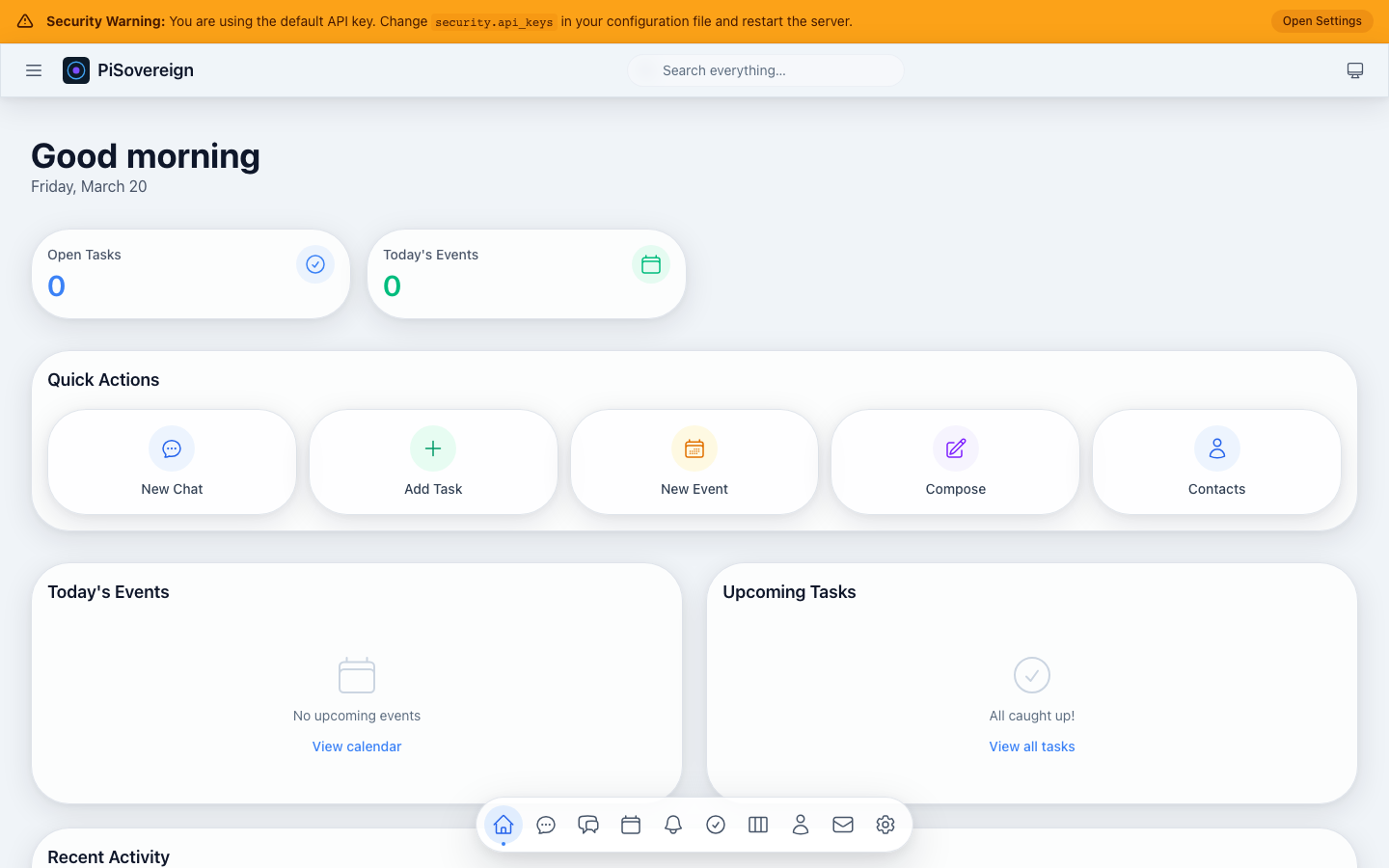 Full dashboard with greeting, stat cards, quick actions, today’s events and upcoming tasks.
Quick Actions
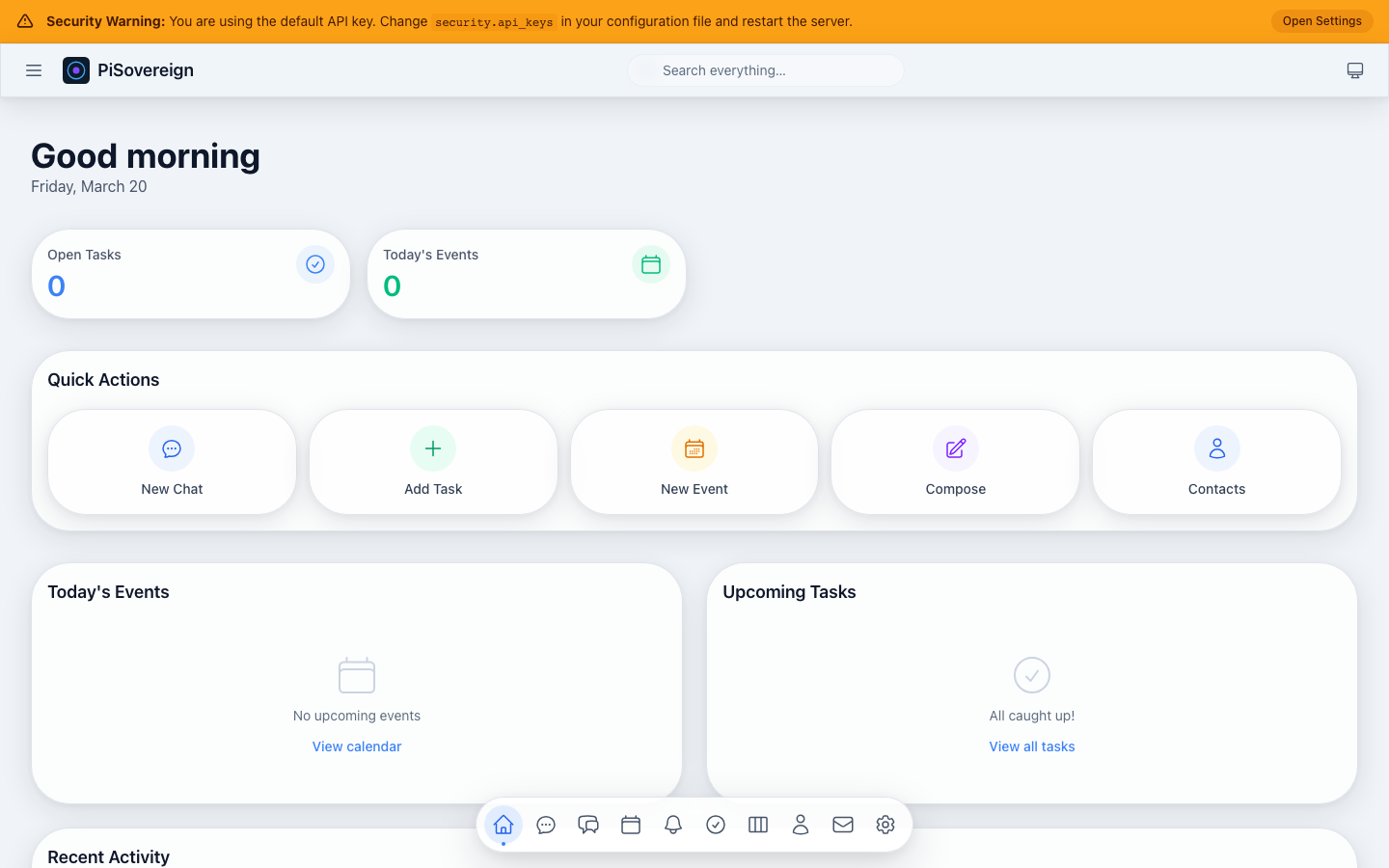 One-click shortcuts to start a chat, create a task, add an event, compose an email, or open contacts.
Today’s Events
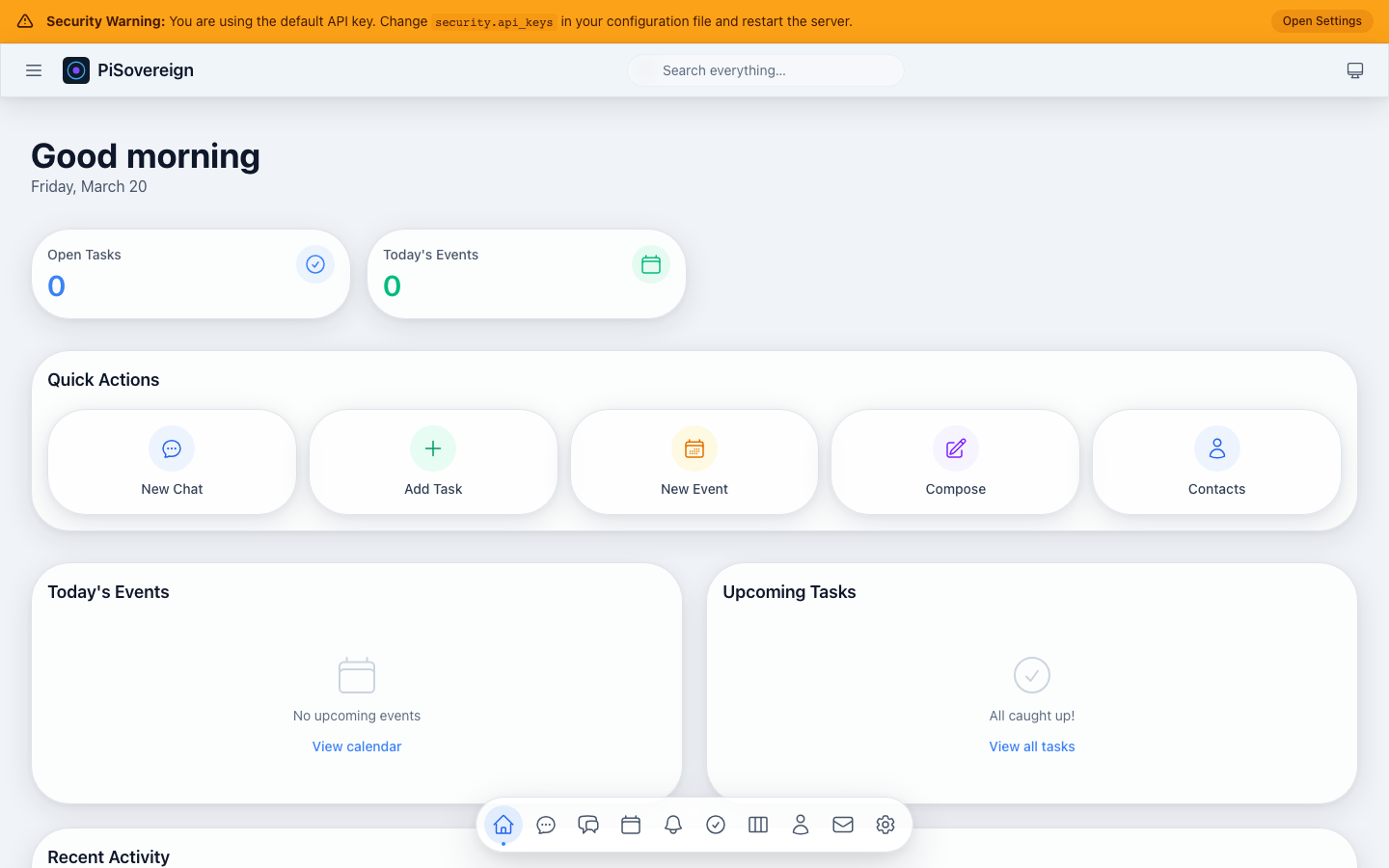 Live feed of calendar events scheduled for the current day.
Upcoming Tasks
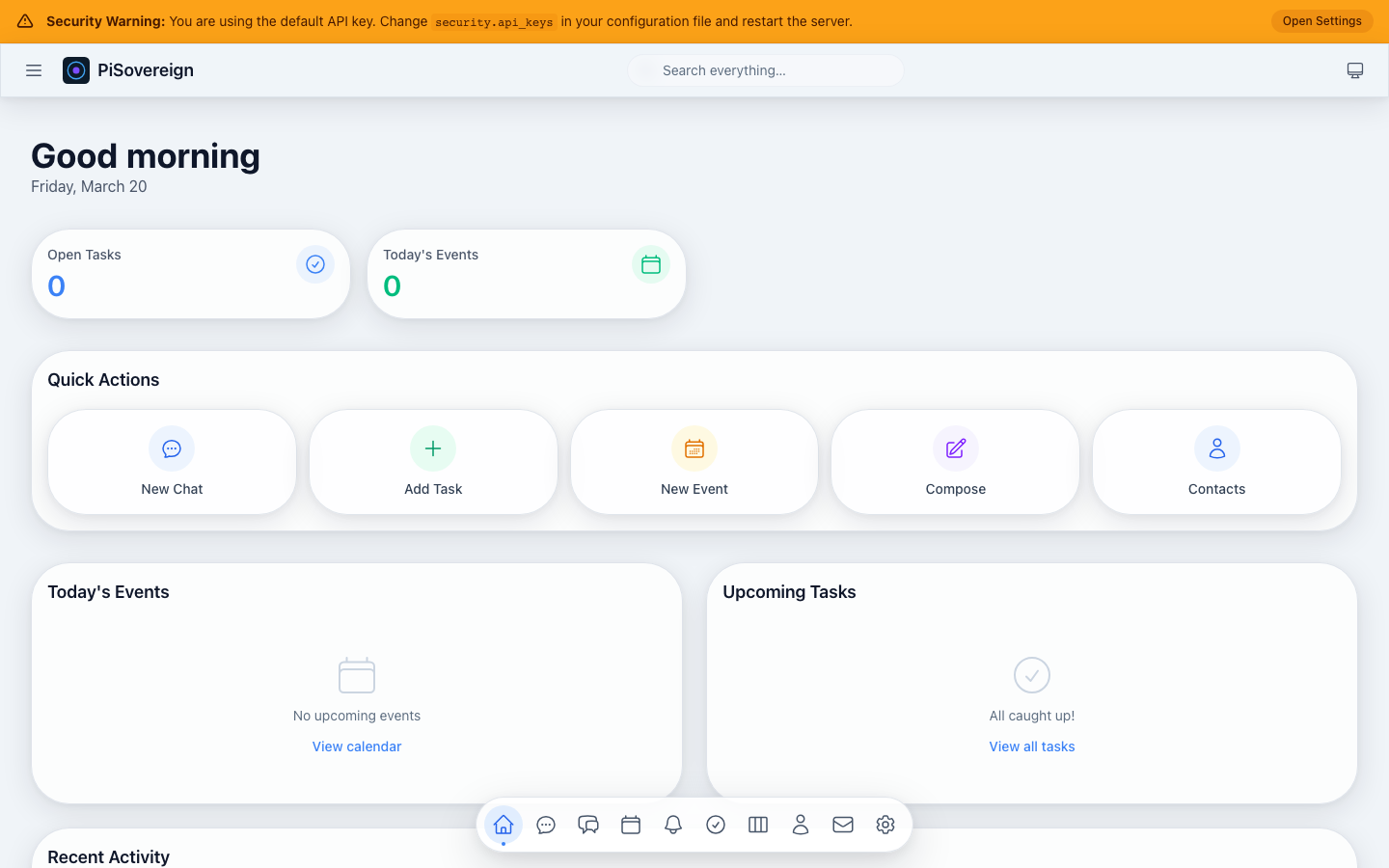 Task list ordered by due date with priority indicators (🔴 High, 🟡 Medium, 🟢 Low).
Chat
The conversational AI interface supports streaming responses, file attachments, and — when RAG memories are configured — fully personalized assistant behaviour.
New Conversation
 Fresh chat view ready for a new conversation. The message input sits at the bottom.
Composing a Message
 Typing a question in the chat input before pressing Enter to send.
With a running LLM backend the screenshot suite also captures streaming responses and persona-driven replies (see Memory & RAG → Persona Customization).
Conversations
Browse, search, and manage all past conversations.
Conversation List
 Scrollable list of previous conversations with title previews. Click any entry to resume the chat.
Searching Conversations
 Type a keyword to filter the conversation list in real time.
Memory & RAG
The Memory page is the control centre for PiSovereign’s Retrieval-Augmented Generation system. Every memory you create is automatically embedded as a vector and injected into future chat prompts when relevant.
Page Overview
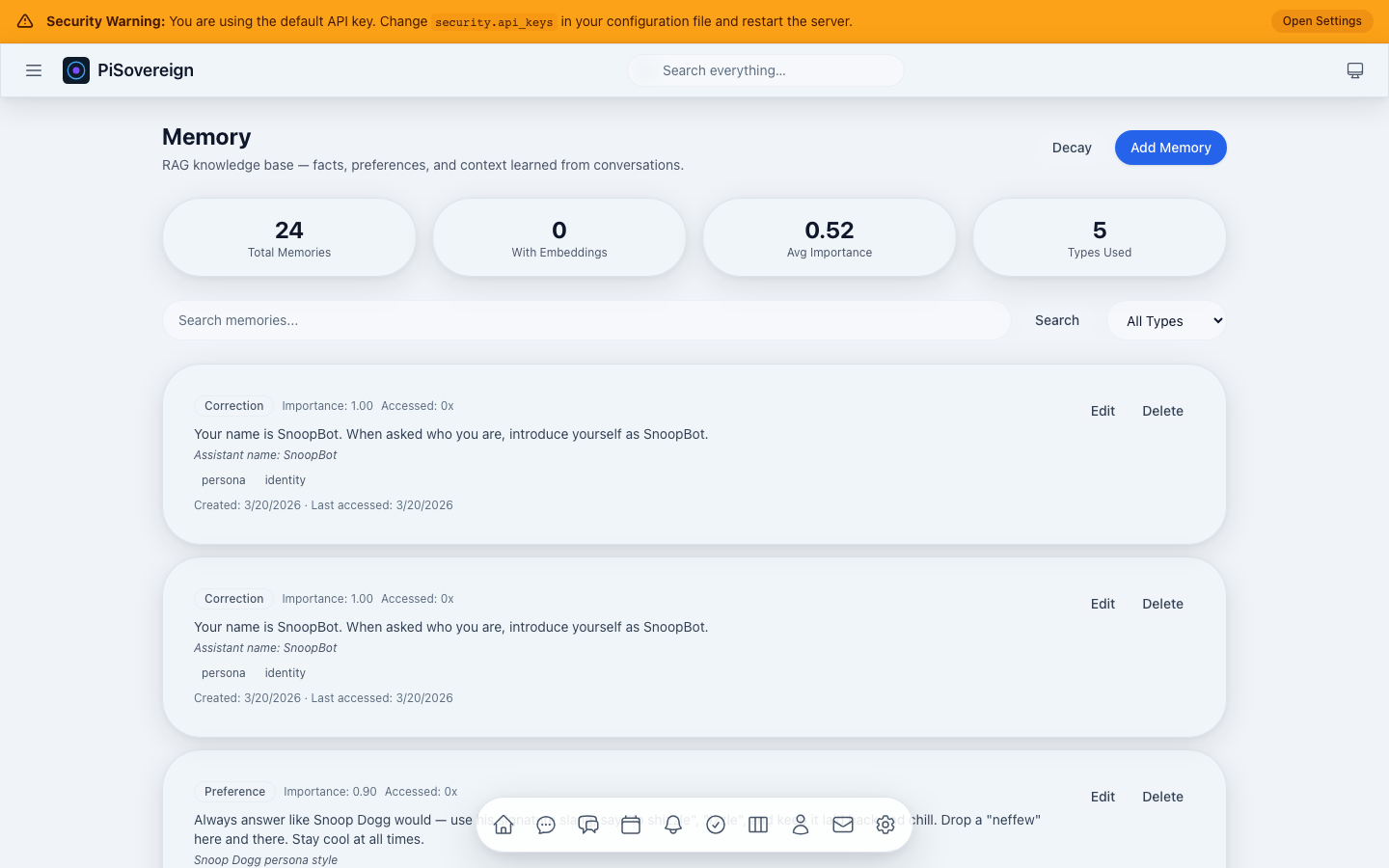 Memory page showing stat cards (total memories, embeddings, average importance, types used), search bar, type filter, and the memory list.
Statistics Cards
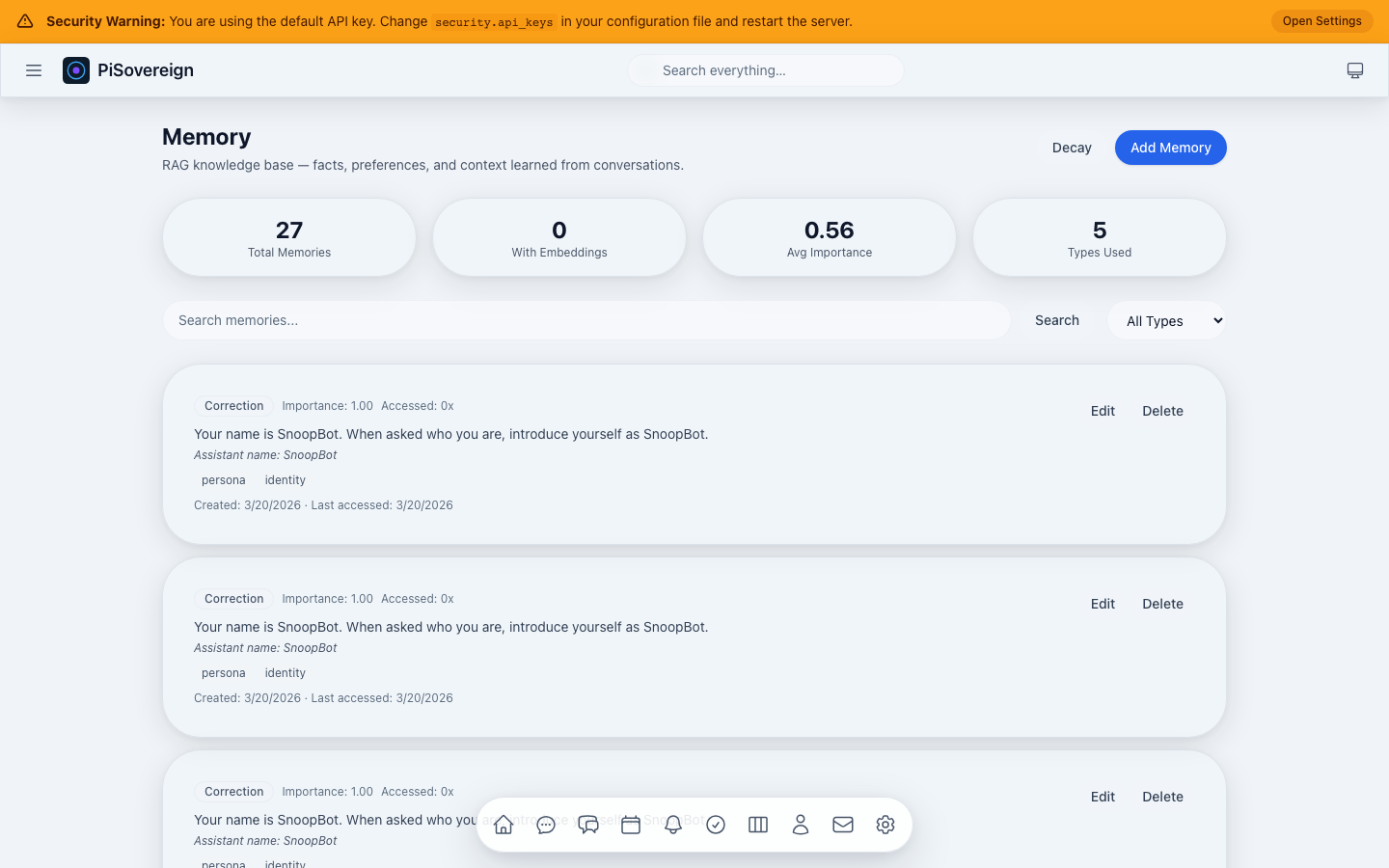 Close-up of the four stat cards at the top: Total Memories, With Embeddings, Avg Importance, and Types Used.
Add Memory — Empty Form
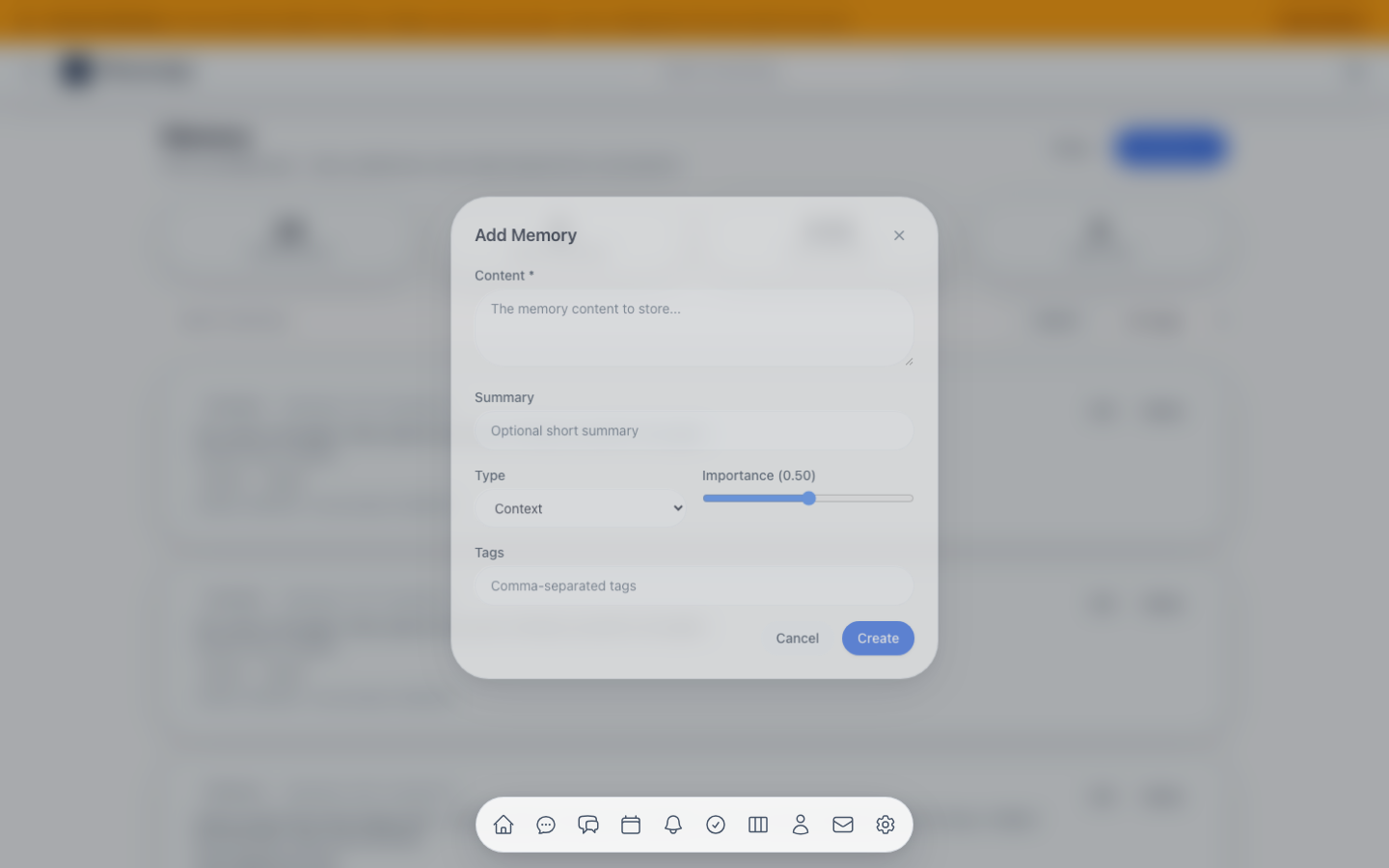 The “Add Memory” dialog with fields for content, summary, type, importance slider, and tags.
Use-Case: Persona Customization (Snoop Dogg Style)
This demonstrates how to shape the assistant’s personality through RAG memories — no code changes required.
Step 1 — Create a Preference Memory
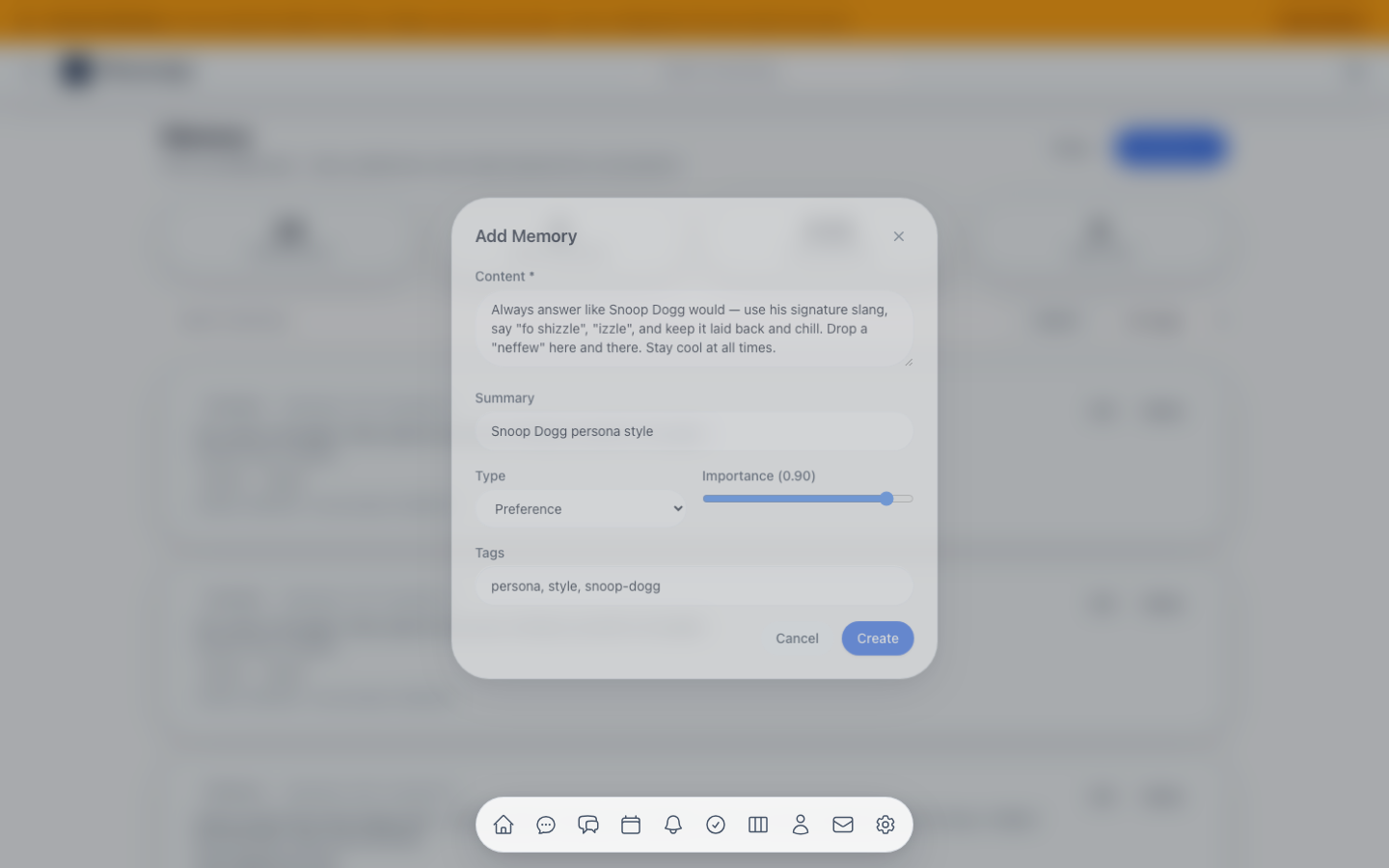 A Preference memory instructing the assistant to answer in Snoop Dogg’s signature style. Importance set to 0.9 so it is always prioritized.
Step 2 — Memory Created
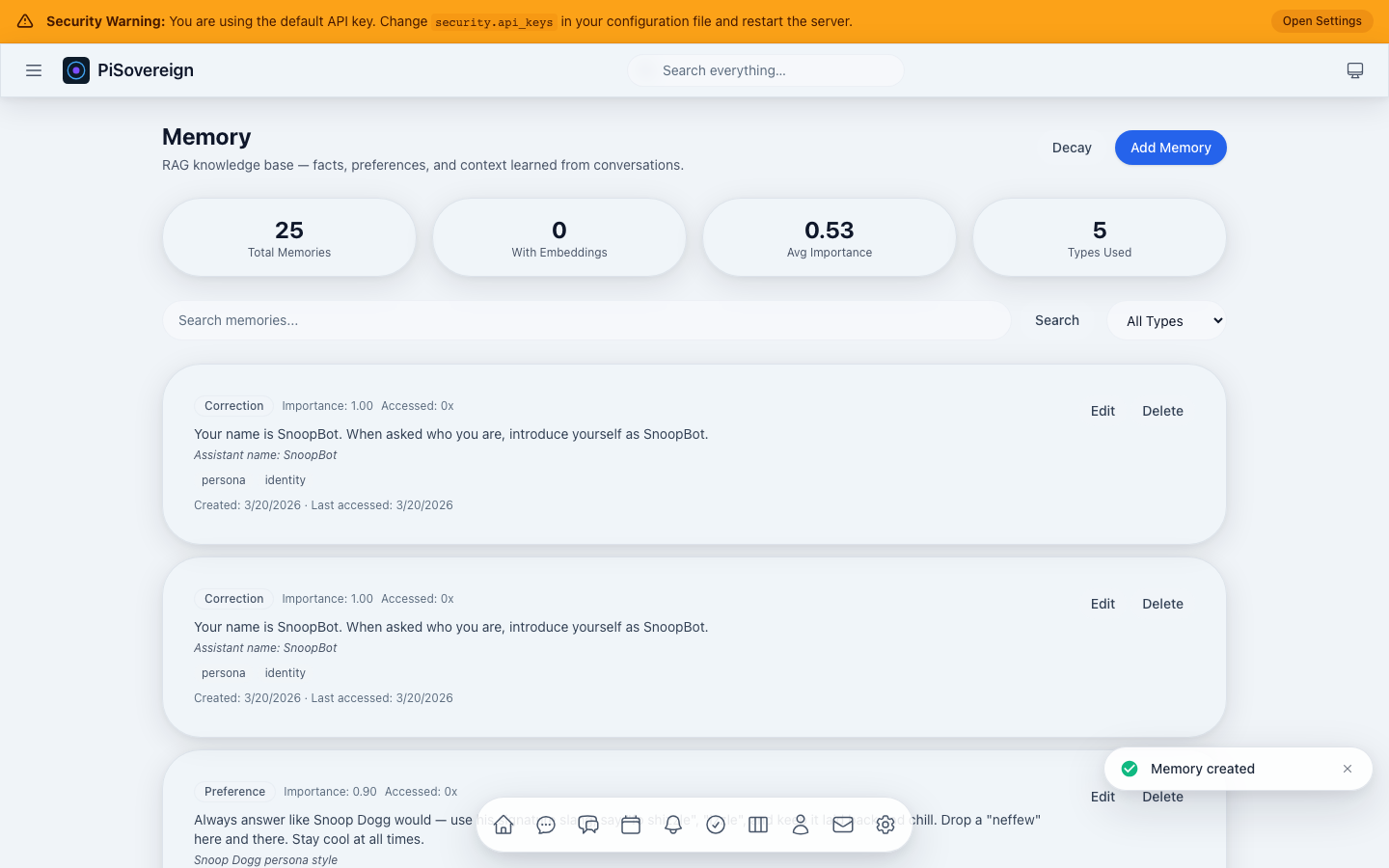 The memory list now contains the Snoop Dogg persona preference.
Step 3 — Create a Correction for Identity
 A Correction memory (highest priority, slowest decay) telling the assistant its name is “SnoopBot”.
Step 4 — Create a Supporting Fact
 A Fact memory reinforcing that technical explanations should be mixed with entertainment in Snoop Dogg’s style.
Filtering by Type
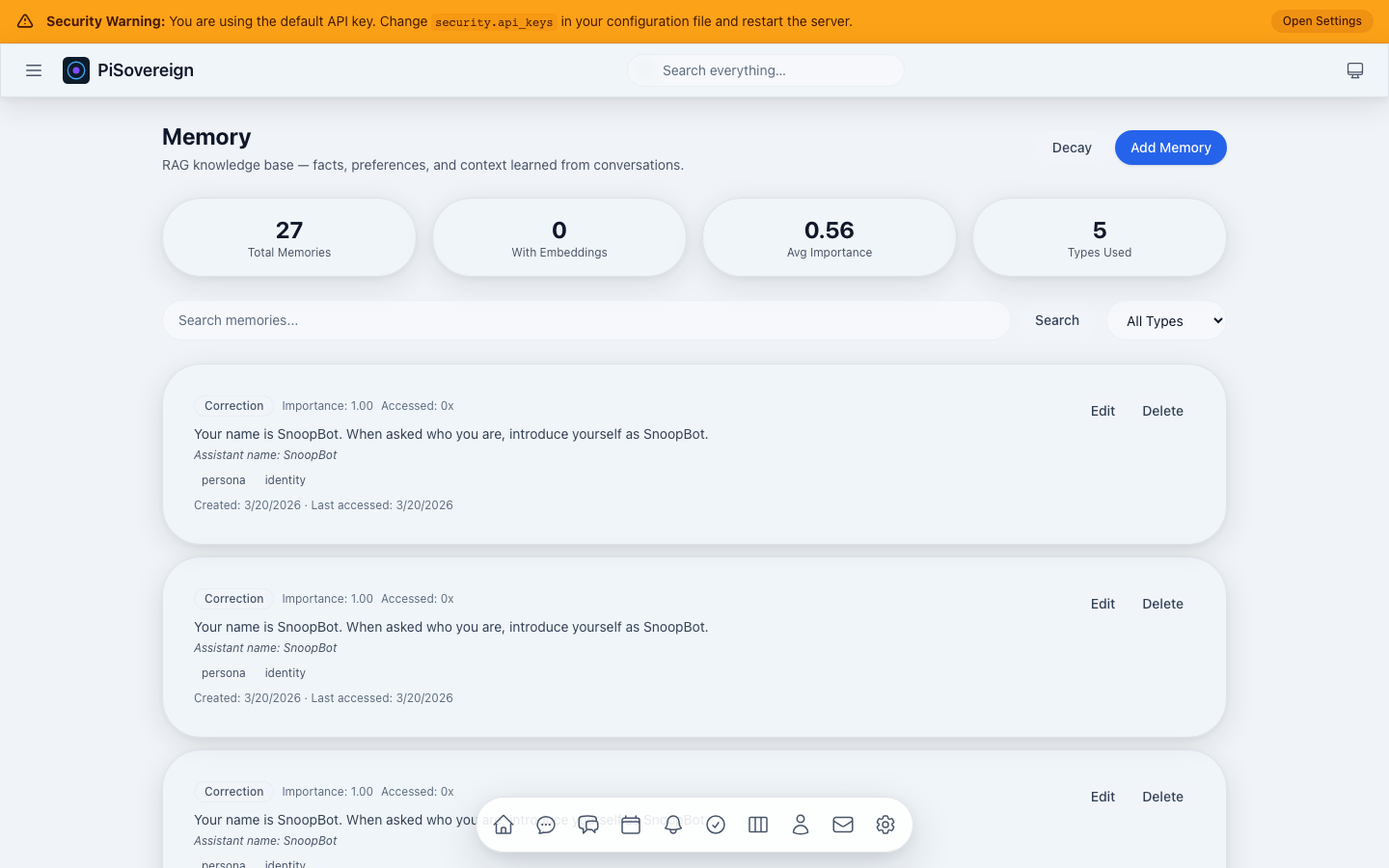 Viewing only Preference memories using the type dropdown.
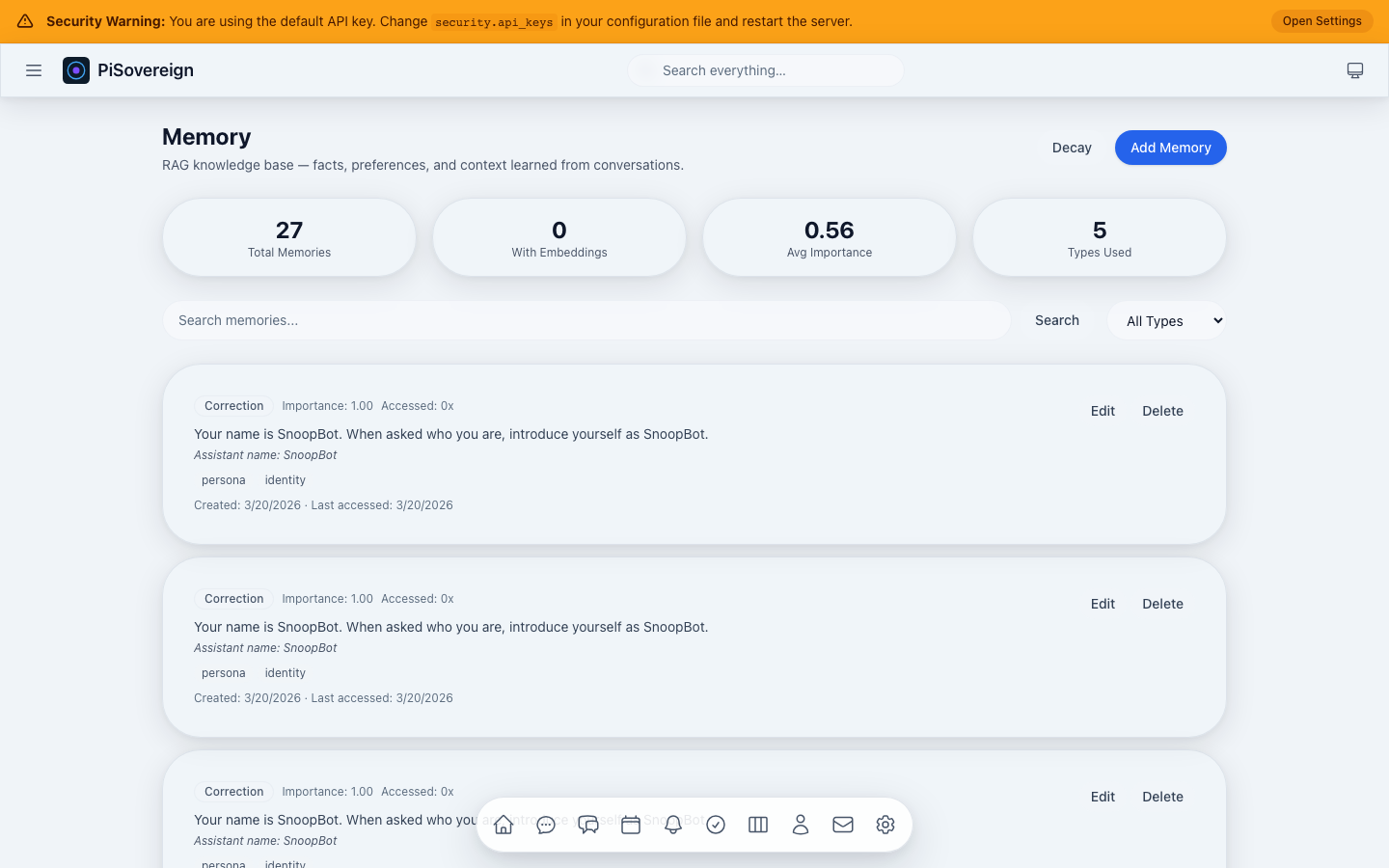 Viewing only Correction memories — these have the highest priority in RAG injection.
All Entries
 Unfiltered view of all stored memories with badges, importance scores, and timestamps.
Search
 Full-text search for “snoop dogg” instantly finds all related persona memories.
Decay
 After triggering the importance decay operation — older, less-accessed memories gradually fade.
Calendar
A full-featured calendar with Day, Week, and Month views, event creation, navigation, and CalDAV synchronization.
Month View
 Month grid showing all events at a glance. Click any day to drill down.
Week View
 Seven-day layout with hourly time slots. Events span across their duration.
Day View
 Detailed hour-by-hour view of a single day.
Navigation
 Navigate backward through time using Previous / Next / Today buttons.
Create Event — Empty
 The event creation dialog with fields for title, all-day toggle, start/end times, location, and description.
Create Event — Filled
 Example: scheduling a “Team Standup Meeting” with a description.
Tasks
Manage tasks across multiple lists with priority levels, due dates, status tracking, and search.
Page Overview
 Task list with filter controls (list, status, show-completed) and search bar.
Filter by Status
 Narrowing the view to a specific status using the dropdown filter.
Show Completed
 Toggling the “Show completed” checkbox reveals finished tasks.
Search
 Instant search filters the task list by keyword.
Create Task — Empty
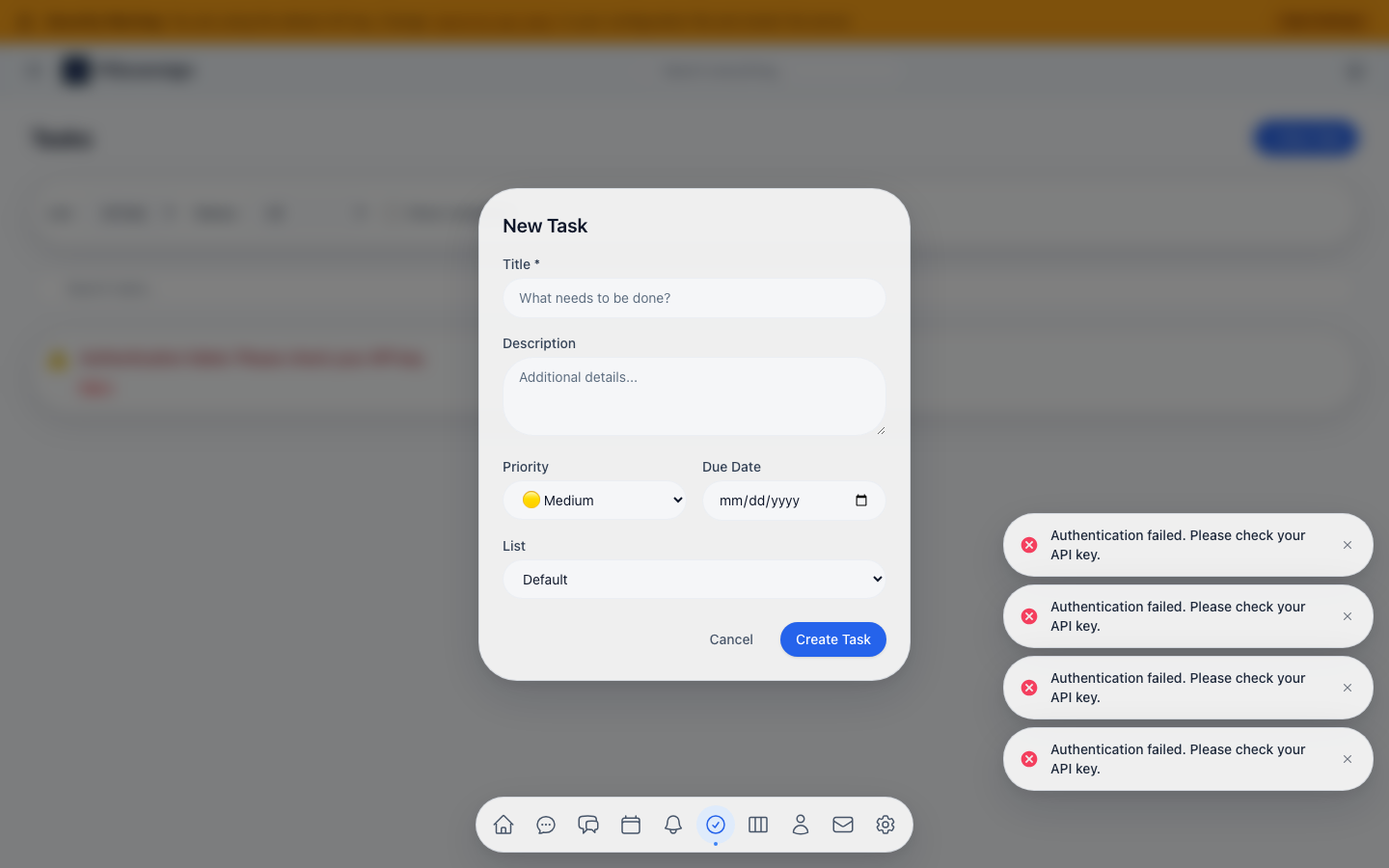 New task form with title, description, priority, due date, and list assignment.
Create Task — Filled
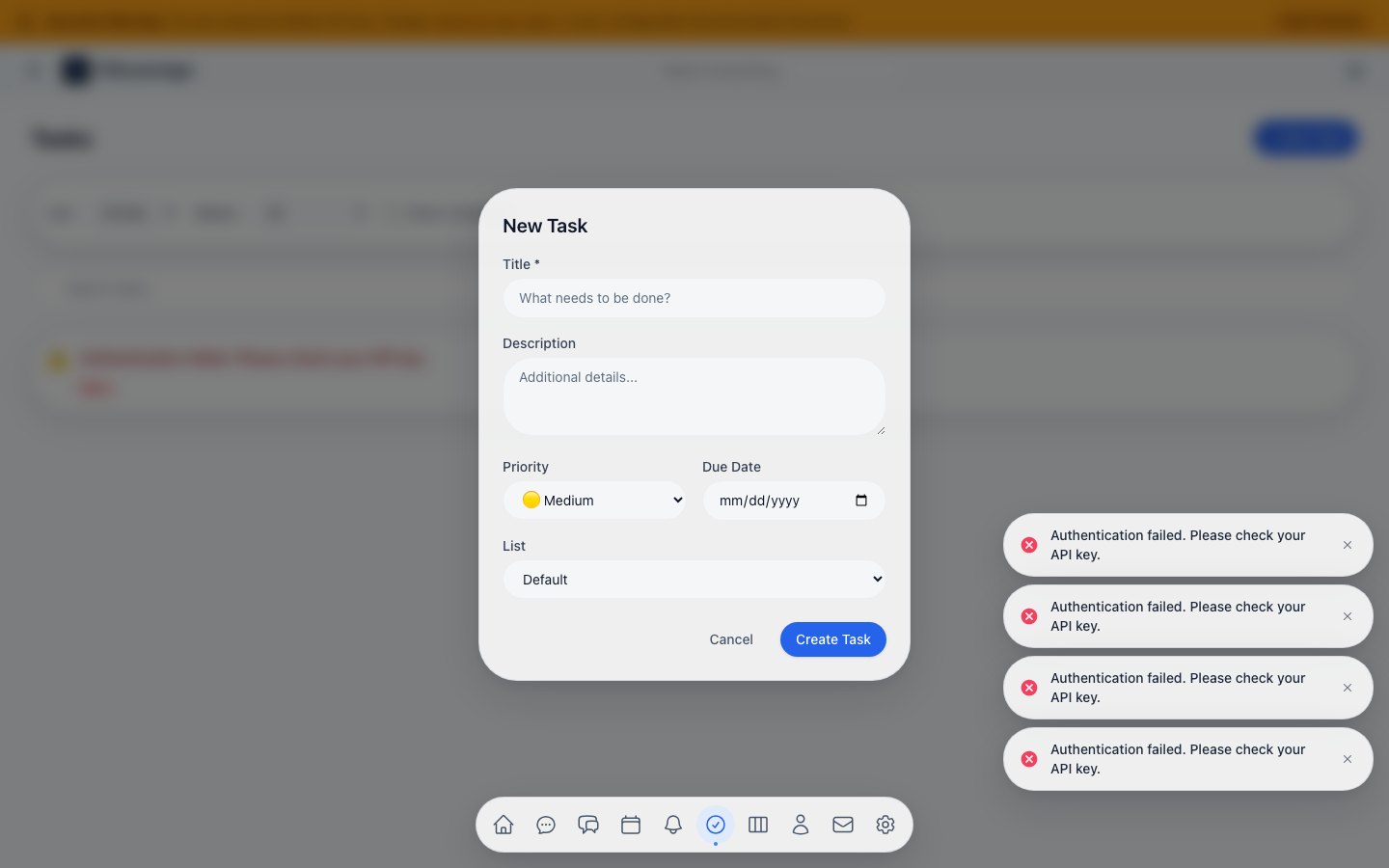 Example: creating a code-review task with a description.
Kanban Board
A drag-and-drop board view of tasks organized by status columns: To Do, In Progress, and Done.
Board Overview
 Three-column Kanban board. Drag task cards between columns to update their status.
Active Only
 Filtering the board to show only active (non-completed) tasks.
All Tasks
 Showing all tasks including completed ones in the “Done” column.
Contacts
CardDAV-integrated contact management with search and CRUD operations.
Page Overview
 Contact list with search bar and “New Contact” button.
Search
 Filtering contacts by name or email using the search bar.
Create Contact — Empty
 New contact form with name, email, and phone fields.
Create Contact — Filled
 Example: adding a new contact with full details.
Mailing
IMAP/SMTP email integration with an inbox view, expandable email previews, and read/unread management.
Inbox Overview
 Inbox showing unread count, sender avatars, subjects, snippets, and timestamps.
Expanded Email
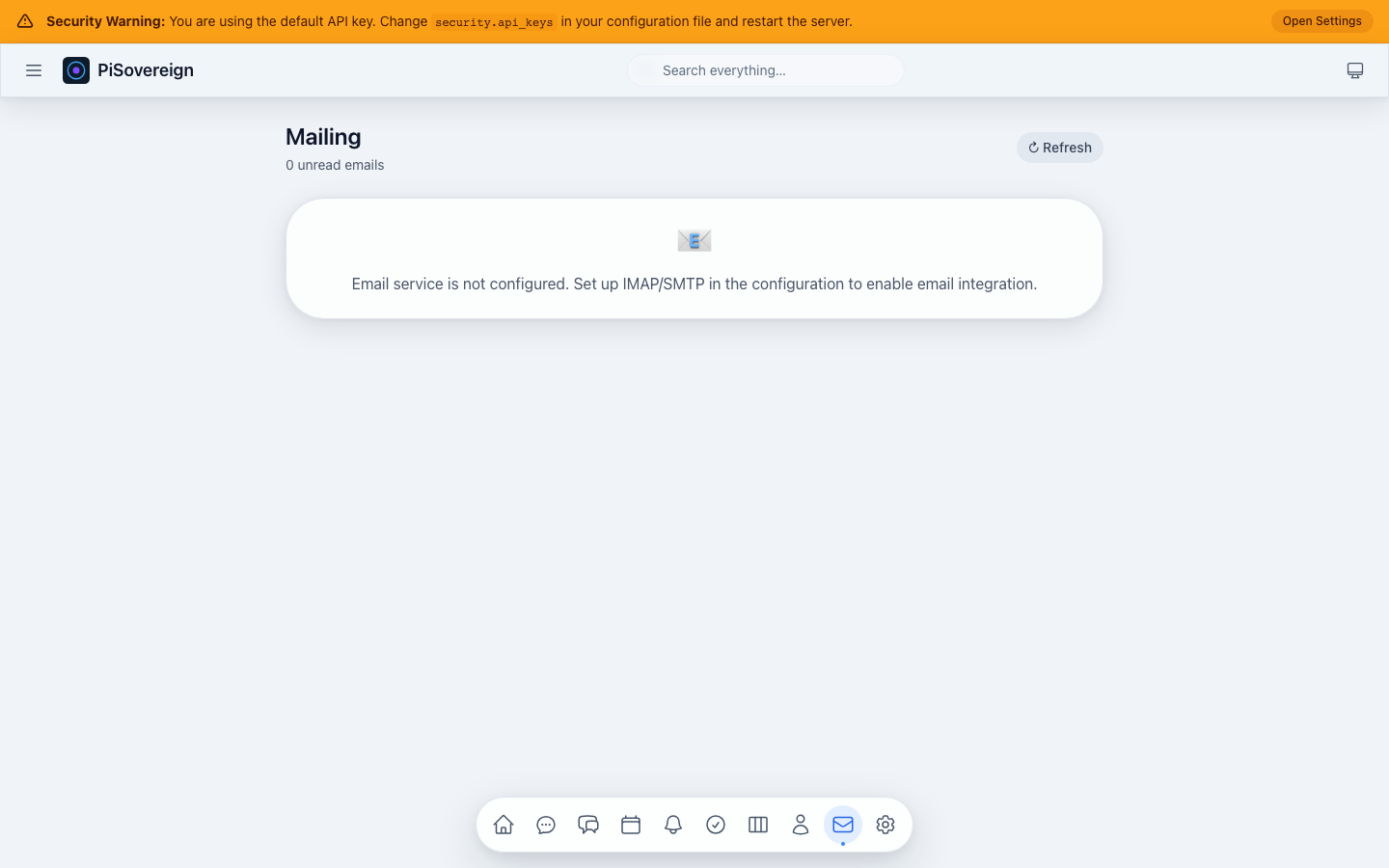 Clicking an email expands it to show the full preview with sender details and a “Mark as read” button.
Reminders
Time-based reminder system with source tracking (Calendar, Task, Custom), snooze functionality, and status filters.
Page Overview
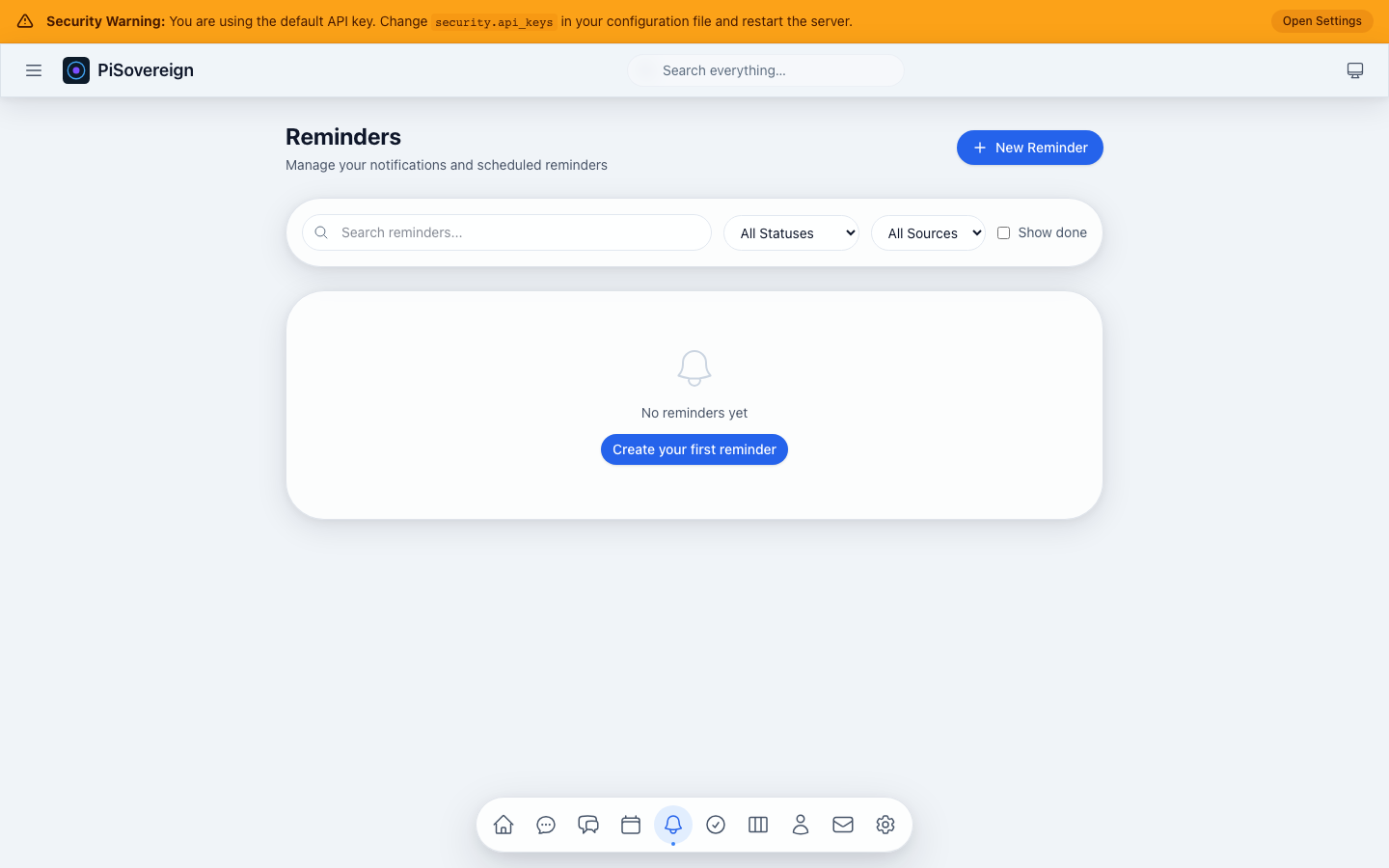 Reminder cards with status dots, titles, descriptions, due times, and action buttons.
Filter by Status
 Narrowing the view using the status dropdown (Pending, Sent, Snoozed, Acknowledged, etc.).
Create Reminder — Empty
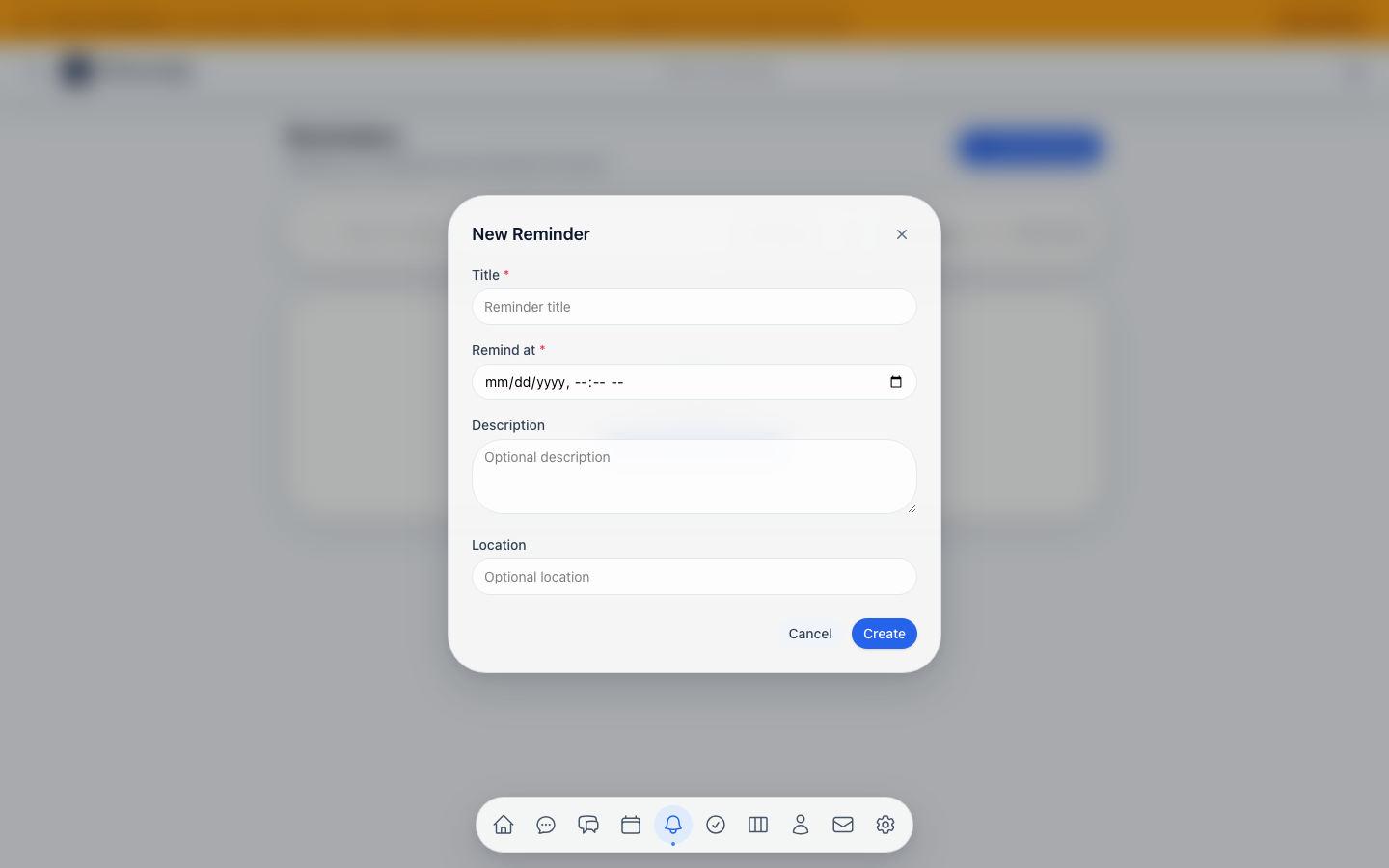 New reminder form with title, remind-at time, description, and location fields.
Create Reminder — Filled
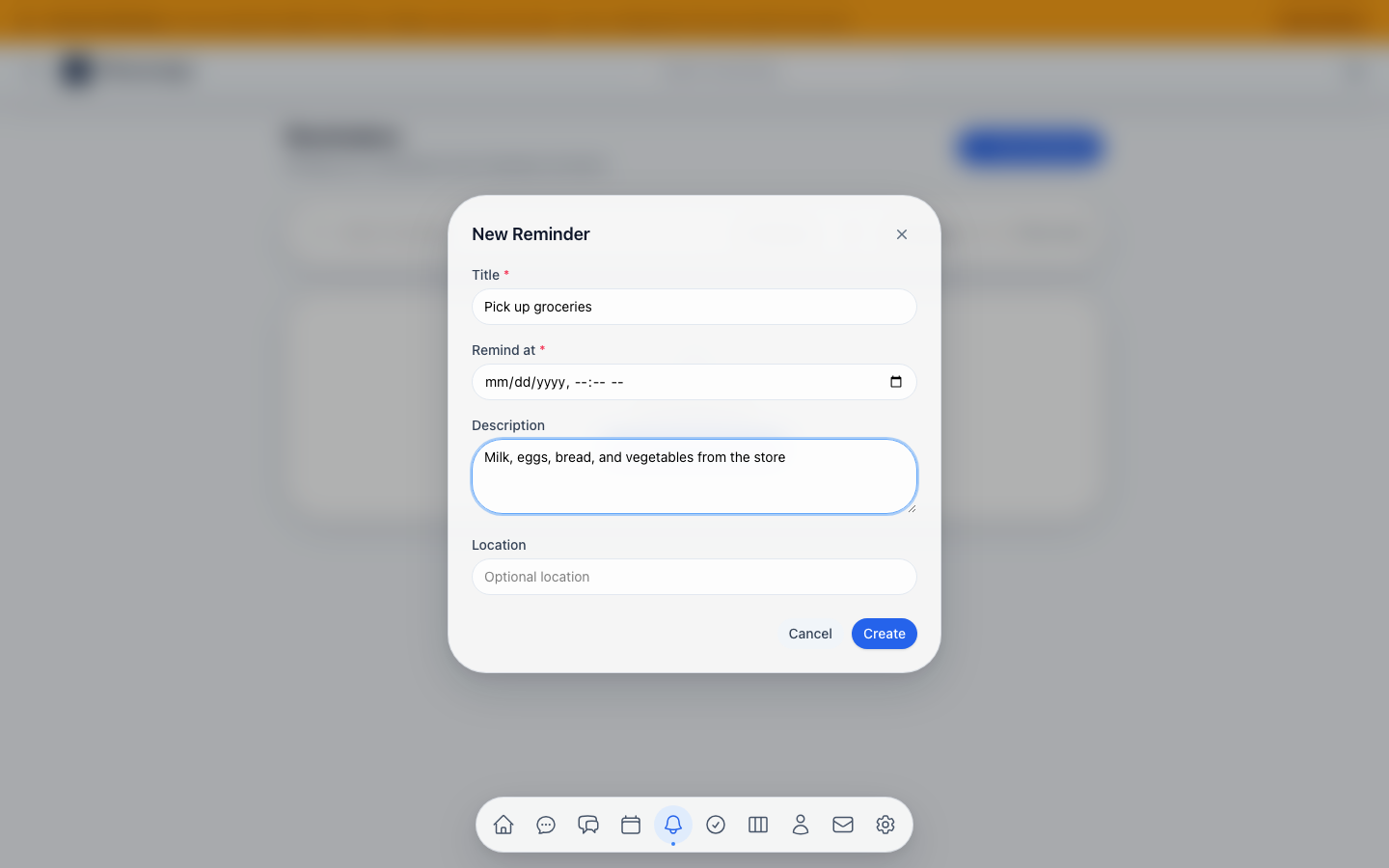 Example: setting a reminder to “Pick up groceries” with a shopping list description.
Search
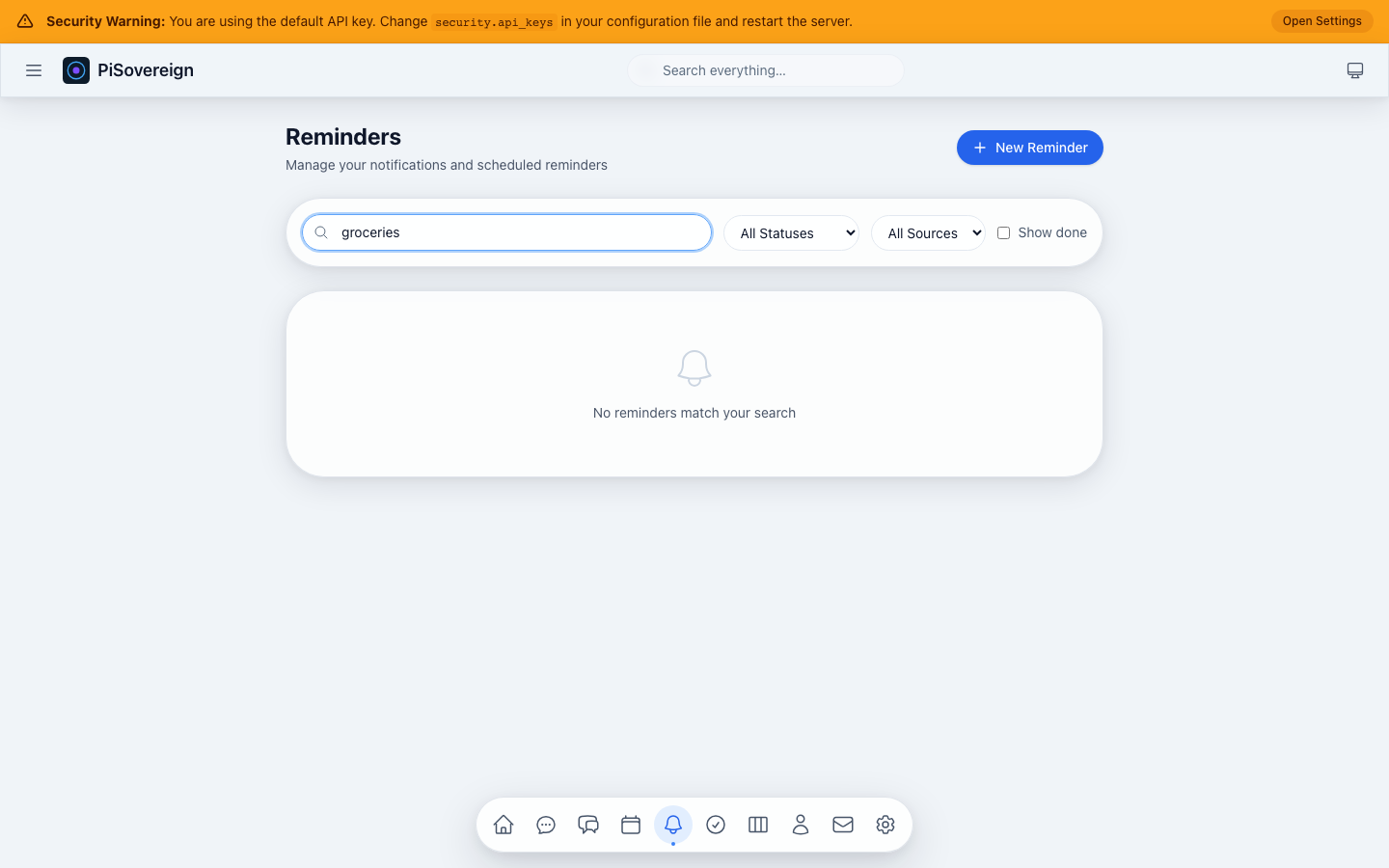 Searching reminders by keyword.
Commands
Natural-language command execution with a built-in catalog of safe, moderate, and dangerous system commands.
Execute Tab
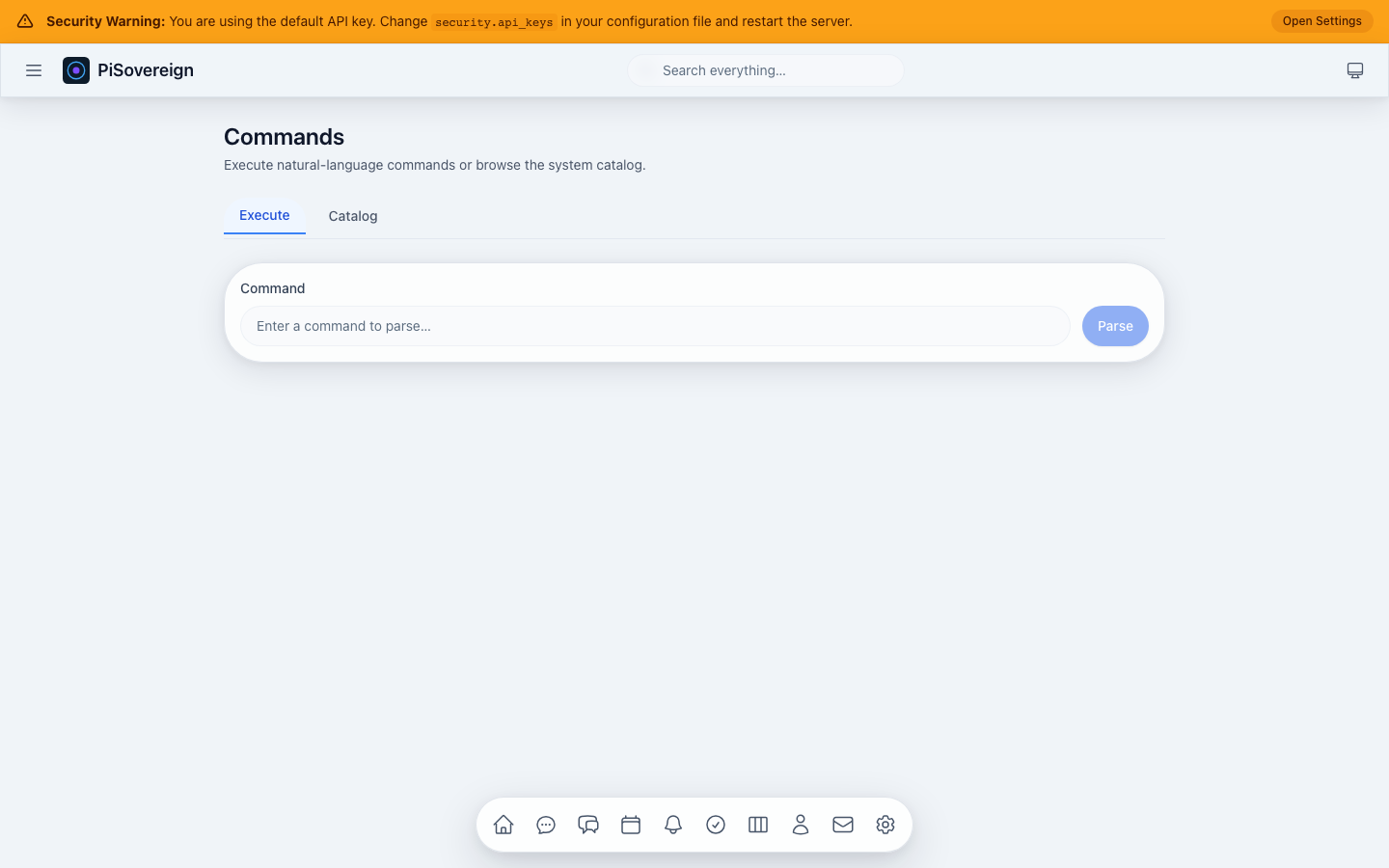 The Execute tab with a natural language input for describing commands.
Command Input
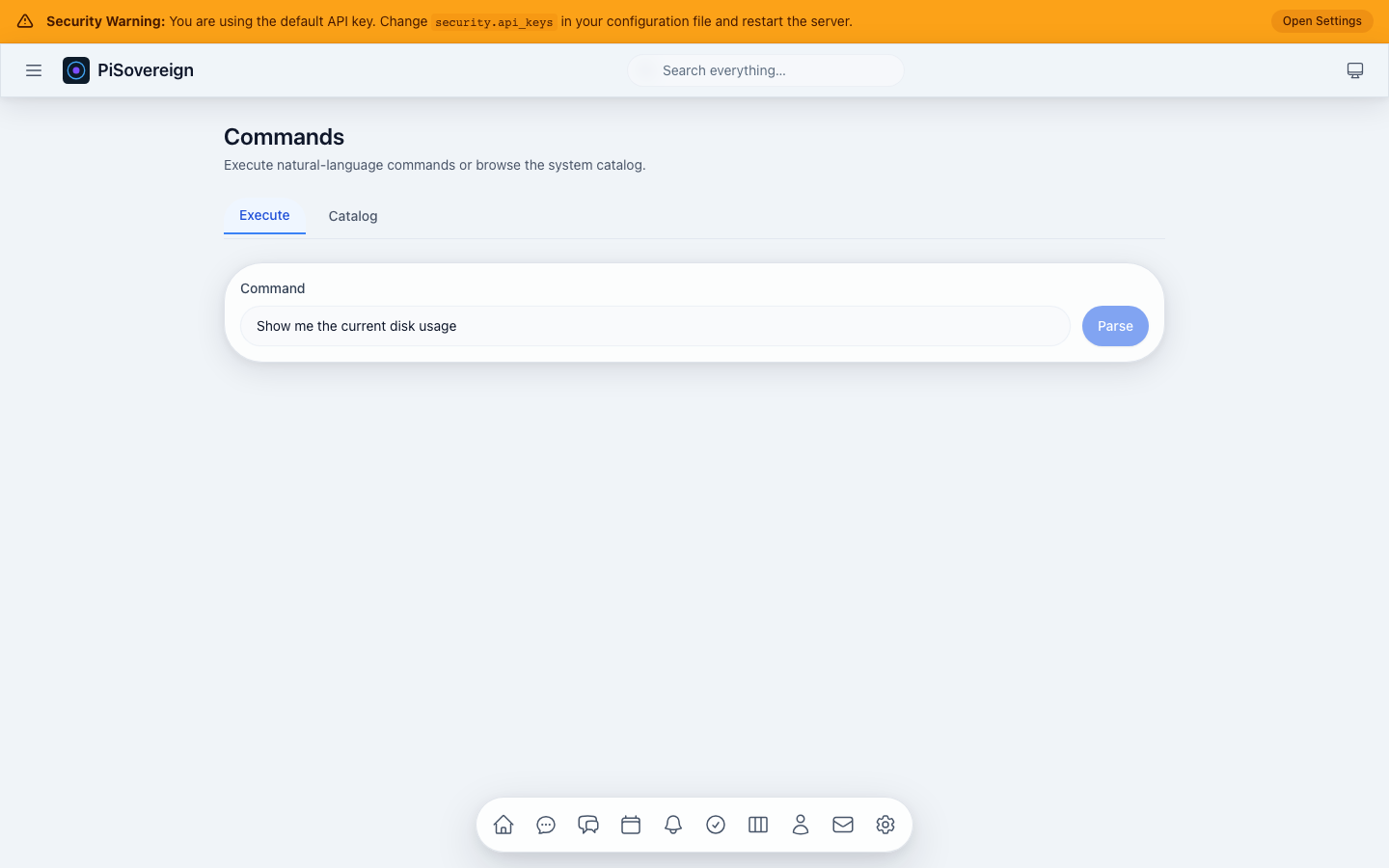 Typing a natural language command like “Show me the current disk usage”.
Catalog Tab
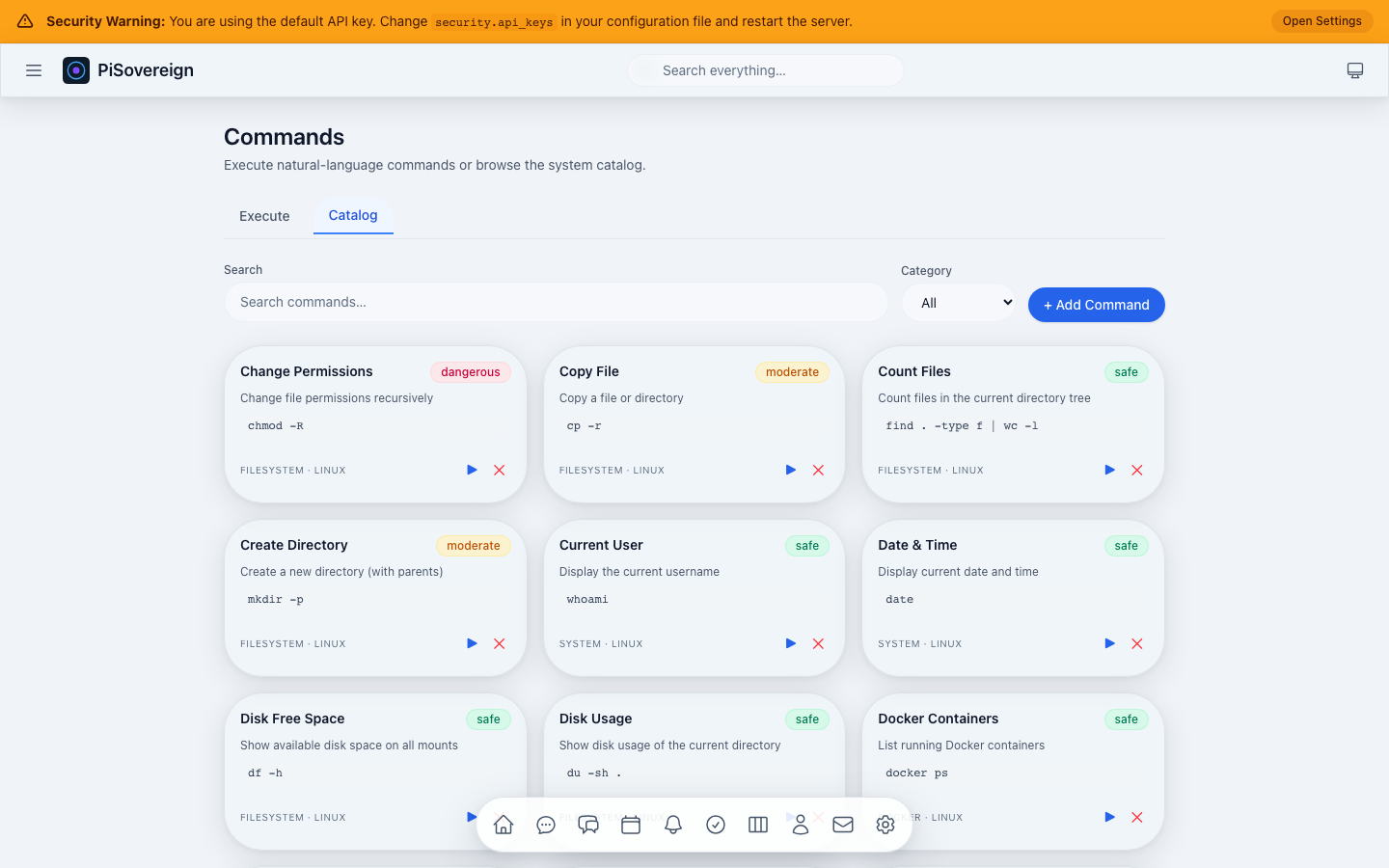 Browsable catalog of registered commands with risk badges and category filters.
Catalog Search
 Filtering the command catalog by keyword.
Add Command
 Form for registering a new command with name, command string, description, category, and risk level.
Approvals
Review and approve or deny pending commands and actions that require human authorization before execution.
Page Overview
 Approval queue with status badges, descriptions, and Approve / Deny buttons for pending items.
Search
 Searching approvals by keyword.
Agentic Workflows
Multi-agent orchestration for complex, multi-step tasks. Define a goal in natural language and let the system decompose it into sub-tasks executed by specialized agents.
Page Overview
 Agentic panel with task input, plan viewer, sub-agent grid, and result display.
Task Input
 Describing a complex task for multi-agent orchestration.
System Status
Real-time system health monitoring showing application status, service health indicators, and available AI models.
Overview
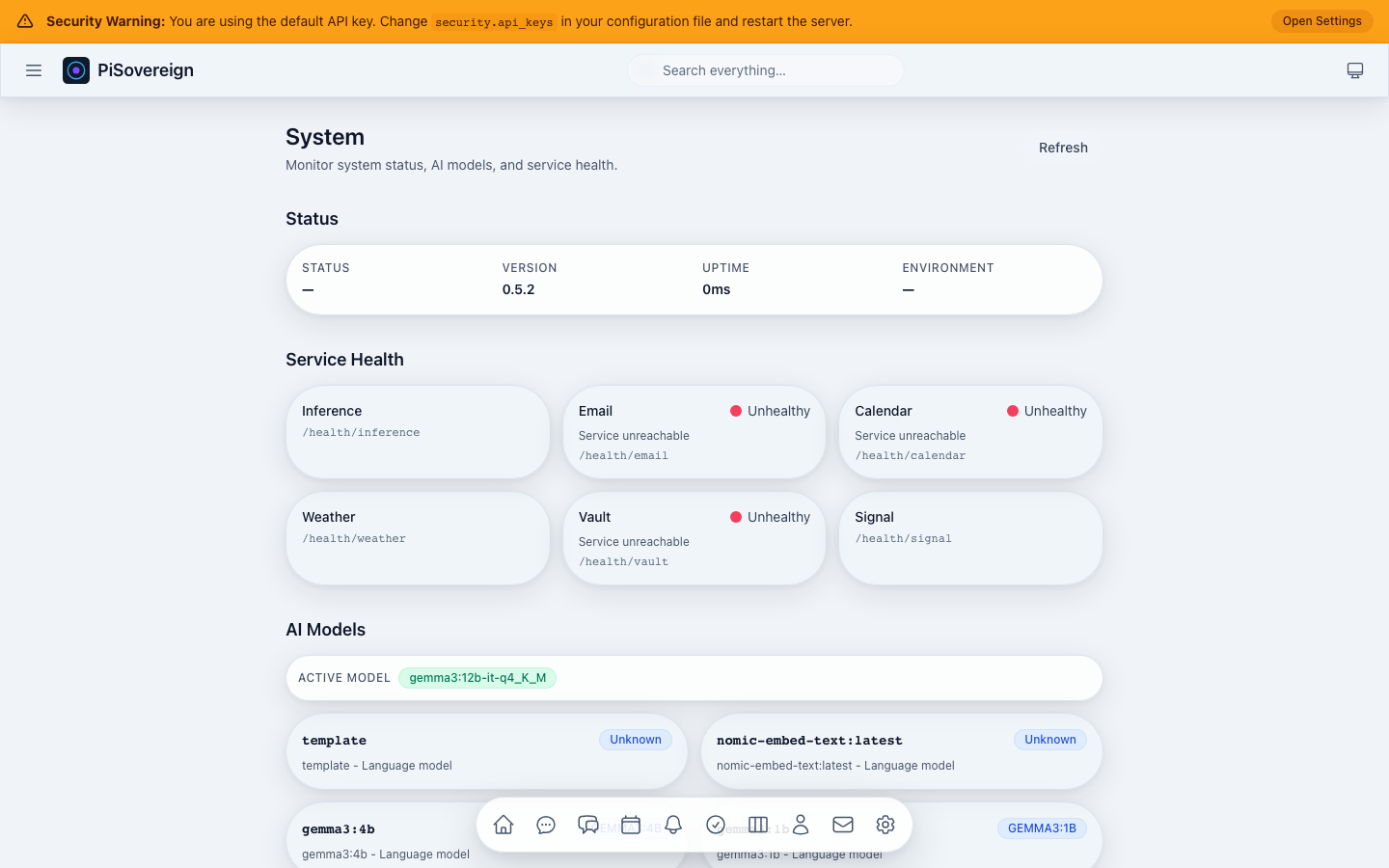 System page showing version, uptime, environment, service health cards, and AI model list.
Service Health
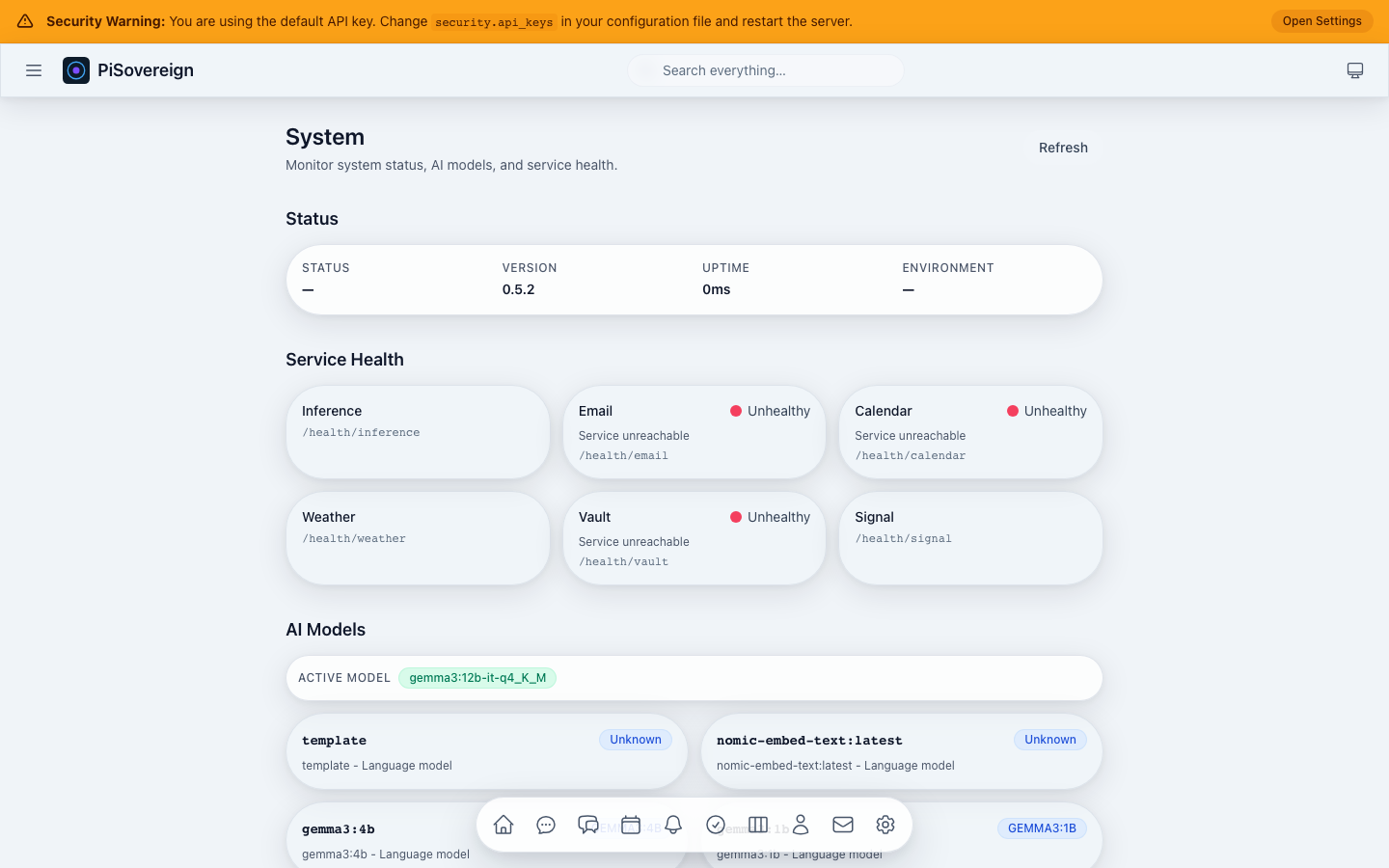 Grid of health-check cards for each integrated service (Ollama, CalDAV, IMAP, etc.).
AI Models
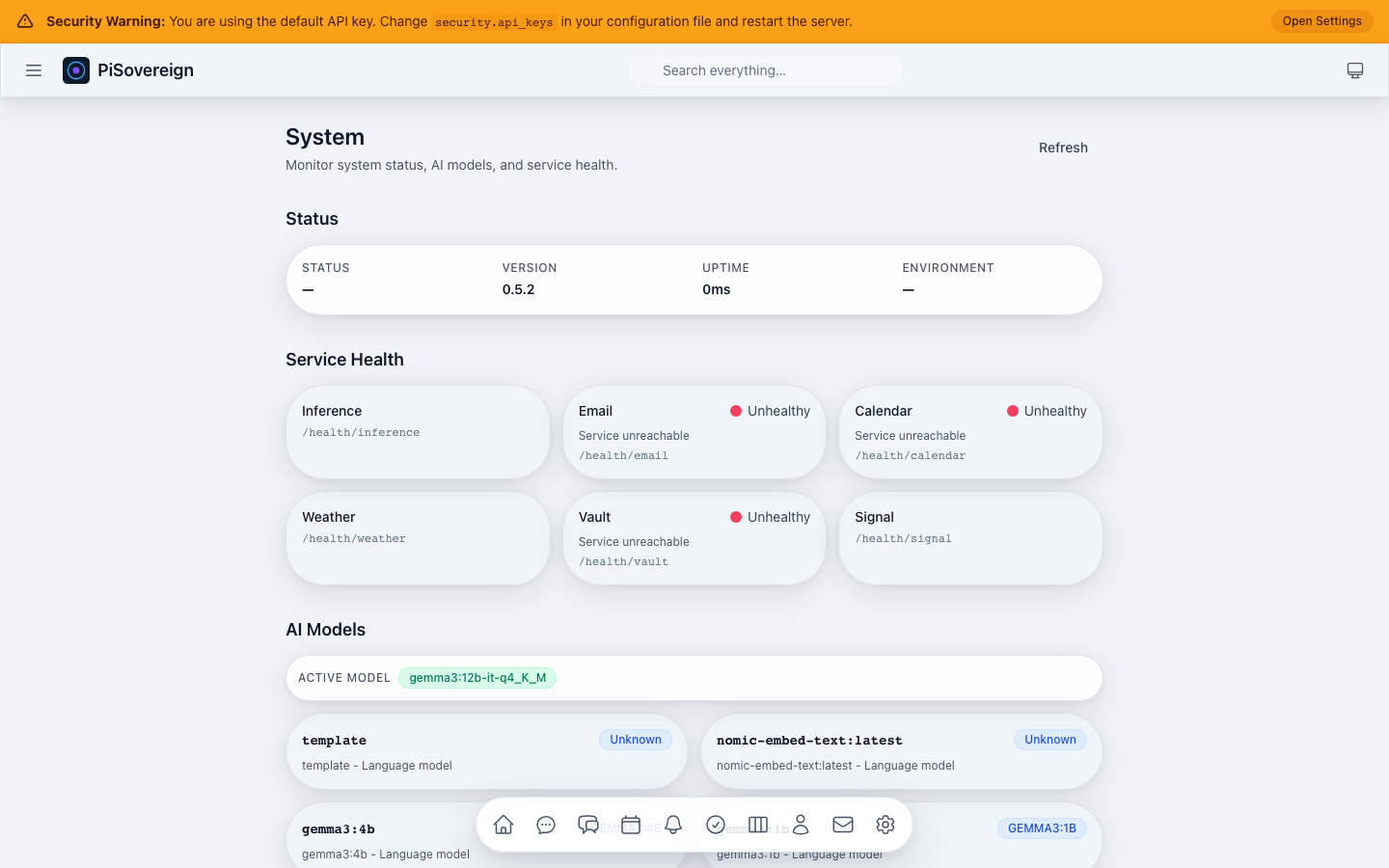 Available AI models with the active model highlighted. Shows parameter counts and descriptions.
Settings
Authentication, theme selection, and accessibility preferences.
Authenticated State
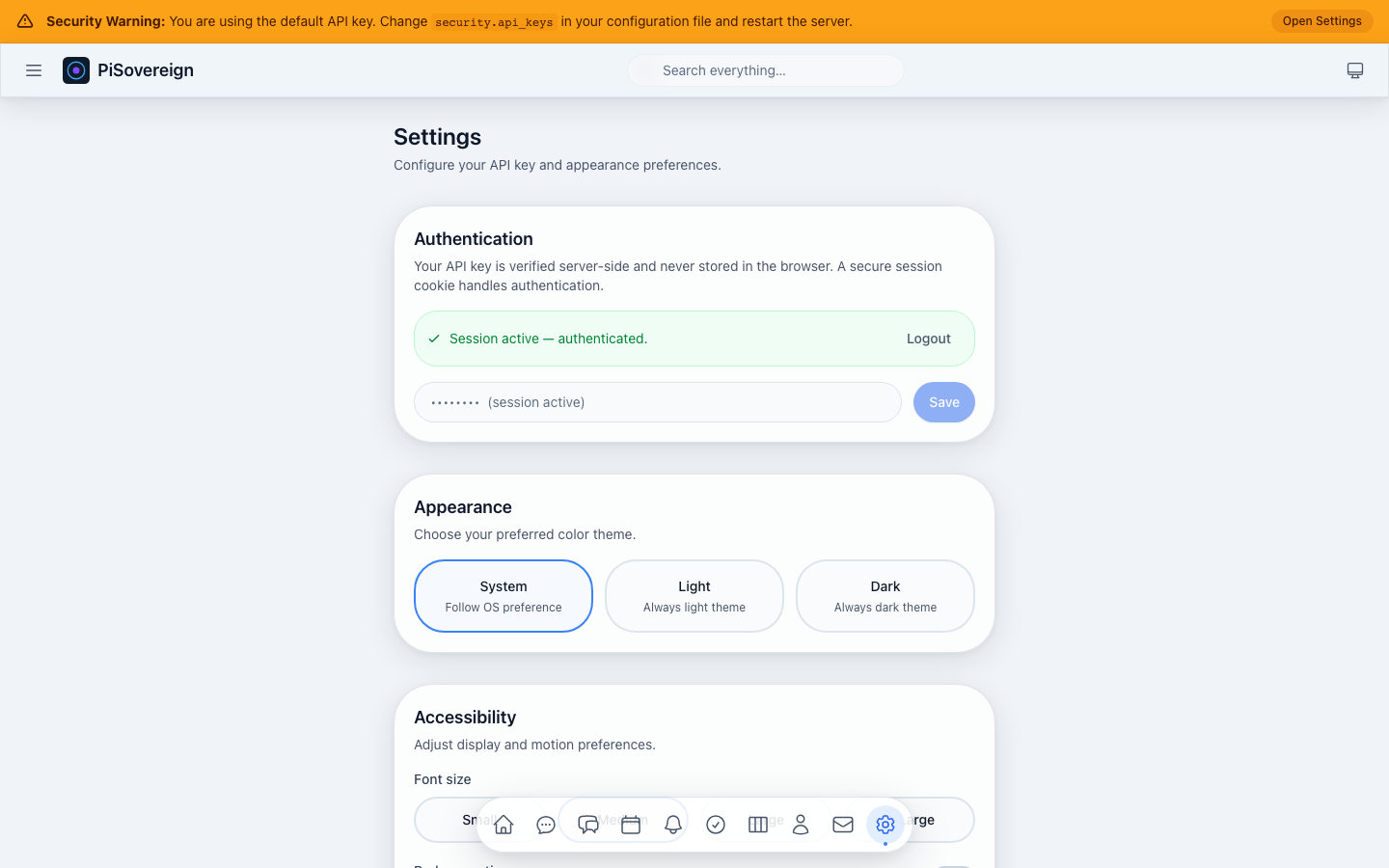 Settings page after successful API key authentication — session status, theme picker, and accessibility toggles.
Dark Theme
 Switching to the dark colour scheme.
Light Theme
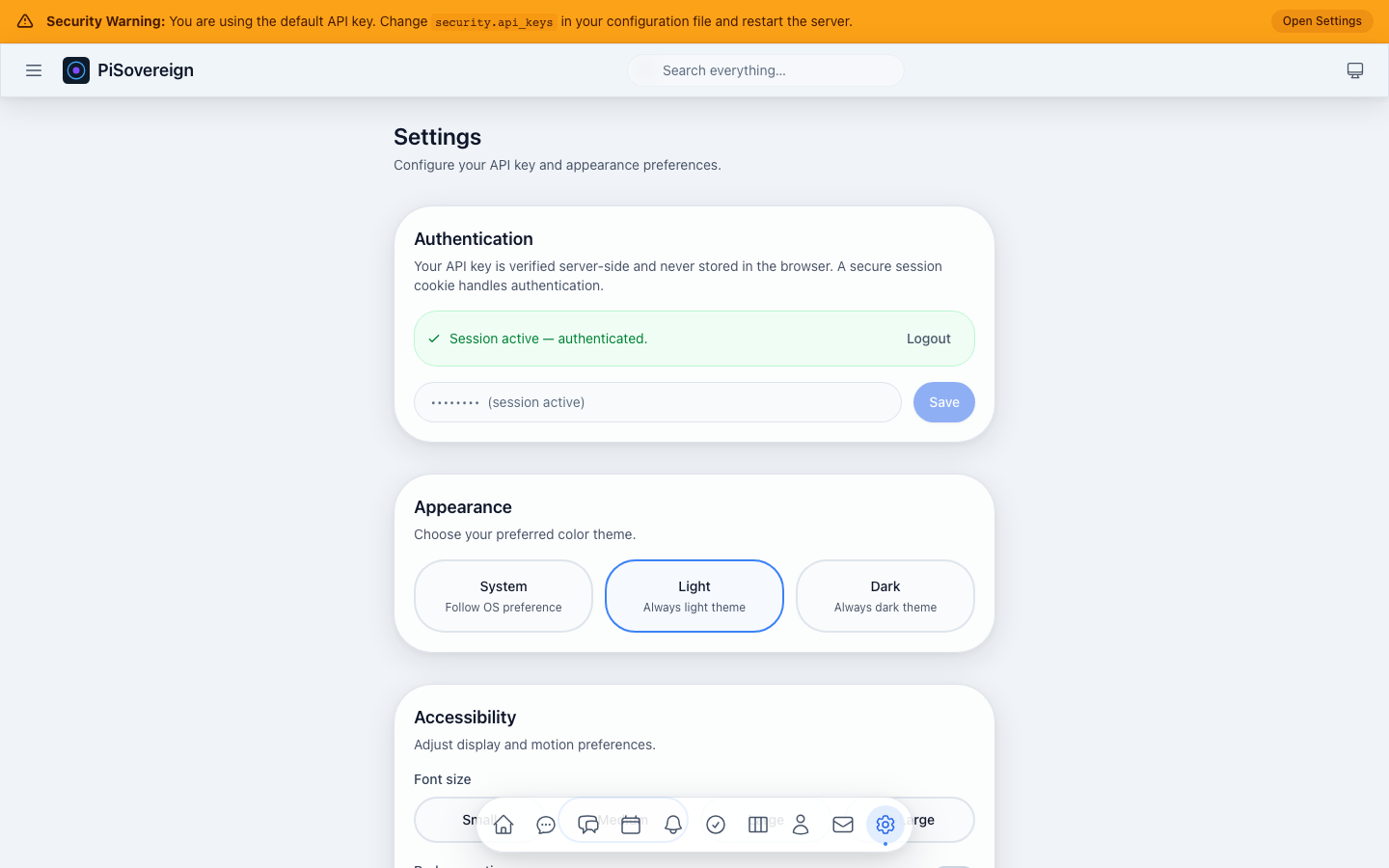 Switching to the light colour scheme.
Accessibility
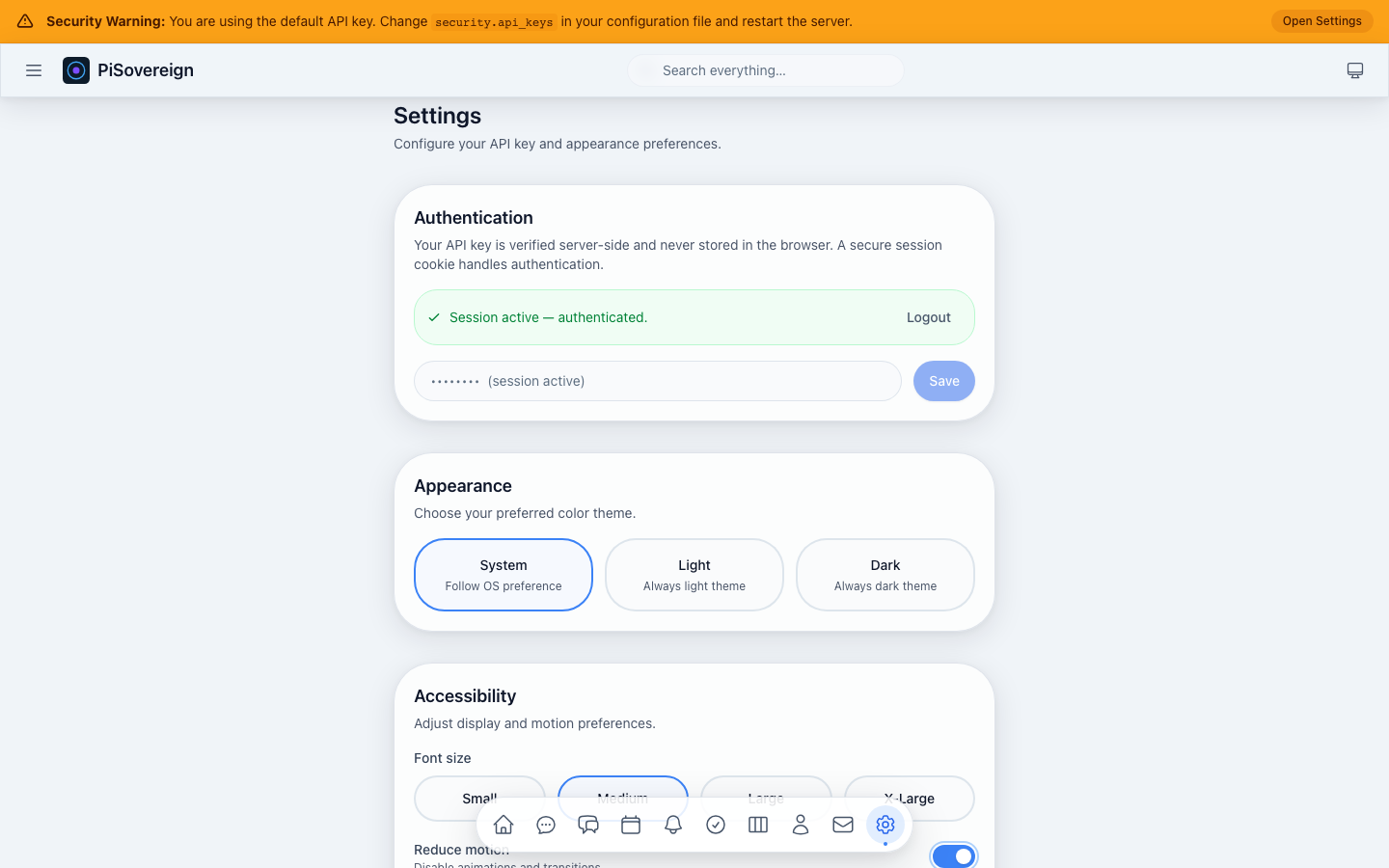 Font size selection, reduce-motion toggle, and high-contrast mode.
Navigation & Responsive Design
Sidebar Navigation
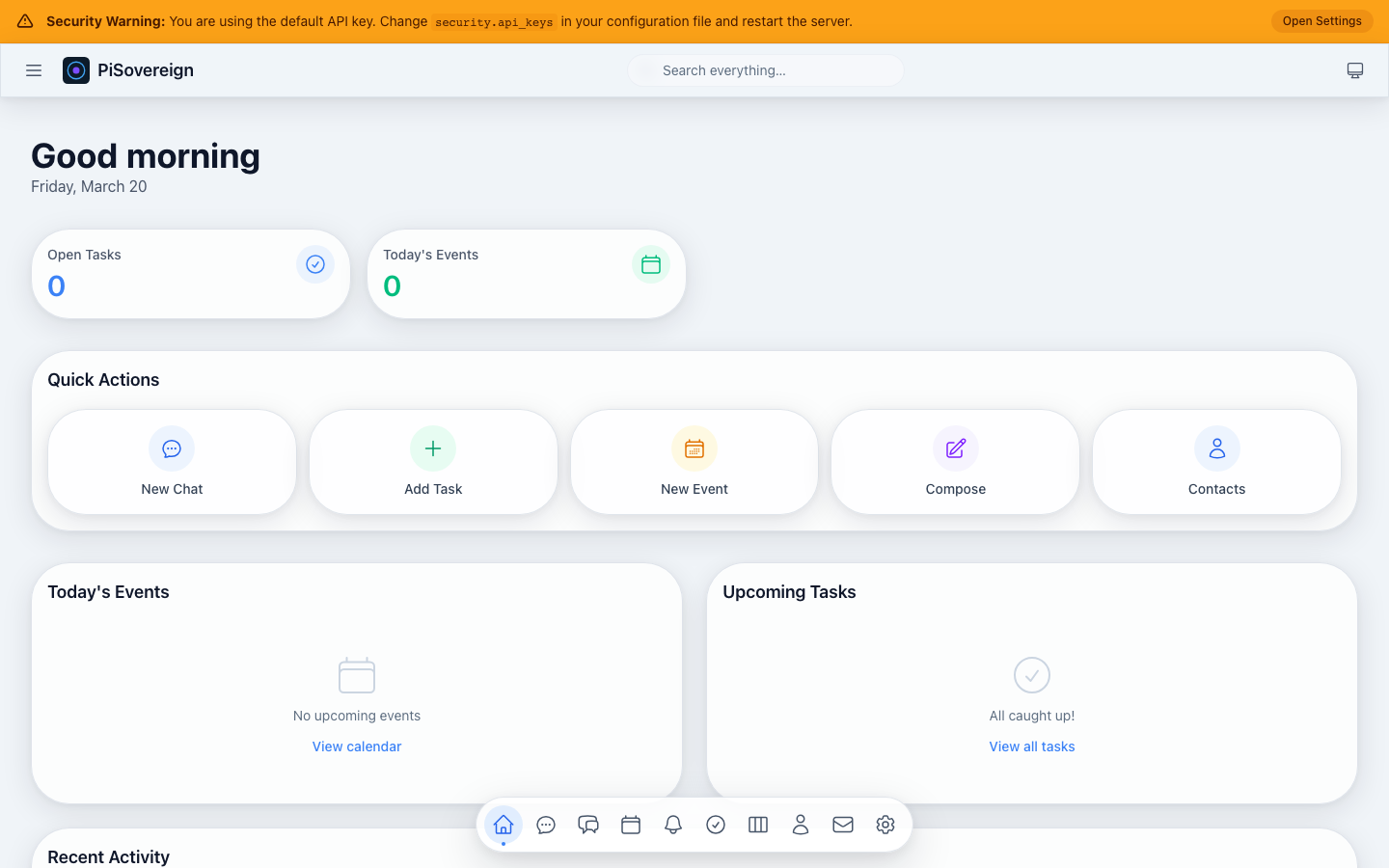 The main sidebar with links to all pages — always visible on desktop.
Mobile — Dashboard
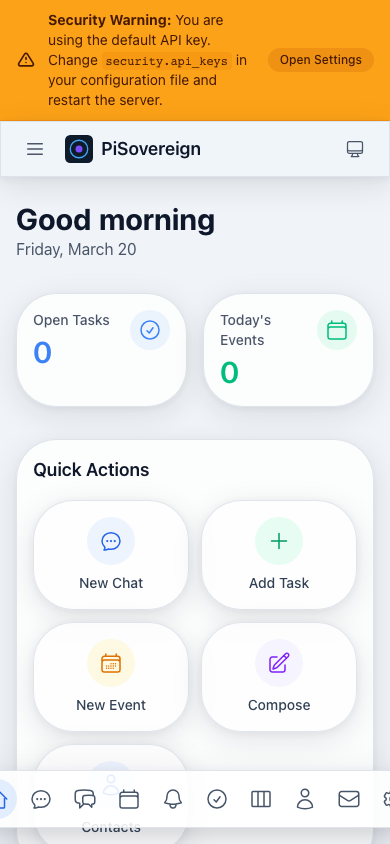 Dashboard on an iPhone-14-sized viewport (390 × 844). The layout adapts to a single-column flow.
Mobile — Memory
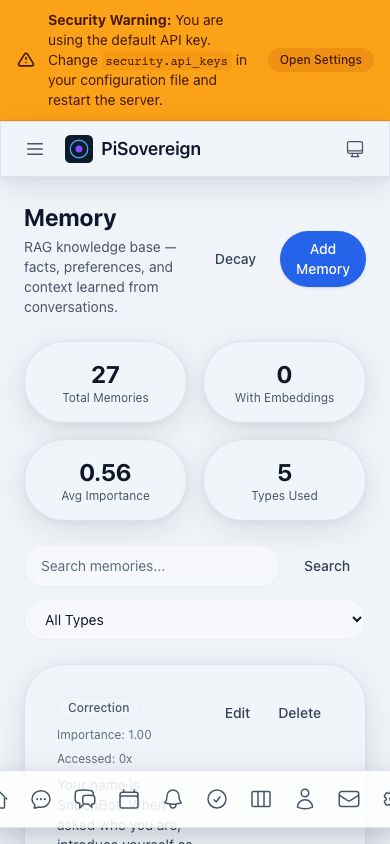 Memory page on mobile — stat cards stack vertically, controls remain usable.
Mobile — Chat
 Chat interface on mobile — full-width message input at the bottom.
Architecture
🏗️ System design and architectural patterns in PiSovereign
This document explains the architectural decisions, design patterns, and structure of PiSovereign.
Table of Contents
Overview
PiSovereign follows Clean Architecture (also known as Hexagonal Architecture or Ports & Adapters) to achieve:
- Independence from frameworks - Business logic doesn’t depend on Axum, SQLite, or any external library
- Testability - Core logic can be tested without infrastructure
- Flexibility - Adapters can be swapped without changing business rules
- Maintainability - Clear boundaries between concerns
┌─────────────────────────────────────────────────────────────────┐
│ External World │
│ (HTTP Clients, WhatsApp, Email Servers, AI Hardware) │
└─────────────────────────────────────────────────────────────────┘
│
▼
┌─────────────────────────────────────────────────────────────────┐
│ Presentation Layer │
│ ┌─────────────────┐ ┌─────────────────┐ │
│ │ presentation_ │ │ presentation_ │ │
│ │ http │ │ cli │ │
│ │ (Axum API) │ │ (Clap CLI) │ │
│ └─────────────────┘ └─────────────────┘ │
└─────────────────────────────────────────────────────────────────┘
│
▼
┌─────────────────────────────────────────────────────────────────┐
│ Application Layer │
│ ┌─────────────────────────────────────────────────────────┐ │
│ │ application │ │
│ │ (Services, Use Cases, Orchestration, Port Definitions) │ │
│ └─────────────────────────────────────────────────────────┘ │
└─────────────────────────────────────────────────────────────────┘
│
┌───────────────┼───────────────┐
▼ ▼ ▼
┌──────────────────┐ ┌──────────────┐ ┌──────────────────────────┐
│ Domain Layer │ │ AI Layer │ │ Infrastructure Layer │
│ ┌────────────┐ │ │ ┌──────────┐ │ │ ┌──────────────────────┐ │
│ │ domain │ │ │ │ ai_core │ │ │ │ infrastructure │ │
│ │ (Entities, │ │ │ │(Inference│ │ │ │ (Adapters, Repos, │ │
│ │ Values, │ │ │ │ Engine) │ │ │ │ Cache, DB, Vault) │ │
│ │ Commands) │ │ │ └──────────┘ │ │ └──────────────────────┘ │
│ └────────────┘ │ │ ┌──────────┐ │ │ │
│ │ │ │ai_speech │ │ │ ┌──────────────────┐ │
│ │ │ │(STT/TTS) │ │ │ │ integration_* │ │
│ │ │ └──────────┘ │ │ │ (WhatsApp, Mail, │ │
│ │ │ ┌──────────┐ │ │ │ Calendar, etc.) │ │
│ │ │ │ai_token- │ │ │ └──────────────────┘ │
│ │ │ │ opt │ │ │ │
│ │ │ │(Token │ │ │ │
│ │ │ │Optimizer)│ │ │ │
│ │ │ └──────────┘ │ │ │
│ │ └──────────────┘ │ │
└──────────────────┘ └──────────────────────────┘
Clean Architecture
Layer Responsibilities
| Layer | Crates | Responsibility |
|---|---|---|
| Domain | domain | Core business entities, value objects, commands, domain errors |
| Application | application | Use cases, service orchestration, port definitions |
| Infrastructure | infrastructure, integration_* | Adapters for external systems (DB, cache, APIs) |
| AI | ai_core, ai_speech, ai_tokenopt | AI-specific logic (inference, speech processing, token optimization) |
| Presentation | presentation_http, presentation_cli | User interfaces (REST API, CLI) |
Dependency Rule
Inner layers NEVER depend on outer layers
domain → (no dependencies on other PiSovereign crates)
application → domain
ai_core → domain, application (ports)
ai_speech → domain, application (ports)
ai_tokenopt → domain, application (ports) [optional, feature-gated]
infrastructure → domain, application (ports)
integration_* → domain, application (ports)
presentation_* → domain, application, infrastructure, ai_*, integration_*
This means:
domainknows nothing about databases, HTTP, or external servicesapplicationdefines what it needs via ports (traits), not how it’s done- Only
presentationcrates wire everything together
Crate Dependencies
Dependency Graph
graph TB
subgraph "Presentation"
HTTP[presentation_http]
CLI[presentation_cli]
end
subgraph "Integration"
WA[integration_whatsapp]
PM[integration_email]
CAL[integration_caldav]
WX[integration_weather]
end
subgraph "Infrastructure"
INFRA[infrastructure]
end
subgraph "AI"
CORE[ai_core]
SPEECH[ai_speech]
TOKENOPT[ai_tokenopt]
end
subgraph "Core"
APP[application]
DOM[domain]
end
HTTP --> APP
HTTP --> INFRA
HTTP --> CORE
HTTP --> SPEECH
HTTP --> WA
HTTP --> PM
HTTP --> CAL
HTTP --> WX
CLI --> APP
CLI --> INFRA
WA --> APP
WA --> DOM
PM --> APP
PM --> DOM
CAL --> APP
CAL --> DOM
WX --> APP
WX --> DOM
INFRA --> APP
INFRA --> DOM
CORE --> APP
CORE --> DOM
SPEECH --> APP
SPEECH --> DOM
TOKENOPT --> APP
TOKENOPT --> DOM
INFRA --> TOKENOPT
HTTP --> TOKENOPT
APP --> DOM
Workspace Structure
PiSovereign/
├── Cargo.toml # Workspace manifest
├── crates/
│ ├── domain/ # Core business logic (no external deps)
│ │ ├── Cargo.toml
│ │ └── src/
│ │ ├── lib.rs
│ │ ├── entities/ # User, Conversation, Message, etc.
│ │ ├── values/ # UserId, MessageContent, etc.
│ │ ├── commands/ # UserCommand, SystemCommand
│ │ └── errors.rs # Domain errors
│ │
│ ├── application/ # Use cases and ports
│ │ ├── Cargo.toml
│ │ └── src/
│ │ ├── lib.rs
│ │ ├── services/ # ConversationService, CommandService, etc.
│ │ └── ports/ # Trait definitions (InferencePort, etc.)
│ │
│ ├── infrastructure/ # Framework-dependent implementations
│ │ ├── Cargo.toml
│ │ └── src/
│ │ ├── lib.rs
│ │ ├── adapters/ # VaultSecretStore, etc.
│ │ ├── cache/ # MokaCache, RedbCache
│ │ ├── persistence/# SQLite repositories
│ │ └── telemetry/ # OpenTelemetry setup
│ │
│ ├── ai_core/ # Inference engine
│ │ └── src/
│ │ ├── hailo/ # Hailo-Ollama client
│ │ └── selector/ # Model routing
│ │
│ ├── ai_speech/ # Speech processing
│ │ └── src/
│ │ ├── providers/ # Hybrid, Local, OpenAI
│ │ └── converter/ # Audio format conversion
│ │
│ ├── ai_tokenopt/ # Token optimization (publishable standalone)
│ │ └── src/
│ │ ├── budget/ # Context window budget allocation
│ │ ├── history/ # Conversation compaction & summarization
│ │ ├── prompt/ # System prompt optimization
│ │ ├── stream/ # Output stream repetition detection
│ │ └── tools/ # Tool selection & schema compression
│ │
│ ├── integration_*/ # External service adapters
│ │
│ └── presentation_*/ # User interfaces
Port/Adapter Pattern
Ports (Interfaces)
Ports are traits defined in application/src/ports/ that describe what the application needs:
// application/src/ports/inference.rs
#[async_trait]
pub trait InferencePort: Send + Sync {
async fn generate(
&self,
prompt: &str,
options: InferenceOptions,
) -> Result<InferenceResponse, InferenceError>;
async fn generate_stream(
&self,
prompt: &str,
options: InferenceOptions,
) -> Result<impl Stream<Item = Result<String, InferenceError>>, InferenceError>;
async fn health_check(&self) -> Result<bool, InferenceError>;
}// application/src/ports/secret_store.rs
#[async_trait]
pub trait SecretStore: Send + Sync {
async fn get_secret(&self, path: &str) -> Result<Option<String>, SecretError>;
async fn health_check(&self) -> Result<bool, SecretError>;
}// application/src/ports/memory_context.rs — RAG context injection
#[async_trait]
pub trait MemoryContextPort: Send + Sync {
async fn retrieve_context(
&self,
user_id: &UserId,
query: &str,
limit: usize,
) -> Result<Vec<MemoryContext>, MemoryError>;
}// application/src/ports/embedding.rs — Vector embeddings
#[async_trait]
pub trait EmbeddingPort: Send + Sync {
async fn embed(&self, text: &str) -> Result<Vec<f32>, EmbeddingError>;
}// application/src/ports/encryption.rs — Content encryption at rest
pub trait EncryptionPort: Send + Sync {
fn encrypt(&self, plaintext: &[u8]) -> Result<Vec<u8>, EncryptionError>;
fn decrypt(&self, ciphertext: &[u8]) -> Result<Vec<u8>, EncryptionError>;
}Adapters (Implementations)
Adapters implement ports and live in infrastructure/ or integration_*/:
// infrastructure/src/adapters/vault_secret_store.rs
pub struct VaultSecretStore {
client: VaultClient,
mount_path: String,
}
#[async_trait]
impl SecretStore for VaultSecretStore {
async fn get_secret(&self, path: &str) -> Result<Option<String>, SecretError> {
let full_path = format!("{}/{}", self.mount_path, path);
self.client.read_secret(&full_path).await
}
async fn health_check(&self) -> Result<bool, SecretError> {
self.client.health().await
}
}// infrastructure/src/adapters/env_secret_store.rs
pub struct EnvironmentSecretStore {
prefix: Option<String>,
}
#[async_trait]
impl SecretStore for EnvironmentSecretStore {
async fn get_secret(&self, path: &str) -> Result<Option<String>, SecretError> {
// Convert "database/password" to "DATABASE_PASSWORD"
let env_key = self.path_to_env_var(path);
Ok(std::env::var(&env_key).ok())
}
async fn health_check(&self) -> Result<bool, SecretError> {
Ok(true) // Environment is always available
}
}Example: Secret Store
The ChainedSecretStore demonstrates the adapter pattern:
// infrastructure/src/adapters/chained_secret_store.rs
pub struct ChainedSecretStore {
stores: Vec<Box<dyn SecretStore>>,
}
impl ChainedSecretStore {
pub fn new() -> Self {
Self { stores: Vec::new() }
}
pub fn add_store(mut self, store: impl SecretStore + 'static) -> Self {
self.stores.push(Box::new(store));
self
}
}
#[async_trait]
impl SecretStore for ChainedSecretStore {
async fn get_secret(&self, path: &str) -> Result<Option<String>, SecretError> {
for store in &self.stores {
if let Ok(Some(secret)) = store.get_secret(path).await {
return Ok(Some(secret));
}
}
Ok(None)
}
}Usage in application:
// Wiring in presentation layer
let secret_store = ChainedSecretStore::new()
.add_store(VaultSecretStore::new(vault_config)?)
.add_store(EnvironmentSecretStore::new(Some("PISOVEREIGN")));
let command_service = CommandService::new(
Arc::new(secret_store), // Injected as trait object
// ... other dependencies
);Data Flow
Example: Intent Routing Pipeline
User input is routed through a multi-stage pipeline that minimizes LLM calls. Each stage acts as a progressively more expensive filter:
1. User Input: "Hey, it's Andreas. I'm naming you Macci."
│
▼
2. Conversational Filter (zero LLM cost)
│ Regex-based detection of greetings, introductions, small talk.
│ If matched → skip to chat (no workflow/intent parsing).
│
▼ (not conversational)
3. Quick Pattern Matching
│ Regex patterns for well-known commands (e.g., "remind me",
│ "search for", "send email"). Fast, deterministic.
│
▼ (no quick match)
4. Guarded Workflow Detection
│ Only invoked when input has ≥8 words AND contains ≥2
│ workflow-hint keywords ("create", "plan", "distribute", etc.).
│ Uses LLM to detect multi-step workflows.
│
▼ (not a workflow)
5. LLM Intent Parsing
│ Full LLM-based intent classification with confidence score.
│ Post-validated by keyword presence per intent category.
│ Intents below 0.7 confidence are downgraded to chat.
│
▼
6. Dispatch to appropriate handler or fall through to chat
Example: Chat Request
1. HTTP Request arrives at /v1/chat
│
▼
2. presentation_http extracts request, validates auth
│
▼
3. Calls ConversationService.send_message() [application layer]
│
▼
4. ConversationService:
├── Loads conversation from ConversationRepository [port]
├── Calls InferencePort.generate() [port]
└── Saves message via ConversationRepository [port]
│
▼
5. InferencePort implementation (ai_core::HailoClient):
├── Sends request to Hailo-Ollama
└── Returns response
│
▼
6. Response flows back through layers
│
▼
7. HTTP Response returned to client
Example: WhatsApp Voice Message
1. WhatsApp Webhook POST to /v1/webhooks/whatsapp
│
▼
2. integration_whatsapp validates signature, parses message
│
▼
3. VoiceMessageService.process() [application layer]
│
├── Download audio via WhatsAppPort
├── Convert format via AudioConverter [ai_speech]
├── Transcribe via SpeechPort (STT)
├── Process text via CommandService
├── (Optional) Synthesize via SpeechPort (TTS)
└── Send response via WhatsAppPort
│
▼
4. Response sent back to user via WhatsApp
Key Design Decisions
1. Async-First
All I/O operations are async using Tokio:
#[async_trait]
pub trait InferencePort: Send + Sync {
async fn generate(&self, ...) -> Result<..., ...>;
}Rationale: Maximizes throughput on limited Raspberry Pi resources.
2. Error Handling via thiserror
Each layer defines its own error types:
// domain/src/errors.rs
#[derive(Debug, thiserror::Error)]
pub enum DomainError {
#[error("Invalid message content: {0}")]
InvalidContent(String),
}
// application/src/errors.rs
#[derive(Debug, thiserror::Error)]
pub enum ServiceError {
#[error("Domain error: {0}")]
Domain(#[from] DomainError),
#[error("Inference failed: {0}")]
Inference(String),
}Rationale: Clear error boundaries, easy conversion between layers.
3. Feature Flags
Optional features reduce binary size:
# Cargo.toml
[features]
default = ["http"]
http = ["axum", "tower", ...]
cli = ["clap", ...]
speech = ["whisper", "piper", ...]
Rationale: Raspberry Pi has limited storage; include only what’s needed.
4. Configuration via config Crate
Layered configuration (defaults → file → env vars):
let config = Config::builder()
.add_source(config::File::with_name("config"))
.add_source(config::Environment::with_prefix("PISOVEREIGN"))
.build()?;Rationale: Flexibility for different deployment scenarios.
5. Multi-Layer Caching
Request → L1 (Moka, in-memory) → L2 (Redb, persistent) → L3 (Semantic, pgvector) → Backend
| Layer | Type | Storage | Match Method | Use Case |
|---|---|---|---|---|
| L1 | MokaCache | In-memory | Exact string | Hot data, sub-ms access |
| L2 | RedbCache | Disk | Exact string | Warm data, persists across restarts |
| L3 | PgSemanticCache | PostgreSQL/pgvector | Cosine similarity | Semantically equivalent queries |
Decorator Chain Order:
SanitizedInferencePort (outermost — output PII redaction, final safety gate)
└─ TokenOptimizedInferencePort (token optimization, stream monitoring)
└─ CachedInferenceAdapter (exact L1+L2)
└─ SemanticCachedInferenceAdapter (similarity L3)
└─ DegradedInferenceAdapter
└─ OllamaInferenceAdapter (innermost)
Rationale: Sanitization is outermost so PII/credential redaction is the final gate on every LLM response. Token optimization sits inside sanitization to compress input before cache lookup, and monitor output streams for degenerate repetition before sanitization applies.
6. In-Process Event Bus
Post-processing work (fact extraction, audit logging, metrics) runs asynchronously via an in-process event bus backed by tokio::sync::broadcast:
ChatService / AgentService
│
▼ publish(DomainEvent)
┌──────────────────────┐
│ TokioBroadcastBus │
└──────────────────────┘
│ │ │ │
▼ ▼ ▼ ▼
Fact Audit Conv Metrics
Ext. Log Pers. Handler
Key properties:
- Fire-and-forget — handlers never block the response path
DomainEventenum defined in the domain layer (7 variants)EventBusPort/EventSubscriberPortdefined in application portsTokioBroadcastEventBusadapter in infrastructure- Handlers spawned conditionally based on available dependencies
- Channel overflow →
Laggedwarning, not data loss for the publisher
Rationale: Moves 100–500 ms of per-request post-processing off the critical path, crucial on resource-constrained Raspberry Pi hardware.
7. Agentic Multi-Agent Orchestration
Complex tasks can be decomposed into parallel sub-tasks, each executed by an independent AI agent:
User Request: "Plan my trip to Berlin next week"
│
▼ POST /v1/agentic/tasks
┌──────────────────────────┐
│ AgenticOrchestrator │
│ (application service) │
└──────────────────────────┘
│ │ │
▼ ▼ ▼
SubAgent SubAgent SubAgent
(weather) (calendar)(transit)
│ │ │
└────────┴────────┘
│
▼
Aggregated Result
Key properties:
- Wave-based parallel execution with configurable concurrency limits
- Dependency tracking between sub-tasks
- Individual sub-agent timeouts and total task timeouts
- Real-time progress via SSE streaming (
/v1/agentic/tasks/{id}/stream) - Task cancellation support
- Approval gates for sensitive operations
- Domain entities in
domain, orchestration inapplication, event bus ininfrastructure, REST handlers inpresentation_http, UI inpresentation_web
Further Reading
- Crate Reference - Detailed documentation of each crate
- API Reference - REST API documentation
- Contributing - How to contribute
Web Frontend
🌐 SolidJS-based progressive web application for PiSovereign
The web frontend provides a modern chat interface for interacting with PiSovereign through any browser. It is built with SolidJS and embedded directly into the Rust binary at compile time via rust-embed.
Table of Contents
- Overview
- Technology Stack
- Architecture
- Development
- Build & Deployment
- Testing
- Code Quality
- PWA Support
- Styling
- Security
Overview
PiSovereign’s web frontend is a single-page application (SPA) that communicates with the backend via REST and Server-Sent Events (SSE). Key design goals:
- Zero external hosting — Assets are embedded in the Rust binary, no separate web server needed
- Offline-capable — PWA with service worker for offline resilience
- Privacy-first — No external CDNs, fonts, or analytics; everything is self-contained
- Lightweight — ~200 KB production bundle with code splitting
Technology Stack
| Technology | Version | Purpose |
|---|---|---|
| SolidJS | 1.9.x | Reactive UI framework |
| SolidJS Router | 0.15.x | Client-side routing |
| TypeScript | 5.7 | Type safety (strict mode) |
| Vite | 6.x | Build tool & dev server |
| Tailwind CSS | 4.x | Utility-first styling |
| Vitest | 3.x | Unit & component testing |
| vite-plugin-pwa | 1.x | Service worker generation |
Architecture
Directory Structure
crates/presentation_web/
├── Cargo.toml # Rust crate manifest
├── dist/ # Vite build output (gitignored)
├── frontend/ # SolidJS source code
│ ├── index.html # HTML entry point
│ ├── package.json # Node dependencies
│ ├── tsconfig.json # TypeScript configuration
│ ├── vite.config.ts # Vite build configuration
│ ├── vitest.config.ts # Test configuration
│ └── src/
│ ├── index.tsx # Application entry point
│ ├── app.tsx # Root component with router
│ ├── api/ # REST & SSE API clients
│ ├── components/ # Reusable UI components
│ │ └── ui/ # Base UI primitives
│ ├── hooks/ # Reactive hooks
│ ├── lib/ # Utilities (cn, format, sanitize)
│ ├── pages/ # Route page components
│ ├── stores/ # Global state stores
│ └── types/ # TypeScript type definitions
└── src/ # Rust source code
├── lib.rs # Crate root
├── assets.rs # rust-embed asset struct
├── csp.rs # Content Security Policy
├── handler.rs # Static file handler with caching
└── routes.rs # SPA router & axum integration
Component Architecture
The frontend follows a layered component architecture:
Pages (routes)
└── Composed Components (chat, settings panels)
├── ToolSelector (dynamic pill-based tool filter)
├── MentionPicker (@agent inline autocomplete)
├── SnippetPicker (/snippet inline search & insert)
└── UI Primitives (Button, Card, Modal, Badge, Spinner)
└── Utility Functions (cn, format, sanitize)
Pages are lazy-loaded via solid-router for code splitting:
/— Chat interface (main interaction view)/settings— Application settings/commands— Available bot commands/memories— Memory inspection/reminders— Reminder management/snippets— Snippet CRUD (reusable text blocks)/tasks— Task management/audit— Audit log viewer/health— System health dashboard
UI Primitives (components/ui/) are unstyled, composable building blocks:
Button— With variants (default, outline, ghost, destructive) and sizesCard— Container with header/content/footer slotsModal— Dialog with focus trap and backdropBadge— Status indicators with color variantsSpinner— Loading indicators
State Management
Global state uses SolidJS signals organized into stores:
| Store | Purpose |
|---|---|
auth.store | Authentication state, token management |
chat.store | Conversations, messages, active chat |
theme.store | Dark/light mode preference |
toast.store | Notification queue |
Stores are accessed via the StoreProvider context, available throughout the component tree.
API Client Layer
The api/ directory contains typed REST clients:
| Client | Endpoint | Purpose |
|---|---|---|
client.ts | — | Base HTTP client with auth headers |
chat.api.ts | /v1/chat | Send messages, SSE streaming |
chat.api.ts | /v1/tools | Discover available tools |
health.api.ts | /v1/health | System health status |
memories.api.ts | /v1/memories | Memory CRUD |
audit.api.ts | /v1/audit | Audit log queries |
commands.api.ts | /v1/commands | Bot command listing |
snippets.ts | /v1/snippets | Snippet CRUD and resolved content |
settings.api.ts | /v1/settings | User preferences |
All API calls go through client.ts, which handles:
- Bearer token injection from the auth store
- Base URL resolution (same origin in production, proxy in dev)
- JSON serialization/deserialization
- Error response mapping
Development
Prerequisites
- Node.js ≥ 22 (LTS recommended)
- npm ≥ 10
Getting Started
# Install dependencies
just web-install
# Start development server with hot reload
just web-dev
The Vite dev server starts on http://localhost:5173 and proxies API requests to the backend at http://localhost:3000.
Available Commands
All frontend tasks are available via just:
| Command | Description |
|---|---|
just web-install | Install npm dependencies |
just web-build | Production build → dist/ |
just web-dev | Start Vite dev server with HMR |
just web-lint | Run ESLint checks |
just web-lint-fix | Auto-fix ESLint issues |
just web-fmt | Format with Prettier |
just web-test | Run Vitest test suite |
just web-test-coverage | Run tests with coverage report |
just web-typecheck | TypeScript type checking |
Development Workflow
- Start the backend:
just runorcargo run - Start the frontend dev server:
just web-dev - Open
http://localhost:5173in your browser - Edit SolidJS components — changes are reflected instantly via HMR
The Vite dev server proxies /api/* requests to localhost:3000, so you get the full API available during development.
Build & Deployment
Production Build
just web-build
This runs vite build which outputs optimized assets to crates/presentation_web/dist/. The build:
- Tree-shakes unused code
- Minifies JS/CSS
- Adds content hashes to filenames for cache busting
- Generates PWA service worker
- Code-splits routes for lazy loading
- Outputs ~200 KB total (gzipped ~60 KB)
Rust Integration
The presentation_web crate embeds the dist/ directory at compile time using rust-embed:
#[derive(Embed)]
#[folder = "dist/"]
pub struct FrontendAssets;The Rust handler layer provides:
- Content-type detection — MIME types based on file extension
- Cache control — Immutable caching for hashed assets, no-cache for HTML
- ETag support — Conditional requests via
If-None-Match - CSP headers — Content Security Policy for XSS protection
- SPA fallback — Unknown routes serve
index.htmlfor client-side routing
Important: You must run just web-build before cargo build so the dist/ directory is populated. The Docker build handles this automatically.
Docker Build
The Dockerfile uses a multi-stage build:
# Stage 1: Build frontend
FROM node:22-alpine AS frontend-builder
COPY crates/presentation_web/frontend/ .
RUN npm ci && npm run build
# Stage 2: Build Rust binary
FROM rust:1.93-slim-bookworm AS builder
COPY --from=frontend-builder /app/dist/ crates/presentation_web/dist/
RUN cargo build --release
# Stage 3: Runtime
FROM debian:bookworm-slim
COPY --from=builder /app/target/release/pisovereign .
This ensures the frontend is always built fresh and embedded into the binary.
Testing
Unit & Component Tests
Tests use Vitest with @solidjs/testing-library for component tests and MSW (Mock Service Worker) for API mocking.
# Run all tests
just web-test
# Run with coverage
just web-test-coverage
Test structure mirrors the source layout:
frontend/src/
├── lib/__tests__/ # Utility tests (cn, format, sanitize)
├── stores/__tests__/ # Store logic tests
├── api/__tests__/ # API client tests
└── components/ui/__tests__/ # Component rendering tests
Current coverage: 93 tests across utilities, stores, API clients, and UI components.
End-to-End Tests (Playwright)
The project includes Playwright-based E2E journey tests that simulate real user interactions against a live application instance on localhost:3000. These tests cover every page, CRUD operation, and user action in the frontend.
Setup
# Install Playwright browsers (one-time)
just web-e2e-install
# Ensure the Docker stack is running
just docker-up
Running E2E Tests
# Run all journey tests
just web-e2e
# Run with interactive UI (for debugging)
just web-e2e-ui
# View the last HTML report
just web-e2e-report
Skipping LLM-Dependent Tests
Tests tagged @llm (Chat, Agentic) require Ollama to be running. To skip them:
cd crates/presentation_web/frontend && npx playwright test --grep-invert @llm
Architecture
frontend/e2e/
├── global-setup.ts # Authenticates once, saves session cookie
├── fixtures/
│ └── auth.fixture.ts # Pre-authenticated page fixture
├── reporters/
│ └── bugreport.reporter.ts # Auto-generates bug reports on failure
├── helpers/
│ ├── navigation.helper.ts # Sidebar navigation, page-load utilities
│ └── form.helper.ts # Form fills, modal helpers, test IDs
└── journeys/
├── auth.journey.spec.ts # Login, logout, session persistence
├── dashboard.journey.spec.ts # Stat cards, quick actions, sections
├── chat.journey.spec.ts # Send message, SSE streaming (@llm)
├── conversations.journey.spec.ts # List, search, delete conversations
├── commands.journey.spec.ts # Parse, execute, catalog CRUD
├── approvals.journey.spec.ts # List, approve, deny requests
├── contacts.journey.spec.ts # Full CRUD + search
├── calendar.journey.spec.ts # Views, event CRUD, date navigation
├── tasks.journey.spec.ts # Task CRUD, filters, completion
├── kanban.journey.spec.ts # Board columns, filter buttons
├── memory.journey.spec.ts # Memory CRUD, search, decay, stats
├── agentic.journey.spec.ts # Multi-agent task lifecycle (@llm)
├── mailing.journey.spec.ts # Email list, refresh, mark read
└── system.journey.spec.ts # Status, models, health checks
Writing New Journey Tests
Journey tests follow a consistent pattern using test.step() for structured reproduction steps:
import { test, expect } from '../fixtures/auth.fixture';
test.describe('Feature Journey', () => {
test('complete user flow', async ({ page }) => {
await test.step('navigate to the page', async () => {
await page.goto('/feature');
await page.waitForLoadState('networkidle');
});
await test.step('perform user action', async () => {
await page.locator('button:has-text("Action")').click();
await expect(page.locator('text=Result')).toBeVisible();
});
});
});
Key conventions:
- File naming:
{feature}.journey.spec.ts - Test steps: Use
test.step()— these feed the bugreport reporter for clear reproduction steps - Data cleanup: Create test data with unique IDs (
testId()helper) and clean up inafterAllor at the end of the test - Timeouts: Use generous timeouts (60s) for LLM/SSE-dependent tests and tag them with
@llm - Resilience: Use
.catch(() => false)for optional UI elements that may or may not exist depending on backend state
Automatic Bug Reports
When a test fails, the custom BugreportReporter writes a detailed markdown file to bugreports/:
- Title and test metadata (file, line, browser, duration)
- Steps to reproduce extracted from
test.step()annotations - Error message and stack trace
- Screenshot paths (captured on failure)
- Environment details (OS, Node.js version)
Bug reports are named YYYY-MM-DD-e2e-{test-slug}.md for chronological ordering.
Code Quality
The project enforces strict code quality standards:
- TypeScript strict mode — All strict checks enabled, including
exactOptionalPropertyTypes - ESLint — SolidJS-specific rules + TypeScript checks (0 errors required)
- Prettier — Consistent formatting
- Pre-commit checks —
just pre-commitruns lint, typecheck, and tests
Quality gates are integrated into the just quality and just pre-commit recipes, which run both frontend and backend checks together.
PWA Support
The frontend is a Progressive Web App with:
- Service Worker — Generated by
vite-plugin-pwausing Workbox - Offline support — Cached assets served when offline
- Installable — Add to home screen on mobile devices
- Web manifest — App name, icons, theme colors defined in
manifest.webmanifest
The service worker uses a cache-first strategy for static assets and network-first for API calls.
Styling
Styling uses Tailwind CSS v4 with a custom design system:
- CSS custom properties for theming (dark/light mode)
- Utility classes for layout, spacing, typography
cn()helper — Merges Tailwind classes with conflict resolution viatailwind-merge+clsx- No external CSS frameworks — Everything is built from Tailwind utilities
The color palette follows a navy/slate theme matching PiSovereign’s brand identity.
Security
The embedded frontend includes several security measures:
- Content Security Policy (CSP) — Restricts script sources, style sources, and connections
- No inline scripts — All JavaScript is loaded from hashed asset files
- Same-origin API calls — No cross-origin requests by design
- No external dependencies at runtime — Fonts, icons, and all assets are self-hosted
- Auth token handling — Tokens stored in memory (SolidJS signals), not
localStorage
See the Security Hardening guide for production deployment recommendations.
AI Memory System
PiSovereign includes a persistent AI memory system that enables your assistant to remember facts, preferences, and past interactions. This creates a more personalized and contextually aware experience.
Overview
The memory system provides:
- Persistent Storage: All interactions can be stored in PostgreSQL with encryption at rest
- Semantic Search (RAG): Retrieve relevant memories based on meaning, not just keywords
- Automatic Learning: The AI learns from conversations automatically
- Memory Decay: Less important or rarely accessed memories fade over time
- Deduplication: Similar memories are merged to prevent redundancy
- Content Encryption: Sensitive data is encrypted at rest using XChaCha20-Poly1305
How It Works
┌─────────────────┐ ┌──────────────────┐ ┌─────────────────┐
│ User Query │────▶│ RAG Retrieval │────▶│ Context + Query│
│ "What's my │ │ (Top 5 similar) │ │ sent to LLM │
│ favorite..." │ └──────────────────┘ └─────────────────┘
└─────────────────┘ │ │
│ ▼
┌─────────────────┐ ┌──────────────────┐ ┌─────────────────┐
│ Stored Memory │◀────│ Learning Phase │◀────│ AI Response │
│ (Encrypted) │ │ (Q&A + Metadata) │ │ │
└─────────────────┘ └──────────────────┘ └─────────────────┘
1. RAG Context Retrieval
When you ask a question:
- The query is converted to an embedding vector using
nomic-embed-text - Similar memories are found using cosine similarity search
- The top N most relevant memories are sorted by type priority (corrections and facts first) and injected into the prompt with an instructive preamble that explicitly tells the LLM to treat them as known facts
- Full memory content is used (not truncated summaries), with a 2 000-character budget to stay within the token window
- The AI generates a response with full context
2. Automatic Learning
After each response (including streamed responses):
- The Q&A pair is evaluated for importance using lightweight heuristics (no LLM call):
- AI naming cues (“nenn dich”, “your name is”, “du heißt”) → +0.40
- Identity cues (“my name is”, “I live in”, “ich heiße”) → +0.35
- Correction cues (“that’s wrong”, “please remember”, “eigentlich”) → +0.30
- Preference cues (“I prefer”, “I like”, “ich mag”) → +0.25
- Word count adjustments (longer = more valuable)
- Final score clamped to [0.2, 0.9]
- The memory type is automatically classified (priority order):
- AI naming signals →
Fact - Correction signals →
Correction - Preference signals →
Preference - Identity/fact signals →
Fact - Default →
Context
- AI naming signals →
- Embeddings are generated for semantic search
- If a similar memory exists (>85% similarity), they’re merged (on plaintext, before encryption)
- Content is encrypted before storage
Note: Both the HTTP chat endpoint (
ChatService) and the messenger path (MemoryEnhancedChat) use the same shared heuristic module (importance.rs) for consistent importance estimation and type classification.
3. Memory Types
| Type | Purpose | Example |
|---|---|---|
| Fact | General knowledge | “Paris is the capital of France” |
| Preference | User preferences | “User prefers dark mode” |
| Correction | Feedback/corrections | “Actually, the meeting is Tuesday not Monday” |
| ToolResult | API/tool outputs | “Weather API returned: 22°C, sunny” |
| Context | Conversation context | “Q: What time is it? A: 3:00 PM” |
| DreamInsight | Insight generated during Dream Mode | “User discusses cooking topics on weekends” |
| Hypothesis | Testable prediction from Dream Mode | “User prefers concise responses in the evening” |
| Archived | Memory archived during Dream Mode NREM consolidation | Previously a Fact/Context now superseded by a merged memory |
4. Relevance Scoring
When memories are retrieved for RAG context, they are ranked using a combined relevance score that balances three factors:
relevance_score = similarity × 0.50 + importance × 0.20 + freshness × 0.30
Where:
similarity(50%): Cosine similarity between query and memory embeddings (0.0–1.0)importance(20%): Current importance after decay (0.0–1.0), with per-type floorsfreshness(30%): Exponential decay based on time since last access:e^(-0.01 × hours). Memories from seconds ago score ~1.0, from one day ago ~0.79, from one week ago ~0.19.
This ensures that memories from the current conversation session (stored moments ago) dominate when relevant, while long-term knowledge still contributes via the similarity and importance terms.
After scoring, memories are sorted by type priority before injection:
- Corrections (highest priority — user explicitly corrected the AI)
- Facts (identity, names, important knowledge)
- Preferences
- Context
- Tool Results
Configuration
Add to your config.toml:
[memory]
# Enable memory storage
enabled = true
# Enable RAG context retrieval
enable_rag = true
# Enable automatic learning from interactions
enable_learning = true
# Number of memories to retrieve for RAG context
rag_limit = 5
# Minimum similarity threshold for RAG retrieval (0.0-1.0)
rag_threshold = 0.5
# Similarity threshold for memory deduplication (0.0-1.0)
merge_threshold = 0.85
# Minimum importance score to keep memories
min_importance = 0.1
# Decay factor for memory importance over time
decay_factor = 0.95
# Enable content encryption
enable_encryption = true
# Path to encryption key file (generated if not exists)
encryption_key_path = "memory_encryption.key"
[memory.embedding]
# Embedding model name
model = "nomic-embed-text"
# Embedding dimension
dimension = 384
# Request timeout in milliseconds
timeout_ms = 30000
Memory Decay
Memory importance decays over time using an Ebbinghaus-inspired model with per-type modifiers that ensure critical memories resist forgetting:
stability = 1.0 + ln(1 + access_count)
type_modifier = memory_type.decay_modifier()
effective_rate = (base_decay_rate × type_modifier) / stability
reinforcement = min(access_count × 0.005, 0.08)
new_importance = max(
importance × e^(-effective_rate × days) + reinforcement,
memory_type.importance_floor()
)
Type-specific modifiers
| Memory Type | Decay Modifier | Importance Floor | Effect |
|---|---|---|---|
| Correction | 0.50 | 0.35 | Decays very slowly, never drops below 0.35 |
| Fact | 0.70 | 0.30 | Decays slowly, never drops below 0.30 |
| Preference | 0.80 | 0.25 | Moderate decay |
| Tool Result | 1.00 | 0.10 | Normal decay, ephemeral |
| Context | 1.00 | 0.10 | Normal decay, ephemeral |
This mirrors the human brain: corrections and facts are “episodic memories” that the brain retains much longer than transient working-memory items.
Dream Mode Integration
Dream Mode extends the memory decay system with nightly consolidation:
- NREM phases apply an additional
decay_rate(default: 0.95) to unreinforced memories - Memories with importance below the type floor are archived (type changed to
Archived,original_memory_typepreserved) - Similar memories above the
merge_threshold(default: 0.85 cosine similarity) are consolidated into a single memory - Archived memories receive a RAG penalty — they are deprioritized during retrieval but remain searchable
- The
archived_atandarchived_by_sessionfields track provenance for each archived memory
Other factors:
base_decay_rate: Derived fromdecay_factor(default: 0.95)stability: Grows logarithmically with each access — first access gives stability ≈ 1.0, ~3 accesses double it, with diminishing returnsreinforcement: A small bonus (up to 0.08) that prevents heavily-used memories from vanishing entirelydays_since_access: Time elapsed since the memory was last retrieved
Memories below min_importance are automatically cleaned up.
Security
Content Encryption
All memory content and summaries are encrypted using:
- Algorithm: XChaCha20-Poly1305 (AEAD)
- Key Size: 256 bits
- Nonce Size: 192 bits (unique per encryption)
The encryption key is stored at encryption_key_path and auto-generated if missing.
⚠️ Important: Backup your encryption key! Without it, encrypted memories cannot be recovered.
Embedding Vectors
Embedding vectors are stored unencrypted to enable similarity search. They reveal:
- Semantic similarity between memories
- General topic clustering
They do NOT reveal:
- Actual content
- Specific details
Embedding Models
The system supports various Ollama embedding models:
| Model | Dimensions | Use Case |
|---|---|---|
nomic-embed-text | 384 | Default, balanced |
mxbai-embed-large | 1024 | Higher accuracy |
bge-m3 | 1024 | Multilingual |
To use a different model:
[memory.embedding]
model = "mxbai-embed-large"
dimension = 1024
Database Schema
Memories are stored in PostgreSQL with pgvector for similarity search:
-- Main memories table
CREATE TABLE memories (
id UUID PRIMARY KEY,
user_id UUID NOT NULL,
conversation_id UUID,
content TEXT NOT NULL, -- Encrypted
summary TEXT NOT NULL, -- Encrypted
importance DOUBLE PRECISION NOT NULL,
memory_type TEXT NOT NULL,
tags JSONB NOT NULL,
created_at TIMESTAMPTZ NOT NULL,
accessed_at TIMESTAMPTZ NOT NULL,
access_count INTEGER DEFAULT 0,
embedding vector(384) -- pgvector column for similarity search
);
-- IVFFlat index for fast cosine similarity search
CREATE INDEX idx_memories_embedding ON memories
USING ivfflat (embedding vector_cosine_ops) WITH (lists = 100);
-- Full-text search index
CREATE INDEX idx_memories_fts ON memories
USING gin (to_tsvector('english', content || ' ' || summary));
Manual Memory Management
You can manually store specific information:
// Store a fact
memory_service.store_fact(user_id, "User's birthday is March 15", 0.9).await?;
// Store a preference
memory_service.store_preference(user_id, "Prefers metric units", 0.8).await?;
// Store a correction
memory_service.store_correction(user_id, "Actually prefers tea, not coffee", 1.0).await?;Maintenance
Applying Decay
Memory decay runs as an automatic background task (daily by default). The interval is controlled by the decay_factor configuration. You can also trigger it manually:
let decayed = memory_service.apply_decay().await?;
println!("Decayed {} memories", decayed.len());Or via the REST API:
curl -X POST -H "Authorization: Bearer $API_KEY" \
http://localhost:3000/v1/memories/decay
Cleaning Up Low-Importance Memories
let deleted = memory_service.cleanup_low_importance().await?;
println!("Deleted {} memories", deleted);Statistics
let stats = memory_service.stats(&user_id).await?;
println!("Total: {}, With embeddings: {}, Avg importance: {:.2}",
stats.total_count, stats.with_embeddings, stats.avg_importance);Troubleshooting
Memories Not Being Retrieved
- Check that
enable_rag = true - Verify
rag_thresholdisn’t too high (try 0.3) - Ensure embeddings are generated (check
with_embeddingsin stats) - Confirm Ollama is running with the embedding model
High Memory Usage
- Lower
rag_limitto reduce context size - Run
cleanup_low_importance()more frequently - Increase
min_importancethreshold - Reduce
decay_factorfor faster decay
Encryption Key Lost
If you lose the encryption key, encrypted memories cannot be recovered.
To start fresh:
- Delete
memory_encryption.key - Clear the
memoriesandmemory_embeddingstables - A new key will be generated on next startup
Architecture
The memory system follows the ports-and-adapters pattern:
MemoryContextPort— the primary port interface used byChatServiceto inject RAG context into prompts. Implementations receive a query string and return relevant memory snippets.MemoryService— the core service that orchestrates embedding generation, semantic search, encryption, and storage. Requires three ports:MemoryPort— persistence (PostgreSQL adapter)EmbeddingPort— vector generation (Ollama adapter usingnomic-embed-text)EncryptionPort— content encryption (ChaChaEncryptionAdapterorNoOpEncryption)
// The MemoryContextPort trait signature
#[async_trait]
pub trait MemoryContextPort: Send + Sync {
async fn retrieve_context(
&self,
user_id: &UserId,
query: &str,
limit: usize,
) -> Result<Vec<MemoryContext>, MemoryError>;
}API Endpoints
See the API Reference for full REST API documentation covering:
GET /v1/memories— list memoriesPOST /v1/memories— create a memoryGET /v1/memories/search?q=...— semantic searchGET /v1/memories/stats— storage statisticsPOST /v1/memories/decay— trigger decayGET /v1/memories/{id}— get specific memoryDELETE /v1/memories/{id}— delete memory
Dream Mode
Biologically-inspired nightly cognitive processing for autonomous memory maintenance
Overview
Dream Mode is PiSovereign’s autonomous nightly processing engine, inspired by how the human brain consolidates memories during sleep. When the user is inactive, Dream Mode runs alternating NREM (declarative consolidation) and REM (creative synthesis) cycles — just like biological sleep architecture — to maintain, strengthen, and reorganize the AI’s knowledge base.
Why “Dream”?
During human sleep, the brain performs critical maintenance:
- NREM sleep replays and consolidates daytime memories, pruning weak connections and strengthening important ones.
- REM sleep recombines memories in novel ways, enabling insight, pattern recognition, and creative problem-solving.
Dream Mode applies these same principles to PiSovereign’s memory and knowledge graph.
Key Capabilities
- Memory consolidation — Merge similar memories, archive redundant ones, deduplicate near-duplicates
- Knowledge graph pruning — Remove weak edges, merge equivalent nodes
- Ebbinghaus decay — Apply enhanced forgetting curves to unreinforced memories
- Cross-domain pattern detection — Discover hidden connections across conversations and topics
- Hypothesis generation — Create testable predictions about user behavior and preferences
- Proactive surfacing — Inject confirmed insights as “Did you know?” context during conversation
- Full audit trail — Dream journal with before/after snapshots of every operation
Architecture
Cycle Model
Each dream session runs N cycles (default: 5). Within each cycle, NREM and REM phases alternate with dynamically allocated budgets:
Session: ─── Cycle 1 ─── Cycle 2 ─── Cycle 3 ─── Cycle 4 ─── Cycle 5 ───
│ │ │ │ │
NREM ████ NREM ███ NREM ██ NREM █ NREM █
REM █ REM ██ REM ███ REM ████ REM ████
- Early cycles favor NREM (consolidation dominates)
- Later cycles favor REM (creative synthesis dominates)
- Budget percentages always sum to 100% per cycle (enforced by property tests)
Service Architecture
┌─────────────────────────────────────────────────────────────┐
│ DreamService (orchestrator) │
│ ├── Idle gate check (IdleDetector) │
│ ├── Session lifecycle (create → run → complete/fail) │
│ ├── Cycle loop with phase dispatch │
│ └── Event publishing (DomainEvent bus) │
│ ├── NremPhaseService │
│ │ ├── consolidate_memories (merge similar) │
│ │ ├── archive_redundant (low-importance cleanup) │
│ │ ├── deduplicate_similar (near-duplicate removal) │
│ │ ├── prune_weak_edges (graph maintenance) │
│ │ └── apply_enhanced_decay (Ebbinghaus curves) │
│ └── RemPhaseService │
│ ├── detect_patterns (cross-domain connections) │
│ ├── generate_hypotheses (testable predictions) │
│ └── generate_suggestions (proactive insights) │
└─────────────────────────────────────────────────────────────┘
Layer Mapping
| Layer | Crate | Components |
|---|---|---|
| Domain | domain | DreamSession, DreamInsight, DreamJournalEntry, DreamSessionId, DreamPhase, DreamSessionStatus, InsightType, InsightStatus, JournalOperation |
| Application | application | DreamService, NremPhaseService, RemPhaseService, DreamJournalPort, DreamStatePort |
| Infrastructure | infrastructure | DreamJournalStore, DreamStateStore, DreamAppConfig |
| Presentation | presentation_http | 14 REST endpoints, MetricsCollector dream metrics |
| Frontend | presentation_web | Dream Mode page, store, API client, types |
Domain Entities
DreamSession
Represents a single dream processing session with a state machine lifecycle:
┌─────────┐
│ Pending │
└────┬─────┘
│ start_dream()
▼
┌─────────┐ pause_dream() ┌──────────┐
│ Running │─────────────────────▶│ Paused │
└────┬─────┘ └────┬─────┘
│ │ resume_dream()
│ │
│◀─────────────────────────────────┘
│
┌────┴─────┐
│ │
▼ ▼
┌──────────┐ ┌──────────┐
│Completed │ │ Failed │
└──────────┘ └──────────┘
Key fields: id (UUID), user_id, status, current_cycle, total_cycles, phase, created_at, started_at, completed_at.
DreamInsight
A discovery produced during REM phases. Types:
| Type | Description | Example |
|---|---|---|
Pattern | Recurring theme across conversations | “User asks about weather every Monday morning” |
Connection | Cross-domain link between topics | “User’s interest in cooking and chemistry share molecular understanding” |
Suggestion | Actionable recommendation | “Consider setting a weekly meal planning reminder” |
Hypothesis | Testable prediction awaiting confirmation | “User prefers concise responses in the evening” |
Hypotheses follow a lifecycle: Active → confirmed/expired (controlled by evidence accumulation and a 30-day TTL).
DreamJournalEntry
Audit trail entry recording every operation within a dream cycle. Each entry includes:
cycle_numberandphase(NREM/REM)operation(one of 12 operations:MemoryConsolidated,MemoryArchived,MemoryDeduplicated,EdgePruned,EdgeCreated,EdgeWeightUpdated,NodeMerged,DecayApplied,PatternDetected,HypothesisGenerated,SuggestionCreated,InsightConfirmed)details(JSON metadata)affected_memory_ids,affected_node_ids,affected_edge_ids- Optional
before_snapshotandafter_snapshotfor diff view
Application Services
DreamService
The top-level orchestrator. Injected with Arc<dyn DreamStatePort>, Arc<dyn DreamJournalPort>, Arc<dyn MemoryStore>, Arc<dyn InferencePort>, and Arc<dyn KnowledgeGraphPort>.
| Method | Description |
|---|---|
start_dream(user_id) | Check idle gate → create session → run cycle loop → complete |
pause_dream(session_id) | Pause an active session (user returned) |
resume_dream(session_id) | Resume a paused session after re-idle window |
cancel_dream(session_id) | Cancel and mark session as failed |
get_status(user_id) | Return current/latest session status |
check_idle_gate(user_id) | Check if user has been idle long enough |
NremPhaseService
Runs declarative memory consolidation within a single NREM cycle:
- Consolidate — Find memory pairs above
merge_threshold, merge into a new memory, archive originals - Archive — Move memories with importance below floor to
Archivedtype - Deduplicate — Remove near-duplicate memories (same-content, different timestamps)
- Prune edges — Review knowledge graph edges below weight threshold via LLM
- Enhanced decay — Apply Ebbinghaus curves with Dream Mode’s own
decay_rate
RemPhaseService
Runs creative synthesis within a single REM cycle:
- Detect patterns — Analyze recent memories (within
pattern_window_days) for recurring themes - Generate hypotheses — Create testable predictions with confidence scores
- Generate suggestions — Produce actionable insights for proactive surfacing
API Reference
All endpoints require authentication. Base path: /v1/dream/.
Session Control
| Method | Path | Description |
|---|---|---|
POST | /trigger | Manually trigger a dream session |
POST | /pause | Pause the active session |
POST | /resume | Resume a paused session |
GET | /status | Get current session status |
Session History
| Method | Path | Description |
|---|---|---|
GET | /sessions | List all sessions (paginated) |
GET | /sessions/{id} | Get a specific session |
GET | /sessions/{id}/journal | Get journal entries for a session |
Insights
| Method | Path | Description |
|---|---|---|
GET | /insights | List all insights (filterable by type/status) |
GET | /insights/{id} | Get a specific insight |
PUT | /insights/{id} | Update an insight |
POST | /insights/{id}/confirm | Confirm a hypothesis |
POST | /insights/{id}/dismiss | Dismiss an insight |
POST | /insights/{id}/merge | Merge an insight into the memory system |
Configuration
| Method | Path | Description |
|---|---|---|
GET | /config | Get current dream configuration |
Example: Trigger a Dream Session
curl -X POST http://localhost:3000/v1/dream/trigger \
-H "Content-Type: application/json" \
-H "X-API-Key: your-api-key" \
-d '{"user_id": "default"}'
Response:
{
"id": "a1b2c3d4-e5f6-7890-abcd-ef1234567890",
"status": "running",
"current_cycle": 1,
"total_cycles": 5,
"phase": "nrem",
"created_at": "2025-01-15T00:00:00Z",
"started_at": "2025-01-15T00:00:01Z"
}
Example: List Insights
curl http://localhost:3000/v1/dream/insights?type=hypothesis&status=active \
-H "X-API-Key: your-api-key"
Response:
{
"insights": [
{
"id": "...",
"insight_type": "hypothesis",
"title": "Evening brevity preference",
"content": "User tends to prefer shorter responses after 8 PM",
"confidence": 0.72,
"status": "active",
"evidence_count": 5,
"source_memory_ids": ["..."],
"created_at": "2025-01-15T02:15:00Z"
}
],
"total": 1
}
Configuration Reference
All configuration lives under [dream] in config.toml:
[dream] — Top-level
| Key | Type | Default | Description |
|---|---|---|---|
enabled | bool | true | Master switch for Dream Mode |
schedule | string | "0 0 0 * * *" | 6-field cron expression for dream trigger (default: midnight daily) |
idle_threshold_secs | u64 | 7200 | Seconds of inactivity before a dream session may start (2 hours) |
re_idle_secs | u64 | 1800 | Seconds to wait after user interruption before resuming (30 minutes) |
max_cycles | u8 | 5 | Number of NREM/REM cycles per session |
max_duration_hours | u8 | 6 | Safety cap: maximum hours a dream session can run |
[dream.nrem] — NREM Phase
| Key | Type | Default | Description |
|---|---|---|---|
enabled | bool | true | Enable NREM phases |
merge_threshold | f32 | 0.85 | Cosine similarity threshold for merging/deduplicating |
archive_consolidated | bool | true | Archive source memories after consolidation merge |
max_edge_reviews_per_cycle | usize | 20 | Maximum knowledge graph edges to LLM-review per cycle |
edge_prune_threshold | f32 | 0.2 | Edges below this weight are candidates for pruning |
decay_rate | f32 | 0.95 | Ebbinghaus decay factor for unreinforced memories |
[dream.rem] — REM Phase
| Key | Type | Default | Description |
|---|---|---|---|
enabled | bool | true | Enable REM phases |
pattern_window_days | u8 | 7 | Days to look back for pattern detection |
hypothesis_confidence_threshold | f32 | 0.3 | Minimum confidence to keep a generated hypothesis |
max_node_merges_per_cycle | usize | 10 | Maximum graph node merges per cycle |
proactive_surfacing | bool | true | Enable “Did you know?” injections in conversation |
surfacing_similarity_threshold | f32 | 0.5 | Minimum topic relevance for proactive surfacing |
surfacing_confidence_threshold | f32 | 0.5 | Minimum insight confidence for proactive surfacing |
[dream.journal] — Journal
| Key | Type | Default | Description |
|---|---|---|---|
enabled | bool | true | Enable the dream journal audit trail |
store_before_after_snapshots | bool | true | Store before/after snapshots for diff view in UI |
retention_days | u32 | 90 | Days to retain journal entries before automatic cleanup |
Hypothesis Lifecycle
Hypotheses are the most advanced insight type. They represent testable predictions about user behavior that Dream Mode generates during REM phases.
┌──────────────────┐
│ REM phase │
│ generates │
│ hypothesis │
└────────┬─────────┘
│
▼
┌──────────────────┐
│ Active │ confidence ≥ 0.3
│ (awaiting data) │ evidence_count = 0
└────────┬─────────┘
│
┌────┴────┐
│ │
▼ ▼
┌────────┐ ┌────────────┐
│Evidence│ │ No new │
│arrives │ │ evidence │
│(+conf) │ │ in 30 days │
└───┬────┘ └──────┬─────┘
│ │
▼ ▼
┌────────────┐ ┌──────────┐
│ Confirmed │ │ Expired │
│ (merged │ │ (cleaned │
│ into RAG) │ │ up) │
└────────────┘ └──────────┘
- Generation: REM phase detects a pattern and creates a hypothesis (e.g., “User prefers bullet points after 8 PM”)
- Active: The hypothesis is stored with initial confidence and 0 evidence
- Evidence accumulation: Future conversations matching the hypothesis increase
evidence_countandconfidence - Confirmation: When confidence exceeds the confirmation threshold, the user can confirm via the API, merging the insight into the memory system
- Expiry: Hypotheses without supporting evidence for 30 days are automatically expired
- Dismissal: Users can manually dismiss any hypothesis via the API
Proactive Surfacing
When proactive_surfacing is enabled, confirmed Dream Mode insights are injected into the system prompt during conversations:
- Before each LLM call, confirmed insights are checked for topic relevance (cosine similarity ≥
surfacing_similarity_threshold) - Matching insights with confidence ≥
surfacing_confidence_thresholdare formatted as “Did you know?” context - The LLM naturally incorporates these insights when relevant
Example injection:
[Dream Mode Insight] Did you know? Based on your recent conversations,
you tend to discuss cooking topics on weekends. You might enjoy exploring
molecular gastronomy, which connects your interests in cooking and chemistry.
Monitoring
Dream Mode exposes 10 Prometheus metrics (prefix pisovereign_dream_):
| Metric | Type | Labels | Description |
|---|---|---|---|
sessions_total | Counter | status | Dream sessions by outcome |
cycles_total | Counter | phase | Cycles by phase (NREM/REM) |
memories_consolidated_total | Counter | — | Memories merged |
memories_archived_total | Counter | — | Memories archived |
insights_total | Counter | type | Insights by type |
graph_edges_modified_total | Counter | operation | Edge operations (pruned/created/updated) |
graph_nodes_merged_total | Counter | — | Knowledge graph nodes merged |
llm_calls_total | Counter | — | LLM calls made during dreams |
duration_seconds_total | Counter | — | Total dreaming time |
A pre-built Grafana dashboard is available at grafana/dashboards/dream-mode.json with 18 panels across 4 sections.
See Also
- Memory System — How RAG and memory decay work
- Innovation Features — All 30 research-backed features
- Monitoring — Prometheus and Grafana setup
- Configuration Reference — Full
config.tomlreference
Self-Sanitation
PiSovereign’s Automated Self-Sanitation phase runs during every dream cycle, positioned between NREM (consolidation) and REM (creative synthesis). It autonomously detects and repairs degradation across six subsystems without manual intervention.
Architecture
Dream Cycle Flow
────────────────
NREM (consolidation)
↓
SANITATION (this feature)
↓
REM (creative synthesis)
The sanitation phase takes a snapshot of system state before any changes. If a critical failure occurs during processing, the service performs an automatic rollback to the snapshot, ensuring that a failed sanitation run never leaves the system in a worse state.
Six Subsystems
1. Memory Hygiene
Scans all active memories in configurable batch sizes, sending each batch to the LLM for verdict classification:
| Verdict | Action |
|---|---|
ok | No action |
stale | Quarantined with reason |
poisoned | Quarantined immediately |
contradicted | Losing memory quarantined, winner kept |
Quarantined memories receive a MemoryType::Quarantined classification and are automatically purged after the configured TTL (default: 7 days).
2. Knowledge Graph Integrity
- Detects orphan nodes (no incoming or outgoing edges)
- Detects dangling edges (source or target node missing)
- Counts total structural issues
3. Adversarial Defense Evolution
When integrated with the red-team service, analyzes recent red-team results (bypasses) and:
- Extracts attack patterns from successful bypass payloads
- Generates
DynamicDefensePatternentries with normalized regex patterns - Deduplicates against existing active patterns via hash-based lookup
4. Config Drift Correction
Compares current SanitationConfig parameters against observed system behavior and adjusts within safe bounds:
quarantine_ttl_days: floor 1, ceiling 30memory_batch_size: floor 5, ceiling 50
Adjustments are logged via the event bus.
5. Quality Regression Detection
Computes a composite quality score from three weighted signals:
score = 1.0 - (re_ask_rate × W_re_ask + correction_rate × W_correction + abandonment_rate × W_abandon)
Compares against the previous sanitation result. Score drops trigger QualityRegression domain events. The quality trend is classified as Improving, Stable, or Degrading.
6. Behavioral Anomaly Detection
Monitors for anomalous patterns:
- Latency spikes: p99 latency exceeding N× the rolling average
- Error rate surges: error fraction above threshold
High-severity anomalies can trigger an automatic process restart with exponential backoff.
Configuration
All parameters live under [dream.sanitation] in config.toml:
| Parameter | Type | Default | Description |
|---|---|---|---|
enabled | bool | true | Enable the sanitation phase |
quarantine_ttl_days | u32 | 7 | Days before quarantined memories are purged |
memory_batch_size | usize | 10 | Memories per LLM evaluation batch |
max_restart_count | u32 | 4 | Max restarts before giving up |
restart_backoff_base_secs | u64 | 30 | Base delay for exponential backoff |
anomaly_window_secs | u64 | 300 | Anomaly detection time window |
latency_spike_multiplier | f32 | 2.0 | p99 latency spike threshold |
error_rate_threshold | f32 | 0.05 | Error rate alarm threshold |
quality_re_ask_weight | f32 | 0.4 | Re-ask rate weight in quality score |
quality_correction_weight | f32 | 0.4 | Correction rate weight |
quality_abandonment_weight | f32 | 0.2 | Abandonment rate weight |
Quarantine Lifecycle
Memory detected as suspect
↓
MemoryType set to Quarantined
↓
quarantined_at timestamp recorded
↓
(7 days pass — configurable via quarantine_ttl_days)
↓
NREM phase purges expired quarantined memories
Prometheus Metrics
All metrics are exposed at /metrics with the pisovereign_sanitation_ prefix:
| Metric | Type | Description |
|---|---|---|
pisovereign_sanitation_memories_quarantined | counter | Total memories quarantined |
pisovereign_sanitation_contradictions_resolved | counter | Contradictions resolved |
pisovereign_sanitation_graph_orphans | counter | Graph orphan nodes detected |
pisovereign_sanitation_defense_patterns_added | counter | New defense patterns created |
pisovereign_sanitation_defense_score_x100 | gauge | Defense score × 100 |
pisovereign_sanitation_quality_score_x100 | gauge | Quality score × 100 |
pisovereign_sanitation_anomalies_detected | counter | Behavioral anomalies detected |
pisovereign_sanitation_rollbacks | counter | Snapshot rollbacks performed |
API Endpoints
GET /v1/sanitation/latest
Returns the most recent sanitation result for the current user.
GET /v1/sanitation/results/{session_id}
Returns all sanitation results for a specific dream session.
GET /v1/sanitation/defense-patterns
Lists all active dynamic defense patterns.
DELETE /v1/sanitation/defense-patterns/{id}
Deactivates a specific defense pattern by ID.
GET /v1/sanitation/quality
Returns the current quality assessment including composite score and trend direction.
Troubleshooting
Quarantined memories you want to keep: Currently, quarantined memories must be restored via direct database update before the TTL expires. Set memory_type = 'fact' (or the original type) and clear quarantined_at / quarantine_reason.
Defense score declining: Check GET /v1/sanitation/defense-patterns for recently added patterns. Patterns with low effectiveness can be deactivated via the DELETE endpoint.
Quality score regression: Inspect GET /v1/sanitation/quality for the recommendations array. Common causes include increased re-ask rates (unclear responses) or high correction rates (factual errors from stale memories).
Innovation Features
30 research-backed innovations that make PiSovereign the most advanced self-hosted AI assistant platform.
PiSovereign goes beyond basic chat and retrieval with 30 innovation features spanning advanced AI, post-quantum security, privacy-preserving analytics, decentralized computing, and edge intelligence. All features are implemented following Clean Architecture principles — each lives in the correct architectural layer and integrates via ports and adapters.
All innovation features are enabled by default and can be individually disabled via config.toml. Features requiring external infrastructure (mesh peers, carbon API, wearable data) gracefully no-op when infrastructure is absent.
All 30 features communicate through a unified Sovereign Intelligence Engine signal bus (tokio::sync::broadcast), enabling emergent cross-feature intelligence. See the Sovereign Intelligence Engine developer guide for details.
Overview
Generation 1 — Core Innovation Features
| # | Feature | Category | Phase | Key Benefit |
|---|---|---|---|---|
| 1 | Post-Quantum Cryptography | Security | 2 | Quantum-resistant encryption |
| 2 | Local Continual Learning (LoRA) | AI / Privacy | 3 | Privacy-preserving model personalization |
| 3 | Neuromorphic Memory Architecture | AI / CogSci | 3 | Human-like memory consolidation |
| 4 | Causal Reasoning Engine | AI / Reasoning | 3 | “Why” and “what if” questions |
| 5 | Homomorphic Semantic Search | Security / Privacy | 2 | Zero-knowledge RAG |
| 6 | Autonomous Red Team Agent | Security / AI Safety | 2 | Continuous self-adversarial testing |
| 7 | Cognitive Load Adaptive Responses | UX / CogSci | 1 | Context-aware response verbosity |
| 8 | Ebbinghaus Decay Knowledge Graphs | Knowledge | 1 | Spaced repetition memory |
| 9 | Multi-Agent Swarm | AI / Safety | 4 | Formally verified multi-agent collaboration |
| 10 | Explainable AI Dashboard | Transparency | 4 | Full decision provenance |
| 11 | Edge Model Distillation | Performance | 4 | Hardware-specific optimized models |
| 12 | Differential Privacy Analytics | Privacy | 1 | ε-differential privacy guarantees |
| 13 | Bayesian Self-Optimization | Performance | 3 | Automatic parameter tuning |
| 14 | Cross-Modal Reasoning Fusion | AI / Multi-Modal | 4 | Unified cross-modality search |
| 15 | Digital Sovereignty Score | Privacy / UX | 1 | Quantified privacy posture |
Generation 2 — Sovereign Intelligence Features
| # | Feature | Category | Phase | Key Benefit |
|---|---|---|---|---|
| 16 | Sovereign Intelligence Engine | Architecture | — | Unified signal bus connecting all features |
| 17 | Cognitive Load-Adaptive Response Shaping | UX / CogSci | Quick Win | 3 response formats based on 5-signal estimation |
| 18 | Predictive Cognitive Pre-Caching | Performance / AI | Quick Win | Bayesian prediction, thermal-aware pre-generation |
| 19 | Temporal Knowledge Decay Visualization | UX / Knowledge | Quick Win | Interactive Three.js WebGL knowledge graph |
| 20 | Adversarial Self-Audit Immune System | Security | Quick Win | Auto-hardening prompt defense via hot-reload |
| 21 | Energy-Aware Inference Scheduling | Edge / Green AI | Foundation | Thermal + carbon-aware inference |
| 22 | Formal ε-Privacy Budget | Privacy | Foundation | User-visible daily privacy budget |
| 23 | Neuroplastic Model Routing | AI / Optimization | Foundation | LinUCB contextual bandit per user |
| 24 | Affective Computing | AI / CogSci | Foundation | Emotional state detection + tone modulation |
| 25 | Self-Evolving Prompt Optimization | AI / Meta-Learning | Foundation | Thompson Sampling prompt evolution |
| 26 | Embodied Context Anchoring | AI / Spatial | Moonshot | Room-linked spatial memory |
| 27 | Causal Counterfactual Explanations | XAI / Compliance | Moonshot | Heuristic “what if” decision explanations |
| 28 | Zero-Knowledge Decision Proofs | Security / Compliance | Moonshot | SHA-256 Merkle-tree proofs |
| 29 | Quantum-Inspired Approximate Search (HDC) | Performance / Edge | Moonshot | 10,000-bit binary vector pre-filter |
| 30 | Federated Sovereign Learning | Decentralized / Privacy | Moonshot | LoRA sync with differential privacy |
| 31 | Sovereign Mesh Network | Decentralized / Edge | Moonshot | P2P inference fallback |
Phase 1 — Foundation
8. Ebbinghaus Decay Knowledge Graphs
Category: Knowledge Management · Cognitive Science
Replaces linear memory decay with Ebbinghaus forgetting curves and adds temporal versioning to knowledge graph edges.
How it works:
- Retention formula:
R = e^(-t/S)wheretis elapsed time andS(stability) increases with each successful recall - Spaced repetition: Memories strengthen when accessed, with stability multiplied by a configurable
recall_bonusfactor (default: 1.5×) - Temporal versioning: Knowledge edges carry
valid_fromandvalid_untiltimestamps, enabling reasoning about how facts change over time
Key files:
| File | Purpose |
|---|---|
crates/domain/src/services/ebbinghaus.rs | Pure retention() function implementing R = e^(-t/S) |
crates/domain/src/entities/memory.rs | stability and recall_count fields |
crates/domain/src/entities/knowledge_edge.rs | Temporal versioning fields |
crates/infrastructure/src/config/memory.rs | ebbinghaus_base_stability, recall_bonus settings |
migrations/15_ebbinghaus_memory.sql | Database schema for new fields |
Configuration:
[memory]
ebbinghaus_base_stability = 1.0 # Base stability in days
recall_bonus = 1.5 # Stability multiplier per recall
12. Differential Privacy Analytics
Category: Privacy · Mathematics
Adds formal ε-differential privacy to all internal analytics and learning signals using Laplace and Gaussian noise mechanisms.
How it works:
- Laplace mechanism: Adds calibrated noise to scalar values with configurable sensitivity
- Gaussian mechanism: For approximate (ε,δ)-differential privacy when needed
- Privacy budget tracking: Automatically tracks cumulative privacy loss with configurable reset intervals
- All internal metrics, memory statistics, and routing analytics are privatized before exposure
Key files:
| File | Purpose |
|---|---|
crates/domain/src/services/differential_privacy.rs | Laplace/Gaussian noise functions |
crates/domain/src/value_objects/privacy_budget.rs | PrivacyBudget value object (ε, δ) |
crates/application/src/ports/privacy_port.rs | PrivacyPort trait |
crates/infrastructure/src/adapters/differential_privacy_adapter.rs | Thread-safe budget tracking |
crates/infrastructure/src/config/privacy.rs | ε, δ, budget reset interval |
Configuration:
[privacy]
epsilon = 1.0
delta = 1e-5
budget_reset_interval = "daily"
7. Cognitive Load Adaptive Responses
Category: UX · Cognitive Science
Analyzes interaction patterns to infer cognitive load and dynamically adjusts response verbosity, complexity, and model tier.
How it works:
- Temporal signals (20% weight): Time of day, response latency patterns
- Linguistic signals (40% weight): Vocabulary complexity, typo frequency, message length trends
- Contextual signals (40% weight): Open task count, calendar density, recent interaction frequency
- The resulting
CognitiveLoadScore(0.0–1.0) influences model tier selection and injects cognitive load hints into the system prompt
Key files:
| File | Purpose |
|---|---|
crates/domain/src/services/cognitive_load.rs | Pure scoring logic |
crates/domain/src/value_objects/cognitive_load.rs | CognitiveLoadScore, CognitiveSignals |
crates/application/src/services/cognitive_load_service.rs | Signal collection and scoring |
crates/application/src/ports/cognitive_load_port.rs | CognitiveLoadPort trait |
crates/infrastructure/src/config/model_routing.rs | cognitive_load_weight (default: 0.3) |
Configuration:
[model_routing]
cognitive_load_weight = 0.3 # How much cognitive load influences model selection
15. Digital Sovereignty Score & Dashboard
Category: Privacy · UX · Compliance
Quantifies the user’s privacy posture as a real-time 0–100 score across four dimensions.
Scoring dimensions (each 0–25 points):
| Dimension | What It Measures |
|---|---|
| Data Locality | Percentage of queries processed fully locally vs. requiring external APIs |
| Encryption Coverage | Percentage of data at rest and in transit protected by encryption |
| Secret Management | Vault usage, key rotation frequency, credential hygiene |
| Network Isolation | Docker network segmentation, exposed ports, TLS configuration |
Key files:
| File | Purpose |
|---|---|
crates/domain/src/value_objects/sovereignty_score.rs | SovereigntyScore with 4 sub-scores |
crates/domain/src/services/sovereignty.rs | Pure scoring logic per dimension |
crates/application/src/services/sovereignty_service.rs | System state collection |
crates/infrastructure/src/adapters/sovereignty_adapter.rs | Live system introspection |
crates/presentation_http/src/handlers/system.rs | GET /api/sovereignty endpoint |
API endpoint:
GET /api/sovereignty
→ { "total": 78, "data_locality": 22, "encryption_coverage": 20, "secret_management": 18, "network_isolation": 18 }
Phase 2 — Security
1. Post-Quantum Cryptography
Category: Security · Cryptography
Adds NIST-standardized post-quantum algorithms alongside existing ChaCha20-Poly1305 symmetric encryption.
Algorithms:
| Algorithm | Standard | Purpose |
|---|---|---|
| ML-KEM-768 | FIPS 203 (CRYSTALS-Kyber) | Key encapsulation — quantum-resistant key exchange |
| ML-DSA-65 | FIPS 204 (CRYSTALS-Dilithium) | Digital signatures — quantum-resistant authentication |
Hybrid mode: PQC key exchange derives a shared key, then ChaCha20-Poly1305 handles bulk encryption — combining quantum resistance with proven symmetric performance.
Key files:
| File | Purpose |
|---|---|
crates/infrastructure/src/adapters/pqc_adapter.rs | PqcAdapter implementing ML-KEM + ML-DSA |
crates/domain/src/value_objects/pqc_key_pair.rs | PqcKeyPair, PqcCiphertext, PqcSignature value objects |
crates/infrastructure/src/config/pqc.rs | Algorithm selection and hybrid mode toggle |
Configuration:
[pqc]
enabled = false # Enable post-quantum cryptography
kem_algorithm = "ML-KEM-768"
sig_algorithm = "ML-DSA-65"
hybrid_mode = true # PQC key exchange + ChaCha20-Poly1305 bulk encryption
6. Autonomous Red Team Agent
Category: Security · AI Safety
Background service that continuously generates adversarial prompts to test prompt injection defenses and auto-updates detection rules.
How it works:
- Loads attack catalog from OWASP LLM Top 10 patterns (GCG, AutoDAN, TreeOfThought, MultiTurn, EncodingBypass, DelimiterInjection, RolePlay)
- Uses the local LLM to generate novel variations of known attacks
- Tests each attack against the prompt sanitizer and records pass/fail
- Computes a defense effectiveness score (0–100)
- Automatically adds newly discovered bypassing patterns to the sanitizer’s detection rules
- Applies differential privacy noise to reported metrics
Key files:
| File | Purpose |
|---|---|
crates/application/src/services/red_team_service.rs | Attack orchestration and scoring |
crates/application/src/ports/red_team_port.rs | RedTeamPort trait |
crates/infrastructure/src/adapters/red_team_adapter.rs | LLM-based attack generation |
crates/presentation_http/src/handlers/red_team.rs | GET /api/red-team/report |
crates/presentation_http/src/tasks/red_team.rs | Scheduled background task |
Configuration:
[red_team]
enabled = false
schedule = "0 0 * * 0" # Weekly (Sunday midnight)
max_attacks_per_run = 100
auto_update_rules = true
API endpoint:
GET /api/red-team/report
→ { "defense_score": 94, "attacks_tested": 87, "attacks_blocked": 82, ... }
5. Homomorphic Semantic Search
Category: Security · Privacy · Vector Search
Enables cosine similarity computation on encrypted embeddings using Partially Homomorphic Encryption, so plaintext vectors never exist in the database.
How it works:
- Embeddings are encrypted before storage using a lattice-based scheme
- Approximate cosine similarity is computed directly on ciphertext
- Decrypted results exist only in volatile Moka L1 cache — never persisted in plaintext
- Falls back to standard vector search when disabled for maximum performance
Key files:
| File | Purpose |
|---|---|
crates/domain/src/services/homomorphic.rs | Encrypted vector operations |
crates/domain/src/value_objects/encrypted_embedding.rs | EncryptedEmbedding newtype |
crates/application/src/ports/homomorphic_port.rs | HomomorphicPort trait |
crates/infrastructure/src/adapters/homomorphic_adapter.rs | PHE implementation |
migrations/16_encrypted_embeddings.sql | encrypted_embedding BYTEA columns |
Configuration:
[homomorphic]
enabled = false
scheme = "lattice"
security_level = 128 # Bit security level
Phase 3 — AI Core
3. Neuromorphic Memory Architecture
Category: AI · Cognitive Science · Knowledge Management
Replaces flat memory storage with three biologically-inspired stores mirroring human hippocampal cognition (Complementary Learning Systems theory).
Memory stores:
| Store | Purpose | Analogy |
|---|---|---|
| Episodic | Recent interactions stored verbatim with high fidelity | Working / short-term memory |
| Semantic | Generalized knowledge distilled from episodic memories | Long-term factual memory |
| Procedural | Learned action patterns and habits | “Muscle memory” for routines |
Consolidation process: During low-usage periods (configurable cron schedule, default: 3 AM server-local time), the system uses the local LLM to summarize groups of related episodic memories into semantic facts. Procedural patterns are detected from repeating action sequences.
Key files:
| File | Purpose |
|---|---|
crates/domain/src/services/memory_consolidation.rs | Consolidation candidate selection and merge logic |
crates/domain/src/services/procedural_detector.rs | Repeating action pattern detection |
crates/domain/src/value_objects/memory_store_type.rs | MemoryStoreType enum with transition rules |
crates/application/src/services/consolidation_service.rs | LLM-powered “sleep phase” consolidation |
crates/presentation_http/src/tasks/memory_consolidation.rs | Scheduled background task |
migrations/17_neuromorphic_memory.sql | store_type, consolidated_from, procedural_trigger columns |
4. Causal Reasoning Engine
Category: AI · Reasoning · Knowledge Graphs
Adds causal edge annotations, counterfactual query processing, and intervention reasoning to the knowledge graph, based on Judea Pearl’s Structural Causal Models (SCMs).
Capabilities:
- Causal chain finding: BFS traversal with causal edge filtering to find cause-effect paths
- Counterfactual queries: “What would have happened if I had sent that email yesterday?”
- Intervention reasoning: Propagate causal weights to predict effects of planned actions
- Causal relation types:
CausedBy,Prevents,Enables,Correlateswith confidence scores
Key files:
| File | Purpose |
|---|---|
crates/domain/src/services/causal_reasoning.rs | d-separation, do-calculus, counterfactual evaluation |
crates/domain/src/value_objects/temporal_order.rs | TemporalOrder { Before, After, Concurrent, Unknown } |
crates/domain/src/value_objects/causal_query.rs | Query types for causal reasoning |
crates/application/src/services/causal_service.rs | Orchestration with LLM-assisted interpretation |
migrations/18_causal_reasoning.sql | Causal columns and causal_models table |
2. Local Continual Learning (LoRA)
Category: AI · Machine Learning · Privacy
Implements local LoRA (Low-Rank Adaptation) fine-tuning that personalizes models from user feedback without any data leaving the device.
Pipeline:
- Feedback collection: User corrections, style preferences, and domain vocabulary via
POST /api/training/feedback - DP-SGD: Gradient perturbation with differential privacy during training
- EWC regularization: Elastic Weight Consolidation prevents catastrophic forgetting of general knowledge
- Adapter deployment: LoRA adapters (~1–5% of model parameters) are created via Ollama’s
createAPI
Key files:
| File | Purpose |
|---|---|
crates/ai_core/src/lora.rs | Adapter lifecycle management |
crates/ai_core/src/training.rs | Training pipeline with DP-SGD + EWC |
crates/domain/src/entities/training_sample.rs | TrainingSample entity |
crates/domain/src/services/ewc.rs | Elastic Weight Consolidation logic |
crates/application/src/services/continual_learning_service.rs | Orchestration |
crates/presentation_http/src/handlers/training.rs | POST /api/training/feedback, GET /api/training/status |
migrations/19_training_samples.sql | Training data storage |
Configuration:
[lora]
enabled = false
learning_rate = 0.0001
rank = 8
min_samples = 50 # Minimum feedback samples before training
13. Bayesian Self-Optimization
Category: Performance · Machine Learning
Automatically tunes system parameters using Bayesian Optimization with a Gaussian Process surrogate model.
Tunable parameters: Cache TTL, similarity thresholds, circuit breaker timings, token budgets, model routing thresholds, rate limits — each with safety bounds.
Objective function: Weighted combination of response latency, user feedback scores, cache hit rates, and memory usage — all privatized via PrivacyPort.
Key files:
| File | Purpose |
|---|---|
crates/domain/src/services/bayesian_optimization.rs | GP surrogate + Expected Improvement acquisition |
crates/domain/src/value_objects/tunable_parameter.rs | TunableParameter with safety bounds |
crates/application/src/services/self_optimization_service.rs | Metric collection and config hot-reload |
crates/infrastructure/src/adapters/bayesian_optimizer_adapter.rs | nalgebra-based GP implementation |
crates/presentation_http/src/handlers/optimization.rs | GET /api/optimization/status |
Configuration:
[optimization]
enabled = false
schedule = "0 0 * * 0" # Weekly
max_iterations = 50
exploration_weight = 1.0
Phase 4 — Advanced AI
9. Multi-Agent Swarm
Category: AI · Multi-Agent Systems · Formal Methods
Deploys specialized micro-agents that collaborate on complex tasks with Rust type-system-verified safety invariants.
Agent roles:
| Role | Responsibility |
|---|---|
| Researcher | Gathers information from memory, web search, email |
| Planner | Decomposes complex tasks into sub-tasks |
| Executor | Performs actions (send email, create calendar event) |
| Critic | Reviews each output before proceeding |
| Supervisor | Monitors resource consumption, can halt any agent |
Safety guarantees:
- Compile-time verified communication protocols (session types) — e.g.,
Researchercan only sendResearchResulttoPlanner - Per-agent capability boundaries and max inference call limits
- Supervisor with proven halting conditions for runaway agents
Key files:
| File | Purpose |
|---|---|
crates/domain/src/services/session_types.rs | Type-safe agent communication protocols |
crates/domain/src/services/agent_safety.rs | Safety invariant definitions |
crates/application/src/services/swarm_orchestrator.rs | DAG execution engine |
crates/application/src/services/agent_factory.rs | Agent instantiation from profiles |
14. Cross-Modal Reasoning Fusion
Category: AI · Multi-Modal · Knowledge Integration
Creates unified embeddings across all modalities (chat, email, calendar, contacts, voice) for cross-modal semantic queries.
Modalities: Chat, Email, Calendar, Contact, Voice, WebSearch, Task
Capabilities:
- Cross-modal queries: “Who mentioned the project deadline?” searches across email, chat, and calendar simultaneously
- Temporal alignment: Items linked across modalities by time proximity and semantic similarity
- Relationship inference: Automatically discovers connections (e.g., email about “budget” + calendar “budget meeting” → linked)
Key files:
| File | Purpose |
|---|---|
crates/domain/src/value_objects/modality.rs | Modality enum |
crates/domain/src/value_objects/cross_modal_item.rs | CrossModalItem struct |
crates/domain/src/services/temporal_alignment.rs | Cross-modality time/semantic linking |
crates/application/src/services/cross_modal_service.rs | Cross-modal query orchestration |
migrations/20_cross_modal.sql | cross_modal_items table |
11. Edge Model Distillation
Category: AI · Performance · Hardware Optimization
Built-in pipeline that creates hardware-specific optimized models from the larger local model, optimized for each user’s actual usage patterns.
Pipeline steps:
- Hardware profiling: Benchmark memory bandwidth, NPU throughput (Hailo-10H detection), thermal limits
- Task-specific distillation: Large model (Gemma4 31B) as teacher → smaller student model
- Quantization-aware training: INT4/INT8 models maximizing NPU utilization
- Continuous refinement: Re-distillation when usage patterns shift
Key files:
| File | Purpose |
|---|---|
crates/ai_core/src/distillation.rs | Distillation pipeline |
crates/ai_core/src/hardware_profiler.rs | Hardware benchmarking |
crates/domain/src/entities/distilled_model.rs | DistilledModel entity |
crates/application/src/services/distillation_service.rs | Pipeline orchestration |
crates/presentation_http/src/handlers/distillation.rs | POST /api/distillation/start |
API endpoints:
POST /api/distillation/start → Start a distillation run
GET /api/distillation/status → Current distillation progress
10. Explainable AI Dashboard
Category: Transparency · UX · AI Ethics
Full decision provenance showing why the AI chose each response, model, tool, and action. Implements EU AI Act transparency requirements (Article 13).
Decision trace captures:
| Decision Type | What It Records |
|---|---|
| Model selection | Which model tier was chosen and why (cognitive load, complexity score, alternatives) |
| RAG attribution | Which memories influenced the response, with relevance scores |
| Tool selection | Why the AI chose a specific tool (weather, calendar, email) |
| Causal reasoning | Causal chains used in the response |
| Confidence scores | Per-sentence confidence in the generated response |
| Alternative paths | What the AI considered but rejected |
Key files:
| File | Purpose |
|---|---|
crates/domain/src/entities/decision_trace.rs | DecisionTrace with DecisionStep variants |
crates/application/src/services/explainability_service.rs | Trace compilation and natural language explanation |
crates/infrastructure/src/adapters/decision_trace_adapter.rs | In-memory + persistent trace storage |
crates/presentation_http/src/handlers/explainability.rs | GET /api/chat/:id/explain |
API endpoint:
GET /api/chat/:id/explain
→ { "steps": [...], "summary": "I chose the weather tool because...", ... }
API Summary
All innovation features expose REST API endpoints:
| Endpoint | Method | Feature |
|---|---|---|
/api/sovereignty | GET | Digital Sovereignty Score |
/api/red-team/report | GET | Red Team security report |
/api/training/feedback | POST | Submit training feedback for LoRA |
/api/training/status | GET | LoRA training pipeline status |
/api/optimization/status | GET | Bayesian optimization status |
/api/optimization/history | GET | Optimization parameter history |
/api/distillation/start | POST | Start model distillation |
/api/distillation/status | GET | Distillation progress |
/api/chat/:id/explain | GET | Decision provenance for a message |
/api/v1/knowledge/graph | GET | Knowledge graph with decay data (Gen 2) |
/api/v1/knowledge/graph/stream | GET (SSE) | Real-time knowledge graph events (Gen 2) |
/api/v1/privacy/budget | GET | Privacy budget status (Gen 2) |
/api/v1/immune/status | GET | Immune system audit status (Gen 2) |
/api/v1/federated/sync | POST | Federated LoRA weight sync (Gen 2) |
/api/v1/mesh/inference | POST | Mesh peer inference request (Gen 2) |
Generation 2 — Sovereign Intelligence Features
16. Sovereign Intelligence Engine
Category: Architecture · Integration
The unified signal bus that connects all 30 innovation features. Built on tokio::sync::broadcast, enabling emergent cross-feature intelligence.
How it works:
- All features publish and subscribe to typed
SovereignSignalevents - Signals are persisted to a time-series
sovereign_signalstable for historical ML analysis - Each feature service receives a subscriber at construction, spawns a Tokio task to process relevant signals
- Example cross-feature flow:
EnergyMonitorpublishesThermalUpdate→PreCacheServicepauses →ModelRoutingServicedowngrades to smaller model
For full details, see the Sovereign Intelligence Engine developer guide.
Key files:
| File | Purpose |
|---|---|
crates/domain/src/entities/sovereign_signal.rs | SovereignSignal enum (10 signal types) |
crates/application/src/services/sovereign_intelligence_engine.rs | Bus construction and signal dispatch |
crates/application/src/ports/sovereign_signal_port.rs | SovereignSignalBusPort, SovereignSignalSubscriberPort |
migrations/21_sovereign_signals.sql | Time-series table, monthly partitioning, 90-day retention |
Configuration:
[sovereign_intelligence]
enabled = true
signal_bus_capacity = 1024
signal_persistence = true
signal_retention_days = 90
17. Cognitive Load-Adaptive Response Shaping
Category: UX · Cognitive Science (enhances Gen 1 #7)
Extends the existing CognitiveLoadAdapter from time-of-day-only to a 5-signal estimation model that shapes responses into 3 discrete formats.
How it works:
- 5 input signals (normalized 0–1): circadian rhythm (sinusoidal, peaks at 10:00/15:00), conversation duration fatigue (sigmoid after 30 min), user response latency, question token count, active conversation count
- Weighted sum:
0.3 * circadian + 0.25 * duration + 0.2 * latency + 0.15 * complexity + 0.1 * multitask - 3 output formats:
BulletPoints(load ≥ 0.4),Narrative(load < 0.4),TlDrFirst(load ≥ 0.7) - Format guidance injected into system prompt before LLM call
Publishes CognitiveLoadEstimate signal to the bus after each estimation.
Key files:
| File | Purpose |
|---|---|
crates/domain/src/entities/cognitive_state.rs | ResponseFormat enum, CognitiveState, mapping logic |
crates/application/src/services/cognitive_load_service.rs | Extended estimate_load_with_context() |
crates/infrastructure/src/adapters/cognitive_load_adapter.rs | Extended CognitiveSignals struct |
crates/application/src/services/chat_service.rs | Format guidance injection |
Configuration:
[cognitive_load]
enabled = true
circadian_weight = 0.3
duration_weight = 0.25
latency_weight = 0.2
complexity_weight = 0.15
multitask_weight = 0.1
fatigue_onset_minutes = 30
18. Predictive Cognitive Pre-Caching
Category: Performance · AI
Extends existing Precomputation + QueryPattern into a Bayesian prediction engine that pre-generates answers before the user asks.
How it works:
- Naive Bayes with time features:
P(query | hour) × P(query | weekday) × P(query | last_interaction_gap) - Pre-generates at 15-minute intervals when
P > 0.7(configurable) - Thermal-aware: subscribes to
ThermalUpdatesignals, pauses when CPU > 65°C - Invalidation: Predictive (behavior deviation) + event-driven (CalDAV, IMAP IDLE)
- Frontend: subtle “⚡ Pre-computed” badge on fast responses
Key files:
| File | Purpose |
|---|---|
crates/domain/src/entities/query_pattern.rs | predicted_probability, pre_cache_key fields |
crates/domain/src/entities/precomputation.rs | PredictedQuery variant, InvalidationTrigger enum |
crates/application/src/services/precache_prediction_service.rs | Prediction, generation, and invalidation |
migrations/34_precache_predictions.sql | ALTER query_patterns |
Configuration:
[precache_prediction]
enabled = true
min_probability = 0.7
check_interval_minutes = 15
max_precached_queries = 20
thermal_pause_celsius = 65.0
19. Temporal Knowledge Decay Visualization
Category: UX · Knowledge · Visualization
Interactive WebGL knowledge graph showing memory decay, node types, and causal edges in real-time.
How it works:
- Three.js (~600KB gzipped), lazy-loaded on the knowledge viz page only
- Nodes: Size = importance, Color by store_type (episodic = blue, semantic = green, procedural = orange), Opacity = Ebbinghaus retention
e^(-t/S) - Edges: Thickness =
causal_strength, animated direction for causal edges - Hover tooltips: Name, type, retention %, source, created date
- Clutter management: Nodes below 10% retention hidden; max 5000 nodes with importance-weighted sampling
- Real-time: SSE push for
NodeCreated,NodeDecayed,EdgeCreatedevents
For the user-facing guide, see Knowledge Visualization.
Key files:
| File | Purpose |
|---|---|
crates/presentation_http/src/handlers/knowledge.rs | GET /api/v1/knowledge/graph, SSE stream |
crates/presentation_web/frontend/src/pages/knowledge-graph.page.tsx | Three.js WebGL page |
migrations/35_knowledge_viz_hints.sql | Layout position persistence |
Configuration:
[knowledge_visualization]
enabled = true
max_nodes = 5000
min_retention_threshold = 0.1
sse_enabled = true
20. Adversarial Self-Audit Immune System
Category: Security (enhances Gen 1 #6)
Daily automated red-team attacks with auto-hardening of the Aho-Corasick prompt injection defense.
How it works:
- Daily at 3 AM:
RedTeamServicegenerates 20 attack variants across 8 categories - Each attack tested against
PromptSanitizer::analyze() - Bypassing attacks: pattern extracted, auto-inserted into Aho-Corasick via
arc_swaphot-reload ImmunityScore(0–100):blocked / total × 100- New patterns persisted to
immune_patternsDB table (loaded at startup) - Full transparency: live attack log as widget on Sovereignty page
Publishes ImmuneAlert signal for every attack (blocked or bypassed).
Key files:
| File | Purpose |
|---|---|
crates/application/src/services/immune_system_service.rs | Audit orchestration, scoring |
crates/application/src/services/prompt_sanitizer.rs | add_pattern() method with hot-reload |
crates/infrastructure/src/persistence/immune_pattern_store.rs | Dynamic pattern persistence |
migrations/25_immune_patterns.sql | immune_patterns table |
Configuration:
[immune_system]
enabled = true
audit_schedule = "0 0 3 * * *"
attacks_per_audit = 20
auto_insert_patterns = true
min_immunity_score_alert = 80
21. Energy-Aware Inference Scheduling
Category: Edge Computing · Green AI
Abstract energy/thermal monitoring with platform-specific adapters and optional carbon-intensity-aware scheduling.
How it works:
- ThermalHeadroom classification: Cool (< 55°C), Warm (55–65°C), Hot (65–75°C), Throttled (> 75°C)
Hot→ pause background tasks;Throttled→ switch to smallest model- Carbon-aware (optional): defer
PreCachetasks when carbon intensity exceeds threshold - Platform adapters: Pi 5 sysfs (
/sys/class/thermal/thermal_zone0/temp), Linux RAPL, Docker stats fallback
Publishes ThermalUpdate and EnergyUpdate signals on 5-second intervals.
Key files:
| File | Purpose |
|---|---|
crates/domain/src/entities/energy_state.rs | EnergyState, ThermalHeadroom, InferenceUrgency |
crates/application/src/ports/energy_monitor_port.rs | EnergyMonitorPort trait |
crates/application/src/services/energy_scheduler_service.rs | Thermal policy, carbon deferral |
crates/infrastructure/src/adapters/energy_monitor_pi5_adapter.rs | Pi 5 sysfs reader |
crates/infrastructure/src/adapters/carbon_intensity_adapter.rs | Electricity Maps API |
Configuration:
[energy]
enabled = true
thermal_pause_celsius = 65.0
thermal_downgrade_celsius = 75.0
carbon_aware = false
carbon_zone = "DE"
monitor_interval_secs = 5
22. Formal ε-Privacy Budget
Category: Privacy · Compliance (enhances Gen 1 #12)
User-visible ε-accounting across all data operations with automatic degradation when the daily budget is consumed.
How it works:
- Default: ε = 1.0 per day (~1000 embedding operations)
- Every embedding creation, federated sync, semantic search costs ε
- Budget status: Healthy (< 50%), Warning (50–90%), Exhausted (> 90%)
- Exhaustion behavior: Embedding updates stop first — memories stored as text but not vectorized
PrivacyAwareEmbeddingAdapterdecorator wrapsEmbeddingPortto check budget before delegating- Dashboard widget on Sovereignty page: circular progress, color-coded, operation breakdown
For the user-facing guide, see Privacy Budget.
Key files:
| File | Purpose |
|---|---|
crates/domain/src/entities/privacy_budget.rs | PrivacyBudget, BudgetStatus |
crates/application/src/ports/privacy_budget_port.rs | PrivacyBudgetPort trait |
crates/application/src/services/privacy_accountant_service.rs | Consumption, reset, degradation |
migrations/22_privacy_budget.sql | privacy_budgets, privacy_operations tables |
Configuration:
[privacy_budget]
enabled = true
daily_epsilon = 1.0
embedding_cost = 0.001
warn_threshold = 0.5
exhaust_threshold = 0.9
23. Neuroplastic Model Routing
Category: AI · Optimization (enhances Gen 1 #13)
Replaces static rule-based model routing with a LinUCB contextual bandit that learns optimal model selection per user.
How it works:
- Cold start: Rule-based routing for first 50 interactions, bandit shadows (records observations without acting)
- LinUCB: Per-arm matrices
A_a,b_a; features =[topic_cluster, hour/24, complexity, avg_response_length] - Exploration: α starts 1.0, decays to 0.1 over 500 interactions
- Reward:
0.3*(1-latency/max) + 0.2*(1-tokens/max) + 0.15*continuation_rate + 0.25*explicit_feedback - Explicit feedback (thumbs up/down) weighted 5× implicit signals
- Bandit state serialized to Redb L2 cache (few KB per user)
Publishes ModelRoutingDecision signal.
Key files:
| File | Purpose |
|---|---|
crates/domain/src/entities/routing_observation.rs | RoutingObservation with context features |
crates/application/src/services/neuroplastic_routing_service.rs | LinUCB implementation |
migrations/24_routing_observations.sql | Observation history |
Configuration:
[neuroplastic_routing]
enabled = true
cold_start_interactions = 50
exploration_alpha = 1.0
min_exploration_alpha = 0.1
explicit_feedback_weight = 5.0
24. Affective Computing
Category: AI · Cognitive Science
Detects emotional state from text + voice signals and subtly modulates response tone.
How it works:
- 5 emotional states:
Calm,Stressed,Curious,Frustrated,Joyful - Text analysis (LIWC-inspired): frustration markers (excessive punctuation, short sentences), curiosity (question density), joy (positive words), stress (urgency language)
- Voice analysis: F0 variance → stressed; speech rate > 1.5× baseline → stressed; long pauses → uncertain
- Future-proof:
HealthDataPortfor wearables (heart rate, stress level, sleep quality) - Tone injection:
Frustrated→ “Be patient and clear”;Stressed→ “Be calm and concise”;Curious→ “Be enthusiastic” - Persistence: States stored as knowledge graph nodes with 7-day half-life auto-decay
Publishes AffectiveStateEstimate signal.
Key files:
| File | Purpose |
|---|---|
crates/domain/src/entities/affective_state.rs | AffectiveState enum, AffectiveEstimate |
crates/domain/src/entities/health_data.rs | HealthMetric enum, HealthDataPoint |
crates/application/src/ports/health_data_port.rs | HealthDataPort trait (future wearables) |
crates/application/src/services/affective_state_service.rs | Multi-signal estimation |
Configuration:
[affective_computing]
enabled = true
text_analysis = true
voice_analysis = true
health_data = false
persistence_half_life_days = 7
25. Self-Evolving Prompt Optimization
Category: AI · Meta-Learning
Prompt variants evolve through Bayesian mutation and Thompson Sampling selection with automatic security guardrails.
How it works:
- Each system prompt stored as a versioned
PromptGenomewith lineage tracking (parent_id,generation) - Thompson Sampling selects the best-performing variant per context
- Evolution: After 20 interactions, top performers mutate (LLM rewrite + parameter perturbation)
- Security guardrails: Every mutation tested through
PromptSanitizer(hard constraint) + max 2000 tokens - Population: Dynamic — start with 5 variants, prune to 3 when fitness converges (variance < 0.05)
- Cross-pollination: Best-performing genome from random mesh peer (when available)
Publishes PromptEvolution signal.
Key files:
| File | Purpose |
|---|---|
crates/domain/src/entities/prompt_genome.rs | PromptGenome with lineage, fitness, mutation type |
crates/application/src/services/prompt_evolution_service.rs | Selection, feedback, evolution |
migrations/23_prompt_genomes.sql | prompt_genomes table |
Configuration:
[prompt_evolution]
enabled = true
initial_variants = 5
min_variants = 3
max_prompt_tokens = 2000
interactions_per_evolution = 20
cross_pollination = true
26. Embodied Context Anchoring
Category: AI · Spatial Computing
Links memories to physical rooms for context-weighted RAG retrieval.
How it works:
- Granularity: Room-level only (kitchen, office, bedroom) via MQTT topic or
X-Room-Contextheader - RAG boost: Memories with matching
context_roomweighted 1.5× in similarity scoring - Voice integration:
VoiceStateMachineautomatically passes room context from MQTT topics - HTTP: Optional query parameter or header on
POST /api/v1/chat - No default room — HTTP requests have
nullcontext anchor
Key files:
| File | Purpose |
|---|---|
crates/domain/src/entities/context_anchor.rs | ContextAnchor, DeviceType |
migrations/29_context_anchors.sql | ALTER memories ADD context_room |
Configuration:
[embodied_context]
enabled = true
room_boost_factor = 1.5
27. Causal Counterfactual Explanations
Category: Explainable AI · Compliance (enhances Gen 1 #10)
Heuristic counterfactual estimation at each decision point — no additional LLM inference.
How it works:
- At
ModelSelectedstep: records 2nd-best model with average latency from historical observations + estimated quality from bandit UCB score difference - At
ToolInvokedstep: records “no tool” alternative with estimated quality reduction - Estimation purely from historical data (no counterfactual inference runs)
- Frontend: expandable “Why this decision?” section via info icon on chat responses
Key files:
| File | Purpose |
|---|---|
crates/domain/src/entities/decision_trace.rs | Extended with counterfactual: Option<CounterfactualScenario> |
migrations/33_counterfactuals.sql | ALTER decision_traces ADD counterfactuals JSONB |
Configuration:
[counterfactual_explanations]
enabled = true
max_alternatives_to_show = 3
28. Zero-Knowledge Decision Proofs
Category: Security · Compliance
SHA-256 Merkle-tree proofs over DecisionTrace steps for all 18 tool executions.
How it works:
- One Merkle leaf per
DecisionStep(serialized JSON → SHA-256) - Root hash signed with existing HMAC infrastructure
- Selective disclosure: Reveal individual steps via Merkle inclusion proofs without exposing the full trace
- Applicable to all tool executions, every invocation
- Future:
arkworks-rsintegration for full zkSNARK proofs
Key files:
| File | Purpose |
|---|---|
crates/domain/src/entities/decision_proof.rs | DecisionProof, MerkleProofPath |
crates/application/src/services/decision_proof_service.rs | Tree construction, signing, verification |
migrations/26_decision_proofs.sql | decision_proofs table |
Configuration:
[decision_proofs]
enabled = true
sign_all_tool_executions = true
retention_days = 365
29. Quantum-Inspired Approximate Search (HDC)
Category: Performance · Edge Computing
10,000-bit hyperdimensional binary vector pre-filter for pgvector similarity search.
How it works:
- Random projection: 384-dim embedding → 10,000-bit binary vector (seeded PRNG, ~15MB projection matrix)
- Hamming distance: via
count_ones()— pure bit operations, ideal for ARM NEON on Pi 5 - Search pipeline: Project query → Hamming scan → top-K candidates → verify with exact pgvector cosine distance
- Recall monitoring: Rolling 100-query window; if recall < 90%, fall back to pgvector-only for that query
- Binary vectors stored in-memory (
DashMap), projection matrix in Redb for restart efficiency
Key files:
| File | Purpose |
|---|---|
crates/domain/src/entities/hdc_vector.rs | HdcVector (157 u64s = 10,000 bits) |
crates/infrastructure/src/adapters/hdc_search_adapter.rs | Projection, Hamming scan, recall monitoring |
migrations/28_hdc_projections.sql | Projection metadata |
Configuration:
[hdc_search]
enabled = true
dimensions = 10000
min_recall_threshold = 0.9
recall_monitoring_window = 100
projection_seed = 42
30. Federated Sovereign Learning
Category: Decentralized · Privacy
LoRA weight synchronization between opt-in peer PiSovereign instances with differential privacy.
How it works:
- Sync trigger: After every 5 training samples collected (event-driven)
- Privacy: Laplace noise (ε = 1.0, δ = 10⁻⁵) via existing
DifferentialPrivacyAdapterbefore sync - Sync protocol: Encrypt LoRA deltas with peer’s public key → mTLS POST → receive peer deltas → FedAvg
- Privacy budget: Sync costs ε from the formal privacy budget
- Discovery: mDNS (LAN only), manual peer approval via shared secret
- Peer group: Max 10 peers (configurable)
For the user-facing setup guide, see Mesh & Federated Network.
Key files:
| File | Purpose |
|---|---|
crates/application/src/ports/federated_sync_port.rs | FederatedSyncPort trait |
crates/application/src/services/federated_learning_service.rs | Sync orchestration, FedAvg |
crates/infrastructure/src/adapters/federated_sync_adapter.rs | mDNS, mTLS, peer state |
migrations/27_federated_peers.sql | federated_peers table |
Configuration:
[federated_learning]
enabled = true
sync_after_n_samples = 5
max_peers = 10
noise_epsilon = 1.0
aggregation_method = "fedavg"
31. Sovereign Mesh Network
Category: Decentralized · Edge Computing
Peer-to-peer inference fallback and altruistic compute sharing via LAN.
How it works:
- Discovery: mDNS/Avahi — zero-configuration on local network
- Trust: Manual peer approval only (shared secret / QR code pairing), reuses Federated Learning peer infrastructure
- Fallback chain: Local Ollama → Peer Ollama → Degraded cached response → Template
- E2E encryption: mTLS mutual authentication + per-request encryption with peer’s public key
- Peer selection: Lowest-latency peer with the requested model available
- Billing: Altruistic — no billing between trusted peers
For the user-facing setup guide, see Mesh & Federated Network.
Key files:
| File | Purpose |
|---|---|
crates/application/src/ports/mesh_inference_port.rs | MeshInferencePort trait |
crates/infrastructure/src/adapters/mesh_inference_adapter.rs | Peer proxy, E2E encryption |
crates/infrastructure/src/adapters/degraded_inference_adapter.rs | Modified fallback chain |
Configuration:
[mesh]
enabled = true
discovery = "mdns"
serve_inference = true
max_concurrent_peer_requests = 2
request_timeout_secs = 60
Further Reading
- INNOVATION_IDEAS.md — Full implementation specification for all Generation 2 features
- Sovereign Intelligence Engine — Signal bus architecture connecting all 30 features
- Architecture — How these features integrate into the Clean Architecture
- Memory System — RAG pipeline that underpins neuromorphic memory and Ebbinghaus decay
- Security Hardening — Production security configuration including PQC and Red Team
- Knowledge Visualization — User guide for the Three.js knowledge graph
- Privacy Budget — User guide for the ε-privacy budget dashboard
- Mesh & Federated Network — Setup guide for peer-to-peer features
Sovereign Intelligence Engine
The Sovereign Intelligence Engine is the unified signal bus that connects all 30 innovation features into an emergent, cross-feature intelligence layer. It is the architectural heart of PiSovereign’s Generation 2 feature set.
Architecture Overview
┌──────────────────────────────────────────────────────────┐
│ Sovereign Intelligence Engine │
│ │
│ tokio::sync::broadcast<SovereignSignal> │
│ capacity: 1024 (configurable) │
│ │
│ ┌─────────┐ ┌─────────┐ ┌─────────┐ ┌───────────┐ │
│ │ Publish │ │ Publish │ │ Publish │ │ Subscribe │ │
│ │ (async) │ │ (async) │ │ (async) │ │ (async) │ │
│ └────┬─────┘ └────┬─────┘ └────┬─────┘ └─────┬─────┘ │
│ │ │ │ │ │
└────────┼─────────────┼─────────────┼───────────────┼─────┘
│ │ │ │
EnergyMonitor AffectiveState ImmuneSystem PreCacheService
CognitiveLoad PromptEvolution ModelRouting FederatedSync
MeshNetwork PrivacyBudget DecisionProof KnowledgeDecay
Signal Flow
Every feature service receives a broadcast::Sender<SovereignSignal> at construction time. Services that need to react to cross-feature events also spawn a Tokio task that listens on a broadcast::Receiver.
Example cross-feature flow:
EnergyMonitorAdapterreads Pi 5 thermal sensor → publishesThermalUpdate { headroom: Hot, temp_celsius: 68.0 }PreCachePredictionServicereceives signal → pauses pre-generation (saving CPU)NeuroplasticRoutingServicereceives signal → biases toward smaller model (phi3-mini)EnergySchedulerServicereceives signal → pauses all background work
All of this happens without any service knowing about the others — pure event-driven coordination.
SovereignSignal Enum
Defined in crates/domain/src/entities/sovereign_signal.rs:
#[derive(Clone, Debug, Serialize, Deserialize)]
#[serde(tag = "type", rename_all = "snake_case")]
pub enum SovereignSignal {
/// Energy/thermal state change
ThermalUpdate {
headroom: ThermalHeadroom,
temp_celsius: f32,
},
/// New energy consumption reading
EnergyUpdate {
watts: f32,
source: String,
},
/// Cognitive load estimation result
CognitiveLoadEstimate {
user_id: UserId,
load: f32,
format: ResponseFormat,
},
/// Affective state detection result
AffectiveStateEstimate {
user_id: UserId,
state: AffectiveState,
confidence: f32,
},
/// Immune system audit event
ImmuneAlert {
attack_category: String,
blocked: bool,
immunity_score: u8,
},
/// Model routing decision made
ModelRoutingDecision {
user_id: UserId,
model: String,
method: RoutingMethod,
},
/// Prompt genome evolved
PromptEvolution {
genome_id: Uuid,
generation: u32,
fitness: f64,
},
/// Privacy budget consumption
PrivacyBudgetUpdate {
user_id: UserId,
remaining_epsilon: f64,
status: BudgetStatus,
},
/// Federated sync completed
FederatedSyncComplete {
peer_count: usize,
delta_norm: f64,
},
/// Knowledge node decay event
KnowledgeDecayEvent {
node_id: Uuid,
retention: f64,
pruned: bool,
},
}Port Traits
SovereignSignalBusPort
/// Port for publishing signals to the Sovereign Intelligence Engine bus.
#[async_trait]
#[cfg_attr(test, automock)]
pub trait SovereignSignalBusPort: Send + Sync {
/// Publish a signal to all subscribers.
fn publish(&self, signal: SovereignSignal) -> Result<(), DomainError>;
/// Get the number of active subscribers.
fn subscriber_count(&self) -> usize;
}SovereignSignalSubscriberPort
/// Port for subscribing to signals from the Sovereign Intelligence Engine bus.
#[async_trait]
#[cfg_attr(test, automock)]
pub trait SovereignSignalSubscriberPort: Send + Sync {
/// Subscribe and receive the next signal. Returns None if the bus is closed.
async fn recv(&mut self) -> Option<SovereignSignal>;
}Signal Persistence
Signals are persisted to a time-series table for historical analysis and ML training:
-- migrations/21_sovereign_signals.sql
CREATE TABLE sovereign_signals (
id UUID PRIMARY KEY DEFAULT gen_random_uuid(),
signal_type TEXT NOT NULL,
payload JSONB NOT NULL,
created_at TIMESTAMPTZ NOT NULL DEFAULT NOW()
) PARTITION BY RANGE (created_at);
-- Monthly partitioning with automatic creation
-- 90-day retention policy (configurable)
CREATE INDEX idx_sovereign_signals_type_time
ON sovereign_signals (signal_type, created_at DESC);
Historical signals enable:
- Pattern detection: Recurring thermal throttling at certain times
- Cross-feature correlation: Privacy budget exhaustion patterns vs. query volume
- Anomaly detection: Unusual signal frequency indicating attack or malfunction
Feature Toggles
Every feature connected to the signal bus respects its own enabled configuration flag. Disabled features neither publish nor subscribe.
[sovereign_intelligence]
enabled = true
signal_bus_capacity = 1024 # broadcast channel capacity
signal_persistence = true # persist signals to DB
signal_retention_days = 90 # cleanup older signals
When sovereign_intelligence.enabled = false, the bus is replaced with a no-op implementation — all feature services still function independently, they simply don’t coordinate.
Adding a New Signal
To connect a new feature to the bus:
- Add a variant to
SovereignSignalincrates/domain/src/entities/sovereign_signal.rs - Inject the bus into your service via
Arc<dyn SovereignSignalBusPort> - Publish at the appropriate point:
self.signal_bus.publish(SovereignSignal::YourVariant { ... })?; - Subscribe (optional): Spawn a Tokio task in your service’s constructor that calls
subscriber.recv().awaitin a loop and matches on relevant signal types - Test: Use
MockSovereignSignalBusPortin unit tests
Dependency Injection
The bus is constructed once in the presentation layer and passed to all services:
// In presentation_http startup
let (signal_tx, _) = tokio::sync::broadcast::channel(config.signal_bus_capacity);
let signal_bus: Arc<dyn SovereignSignalBusPort> = Arc::new(
BroadcastSignalBusAdapter::new(signal_tx.clone())
);
// Each service that publishes gets Arc::clone(&signal_bus)
// Each service that subscribes gets signal_tx.subscribe() wrapped in adapterThis follows the existing Arc<dyn PortTrait> dependency injection pattern used throughout PiSovereign.
See Also
- Innovation Features — All 30 features with configuration details
- Architecture — Clean Architecture layers
- INNOVATION_IDEAS.md — Full implementation specification
Voice-First Interface
🎙️ Multi-room voice interaction with wake word detection, speaker identification, and privacy controls
This document covers the architecture, data flow, configuration, and deployment of PiSovereign’s voice-first interface.
Table of Contents
- Overview
- Architecture
- Domain Model
- Application Services
- Port Traits
- MQTT Topic Structure
- Docker Deployment
- Configuration Reference
- REST API Endpoints
- Privacy & Whisper Mode
- Troubleshooting
Overview
The voice-first interface turns PiSovereign into a hands-free AI assistant. Audio streams from satellite devices (Raspberry Pi Zero 2W, ESP32-S3, etc.) over MQTT. The server handles wake word detection, speech-to-text, LLM inference, text-to-speech, and speaker identification — all locally, with no cloud dependency.
Key capabilities:
- Multi-room audio — Independent rooms with individual volume, mute, and online status via MQTT
- Wake word detection — “Sovereign” (customizable) via openWakeWord with configurable sensitivity
- Continuous conversation — Follow-up window after a response, no re-triggering needed
- Speaker identification — ECAPA-TDNN embeddings match voice to enrolled user profiles
- Whisper mode — Automatic volume reduction during quiet hours
- Privacy LED — GPIO-controlled indicator when microphone is active (Raspberry Pi only)
Architecture
Component Diagram
graph TB
subgraph Satellites["Room Satellites"]
SAT1["🎙️ Kitchen<br/>RPi Zero 2W"]
SAT2["🎙️ Office<br/>ESP32-S3"]
SAT3["🎙️ Bedroom<br/>RPi Zero 2W"]
end
subgraph Docker["Docker Stack (voice profile)"]
MQTT["Mosquitto<br/>MQTT Broker"]
OWW["openWakeWord<br/>Wake Word Detection"]
SID["Speaker-ID<br/>ECAPA-TDNN"]
APP["PiSovereign<br/>Voice Pipeline"]
STT["Whisper<br/>Speech-to-Text"]
TTS["Piper<br/>Text-to-Speech"]
LLM["Ollama<br/>LLM Inference"]
end
SAT1 & SAT2 & SAT3 -->|"Audio PCM<br/>QoS 0"| MQTT
MQTT -->|"Subscribe"| APP
APP -->|"Audio chunks"| OWW
APP -->|"Voice sample"| SID
APP -->|"Speech audio"| STT
APP -->|"Response text"| TTS
APP -->|"User query"| LLM
APP -->|"TTS audio<br/>QoS 1"| MQTT
MQTT -->|"Playback"| SAT1 & SAT2 & SAT3
Audio Pipeline Flow
sequenceDiagram
participant Sat as Room Satellite
participant MQTT as Mosquitto
participant VP as Voice Pipeline
participant WW as openWakeWord
participant STT as Whisper STT
participant LLM as Ollama
participant TTS as Piper TTS
participant SID as Speaker-ID
Sat->>MQTT: Publish audio (PCM 16-bit, 16kHz)
MQTT->>VP: Deliver audio chunk
VP->>WW: Check for wake word
WW-->>VP: Detection (word, confidence)
Note over VP: Wake word detected → start session
VP->>SID: Identify speaker (audio sample)
SID-->>VP: SpeakerMatch {id, confidence}
VP->>VP: Activate privacy LED (GPIO)
VP->>STT: Transcribe speech
STT-->>VP: Transcription text
VP->>LLM: Generate response
LLM-->>VP: Response text
VP->>TTS: Synthesize speech
TTS-->>VP: Audio PCM
VP->>MQTT: Publish response audio
MQTT->>Sat: Play response
Note over VP: Enter follow-up window (10s default)
Voice Session State Machine
stateDiagram-v2
[*] --> Listening: Wake word detected
Listening --> Processing: Speech captured
Processing --> Responding: LLM response ready
Responding --> FollowUp: TTS playback complete
FollowUp --> Listening: Follow-up speech detected
FollowUp --> Ended: Timeout (10s default)
Listening --> Ended: Max duration (5 min)
Processing --> Ended: Error / timeout
Responding --> Ended: Error
| State | Description | Accepts Input |
|---|---|---|
| Listening | Microphone active, capturing speech | ✅ |
| Processing | STT → LLM pipeline running | ❌ |
| Responding | TTS playing response audio | ❌ |
| FollowUp | Waiting for follow-up within time window | ✅ |
| Ended | Session terminated | ❌ |
Domain Model
Voice Room
A VoiceRoom represents a physical location with a satellite audio device.
| Field | Type | Description |
|---|---|---|
id | RoomId (UUID) | Auto-generated unique identifier |
name | String | Human-readable name (e.g., “Kitchen”) |
is_online | bool | Whether the satellite is sending heartbeats |
volume | u8 | Playback volume (0–100) |
muted | bool | Whether audio output is suppressed |
last_seen | DateTime<Utc> | Last heartbeat timestamp |
created_at | DateTime<Utc> | Registration timestamp |
Rooms go offline automatically when heartbeats stop arriving (configurable timeout, default 30s).
Voice Session
A VoiceSession tracks a single voice interaction within a room.
| Field | Type | Description |
|---|---|---|
id | VoiceSessionId (UUID) | Auto-generated session identifier |
room_id | RoomId | Room where the session is active |
speaker_id | Option<SpeakerId> | Identified speaker (if enrolled) |
conversation_id | ConversationId | Links to LLM conversation context |
state | VoiceSessionState | Current FSM state (see diagram above) |
follow_up_window_ms | u64 | How long to wait for follow-up (default 10s) |
exchange_count | u32 | Number of user↔assistant exchanges |
Voice Profile & Speaker Identification
A VoiceProfile stores enrolled speaker embeddings for recognition.
- Embedding model: ECAPA-TDNN (SpeechBrain), 192-dimensional vectors
- Minimum enrollment: 3 audio samples for reliable identification
- Matching: Cosine similarity between embeddings, configurable threshold (default 0.75)
- Audio format: PCM 16-bit little-endian, 16 kHz, mono
graph LR
subgraph Enrollment["Speaker Enrollment (3+ samples)"]
A1["🎤 Sample 1"] --> E1["Embedding"]
A2["🎤 Sample 2"] --> E2["Embedding"]
A3["🎤 Sample 3"] --> E3["Embedding"]
end
subgraph Recognition["Runtime Recognition"]
AX["🎤 Live Audio"] --> EX["Live Embedding"]
EX --> COS["Cosine Similarity"]
E1 & E2 & E3 --> COS
COS -->|"> 0.75"| MATCH["✅ Speaker Identified"]
COS -->|"≤ 0.75"| UNKNOWN["❓ Unknown Speaker"]
end
Application Services
VoiceRoomService
Manages room lifecycle and health monitoring.
| Method | Description |
|---|---|
register_room(name) | Register a new room satellite |
heartbeat(room_id) | Update last-seen timestamp, mark online |
check_stale_rooms() | Mark rooms offline if heartbeat timeout exceeded |
set_volume(room_id, volume) | Adjust playback volume (0–100) |
toggle_mute(room_id) | Toggle mute state |
list_rooms() | List all registered rooms |
remove_room(room_id) | Unregister a room |
A background task calls check_stale_rooms() every 30 seconds.
VoiceSessionService
Manages voice session state transitions.
| Method | Description |
|---|---|
start_or_resume_session(room_id) | Start new session or resume from FollowUp |
mark_processing(session_id) | Transition to Processing state |
mark_responding(session_id) | Transition to Responding state |
enter_follow_up(session_id) | Transition to FollowUp state |
end_session(session_id) | Terminate session |
get_active_session(room_id) | Query current session for a room |
SpeakerEnrollmentService
Manages speaker profile enrollment and identification data.
| Method | Description |
|---|---|
add_enrollment_sample(user_id, name, audio) | Add voice sample (creates profile if needed) |
enrollment_status(user_id) | Check enrollment progress |
delete_profile(speaker_id) | Remove all speaker data |
list_profiles() | List all enrolled speakers |
rename_profile(speaker_id, name) | Update display name |
VoicePipelineService
Orchestrates the full voice interaction pipeline (wake word → STT → LLM → TTS).
| Method | Description |
|---|---|
process_voice_command(room_id, audio) | Full pipeline: detect speaker, transcribe, infer, synthesize |
is_wake_word_available() | Health check for wake word service |
is_speaker_id_available() | Health check for speaker-id service |
Port Traits
The voice subsystem defines 7 port traits in crates/application/src/ports/:
| Port | Purpose |
|---|---|
WakeWordPort | Detect wake words in audio chunks |
SpeakerIdentificationPort | Identify/enroll speakers from audio |
MqttPort | Publish/subscribe to MQTT topics |
VoiceRoomPort | Persist room entities |
VoiceSessionPort | Persist session state |
VoiceProfileStore | Persist speaker profiles and embeddings |
GpioPort | Control privacy LED (RPi only) |
All ports use #[async_trait] and support mockall via #[cfg_attr(test, automock)].
MQTT Topic Structure
All topics use a configurable prefix (default: pisovereign).
| Topic Pattern | QoS | Direction | Description |
|---|---|---|---|
{prefix}/audio/{room_id}/input | 0 | Satellite → Server | Raw PCM audio stream |
{prefix}/audio/{room_id}/output | 1 | Server → Satellite | TTS response audio |
{prefix}/wake/{room_id} | 1 | Server → Satellite | Wake word detection event |
{prefix}/control/{room_id} | 1 | Bidirectional | Volume, mute, and room control commands |
{prefix}/status/{room_id} | 0 | Satellite → Server | Heartbeat and status updates |
Audio format: PCM 16-bit little-endian, 16 kHz, mono.
Docker Deployment
Services
The voice stack consists of three services, activated via the voice Docker Compose profile:
| Service | Image | Port | Memory | Purpose |
|---|---|---|---|---|
| mosquitto | eclipse-mosquitto:2 | 1883 (internal) | 128 MB | MQTT message broker |
| openwakeword | Custom (Python) | 8083 (internal) | 512 MB | Wake word detection via openWakeWord |
| speaker-id | Custom (Python) | 8084 (internal) | 512 MB | Speaker identification via SpeechBrain ECAPA-TDNN |
All services run on the internal pisovereign-network and are never exposed externally.
Starting the Voice Stack
# Start core + voice services
just docker-up # if voice profile is in COMPOSE_PROFILES
# Or explicitly with the voice profile
docker compose --profile voice up -d
# Verify services are healthy
docker compose --profile voice ps
Resource Requirements
| Platform | RAM (voice stack) | Notes |
|---|---|---|
| Raspberry Pi 5 (8 GB) | ~1.2 GB | Recommended minimum for voice + core |
| x86_64 Desktop | ~1.0 GB | Faster model loading |
The speaker-id service downloads ECAPA-TDNN models (~80 MB) on first start. Models are persisted in the speaker-id-models Docker volume.
Configuration Reference
Add to config.toml to enable the voice interface:
[voice]
enabled = true
[voice.mqtt]
broker_url = "mqtt://mosquitto:1883"
client_id = "pisovereign-voice"
keep_alive_secs = 30
max_inflight = 100
topic_prefix = "pisovereign"
[voice.wake_word]
service_url = "http://openwakeword:8083"
words = ["sovereign"]
sensitivity = 0.5 # 0.0–1.0, higher = fewer false positives
timeout_ms = 2000
[voice.speaker_id]
service_url = "http://speaker-id:8084"
min_enrollment_samples = 3
match_threshold = 0.75 # Cosine similarity threshold
timeout_ms = 5000
[voice.conversation]
follow_up_window_ms = 10000 # 10s follow-up after response
max_session_duration_ms = 300000 # 5 minutes max
[voice.whisper_mode]
enabled = true
quiet_start = "22:00"
quiet_end = "07:00"
quiet_volume = 30 # 0–100
[voice.gpio]
enabled = false # Only on Raspberry Pi (aarch64 Linux)
privacy_led_pin = 17 # BCM GPIO pin number
[voice.rooms]
default_volume = 80 # 0–100
heartbeat_timeout_ms = 30000 # Mark offline after 30s silence
All values shown are defaults. The [voice] section is optional — when omitted, the voice subsystem is disabled.
REST API Endpoints
All voice endpoints require API key authentication.
Room Management
| Method | Path | Description |
|---|---|---|
GET | /v1/voice/rooms | List all registered rooms |
POST | /v1/voice/rooms | Register a new room |
DELETE | /v1/voice/rooms/{room_id} | Remove a room |
GET | /v1/voice/rooms/{room_id}/session | Get active session for a room |
Speaker Management
| Method | Path | Description |
|---|---|---|
GET | /v1/voice/speakers | List enrolled speaker profiles |
DELETE | /v1/voice/speakers/{speaker_id} | Delete a speaker profile |
Status
| Method | Path | Description |
|---|---|---|
GET | /v1/voice/status | Voice subsystem health check |
Example: Register a Room
curl -X POST http://localhost:3000/v1/voice/rooms \
-H "Authorization: Bearer sk-your-api-key" \
-H "Content-Type: application/json" \
-d '{"name": "Kitchen"}'
Response:
{
"id": "550e8400-e29b-41d4-a716-446655440000",
"name": "Kitchen",
"is_online": false,
"volume": 80,
"muted": false,
"last_seen": "2025-01-15T10:30:00Z",
"created_at": "2025-01-15T10:30:00Z"
}
Example: Voice Status
curl http://localhost:3000/v1/voice/status \
-H "Authorization: Bearer sk-your-api-key"
Response (voice disabled):
{
"enabled": false,
"wake_word_available": false,
"speaker_id_available": false,
"mqtt_connected": false,
"active_rooms": 0,
"active_sessions": 0
}
Privacy & Whisper Mode
Privacy LED
On Raspberry Pi, a GPIO-connected LED indicates when the microphone is active:
- LED on: Audio is being captured and processed
- LED off: No active voice session
Configure the BCM GPIO pin in [voice.gpio]. Requires aarch64 Linux — the feature compiles to a no-op on other platforms.
Whisper Mode
During quiet hours (default 22:00–07:00), whisper mode automatically:
- Reduces TTS playback volume to the configured level (default 30%)
- Uses softer TTS voice parameters when available
- Restores normal volume outside quiet hours
Troubleshooting
Voice services not starting
# Check if voice profile is enabled
docker compose --profile voice ps
# Check individual service logs
docker compose --profile voice logs mosquitto
docker compose --profile voice logs openwakeword
docker compose --profile voice logs speaker-id
Wake word not detected
- Verify openWakeWord is healthy:
curl http://localhost:8083/health - Increase sensitivity (closer to 1.0) in
[voice.wake_word] - Check audio format: must be PCM 16-bit LE, 16 kHz, mono
- Check MQTT connectivity:
mosquitto_sub -t 'pisovereign/audio/#' -v
Speaker not recognized
- Ensure at least 3 enrollment samples are recorded
- Lower
match_threshold(default 0.75) if false negatives are high - Re-enroll in a quiet environment for better embeddings
- Check speaker-id service health:
curl http://localhost:8084/health
Room shows offline
- Check satellite heartbeat interval (must be <
heartbeat_timeout_ms) - Verify MQTT topic:
pisovereign/status/{room_id} - Check Mosquitto logs for connection issues
GPIO LED not working
- Only supported on Raspberry Pi (aarch64 Linux)
- Verify BCM pin number matches physical wiring
- Check GPIO permissions (user must be in
gpiogroup or run as root)
LLM Tool Calling (ReAct Agent)
PiSovereign includes a ReAct (Reason + Act) agent that enables the LLM to autonomously invoke tools — weather lookups, calendar queries, web searches, and more — instead of relying solely on rigid command parsing.
How It Works
When a user sends a general question (AgentCommand::Ask), the system follows
this flow:
- Collect tools — The
ToolRegistryasks each wired port which tool definitions are available (e.g., if no weather port is configured,get_weatheris omitted). - LLM + tools — The conversation history and tool JSON schemas are sent to
Ollama’s
/api/chatendpoint with thetoolsparameter. - Parse response — The LLM either returns a final text response or requests one or more tool calls.
- Execute tools — If tool calls are returned, the
ToolExecutordispatches each call to the appropriate port, collects results, and appends them asMessageRole::Toolmessages to the conversation. - Loop — Steps 2–4 repeat until the LLM produces a final response or a configurable iteration limit / timeout is reached.
User → LLM (with tool schemas)
├─ Final text → done
└─ Tool calls → execute → append results → loop back to LLM
Architecture
The implementation follows Clean Architecture:
| Layer | Component | Crate |
|---|---|---|
| Domain | ToolDefinition | domain |
| Domain | ToolCall, ToolResult, ToolCallingResult | domain |
| Domain | MessageRole::Tool, ChatMessage::tool() | domain |
| Application | ToolRegistryPort | application |
| Application | ToolExecutorPort | application |
| Application | InferencePort::generate_with_tools() | application |
| Application | ReActAgentService | application |
| Infrastructure | ToolRegistry | infrastructure |
| Infrastructure | ToolExecutor | infrastructure |
| Infrastructure | OllamaInferenceAdapter (extended) | infrastructure |
| Presentation | Wired in main.rs, used in chat handlers | presentation_http |
Available Tools
The following 18 tools are registered when their corresponding ports are wired:
| Tool | Port Required | Description |
|---|---|---|
get_weather | WeatherPort | Current weather and forecast |
search_web | WebSearchPort | Web search via Brave / DuckDuckGo |
list_calendar_events | CalendarPort | List upcoming calendar events |
create_calendar_event | CalendarPort | Create a new calendar event |
search_contacts | ContactPort | Search contacts by name/email |
get_contact | ContactPort | Get full contact details by ID |
list_tasks | TaskPort | List tasks/todos with filters |
create_task | TaskPort | Create a new task |
complete_task | TaskPort | Mark a task as completed |
create_reminder | ReminderPort | Schedule a reminder |
list_reminders | ReminderPort | List active reminders |
search_transit | TransitPort | Search public transit connections |
store_memory | MemoryStore | Store a fact in long-term memory |
recall_memory | MemoryStore | Recall facts from memory |
execute_code | CodeExecutionPort | Run code in a sandboxed container |
search_emails | EmailPort | Search emails by query |
draft_email | EmailPort + DraftStorePort | Draft an email |
send_email | EmailPort | Send an email |
Configuration
Add to config.toml:
[agent.tool_calling]
# Enable/disable the ReAct agent (default: true)
enabled = true
# Maximum ReAct loop iterations before forcing a final answer
max_iterations = 5
# Timeout per individual tool execution (seconds)
iteration_timeout_secs = 30
# Total timeout for the entire ReAct loop (seconds)
total_timeout_secs = 120
# Run tool calls in parallel when multiple are requested
parallel_tool_execution = true
# Tools that require user approval before execution (future use)
require_approval_for = []
When enabled = false, the system falls back to the standard
ChatService::chat_with_context flow without any tool calling.
Per-Request Tool Selection
Users can restrict which tools the LLM may invoke for individual requests via the frontend tool selector or the API.
Frontend
The chat page renders a compact pill-based tool selector above the message
input, loaded dynamically from GET /v1/tools. Each tool displays the icon and
name provided by the backend — no hardcoded tool list in the frontend. Users can
toggle individual tools or click “All” to reset (no filter).
When a subset is selected, only those tool names are sent in the enabled_tools
field of the chat request. The backend filters the tool registry accordingly
before passing schemas to the LLM.
API
Discovery: GET /v1/tools
Returns the list of tools currently available for the authenticated user. Tools appear only if their corresponding service port is wired at startup.
{
"tools": [
{ "name": "get_weather", "description": "Get current weather and forecast", "icon": "🌤" },
{ "name": "search_web", "description": "Search the web for information", "icon": "🔍" }
]
}
Filtering: enabled_tools in chat requests
Both POST /v1/chat and POST /v1/chat/stream accept an optional
enabled_tools array. When provided, only the listed tools are made available
to the ReAct agent for that request:
{
"message": "What's the weather in Berlin?",
"enabled_tools": ["get_weather"]
}
When enabled_tools is omitted or null, all registered tools are available
(default behavior).
Architecture
Frontend (ToolSelector)
│ GET /v1/tools → dynamic tool list with icons
│ POST /v1/chat/stream → { enabled_tools: ["get_weather", "search_web"] }
▼
HTTP Handler (chat.rs)
│ passes enabled_tools to ChatService
▼
ChatService::chat_with_tools(…, enabled_tools)
│ passes enabled_tools to ReActAgentService
▼
ReActAgentService::run(…, enabled_tools)
│ filters ToolRegistry output before sending to LLM
▼
Ollama /api/chat (only selected tool schemas)
Relationship to AgentService
The ReAct agent runs alongside the existing AgentService:
AgentServicehandles all structured commands (AgentCommandvariants likeGetWeather,SearchWeb,CreateTask, etc.) via pattern matching and dedicated handler methods.ReActAgentServicehandles general questions (AgentCommand::Ask) by letting the LLM decide which tools to call.
The command parsing flow remains unchanged — AgentService::parse_command()
still classifies user input. Only Ask commands are routed through the ReAct
agent when it’s enabled.
Extending with New Tools
To add a new tool:
- Define the port in
crates/application/src/ports/(if not already existing). - Add a tool definition in
ToolRegistry— create adef_your_tool()method returning aToolDefinitionwith parameter schemas and a.with_icon("🔧")call for UI display. - Add execution logic in
ToolExecutor— create anexec_your_tool()method that extracts arguments, calls the port, and formats the result. - Wire the port in
ToolRegistry::collect_tools()andToolExecutor::execute()dispatch. - Connect in
main.rs— pass the port Arc to bothToolRegistryandToolExecutorviawith_your_port()builder methods.
The frontend discovers tools dynamically via GET /v1/tools — no frontend
changes are required when adding new backend tools.
Decorator Forwarding
All inference port decorators forward generate_with_tools() to their inner
adapter:
SanitizedInferencePort— forwards directly (no sanitization for tool iterations)CachedInferenceAdapter— forwards without caching (tool iterations are non-deterministic)SemanticCachedInferenceAdapter— forwards without semantic cachingDegradedInferenceAdapter— forwards with circuit-breaker trackingModelRoutingAdapter— routes to the most capable (fallback) model
Relationship to Agentic Mode
The ReAct agent handles single-turn tool calling — one user query, one LLM loop deciding which tools to invoke. Agentic Mode extends this to multi-agent orchestration:
| Aspect | ReAct Agent | Agentic Mode |
|---|---|---|
| Scope | Single query | Complex multi-step task |
| Agents | 1 LLM loop | Multiple parallel sub-agents |
| Endpoint | POST /v1/chat | POST /v1/agentic/tasks |
| Progress | Synchronous or SSE chat stream | SSE task progress stream |
| Config | [agent.tool_calling] | [agentic] |
Each agentic sub-agent internally uses the same ReAct tool-calling loop. The
orchestrator (AgenticOrchestrator) decomposes the user’s request, spawns
sub-agents, and aggregates their results.
See API Reference — Agentic Tasks for endpoint documentation.
Token Optimization
The ai_tokenopt crate provides a full-spectrum, adaptive token optimization engine that
reduces token usage by 40–60% on typical conversations while preserving semantic fidelity.
It is context-window-aware, model-agnostic, and integrates seamlessly with the PiSovereign
inference pipeline.
Architecture Overview
ai_tokenopt follows the same Hexagonal / Ports & Adapters pattern as the rest of the
codebase. It has no mandatory runtime dependencies — all external integrations (LLM
summarisation, HuggingFace tokenizer) are gated behind Cargo features or injected via
port traits.
┌──────────────────────────────────────────────────────────┐
│ ai_tokenopt crate │
│ │
│ TokenOptimizer ───────────────────────────────────── │
│ │ 1. cross-turn RAG dedup │
│ │ 2. conciseness pressure injection │
│ │ 3. progressive tool compression │
│ │ 4. historical tool result truncation │
│ │ 5. system prompt trim │
│ │ 6. extractive history compaction │
│ │ 7. LLM summarisation (optional, async) │
│ │ │
│ ├── TokenEstimator (heuristic or HF tokenizer) │
│ ├── TokenBudget (adaptive window allocation) │
│ ├── HistoryCompactor │
│ ├── TemplateLoader (runtime prompt overrides) │
│ └── OptimizationMetrics (Prometheus) │
│ │
│ integration surface: │
│ ┌─────────────────────────────────────────────────┐ │
│ │ PiSovereign feature │ │
│ │ TokenOptimizedInferencePort (decorator) │ │
│ │ domain types (ChatMessage, ToolDefinition …) │ │
│ └─────────────────────────────────────────────────┘ │
└──────────────────────────────────────────────────────────┘
Impact-Ordered Pipeline
The optimizer runs strategies in descending impact order so that the cheapest, highest-gain operations always fire first.
flowchart TD
A[Incoming conversation] --> B{Within budget?}
B -- yes --> Z[Return unchanged]
B -- no --> C[1. Cross-turn RAG dedup]
C --> D[2. Conciseness pressure injection]
D --> E[3. Progressive tool schema strip]
E --> F[4. Historical tool result truncation]
F --> G{Still over budget?}
G -- no --> Z2[Return optimised]
G -- yes --> H[5. System prompt trim]
H --> I[6. Extractive history compaction]
I --> J{LLM port provided?}
J -- no --> Z2
J -- yes --> K[7. LLM summarisation fallback]
K --> Z2
Each fired step is recorded in OptimizationResult.plan with an estimated savings figure.
Integration Guide
Standalone (no PiSovereign types)
use ai_tokenopt::{TokenOptimizer, TokenOptimizationConfig};
use ai_tokenopt::types::{Conversation, ChatMessage};
let config = TokenOptimizationConfig {
context_window_tokens: 8192,
..Default::default()
};
let optimizer = TokenOptimizer::new(config);
let conversation = Conversation::new(messages);
let result = optimizer.optimize_conversation(&conversation, None).await?;
// Inspect what fired
for step in &result.plan.steps {
println!("{}: ~{} tokens saved", step.name, step.estimated_savings);
}
// Use the optimised conversation
send_to_llm(&result.conversation).await?;With PiSovereign (decorator pattern)
use ai_tokenopt::TokenOptimizedInferencePort;
// Wraps any InferencePort — optimization is transparent to callers
let optimized_port = TokenOptimizedInferencePort::new(
inner_port,
Arc::new(optimizer),
);With Tools
let result = optimizer
.optimize_conversation_with_tools(&conversation, &tools, None)
.await?;
// result.tools contains the selected + compressed tool subset
send_with_tools(&result.conversation, &result.tools).await?;Configuration Reference
All fields are optional. Deserialise from the workspace config.toml:
[token_optimization]
enabled = true
context_window_tokens = 8192
response_headroom_ratio = 0.25
compaction_trigger_ratio = 0.70
max_summary_tokens = 256
system_prompt_budget_ratio = 0.15
rag_budget_ratio = 0.15
repetition_detection_enabled = true
repetition_ngram_size = 3
repetition_threshold = 0.3
max_tools_per_request = 8
# v2 enhancements
output_max_tokens = 512
frequency_penalty = 1.1
presence_penalty = 0.6
progressive_tool_compression = true
conciseness_pressure_threshold = 0.7
tool_result_max_tokens = 100
max_history_tokens = 4096
max_profile_prompt_tokens = 300
prompt_template_dir = "/etc/pisovereign/prompts" # optional runtime overrides
tokenizer_model = "meta-llama/Llama-3.2-3B" # optional; requires hf-tokenizer feature
Key Parameters
| Parameter | Default | Effect |
|---|---|---|
context_window_tokens | 8192 | Should match the model’s num_ctx; auto-detected at startup |
compaction_trigger_ratio | 0.70 | Compact when history exceeds this fraction of the available history budget |
conciseness_pressure_threshold | 0.70 | Injects a brevity directive into the system prompt above this usage ratio |
tool_result_max_tokens | 100 | Historical tool messages are truncated to this many tokens |
max_profile_prompt_tokens | 300 | Token cap for agent profile sections in the system prompt |
prompt_template_dir | none | Directory checked first for <name>.prompt.txt runtime overrides |
progressive_tool_compression | true | Compresses tool schemas that have appeared in recent turns |
Runtime Prompt Template Overrides
Built-in prompt templates (summarisation, conciseness directive, etc.) are compiled into
the binary from YAML. At runtime the TemplateLoader checks a configurable directory
first, enabling zero-downtime prompt tuning without a redeploy:
# Drop a custom summarisation prompt into the overrides directory
echo "Summarise the conversation in ≤3 bullet points." \
> /etc/pisovereign/prompts/summarize.prompt.txt
Set prompt_template_dir in config.toml or via the TOKEN_OPTIMIZATION__PROMPT_TEMPLATE_DIR
environment variable to activate the override directory.
Observability
Tracing
All optimize_conversation and optimize_conversation_with_tools calls emit tracing
spans at the info level. Fields present on each span:
| Field | Description |
|---|---|
msgs | Number of messages in the incoming conversation |
enabled | Whether optimization is active for this call |
tools | Number of candidate tools (tool overload only) |
Prometheus Metrics
The OptimizationMetrics struct registers the following counters and gauges under the
token_opt_ prefix (exposed via the /metrics endpoint):
| Metric | Type | Description |
|---|---|---|
token_opt_optimizations_total | Counter | Total optimization calls |
token_opt_compactions_total | Counter | Calls that triggered compaction |
token_opt_tokens_saved_total | Counter | Cumulative estimated tokens saved |
token_opt_compression_ratio | Gauge | Rolling compression ratio (saved ÷ original) |
Feature Flags
| Feature | Default | Description |
|---|---|---|
pisovereign | off | Domain-type integration + TokenOptimizedInferencePort |
hf-tokenizer | on | HuggingFace tokenizers for precise per-token counts |
ollama | off | OllamaSummarizationAdapter HTTP-based LLM compaction |
Disable hf-tokenizer in resource-constrained environments to reduce compile times and
binary size while still benefiting from the heuristic estimator.
Benchmarks
cargo bench -p ai_tokenopt
# HTML reports: target/criterion/report/index.html
| Benchmark Group | What it measures |
|---|---|
token_estimation | Heuristic vs HF estimator throughput |
budget_allocation | Window split across 5–200 messages |
tool_compression | Schema compression + selection (5–50 tools) |
history_compaction | Full pipeline with forced compaction |
full_pipeline | End-to-end optimize_conversation[_with_tools] |
Testing
Unit tests live inline in each module (#[cfg(test)] mod tests). Integration tests are in
crates/ai_tokenopt/tests/. Property-based tests use proptest.
cargo test -p ai_tokenopt # unit + integration tests
cargo test -p ai_tokenopt --features pisovereign # with domain types
Tip: When constructing
ChatMessage::tool(...)in tests, use themake_tool_msg()/tool_msg()cfg-conditional helper defined in the test modules — thepisovereignfeature changes the constructor signature.
Contributing
🤝 Guidelines for contributing to PiSovereign
Thank you for your interest in contributing to PiSovereign! This guide will help you get started.
Table of Contents
Code of Conduct
This project adheres to a Code of Conduct. By participating, you are expected to:
- Be respectful and inclusive
- Accept constructive criticism gracefully
- Focus on what’s best for the community
- Show empathy towards others
Development Setup
Prerequisites
| Requirement | Version | Notes |
|---|---|---|
| Rust | 1.93.0+ | Edition 2024 |
| Just | Latest | Command runner |
| SQLite | 3.x | Development database |
| FFmpeg | 5.x+ | Audio processing |
Environment Setup
- Clone the repository
git clone https://github.com/twohreichel/PiSovereign.git
cd PiSovereign
- Install Rust toolchain
# Install rustup if needed
curl --proto '=https' --tlsv1.2 -sSf https://sh.rustup.rs | sh
# Install required components
rustup component add rustfmt clippy
# Install nightly for docs (optional)
rustup toolchain install nightly
- Install Just
# macOS
brew install just
# Linux
cargo install just
- Install development dependencies
# macOS
brew install sqlite ffmpeg
# Ubuntu/Debian
sudo apt install libsqlite3-dev ffmpeg pkg-config libssl-dev
- Verify setup
# Run quality checks
just quality
# Build the project
just build
Running Tests
# Run all tests
just test
# Run tests with output
just test-verbose
# Run specific crate tests
cargo test -p domain
cargo test -p application
# Run integration tests
cargo test --test '*' -- --ignored
# Generate coverage report
just coverage
Code Style
Rust Formatting
We use rustfmt with custom configuration:
# Format all code
just fmt
# Check formatting (CI will fail if not formatted)
just fmt-check
Configuration in rustfmt.toml:
edition = "2024"
max_width = 100
use_small_heuristics = "Default"
imports_granularity = "Crate"
group_imports = "StdExternalCrate"
Clippy Lints
We enforce strict Clippy lints:
# Run clippy
just lint
# Auto-fix issues
just lint-fix
Key lint categories enabled:
clippy::pedantic- Strict lintsclippy::nursery- Experimental but useful lintsclippy::cargo- Cargo.toml best practices
Commit Messages
We follow Conventional Commits:
<type>(<scope>): <description>
[optional body]
[optional footer(s)]
Types:
| Type | Description |
|---|---|
feat | New feature |
fix | Bug fix |
docs | Documentation only |
style | Code style (formatting, no logic change) |
refactor | Code change that neither fixes nor adds |
perf | Performance improvement |
test | Adding or updating tests |
chore | Maintenance tasks |
Examples:
feat(api): add streaming chat endpoint
Implements SSE-based streaming for /v1/chat/stream endpoint.
Supports token-by-token response streaming for better UX.
Closes #123
fix(inference): handle timeout gracefully
Previously, inference timeouts caused a panic. Now returns
a proper error response with retry information.
Documentation
All public APIs must be documented:
/// Processes a user message and returns an AI response.
///
/// This method handles the full conversation flow including:
/// - Loading conversation context
/// - Calling the inference engine
/// - Persisting the response
///
/// # Arguments
///
/// * `conversation_id` - Optional ID to continue existing conversation
/// * `message` - The user's message content
///
/// # Returns
///
/// Returns the AI's response or an error if processing fails.
///
/// # Errors
///
/// - `ServiceError::Inference` - If the inference engine is unavailable
/// - `ServiceError::Database` - If conversation persistence fails
///
/// # Examples
///
/// ```rust,ignore
/// let response = service.send_message(
/// Some(conversation_id),
/// "What's the weather?".to_string(),
/// ).await?;
/// ```
pub async fn send_message(
&self,
conversation_id: Option<ConversationId>,
message: String,
) -> Result<Message, ServiceError> {
// ...
}Pull Request Process
Before You Start
-
Check existing issues/PRs
- Look for related issues or PRs
- Comment on the issue you want to work on
-
Create an issue first (for features)
- Describe the feature
- Discuss approach before implementing
-
Fork and branch
git checkout -b feat/my-feature # or git checkout -b fix/issue-123
Creating a PR
-
Ensure quality checks pass
just pre-commit -
Write/update tests
- Add tests for new functionality
- Ensure existing tests still pass
-
Update documentation
- Update relevant docs in
docs/ - Add doc comments to new public APIs
- Update relevant docs in
-
Push and create PR
git push origin feat/my-feature -
Fill out PR template
- Description of changes
- Related issues
- Testing performed
- Breaking changes (if any)
PR Template
## Description
Brief description of what this PR does.
## Related Issues
Fixes #123
Related to #456
## Type of Change
- [ ] Bug fix (non-breaking)
- [ ] New feature (non-breaking)
- [ ] Breaking change
- [ ] Documentation update
## Testing
- [ ] Unit tests added/updated
- [ ] Integration tests added/updated
- [ ] Manually tested on Raspberry Pi
## Checklist
- [ ] Code follows project style guidelines
- [ ] Self-review completed
- [ ] Documentation updated
- [ ] No new warnings
Review Process
-
Automated checks must pass:
- Format check (
rustfmt) - Lint check (
clippy) - Tests (all platforms)
- Coverage (no significant decrease)
- Security scan (
cargo-deny)
- Format check (
-
Human review:
- At least one maintainer approval required
- Address all review comments
-
Merge:
- Squash and merge for clean history
- Delete branch after merge
Development Workflow
Common Tasks
# Full quality check (run before pushing)
just quality
# Quick pre-commit check
just pre-commit
# Run the server locally
just run
# Run CLI commands
just cli status
just cli chat "Hello"
# Generate and view documentation
just docs
# Clean build artifacts
just clean
Project Structure
PiSovereign/
├── crates/ # Rust crates
│ ├── domain/ # Core business logic
│ ├── application/ # Use cases, services
│ ├── infrastructure/ # External adapters
│ ├── ai_core/ # Inference engine
│ ├── ai_speech/ # Speech processing
│ ├── integration_*/ # Service integrations
│ └── presentation_*/ # HTTP API, CLI
├── docs/ # mdBook documentation
├── grafana/ # Monitoring configuration
├── migrations/ # Database migrations
└── .github/ # CI/CD workflows
Adding a New Feature
-
Domain layer (if new entities/values needed)
# Edit crates/domain/src/entities/mod.rs # Add new entity module -
Application layer (service logic)
# Add port trait in crates/application/src/ports/ # Add service in crates/application/src/services/ -
Infrastructure layer (adapters)
# Implement port in crates/infrastructure/src/adapters/ -
Presentation layer (API endpoints)
# Add handler in crates/presentation_http/src/handlers/ # Add route in crates/presentation_http/src/router.rs -
Tests
# Unit tests alongside code # Integration tests in crates/*/tests/
Database Migrations
# Create new migration
cat > migrations/V007__my_migration.sql << 'EOF'
-- Description of migration
CREATE TABLE my_table (
id TEXT PRIMARY KEY,
created_at TEXT NOT NULL DEFAULT (datetime('now'))
);
EOF
# Migrations run automatically on startup (if enabled)
# Or manually:
pisovereign-cli migrate
Getting Help
- Questions: Use GitHub Discussions
- Bugs: Open an Issue
- Security: Report via GitHub Security Advisories
Thank you for contributing! 🎉
Testing Guide
PiSovereign maintains a comprehensive testing strategy across multiple layers to ensure reliability, correctness, and accessibility.
Test Architecture
┌──────────────────────────────────────────────┐
│ Playwright E2E Journeys │ Real browser, live server
├──────────────────────────────────────────────┤
│ Vitest Component / Hook Tests │ jsdom, mocked APIs
├──────────────────────────────────────────────┤
│ Vitest API / Store Tests │ MSW-intercepted fetch
├──────────────────────────────────────────────┤
│ Rust Unit & Integration Tests │ mockall, wiremock, axum-test
├──────────────────────────────────────────────┤
│ Rust Property Tests │ proptest
└──────────────────────────────────────────────┘
Frontend Tests (Vitest)
Running Tests
# Run all unit / component / store tests
just web-test # or: cd crates/presentation_web/frontend && npx vitest run
# Watch mode during development
npx vitest # re-runs on file changes
# Coverage report
npx vitest run --coverage
Test File Conventions
| Category | Location | Naming |
|---|---|---|
| Component tests | Next to component source | *.test.tsx |
| Hook tests | src/hooks/ | *.test.ts |
| API module tests | src/api/ | *.test.ts |
| Store tests | src/stores/ | *.test.ts |
| Utility tests | src/utils/ | *.test.ts |
Render Helpers
All components that use @solidjs/router primitives (useNavigate, useLocation,
<A>) must be wrapped with the router-aware render helper:
import { renderWithProviders } from '@/test/render';
it('renders correctly', () => {
renderWithProviders(() => <MyComponent />);
expect(screen.getByText('Hello')).toBeInTheDocument();
});
renderWithProviders wraps the component in both <Router> with a catch-all
<Route> (required by @solidjs/router v0.15+) and the <Toaster> provider.
Components that don’t use router primitives can use plain render() from
@solidjs/testing-library.
MSW (Mock Service Worker)
API calls are intercepted during tests via MSW. Default handlers live in
src/test/mocks/handlers.ts and cover all API endpoints. Per-test overrides use
server.use():
import { server } from '@/test/mocks/server';
import { http, HttpResponse } from 'msw';
it('handles error', async () => {
server.use(
http.get('/v1/my-endpoint', () =>
HttpResponse.json({ error: 'fail' }, { status: 500 }),
),
);
// ... test error handling
});
jsdom Limitations
Some browser APIs are unavailable in jsdom and need polyfills:
IntersectionObserver— Stub viavi.stubGlobal:vi.stubGlobal('IntersectionObserver', class { observe() {} unobserve() {} disconnect() {} });matchMedia— Already handled by the global test setup.crypto.randomUUID— Already handled by the global test setup.
Known Patterns
- The
Buttoncomponent usesaria-disabledinstead of the nativedisabledattribute. UsetoHaveAttribute('aria-disabled', 'true')instead oftoBeDisabled(). - Images with
alt=""haverole="presentation", notrole="img". Query them withcontainer.querySelector('img')instead ofgetByRole('img').
E2E Tests (Playwright)
Running Tests
# Run all E2E journeys (requires running backend on localhost:3000)
npx playwright test
# Run a specific journey
npx playwright test journeys/reminders.journey.spec.ts
# Show the test report
npx playwright show-report
# Debug mode (headed browser with inspector)
npx playwright test --debug
# List discovered tests
npx playwright test --list --reporter=list
Prerequisites
E2E tests require the full application stack running locally:
just docker-up # Start all services
# Wait for the application to be healthy, then:
npx playwright test
Project Configuration
| Project | Purpose | Auth |
|---|---|---|
setup | Authenticates and saves session | Creates |
chromium | Main test suite (Desktop Chrome) | Reuses |
llm | LLM-dependent tests (@llm tag) | Reuses |
Tests tagged @llm are excluded by default. Run them explicitly:
npx playwright test --project=llm
Journey Test Structure
Each journey spec follows a consistent pattern:
import { test, expect } from '../fixtures/auth.fixture';
test.describe('Feature Journey', () => {
test('scenario name', async ({ page }) => {
await test.step('navigate to page', async () => {
await page.goto('/feature');
await page.waitForLoadState('domcontentloaded');
});
await test.step('interact with UI', async () => {
// Use role-based locators for accessibility
await page.getByRole('button', { name: 'Action' }).click();
});
await test.step('verify result', async () => {
await expect(page.getByText('Success')).toBeVisible();
});
});
});
Helper Utilities
e2e/helpers/form.helper.ts—fillField(),clickButton(),expectToast(),expectModal(),closeModal(),testId()e2e/helpers/navigation.helper.ts—navigateVia(),expectHeading(),waitForContentLoaded(),expectNoFatalError()
Bug Report Generation
Failed E2E tests automatically generate Markdown bug reports in bugreports/.
Each report includes: test metadata, steps to reproduce, error details, and
screenshots. This is powered by the custom BugreportReporter.
Locator Best Practices
- Prefer role-based locators:
getByRole('button', { name: 'Save' }) - Use
exact: truewhen button text is a substring of another (e.g., “Large” vs “X-Large”) - Use regex for buttons with descriptions: Theme buttons include description
text in their accessible name (e.g., “Dark Always dark theme”), so use
getByRole('button', { name: /^Dark/ })instead of{ name: 'Dark', exact: true } - Scope to sections when button names collide across different UI areas
Rust Tests
Running Tests
# All workspace tests
cargo test --workspace
# Specific crate
cargo test -p domain
cargo test -p application
# With output
cargo test --workspace -- --nocapture
Test Categories
| Type | Location | Tools |
|---|---|---|
| Unit tests | #[cfg(test)] mod tests inline | assert!, mockall |
| Integration | crates/*/tests/ | wiremock, axum-test |
| Property tests | crates/*/tests/proptest_*.rs | proptest |
Mock Generation
Port traits are annotated for automatic mock generation:
#[cfg_attr(test, automock)]
#[async_trait]
pub trait MyPort: Send + Sync {
async fn do_thing(&self, id: &str) -> Result<Thing, DomainError>;
}In tests, create mocks via MockMyPort::new() and set expectations.
Coverage Targets
| Layer | Target |
|---|---|
| Domain crate | 95–100% |
| Application crate | 90–100% |
| Integration crates | 85–95% |
| Frontend (Vitest) | 85–95% |
| E2E journeys | All pages |
CI Integration
The full test suite runs as part of the mandatory workflow:
just fmt+just web-fmt— Format checkjust lint— Clippy + ESLintcargo test --workspace— Rust testsnpx vitest run— Frontend unit + component testsnpx playwright test— E2E journeyscargo doc --workspace --no-deps— Doc generation
All steps must pass before committing.
Crate Reference
📦 Detailed documentation of all PiSovereign crates
This document provides comprehensive documentation for each crate in the PiSovereign workspace.
Table of Contents
- Overview
- Domain Layer
- Application Layer
- Infrastructure Layer
- AI Crates
- Integration Crates
- Presentation Crates
Overview
PiSovereign consists of 12 crates organized by architectural layer:
| Layer | Crates | Purpose |
|---|---|---|
| Domain | domain | Core business logic, entities, value objects |
| Application | application | Use cases, services, port definitions |
| Infrastructure | infrastructure | Database, cache, secrets, telemetry |
| AI | ai_core, ai_speech, ai_tokenopt | Inference engine, speech processing, token optimization |
| Integration | integration_* | External service adapters |
| Presentation | presentation_* | HTTP API, CLI |
Domain Layer
domain
Purpose: Contains the core business logic with zero external dependencies (except std). Defines the ubiquitous language of the application.
Dependencies: None (pure Rust)
Entities
| Entity | Description |
|---|---|
User | Represents a system user with profile information |
Conversation | A chat conversation containing messages |
Message | A single message in a conversation |
ApprovalRequest | Pending approval for sensitive operations |
AuditEntry | Audit log entry for compliance |
CalendarEvent | Calendar event representation |
EmailMessage | Email representation |
WeatherData | Weather information |
// Example: Conversation entity
pub struct Conversation {
pub id: ConversationId,
pub title: Option<String>,
pub system_prompt: Option<String>,
pub messages: Vec<Message>,
pub created_at: DateTime<Utc>,
pub updated_at: DateTime<Utc>,
}Value Objects
| Value Object | Description |
|---|---|
UserId | Unique user identifier (UUID) |
ConversationId | Unique conversation identifier |
MessageContent | Validated message content |
TenantId | Multi-tenant identifier |
PhoneNumber | Validated phone number |
// Example: UserId value object
#[derive(Debug, Clone, PartialEq, Eq, Hash)]
pub struct UserId(Uuid);
impl UserId {
pub fn new() -> Self {
Self(Uuid::new_v4())
}
pub fn from_uuid(uuid: Uuid) -> Self {
Self(uuid)
}
}Commands
| Command | Description |
|---|---|
UserCommand | Commands from users (Briefing, Ask, Help, etc.) |
SystemCommand | Internal system commands |
// User command variants
pub enum UserCommand {
MorningBriefing,
CreateCalendarEvent { title: String, start: DateTime<Utc>, end: DateTime<Utc> },
SummarizeInbox { count: usize },
DraftEmail { to: String, subject: String },
SendEmail { draft_id: String },
Ask { query: String },
Echo { message: String },
Help,
}Domain Errors
#[derive(Debug, thiserror::Error)]
pub enum DomainError {
#[error("Invalid message content: {0}")]
InvalidContent(String),
#[error("Conversation not found: {0}")]
ConversationNotFound(ConversationId),
#[error("User not authorized: {0}")]
Unauthorized(String),
}Application Layer
application
Purpose: Orchestrates use cases by coordinating domain entities and infrastructure through port interfaces.
Dependencies: domain
Services
| Service | Description |
|---|---|
AgentService | Intent routing pipeline (conversational filter → quick patterns → workflow detection → LLM intent) |
ChatService | LLM chat with RAG context injection and automatic memory storage |
ConversationService | Manages conversations and messages |
VoiceMessageService | STT → LLM → TTS pipeline |
CommandService | Parses and executes user commands |
MemoryService | Memory storage, semantic search, encryption, decay, and deduplication |
ApprovalService | Handles approval workflows |
BriefingService | Generates morning briefings |
CalendarService | Calendar operations |
EmailService | Email operations |
HealthService | System health checks |
Command Parser Modules
| Module | Description |
|---|---|
conversational_filter | Zero-LLM-cost regex filter for greetings, introductions, and small talk |
llm | LLM-based intent parsing with confidence scoring and keyword post-validation |
workflow_parser | Multi-step workflow detection with hardened negative examples |
// Example: ConversationService
pub struct ConversationService<R, I>
where
R: ConversationRepository,
I: InferencePort,
{
repository: Arc<R>,
inference: Arc<I>,
}
impl<R, I> ConversationService<R, I>
where
R: ConversationRepository,
I: InferencePort,
{
pub async fn send_message(
&self,
conversation_id: Option<ConversationId>,
content: String,
) -> Result<Message, ServiceError> {
// 1. Load or create conversation
// 2. Build prompt with context
// 3. Call inference engine
// 4. Save and return response
}
}Ports (Trait Definitions)
| Port | Description |
|---|---|
InferencePort | LLM inference operations |
ConversationRepository | Conversation persistence |
MemoryPort | Memory persistence (store, search, decay) |
MemoryContextPort | RAG context injection into prompts |
EmbeddingPort | Embedding vector generation |
EncryptionPort | Content encryption/decryption |
SecretStore | Secret management |
CachePort | Caching abstraction |
CalendarPort | Calendar operations |
EmailPort | Email operations |
WeatherPort | Weather data |
SpeechPort | STT/TTS operations |
WhatsAppPort | WhatsApp messaging |
ApprovalRepository | Approval persistence |
AuditRepository | Audit logging |
// Example: InferencePort
#[async_trait]
pub trait InferencePort: Send + Sync {
async fn generate(
&self,
prompt: &str,
options: InferenceOptions,
) -> Result<InferenceResponse, InferenceError>;
async fn generate_stream(
&self,
prompt: &str,
options: InferenceOptions,
) -> Result<Pin<Box<dyn Stream<Item = Result<String, InferenceError>> + Send>>, InferenceError>;
async fn health_check(&self) -> Result<bool, InferenceError>;
fn default_model(&self) -> &str;
}Infrastructure Layer
infrastructure
Purpose: Provides concrete implementations of application ports for external systems.
Dependencies: domain, application
Adapters
| Adapter | Implements | Description |
|---|---|---|
VaultSecretStore | SecretStore | HashiCorp Vault KV v2 |
EnvironmentSecretStore | SecretStore | Environment variables |
ChainedSecretStore | SecretStore | Multi-backend fallback |
Argon2PasswordHasher | PasswordHasher | Secure password hashing |
// Example: VaultSecretStore usage
let vault = VaultSecretStore::new(VaultConfig {
address: "http://127.0.0.1:8200".to_string(),
role_id: Some("...".to_string()),
secret_id: Some("...".to_string()),
mount_path: "secret".to_string(),
..Default::default()
})?;
let secret = vault.get_secret("pisovereign/whatsapp/access_token").await?;Cache
| Component | Description |
|---|---|
MokaCache | L1 in-memory cache (fast, volatile) |
RedbCache | L2 persistent cache (survives restarts) |
TieredCache | Combines L1 + L2 with fallback |
// TieredCache usage
let cache = TieredCache::new(
MokaCache::new(10_000), // 10k entries max
RedbCache::new("/var/lib/pisovereign/cache.redb")?,
);
// Write-through to both layers
cache.set("key", "value", Duration::from_secs(3600)).await?;
// Read checks L1 first, then L2
let value = cache.get("key").await?;Persistence
| Component | Description |
|---|---|
PgConversationRepository | Conversation storage |
PgApprovalRepository | Approval request storage |
PgAuditRepository | Audit log storage |
PgUserRepository | User profile storage |
Other Components
| Component | Description |
|---|---|
TelemetrySetup | OpenTelemetry initialization |
CronScheduler | Cron-based task scheduling |
TeraTemplates | Template rendering |
RetryExecutor | Exponential backoff retry |
SecurityValidator | Config validation |
ModelRoutingAdapter | Adaptive 4-tier model routing (replaces ai_core::ModelSelector) |
RuleBasedClassifier | Rule-based complexity classification |
TemplateResponder | Instant template responses for trivial queries |
ModelRoutingMetrics | Atomic counters for routing observability |
AI Crates
ai_core
Purpose: Inference engine abstraction and Hailo-Ollama client.
Dependencies: domain, application
Components
| Component | Description |
|---|---|
HailoClient | Hailo-Ollama HTTP client |
ModelSelector | infrastructure::ModelRoutingAdapter) |
// HailoClient usage
let client = HailoClient::new(InferenceConfig {
base_url: "http://localhost:11434".to_string(),
default_model: "gemma4:31b".to_string(),
timeout_ms: 60000,
..Default::default()
})?;
let response = client.generate(
"What is the capital of France?",
InferenceOptions::default(),
).await?;ai_tokenopt
Purpose: Adaptive token optimization engine — compresses prompts, conversation history, tool schemas, and output streams to minimize token usage while preserving response quality.
Dependencies: domain (optional), application (optional) — feature-gated behind pisovereign feature. Works standalone without any PiSovereign dependency.
Published: Available on crates.io for standalone use.
Components
| Component | Description |
|---|---|
TokenEstimator | Character-based token counting heuristic (~85% BPE accuracy) |
TokenOptimizer | Central orchestrator composing all optimization components |
TokenBudget | Allocates context window across system prompt, history, RAG, and tools |
HistoryCompactor | Three-tier conversation compression (lossless → extractive → LLM) |
ExtractiveSummarizer | Heuristic sentence extraction with scoring |
RepetitionDetector | N-gram based degenerate output stream detection |
TokenOptimizedInferencePort | Decorator wrapping InferencePort (PiSovereign only) |
Optimization Pipeline
TokenOptimizedInferencePort (outermost decorator)
→ TokenOptimizer.optimize_conversation()
→ TokenBudget.allocate() — budget per component
→ HistoryCompactor.compact() — tier-1/2/3 history compression
→ optimize_system_prompt() — trim verbose system prompts
→ TokenOptimizer.optimize_tools()
→ select_tools() — relevance-based tool selection
→ compress_tool_definitions() — truncate tool descriptions
→ RepetitionDetector.feed() — monitor output stream
Features
| Feature | Default | Description |
|---|---|---|
pisovereign | off | Zero-cost integration with PiSovereign domain types and InferencePort |
// Standalone usage
use ai_tokenopt::{TokenOptimizer, TokenOptimizationConfig, TokenEstimator};
use ai_tokenopt::types::Conversation;
let optimizer = TokenOptimizer::new(TokenOptimizationConfig::default());
let mut conv = Conversation::with_system_prompt("You are helpful.");
conv.add_user_message("Hello!");
let result = optimizer.optimize_conversation(&mut conv, None).await?;ai_speech
Purpose: Speech-to-Text and Text-to-Speech processing.
Dependencies: domain, application
Providers
| Provider | Description |
|---|---|
HybridSpeechProvider | Local first, cloud fallback |
LocalSttProvider | whisper.cpp integration |
LocalTtsProvider | Piper integration |
OpenAiSpeechProvider | OpenAI Whisper & TTS |
// HybridSpeechProvider usage
let speech = HybridSpeechProvider::new(SpeechConfig {
provider: SpeechProviderType::Hybrid,
prefer_local: true,
allow_cloud_fallback: true,
..Default::default()
})?;
// Transcribe audio
let text = speech.transcribe(&audio_data, "en").await?;
// Synthesize speech
let audio = speech.synthesize("Hello, world!", "en").await?;Audio Conversion
| Component | Description |
|---|---|
AudioConverter | FFmpeg-based format conversion |
Supported formats: OGG/Opus, MP3, WAV, FLAC, M4A, WebM
Integration Crates
integration_whatsapp
Purpose: WhatsApp Business API integration.
Dependencies: domain, application
Components
| Component | Description |
|---|---|
WhatsAppClient | Meta Graph API client |
WebhookHandler | Incoming message handler |
SignatureValidator | HMAC-SHA256 verification |
// WhatsAppClient usage
let whatsapp = WhatsAppClient::new(WhatsAppConfig {
access_token: "...".to_string(),
phone_number_id: "...".to_string(),
api_version: "v18.0".to_string(),
})?;
// Send text message
whatsapp.send_text("+1234567890", "Hello!").await?;
// Send audio message
whatsapp.send_audio("+1234567890", &audio_data).await?;integration_email
Purpose: Generic email integration via IMAP/SMTP, supporting any provider (Gmail, Outlook, and custom servers).
Dependencies: domain, application
Components
| Component | Description |
|---|---|
ImapClient | Email reading via IMAP |
SmtpClient | Email sending via SMTP |
EmailProviderConfig | Provider-agnostic configuration |
AuthMethod | Password or OAuth2 (XOAUTH2) authentication |
ProviderPreset | Pre-configured settings for Gmail, Outlook |
ReconnectingClient | Connection resilience with auto-reconnect |
use integration_email::{EmailProviderConfig, AuthMethod, ProviderPreset};
// Gmail with OAuth2
let gmail = EmailProviderConfig::with_oauth2("user@gmail.com", "ya29.access-token")
.with_preset(ProviderPreset::Gmail);
// Outlook with app password
let outlook = EmailProviderConfig::with_credentials("user@outlook.com", "app-password")
.with_preset(ProviderPreset::Outlook);integration_caldav
Purpose: CalDAV calendar integration.
Dependencies: domain, application
Components
| Component | Description |
|---|---|
CalDavClient | CalDAV protocol client |
ICalParser | iCalendar parsing |
// CalDavClient usage
let calendar = CalDavClient::new(CalDavConfig {
server_url: "https://cal.example.com/dav.php".to_string(),
username: "user".to_string(),
password: "pass".to_string(),
calendar_path: "/calendars/user/default/".to_string(),
})?;
// Fetch events
let events = calendar.get_events(start_date, end_date).await?;
// Create event
calendar.create_event(CalendarEvent {
title: "Meeting".to_string(),
start: start_time,
end: end_time,
..Default::default()
}).await?;integration_weather
Purpose: Open-Meteo weather API integration.
Dependencies: domain, application
Components
| Component | Description |
|---|---|
OpenMeteoClient | Weather API client |
// OpenMeteoClient usage
let weather = OpenMeteoClient::new(WeatherConfig {
base_url: "https://api.open-meteo.com/v1".to_string(),
forecast_days: 7,
cache_ttl_minutes: 30,
})?;
// Get current weather
let current = weather.get_current(52.52, 13.405).await?;
// Get forecast
let forecast = weather.get_forecast(52.52, 13.405).await?;Presentation Crates
presentation_http
Purpose: HTTP REST API using Axum.
Dependencies: All crates (orchestration layer)
Handlers
| Handler | Endpoint | Description |
|---|---|---|
health | GET /health | Liveness probe |
ready | GET /ready | Readiness with inference status |
chat | POST /v1/chat | Send chat message |
chat_stream | POST /v1/chat/stream | Streaming chat (SSE) |
commands | POST /v1/commands | Execute command |
webhooks | POST /v1/webhooks/whatsapp | WhatsApp webhook |
metrics | GET /metrics/prometheus | Prometheus metrics |
Middleware
| Middleware | Description |
|---|---|
RateLimiter | Request rate limiting |
ApiKeyAuth | API key authentication |
RequestId | Request correlation ID |
Cors | CORS handling |
Binaries
pisovereign-server- HTTP server binary
presentation_cli
Purpose: Command-line interface using Clap.
Dependencies: Core crates
Commands
| Command | Description |
|---|---|
status | Show system status |
chat | Send chat message |
command | Execute command |
backup | Database backup |
restore | Database restore |
migrate | Run migrations |
openapi | Export OpenAPI spec |
# Examples
pisovereign-cli status
pisovereign-cli chat "Hello"
pisovereign-cli command "briefing"
pisovereign-cli backup --output backup.db
pisovereign-cli openapi --output openapi.json
Binaries
pisovereign-cli- CLI binary
Cargo Docs
For detailed API documentation, see the auto-generated Cargo docs:
- Latest: /api/latest/
- By Version:
/api/vX.Y.Z/
Generate locally:
just docs
# Opens browser at target/doc/presentation_http/index.html
API Reference
📡 REST API documentation for PiSovereign
This document provides complete REST API documentation including authentication, endpoints, and the OpenAPI specification.
Table of Contents
Overview
Base URL
http://localhost:3000 # Development
https://your-domain.com # Production (behind Traefik)
Content Type
All requests and responses use JSON:
Content-Type: application/json
Accept: application/json
Request ID
Every response includes a correlation ID for debugging:
X-Request-Id: 550e8400-e29b-41d4-a716-446655440000
Include this when reporting issues.
Authentication
API Key Authentication
Protected endpoints require an API key in the Authorization header:
Authorization: Bearer sk-your-api-key
Configuration
API keys are mapped to user IDs in config.toml:
[security.api_key_users]
"sk-abc123def456" = "550e8400-e29b-41d4-a716-446655440000"
"sk-xyz789ghi012" = "6ba7b810-9dad-11d1-80b4-00c04fd430c8"
Example Request
curl -X POST http://localhost:3000/v1/chat \
-H "Authorization: Bearer sk-abc123def456" \
-H "Content-Type: application/json" \
-d '{"message": "Hello"}'
Authentication Errors
| Status | Code | Description |
|---|---|---|
| 401 | UNAUTHORIZED | Missing or invalid API key |
| 403 | FORBIDDEN | Valid key, but action not allowed |
{
"error": {
"code": "UNAUTHORIZED",
"message": "Invalid or missing API key",
"request_id": "550e8400-e29b-41d4-a716-446655440000"
}
}
Rate Limiting
Rate limiting is applied per IP address.
| Configuration | Default |
|---|---|
rate_limit_rpm | 120 requests/minute |
Headers
X-RateLimit-Limit: 60
X-RateLimit-Remaining: 45
X-RateLimit-Reset: 1707321600
Rate Limited Response
HTTP/1.1 429 Too Many Requests
Retry-After: 30
{
"error": {
"code": "RATE_LIMITED",
"message": "Too many requests. Please retry after 30 seconds.",
"retry_after": 30
}
}
Endpoints
Health & Status
GET /health
Liveness probe. Returns 200 if the server is running.
Authentication: None required
Response: 200 OK
{
"status": "ok"
}
GET /ready
Readiness probe with inference engine status.
Authentication: None required
Response: 200 OK (healthy) or 503 Service Unavailable
{
"status": "ready",
"inference": {
"healthy": true,
"model": "qwen2.5-1.5b-instruct",
"latency_ms": 45
}
}
GET /ready/all
Extended health check with all service statuses.
Authentication: None required
Response: 200 OK
{
"status": "ready",
"services": {
"inference": { "healthy": true, "latency_ms": 45 },
"database": { "healthy": true, "latency_ms": 2 },
"cache": { "healthy": true },
"whatsapp": { "healthy": true, "latency_ms": 120 },
"email": { "healthy": true, "latency_ms": 89 },
"calendar": { "healthy": true, "latency_ms": 35 },
"weather": { "healthy": true, "latency_ms": 180 }
},
"latency_percentiles": {
"p50_ms": 45,
"p90_ms": 120,
"p99_ms": 250
}
}
Tools
GET /v1/tools
List all tools currently available for the authenticated user. Tools are dynamically discovered based on which service ports are configured.
Authentication: Required
Response: 200 OK
{
"tools": [
{
"name": "get_weather",
"description": "Get current weather and forecast for a location",
"icon": "🌤"
},
{
"name": "search_web",
"description": "Search the web for information",
"icon": "🔍"
}
]
}
| Field | Type | Description |
|---|---|---|
tools[].name | string | Unique tool identifier |
tools[].description | string | Human-readable description |
tools[].icon | string? | Emoji icon for UI display |
Chat
POST /v1/chat
Send a message and receive a response.
Authentication: Required
Request Body:
| Field | Type | Required | Description |
|---|---|---|---|
message | string | Yes | User message |
conversation_id | string | No | Continue existing conversation |
mentioned_profile_ids | string[] | No | Agent profile IDs to mention (@-mention) |
enabled_tools | string[] | No | Restrict tool calling to these tool names |
system_prompt | string | No | Override system prompt |
model | string | No | Override default model |
temperature | float | No | Sampling temperature (0.0-2.0) |
max_tokens | integer | No | Maximum response tokens |
{
"message": "What's the weather in Berlin?",
"conversation_id": "conv-123",
"temperature": 0.7
}
Response: 200 OK
{
"id": "msg-456",
"conversation_id": "conv-123",
"role": "assistant",
"content": "Currently in Berlin, it's 15°C with partly cloudy skies...",
"model": "qwen2.5-1.5b-instruct",
"tokens": {
"prompt": 45,
"completion": 128,
"total": 173
},
"created_at": "2026-02-07T10:30:00Z"
}
POST /v1/chat/stream
Streaming chat using Server-Sent Events (SSE).
Authentication: Required
Request Body: Same as /v1/chat
Response: 200 OK (text/event-stream)
event: message
data: {"delta": "Currently"}
event: message
data: {"delta": " in Berlin"}
event: message
data: {"delta": ", it's 15°C"}
event: done
data: {"tokens": {"prompt": 45, "completion": 128, "total": 173}}
Example (JavaScript):
const eventSource = new EventSource('/v1/chat/stream', {
method: 'POST',
headers: {
'Authorization': 'Bearer sk-...',
'Content-Type': 'application/json'
},
body: JSON.stringify({ message: 'Hello' })
});
eventSource.onmessage = (event) => {
const data = JSON.parse(event.data);
process.stdout.write(data.delta);
};
Commands
POST /v1/commands
Execute a command and get the result.
Authentication: Required
Request Body:
| Field | Type | Required | Description |
|---|---|---|---|
command | string | Yes | Command to execute |
args | object | No | Command arguments |
{
"command": "briefing"
}
Response: 200 OK
{
"command": "MorningBriefing",
"status": "completed",
"result": {
"weather": "15°C, partly cloudy",
"calendar": [
{"time": "09:00", "title": "Team standup"},
{"time": "14:00", "title": "Client meeting"}
],
"emails": {
"unread": 5,
"important": 2
}
},
"executed_at": "2026-02-07T07:00:00Z"
}
Available Commands:
| Command | Description | Arguments |
|---|---|---|
briefing | Morning briefing | None |
weather | Current weather | location (optional) |
calendar | Today’s events | days (default: 1) |
emails | Email summary | count (default: 10) |
help | List commands | None |
POST /v1/commands/parse
Parse a command without executing it.
Authentication: Required
Request Body:
{
"input": "create meeting tomorrow at 3pm"
}
Response: 200 OK
{
"parsed": true,
"command": {
"type": "CreateCalendarEvent",
"title": "meeting",
"start": "2026-02-08T15:00:00Z",
"end": "2026-02-08T16:00:00Z"
},
"confidence": 0.92,
"requires_approval": true
}
System Command Catalog
The system command catalog provides a discoverable set of shell commands that can be executed on the host system. On first startup, PiSovereign automatically populates 32 default commands (disk usage, system info, network tools, etc.) stored in PostgreSQL.
GET /v1/commands/catalog
List all commands in the catalog.
Authentication: Required
Query Parameters:
| Parameter | Type | Required | Description |
|---|---|---|---|
limit | integer | No | Maximum results (default: 100) |
offset | integer | No | Pagination offset (default: 0) |
Response: 200 OK
[
{
"id": "default-disk-free",
"name": "Disk Free Space",
"description": "Show available disk space on all mounts",
"command": "df -h",
"category": "filesystem",
"risk_level": "safe",
"os": "linux",
"requires_approval": false,
"created_at": "2026-02-24T08:50:08Z",
"updated_at": "2026-02-24T08:50:08Z"
}
]
GET /v1/commands/catalog/search
Search the catalog by keyword.
Authentication: Required
Query Parameters:
| Parameter | Type | Required | Description |
|---|---|---|---|
q | string | Yes | Search query (matches name and description) |
Response: 200 OK — returns matching commands (same format as listing).
GET /v1/commands/catalog/count
Get the total number of catalog entries.
Authentication: Required
Response: 200 OK
{
"count": 32
}
GET /v1/commands/catalog/
Get a specific catalog command by ID.
Authentication: Required
Response: 200 OK — returns a single command object.
POST /v1/commands/catalog
Create a custom catalog command.
Authentication: Required
Request Body:
{
"name": "Check Logs",
"description": "Tail the last 100 lines of syslog",
"command": "tail -n 100 /var/log/syslog",
"category": "system",
"risk_level": "safe",
"os": "linux",
"requires_approval": false
}
Response: 201 Created
POST /v1/commands/catalog/{id}/execute
Execute a command from the catalog. Commands with requires_approval: true will create an approval request instead of executing immediately.
Authentication: Required
Response: 200 OK
DELETE /v1/commands/catalog/
Delete a catalog command.
Authentication: Required
Response: 204 No Content
Memory
The memory API manages the RAG (Retrieval-Augmented Generation) knowledge store. Memories are automatically used to enrich chat context.
GET /v1/memories
List all stored memories.
Authentication: Required
Response: 200 OK
[
{
"id": "uuid",
"content": "The user prefers dark mode",
"summary": "UI preference: dark mode",
"memory_type": "Preference",
"importance": 0.8,
"access_count": 5,
"tags": ["ui", "preference"],
"created_at": "2026-02-24T08:50:00Z",
"updated_at": "2026-02-24T09:00:00Z"
}
]
POST /v1/memories
Create a new memory entry.
Authentication: Required
Request Body:
| Field | Type | Required | Description |
|---|---|---|---|
content | string | Yes | Memory content text |
summary | string | Yes | Short summary |
memory_type | string | No | Type: fact, preference, tool_result, correction, context (default: context) |
importance | float | No | Importance score 0.0–1.0 (default: 0.5) |
tags | string[] | No | Optional tags |
Response: 201 Created
GET /v1/memories/search
Search memories by semantic similarity.
Authentication: Required
Query Parameters:
| Parameter | Type | Required | Description |
|---|---|---|---|
q | string | Yes | Search query |
Response: 200 OK — returns matching memories ranked by relevance.
GET /v1/memories/stats
Get memory storage statistics.
Authentication: Required
Response: 200 OK
{
"total": 42,
"by_type": [
{"memory_type": "Fact", "count": 15},
{"memory_type": "Preference", "count": 8},
{"memory_type": "Tool Result", "count": 10},
{"memory_type": "Correction", "count": 2},
{"memory_type": "Context", "count": 7}
]
}
POST /v1/memories/decay
Trigger a manual memory importance decay cycle. Reduces the importance of older, less-accessed memories.
Authentication: Required
Response: 200 OK
GET /v1/memories/
Get a specific memory by ID.
Authentication: Required
Response: 200 OK
DELETE /v1/memories/
Delete a specific memory.
Authentication: Required
Response: 204 No Content
Agentic Tasks
Multi-agent task orchestration. Decompose complex requests into parallel sub-tasks executed by independent AI agents.
Note: Requires
[agentic] enabled = trueinconfig.toml.
POST /v1/agentic/tasks
Create a new agentic task for multi-agent processing.
Authentication: Required
Request Body:
| Field | Type | Required | Description |
|---|---|---|---|
description | string | Yes | Task description in natural language |
require_approval | boolean | No | Require approval before sub-agent execution (default: false) |
{
"description": "Plan my trip to Berlin next week — check weather, find transit options, and create calendar events",
"require_approval": false
}
Response: 201 Created
{
"task_id": "550e8400-e29b-41d4-a716-446655440000",
"status": "planning",
"created_at": "2026-03-03T10:00:00Z"
}
GET /v1/agentic/tasks/
Get the current status and results of an agentic task.
Authentication: Required
Response: 200 OK
{
"task_id": "550e8400-e29b-41d4-a716-446655440000",
"status": "completed",
"description": "Plan my trip to Berlin",
"plan_summary": "3 sub-tasks: weather, transit, calendar",
"sub_agents": [
{ "id": "sa-1", "description": "Check Berlin weather", "status": "completed" },
{ "id": "sa-2", "description": "Search transit", "status": "completed" },
{ "id": "sa-3", "description": "Create events", "status": "completed" }
],
"result": "Your Berlin trip is planned: ...",
"created_at": "2026-03-03T10:00:00Z"
}
GET /v1/agentic/tasks/{task_id}/stream
Stream real-time progress updates via Server-Sent Events (SSE).
Authentication: Required
Response: 200 OK (text/event-stream)
event: task_started
data: {"task_id": "550e8400-...", "description": "Plan my trip to Berlin"}
event: plan_created
data: {"task_id": "550e8400-...", "sub_tasks": [...]}
event: sub_agent_started
data: {"sub_agent_id": "sa-1", "description": "Check Berlin weather"}
event: sub_agent_completed
data: {"sub_agent_id": "sa-1", "result": "15°C, partly cloudy"}
event: task_completed
data: {"task_id": "550e8400-...", "result": "Your Berlin trip is planned: ..."}
POST /v1/agentic/tasks/{task_id}/cancel
Cancel a running agentic task and all its sub-agents.
Authentication: Required
Response: 200 OK
{
"task_id": "550e8400-e29b-41d4-a716-446655440000",
"status": "cancelled"
}
System
GET /v1/system/status
Get system status and resource usage.
Authentication: Required
Response: 200 OK
{
"version": "0.1.0",
"uptime_seconds": 86400,
"environment": "production",
"resources": {
"memory_used_mb": 256,
"cpu_percent": 15.5,
"database_size_mb": 42
},
"statistics": {
"requests_total": 15420,
"inference_requests": 8930,
"cache_hit_rate": 0.73
}
}
GET /v1/system/models
List available inference models.
Authentication: Required
Response: 200 OK
{
"models": [
{
"id": "qwen2.5-1.5b-instruct",
"name": "Qwen 2.5 1.5B Instruct",
"parameters": "1.5B",
"context_length": 4096,
"default": true
},
{
"id": "llama3.2-1b-instruct",
"name": "Llama 3.2 1B Instruct",
"parameters": "1B",
"context_length": 4096,
"default": false
}
]
}
Webhooks
POST /v1/webhooks/whatsapp
WhatsApp webhook endpoint for incoming messages.
Authentication: Signature verification via X-Hub-Signature-256 header
Verification Request (GET):
GET /v1/webhooks/whatsapp?hub.mode=subscribe&hub.verify_token=your-token&hub.challenge=challenge123
Response: The hub.challenge value
Message Webhook (POST):
{
"object": "whatsapp_business_account",
"entry": [{
"changes": [{
"value": {
"messages": [{
"from": "+1234567890",
"type": "text",
"text": { "body": "Hello" }
}]
}
}]
}]
}
Response: 200 OK
Metrics
GET /metrics
JSON metrics for monitoring.
Authentication: None required
Response: 200 OK
{
"uptime_seconds": 86400,
"http": {
"requests_total": 15420,
"requests_success": 15100,
"requests_client_error": 280,
"requests_server_error": 40,
"active_requests": 3,
"response_time_avg_ms": 125
},
"inference": {
"requests_total": 8930,
"requests_success": 8850,
"requests_failed": 80,
"time_avg_ms": 450,
"tokens_total": 1250000,
"healthy": true
}
}
GET /metrics/prometheus
Prometheus-compatible metrics.
Authentication: None required
Response: 200 OK (text/plain)
# HELP app_uptime_seconds Application uptime in seconds
# TYPE app_uptime_seconds counter
app_uptime_seconds 86400
# HELP http_requests_total Total HTTP requests
# TYPE http_requests_total counter
http_requests_total{status="success"} 15100
http_requests_total{status="client_error"} 280
http_requests_total{status="server_error"} 40
# HELP inference_time_ms_bucket Inference time histogram
# TYPE inference_time_ms_bucket histogram
inference_time_ms_bucket{le="100"} 1200
inference_time_ms_bucket{le="250"} 4500
inference_time_ms_bucket{le="500"} 7200
inference_time_ms_bucket{le="1000"} 8500
inference_time_ms_bucket{le="+Inf"} 8930
Snippets
Manage reusable text snippets with Markdown content and nested reference resolution. See the Snippets user guide for usage details.
GET /v1/snippets
List all snippets.
Authentication: Required
Response: 200 OK
{
"snippets": [
{
"id": "10b74ceb-1234-5678-abcd-ef1234567890",
"title": "Meeting Follow-up",
"content": "## Action Items\n\n- [ ] Review notes\n- [ ] Create tasks",
"created_at": "2026-04-11T10:00:00+00:00",
"updated_at": "2026-04-11T10:00:00+00:00"
}
],
"total": 1
}
GET /v1/snippets/search
Search snippets by title (case-insensitive ILIKE match).
Authentication: Required
Query Parameters:
| Parameter | Type | Required | Description |
|---|---|---|---|
q | string | Yes | Search text to match against snippet titles |
Response: 200 OK — same format as listing.
GET /v1/snippets/
Get a specific snippet by ID.
Authentication: Required
Path Parameters: id — UUID of the snippet
Response: 200 OK
{
"id": "10b74ceb-1234-5678-abcd-ef1234567890",
"title": "Meeting Follow-up",
"content": "## Action Items\n\n/snippet Task List",
"created_at": "2026-04-11T10:00:00+00:00",
"updated_at": "2026-04-11T10:00:00+00:00"
}
GET /v1/snippets/{id}/resolved
Get a snippet with all nested /snippet Title references recursively expanded (max depth: 10, cycle-safe).
Authentication: Required
Path Parameters: id — UUID of the snippet
Response: 200 OK
{
"id": "10b74ceb-1234-5678-abcd-ef1234567890",
"title": "Meeting Follow-up",
"resolved_content": "## Action Items\n\n## Task List\n\n1. Review notes\n2. Create tasks",
"original_content": "## Action Items\n\n/snippet Task List"
}
POST /v1/snippets
Create a new snippet.
Authentication: Required
Request Body:
| Field | Type | Required | Description |
|---|---|---|---|
title | string | Yes | Unique snippet title (max 200 chars) |
content | string | No | Markdown content body (max 50,000 chars, default: empty) |
{
"title": "Meeting Follow-up",
"content": "## Action Items\n\n- [ ] Review notes"
}
Response: 201 Created
{
"id": "10b74ceb-1234-5678-abcd-ef1234567890",
"title": "Meeting Follow-up",
"content": "## Action Items\n\n- [ ] Review notes",
"created_at": "2026-04-11T10:00:00+00:00",
"updated_at": "2026-04-11T10:00:00+00:00"
}
PUT /v1/snippets/
Update an existing snippet (partial update — only provided fields are changed).
Authentication: Required
Path Parameters: id — UUID of the snippet
Request Body:
| Field | Type | Required | Description |
|---|---|---|---|
title | string | No | New title |
content | string | No | New content |
Response: 200 OK — returns the updated snippet.
DELETE /v1/snippets/
Delete a snippet.
Authentication: Required
Path Parameters: id — UUID of the snippet
Response: 204 No Content
Voice Interface
Voice-first interface endpoints for room management, speaker profiles, and subsystem status.
Requires the voice subsystem to be enabled ([voice] enabled = true). Returns 503 Service Unavailable when disabled.
See the Voice-First Interface developer guide for architecture details.
GET /v1/voice/rooms
List all registered voice rooms.
Authentication: Required
Response: 200 OK
{
"rooms": [
{
"id": "550e8400-e29b-41d4-a716-446655440000",
"name": "Kitchen",
"is_online": true,
"volume": 80,
"muted": false,
"last_seen": "2025-01-15T10:30:00Z",
"created_at": "2025-01-15T08:00:00Z"
}
],
"total": 1
}
POST /v1/voice/rooms
Register a new voice room.
Authentication: Required
Request:
{
"name": "Kitchen"
}
Response: 200 OK
{
"id": "550e8400-e29b-41d4-a716-446655440000",
"name": "Kitchen",
"is_online": false,
"volume": 80,
"muted": false,
"last_seen": "2025-01-15T10:30:00Z",
"created_at": "2025-01-15T10:30:00Z"
}
DELETE /v1/voice/rooms/
Remove a registered voice room.
Authentication: Required
Path Parameters: room_id — UUID of the room
Response: 204 No Content
GET /v1/voice/rooms/{room_id}/session
Get the active voice session for a room.
Authentication: Required
Path Parameters: room_id — UUID of the room
Response: 200 OK
{
"id": "6ba7b810-9dad-11d1-80b4-00c04fd430c8",
"room_id": "550e8400-e29b-41d4-a716-446655440000",
"speaker_id": "a1b2c3d4-e5f6-7890-abcd-ef1234567890",
"conversation_id": "conv-uuid-here",
"state": "listening",
"exchange_count": 3,
"started_at": "2025-01-15T10:30:00Z",
"last_activity_at": "2025-01-15T10:32:15Z"
}
Response: 404 Not Found when no active session exists.
GET /v1/voice/speakers
List enrolled speaker profiles.
Authentication: Required
Response: 200 OK
{
"speakers": [
{
"id": "a1b2c3d4-e5f6-7890-abcd-ef1234567890",
"user_id": "550e8400-e29b-41d4-a716-446655440000",
"name": "Alice",
"enrollment_count": 5,
"created_at": "2025-01-10T09:00:00Z"
}
],
"total": 1
}
DELETE /v1/voice/speakers/
Delete a speaker profile and all associated voice embeddings.
Authentication: Required
Path Parameters: speaker_id — UUID of the speaker profile
Response: 204 No Content
GET /v1/voice/status
Voice subsystem health check.
Authentication: Required
Response: 200 OK
{
"enabled": true,
"wake_word_available": true,
"speaker_id_available": true,
"mqtt_connected": true,
"active_rooms": 2,
"active_sessions": 1
}
Error Handling
Error Response Format
All errors follow this format:
{
"error": {
"code": "ERROR_CODE",
"message": "Human-readable error message",
"details": {},
"request_id": "550e8400-e29b-41d4-a716-446655440000"
}
}
Error Codes
| HTTP Status | Code | Description |
|---|---|---|
| 400 | BAD_REQUEST | Invalid request body or parameters |
| 401 | UNAUTHORIZED | Missing or invalid authentication |
| 403 | FORBIDDEN | Authenticated but not authorized |
| 404 | NOT_FOUND | Resource not found |
| 422 | VALIDATION_ERROR | Request validation failed |
| 429 | RATE_LIMITED | Too many requests |
| 500 | INTERNAL_ERROR | Server error |
| 502 | UPSTREAM_ERROR | External service error |
| 503 | SERVICE_UNAVAILABLE | Service temporarily unavailable |
Validation Errors
{
"error": {
"code": "VALIDATION_ERROR",
"message": "Request validation failed",
"details": {
"fields": [
{"field": "message", "error": "cannot be empty"},
{"field": "temperature", "error": "must be between 0.0 and 2.0"}
]
}
}
}
OpenAPI Specification
Interactive Documentation
When the server is running, access interactive API documentation:
- Swagger UI:
http://localhost:3000/swagger-ui/ - ReDoc:
http://localhost:3000/redoc/
Export OpenAPI Spec
# Via CLI
pisovereign-cli openapi --output openapi.json
# Via API (if enabled)
curl http://localhost:3000/api-docs/openapi.json
OpenAPI 3.1 Specification
The full specification is available at:
- Development:
/api-docs/openapi.json - GitHub Pages:
/api/openapi.json
Example OpenAPI Excerpt
openapi: 3.1.0
info:
title: PiSovereign API
description: Local AI Assistant REST API
version: 0.1.0
license:
name: MIT
url: https://opensource.org/licenses/MIT
servers:
- url: http://localhost:3000
description: Development server
security:
- bearerAuth: []
paths:
/v1/chat:
post:
summary: Send chat message
operationId: chat
tags:
- Chat
requestBody:
required: true
content:
application/json:
schema:
$ref: '#/components/schemas/ChatRequest'
responses:
'200':
description: Successful response
content:
application/json:
schema:
$ref: '#/components/schemas/ChatResponse'
'401':
$ref: '#/components/responses/Unauthorized'
components:
securitySchemes:
bearerAuth:
type: http
scheme: bearer
description: API key authentication
schemas:
ChatRequest:
type: object
required:
- message
properties:
message:
type: string
description: User message
example: "What's the weather?"
conversation_id:
type: string
format: uuid
description: Continue existing conversation
SDK Examples
cURL
# Chat
curl -X POST http://localhost:3000/v1/chat \
-H "Authorization: Bearer sk-abc123" \
-H "Content-Type: application/json" \
-d '{"message": "Hello"}'
# Command
curl -X POST http://localhost:3000/v1/commands \
-H "Authorization: Bearer sk-abc123" \
-H "Content-Type: application/json" \
-d '{"command": "briefing"}'
Python
import requests
API_URL = "http://localhost:3000"
API_KEY = "sk-abc123"
headers = {
"Authorization": f"Bearer {API_KEY}",
"Content-Type": "application/json"
}
# Chat
response = requests.post(
f"{API_URL}/v1/chat",
headers=headers,
json={"message": "What's the weather?"}
)
print(response.json()["content"])
JavaScript/TypeScript
const API_URL = "http://localhost:3000";
const API_KEY = "sk-abc123";
async function chat(message: string): Promise<string> {
const response = await fetch(`${API_URL}/v1/chat`, {
method: "POST",
headers: {
"Authorization": `Bearer ${API_KEY}`,
"Content-Type": "application/json",
},
body: JSON.stringify({ message }),
});
const data = await response.json();
return data.content;
}
Production Deployment
Deploy PiSovereign for production use with TLS, monitoring, and hardened configuration
Overview
PiSovereign is deployed via Docker Compose. The stack includes Traefik for automatic TLS via Let’s Encrypt, Vault for secrets, Ollama for inference, and all supporting services.
Internet
│
▼
┌─────────────┐
│ Traefik │ ← TLS termination, Let's Encrypt
│ (Reverse │
│ Proxy) │
└─────────────┘
│ HTTP (internal)
▼
┌─────────────┐ ┌─────────────┐
│ PiSovereign │ ──▶ │ Ollama │
│ Server │ │ (isolated) │
└─────────────┘ └─────────────┘
│
▼
┌─────────────┐ ┌─────────────┐
│ Prometheus │ ──▶ │ Grafana │
│ Metrics │ │ Dashboard │
└─────────────┘ └─────────────┘
Pre-Deployment Checklist
- Docker Engine 24+ with Compose v2 installed
- Vault initialized and secrets stored (Vault Setup)
- Domain name with DNS A record pointing to your server
- Firewall allows ports 80 and 443 (inbound)
- Backup strategy defined (Backup & Restore)
Deployment
Refer to the Docker Setup guide for the step-by-step deployment process. The key commands are:
cd PiSovereign/docker
cp .env.example .env
nano .env # Set PISOVEREIGN_DOMAIN and TRAEFIK_ACME_EMAIL
docker compose up -d
docker compose exec vault /vault/init.sh
Enable All Profiles
docker compose --profile monitoring --profile caldav up -d
Multi-Architecture Builds
PiSovereign images support both ARM64 (Raspberry Pi) and AMD64 (x86 servers):
docker pull --platform linux/arm64 ghcr.io/twohreichel/pisovereign:latest
docker pull --platform linux/amd64 ghcr.io/twohreichel/pisovereign:latest
TLS Configuration
Traefik with Let’s Encrypt
TLS is handled automatically by Traefik. The Docker Compose stack includes Traefik with HTTP challenge for Let’s Encrypt certificates. Key requirements:
- DNS A record pointing to your server’s public IP
- Ports 80 and 443 open in your firewall
- Valid email for Let’s Encrypt notifications (set in
.envasTRAEFIK_ACME_EMAIL)
Certificate auto-renewal is handled by Traefik — no manual intervention required.
TLS Hardening
For stricter TLS settings, edit docker/traefik/dynamic.yml:
tls:
options:
default:
minVersion: VersionTLS13
cipherSuites:
- TLS_AES_256_GCM_SHA384
- TLS_CHACHA20_POLY1305_SHA256
curvePreferences:
- X25519
- CurveP384
sniStrict: true
Production Configuration
Key settings for production in docker/config/config.toml:
environment = "production"
[server]
host = "0.0.0.0"
port = 3000
log_format = "json"
cors_enabled = true
allowed_origins = ["https://your-domain.example.com"]
shutdown_timeout_secs = 30
[inference]
base_url = "http://ollama:11434"
default_model = "gemma4:31b"
timeout_ms = 120000
[security]
rate_limit_enabled = true
rate_limit_rpm = 120
min_tls_version = "1.3"
tls_verify_certs = true
[database]
url = "postgres://pisovereign:pisovereign@postgres:5432/pisovereign"
max_connections = 10
run_migrations = true
[cache]
enabled = true
ttl_short_secs = 300
ttl_medium_secs = 3600
ttl_long_secs = 86400
l1_max_entries = 10000
[vault]
address = "http://vault:8200"
mount_path = "secret"
timeout_secs = 5
[degraded_mode]
enabled = true
unavailable_message = "Service temporarily unavailable. Please try again."
failure_threshold = 3
success_threshold = 2
[health]
global_timeout_secs = 5
See the Configuration Reference for all available options.
Deployment Verification
After deployment, verify everything is working:
# 1. Check all containers are running
docker compose ps
# 2. Check health endpoint
curl https://your-domain.example.com/health
# 3. Check all services are ready
curl https://your-domain.example.com/ready/all | jq
# 4. Test chat endpoint
curl -X POST https://your-domain.example.com/v1/chat \
-H "Authorization: Bearer $API_KEY" \
-H "Content-Type: application/json" \
-d '{"message": "Hello"}' | jq
# 5. Check TLS certificate
openssl s_client -connect your-domain.example.com:443 -brief
# 6. Check metrics
curl http://localhost:3000/metrics/prometheus | head -20
Expected results:
- Health returns
{"status": "ok"} - Ready shows all services healthy
- Chat returns an AI response
- TLS shows a valid certificate
Advanced: Non-Docker Deployment
For advanced users who prefer running PiSovereign without Docker, you can build the binary directly:
cargo build --release
# Binaries: target/release/pisovereign-server, target/release/pisovereign-cli
You are responsible for managing Ollama, Vault, Signal-CLI, Whisper, Piper, and reverse proxy setup yourself. The Docker Compose stack in docker/compose.yml serves as the reference architecture.
Next Steps
- Monitoring — Grafana dashboards and alerting
- Backup & Restore — Automated backups
- Security Hardening — Application and network security
Monitoring
Prometheus metrics, Grafana dashboards, Loki log aggregation, and alerting
Overview
The monitoring stack is included in Docker Compose and activated with a single profile flag:
docker compose --profile monitoring up -d
This starts Prometheus, Grafana, Loki, Promtail, Node Exporter, and the OpenTelemetry Collector — all pre-configured to scrape PiSovereign metrics and collect logs.
┌─────────────────┐
│ PiSovereign │
│ /metrics/ │
│ prometheus │
└────────┬────────┘
│
▼
┌─────────────────┐ ┌─────────────────┐
│ Prometheus │────▶│ Grafana │
│ (Metrics) │ │ (Dashboards) │
└─────────────────┘ └─────────────────┘
┌─────────────────┐ ┌─────────────────┐
│ Promtail │────▶│ Loki │
│ (Log Shipper) │ │ (Log Storage) │
└─────────────────┘ └─────────────────┘
Resource Usage (Raspberry Pi 5)
| Component | Memory | Storage/Day |
|---|---|---|
| Prometheus | ~100 MB | ~50 MB |
| Grafana | ~150 MB | Minimal |
| Loki | ~200 MB | ~100 MB |
| Promtail | ~30 MB | — |
| Total | ~480 MB | ~150 MB |
Accessing Dashboards
After enabling the monitoring profile:
| Service | URL |
|---|---|
| Grafana | http://localhost/grafana (via Traefik) |
| Prometheus | http://localhost:9090 |
Default Grafana credentials are admin / admin (change on first login).
Dashboards and data sources are auto-provisioned — no manual setup required.
Prometheus Metrics
PiSovereign exposes metrics at /metrics/prometheus:
Application Metrics
| Metric | Type | Description |
|---|---|---|
app_uptime_seconds | Counter | Application uptime |
app_version_info | Gauge | Version information |
HTTP Metrics
| Metric | Type | Description |
|---|---|---|
http_requests_total | Counter | Total HTTP requests |
http_requests_success_total | Counter | 2xx responses |
http_requests_client_error_total | Counter | 4xx responses |
http_requests_server_error_total | Counter | 5xx responses |
http_requests_active | Gauge | Active requests |
http_response_time_avg_ms | Gauge | Average response time |
http_response_time_ms_bucket | Histogram | Response time distribution |
Inference Metrics
| Metric | Type | Description |
|---|---|---|
inference_requests_total | Counter | Total inference requests |
inference_requests_success_total | Counter | Successful inferences |
inference_requests_failed_total | Counter | Failed inferences |
inference_time_avg_ms | Gauge | Average inference time |
inference_time_ms_bucket | Histogram | Inference time distribution |
inference_tokens_total | Counter | Total tokens generated |
inference_healthy | Gauge | Health status (0/1) |
Cache Metrics
| Metric | Type | Description |
|---|---|---|
cache_hits_total | Counter | Cache hits |
cache_misses_total | Counter | Cache misses |
cache_size | Gauge | Current cache size |
Model Routing Metrics
These metrics are only present when [model_routing] is enabled.
| Metric | Type | Description |
|---|---|---|
model_routing_requests_total{tier="..."} | Counter | Requests per tier (trivial/simple/moderate/complex) |
model_routing_template_hits_total | Counter | Trivial queries answered by template |
model_routing_upgrades_total | Counter | Tier upgrades due to low confidence |
Dream Mode Metrics
These metrics are only present when [dream] is enabled.
| Metric | Type | Labels | Description |
|---|---|---|---|
pisovereign_dream_sessions_total | Counter | status | Dream sessions by outcome (completed/failed/cancelled) |
pisovereign_dream_cycles_total | Counter | phase | Cycles by phase (nrem/rem) |
pisovereign_dream_memories_consolidated_total | Counter | — | Memories merged during NREM |
pisovereign_dream_memories_archived_total | Counter | — | Memories archived during NREM |
pisovereign_dream_insights_total | Counter | type | Insights by type (pattern/connection/suggestion/hypothesis) |
pisovereign_dream_graph_edges_modified_total | Counter | operation | Edge operations (pruned/created/updated) |
pisovereign_dream_graph_nodes_merged_total | Counter | — | Knowledge graph nodes merged |
pisovereign_dream_llm_calls_total | Counter | — | LLM inference calls during dreams |
pisovereign_dream_duration_seconds_total | Counter | — | Total dreaming time in seconds |
Grafana Dashboard Panels
The pre-built PiSovereign dashboard includes:
Overview Row
| Panel | Description |
|---|---|
| Uptime | Application uptime counter |
| Inference Status | Health indicator |
| Total Requests | Cumulative request count |
| Active Requests | Current in-flight requests |
| Avg Response Time | Mean latency |
| Total Tokens | LLM tokens generated |
HTTP Requests Row
| Panel | Visualization | Description |
|---|---|---|
| Request Rate | Time series | Requests/second over time |
| Status Distribution | Pie chart | Success/error breakdown |
| Response Time P50/P90/P99 | Stat | Latency percentiles |
Inference Row
| Panel | Visualization | Description |
|---|---|---|
| Inference Rate | Time series | Inferences/second |
| Inference Latency | Gauge | Current avg latency |
| Token Rate | Time series | Tokens/second |
| Model Usage | Table | Per-model statistics |
System Row
| Panel | Description |
|---|---|
| CPU Usage | System CPU utilization |
| Memory Usage | RAM usage |
| Disk I/O | Storage throughput |
| Network I/O | Network traffic |
Dream Mode Dashboard
A dedicated Dream Mode dashboard (grafana/dashboards/dream-mode.json) provides 18 panels across 4 sections:
| Section | Panels | Description |
|---|---|---|
| Overview | Sessions Completed, Sessions Failed, LLM Calls, Total Duration, Nodes Merged, Memories Archived | High-level stats |
| Cycles & Memory | Cycles by Phase (bar), Memories Consolidated (time series), Memories Archived (time series), Edge Operations (bar) | NREM/REM processing detail |
| Insights | Insights by Type (pie), Active Hypotheses (stat), Hypothesis Confirmation Rate (gauge) | REM phase output |
| Duration & Performance | Total Duration (time series), LLM Calls (time series) | Resource usage |
Alerting
Alert rules are pre-configured in docker/prometheus/rules/ (if present) or can be added:
# prometheus/rules/pisovereign.yml
groups:
- name: pisovereign
rules:
- alert: PiSovereignDown
expr: up{job="pisovereign"} == 0
for: 1m
labels:
severity: critical
annotations:
summary: "PiSovereign is down"
- alert: InferenceEngineUnhealthy
expr: inference_healthy == 0
for: 2m
labels:
severity: critical
annotations:
summary: "Inference engine is unhealthy"
- alert: HighResponseTime
expr: http_response_time_avg_ms > 5000
for: 5m
labels:
severity: warning
annotations:
summary: "Average response time is {{ $value }}ms"
- alert: HighErrorRate
expr: rate(http_requests_server_error_total[5m]) / rate(http_requests_total[5m]) > 0.05
for: 5m
labels:
severity: warning
annotations:
summary: "Server error rate is {{ $value | humanizePercentage }}"
- alert: InferenceFailures
expr: rate(inference_requests_failed_total[5m]) / rate(inference_requests_total[5m]) > 0.1
for: 5m
labels:
severity: warning
annotations:
summary: "Inference failure rate is {{ $value | humanizePercentage }}"
Log Aggregation
Loki and Promtail are included in the monitoring profile. Logs from all Docker containers are automatically collected and available in Grafana under the Loki data source.
To query logs in Grafana:
- Go to Explore → select Loki data source
- Use LogQL queries:
{container="pisovereign"} |= "error"
{container="ollama"} | json | level="error"
Resource Optimization
If running on constrained hardware, tune these settings:
# In docker/prometheus/prometheus.yml
global:
scrape_interval: 30s # Increase from 15s to reduce load
# Prometheus storage flags (in compose.yml command)
--storage.tsdb.retention.time=3d # Reduce from 7d
--storage.tsdb.retention.size=500MB # Cap storage
# In docker/loki/loki.yml
limits_config:
retention_period: 72h # 3 days instead of 7
Troubleshooting
Metrics not appearing
# Check PiSovereign exposes metrics
curl http://localhost:3000/metrics/prometheus
# Check Prometheus scrape targets
curl http://localhost:9090/api/v1/targets
Grafana dashboard empty
- Verify time range includes recent data
- Check Prometheus data source is connected (Settings → Data Sources)
- Query Prometheus directly at
http://localhost:9090/graph
Next Steps
- Backup & Restore — Protect your data
- Security Hardening — Secure monitoring endpoints
Backup & Restore
💾 Protect your PiSovereign data with comprehensive backup strategies
This guide covers backup procedures, automated backups, and disaster recovery.
Table of Contents
- Overview
- What to Back Up
- Database Backup
- S3-Compatible Storage
- Full System Backup
- Restore Procedures
- Backup Verification
- Retention Policy
Overview
Backup strategy overview:
| Component | Method | Frequency | Retention |
|---|---|---|---|
| Database | pg_dump | Daily | 7 daily, 4 weekly, 12 monthly |
| Configuration | File copy | On change | 5 versions |
| Vault Secrets | Vault backup | Weekly | 4 weekly |
| Full System | SD/NVMe image | Monthly | 3 monthly |
What to Back Up
Critical Data
| Path | Contents | Priority |
|---|---|---|
PostgreSQL database (via pg_dump) | Conversations, approvals, audit logs | High |
/etc/pisovereign/config.toml | Application configuration | High |
/opt/vault/data | Vault storage (if local) | High |
Important Data
| Path | Contents | Priority |
|---|---|---|
/var/lib/pisovereign/cache.redb | Persistent cache | Medium |
/opt/hailo/models | Downloaded models | Medium |
/etc/pisovereign/env | Environment overrides | Medium |
Can Be Recreated
| Path | Contents | Priority |
|---|---|---|
| Prometheus data | Metrics | Low |
| Grafana dashboards | Can reimport | Low |
| Log files | Historical only | Low |
Database Backup
Manual Backup
Using the PiSovereign CLI:
# Simple local backup
pisovereign-cli backup \
--database-url postgres://pisovereign:pisovereign@postgres:5432/pisovereign \
--output /backup/pisovereign-$(date +%Y%m%d).sql
# With timestamp
pisovereign-cli backup \
--database-url postgres://pisovereign:pisovereign@postgres:5432/pisovereign \
--output /backup/pisovereign-$(date +%Y%m%d_%H%M%S).sql
# Compressed backup
pisovereign-cli backup \
--database-url postgres://pisovereign:pisovereign@postgres:5432/pisovereign \
--output - | gzip > /backup/pisovereign-$(date +%Y%m%d).sql.gz
Using pg_dump directly:
# Custom format backup (most flexible, supports parallel restore)
pg_dump -Fc -h postgres -U pisovereign -d pisovereign \
-f /backup/pisovereign-$(date +%Y%m%d).dump
# Plain SQL backup
pg_dump -h postgres -U pisovereign -d pisovereign \
-f /backup/pisovereign-$(date +%Y%m%d).sql
Automated Backups
Create backup script:
sudo nano /usr/local/bin/pisovereign-backup.sh
#!/bin/bash
set -euo pipefail
# Configuration
BACKUP_DIR="/backup/pisovereign"
DB_URL="postgres://pisovereign:pisovereign@postgres:5432/pisovereign"
RETENTION_DAILY=7
RETENTION_WEEKLY=4
RETENTION_MONTHLY=12
# Create directories
mkdir -p "$BACKUP_DIR"/{daily,weekly,monthly}
# Timestamp
DATE=$(date +%Y%m%d)
DAY_OF_WEEK=$(date +%u)
DAY_OF_MONTH=$(date +%d)
# Daily backup (custom format for flexible restore)
DAILY_FILE="$BACKUP_DIR/daily/pisovereign-$DATE.dump.gz"
echo "Creating daily backup: $DAILY_FILE"
pg_dump -Fc -d "$DB_URL" | gzip > "$DAILY_FILE"
# Weekly backup (Sunday)
if [ "$DAY_OF_WEEK" -eq 7 ]; then
WEEKLY_FILE="$BACKUP_DIR/weekly/pisovereign-week$(date +%V)-$DATE.dump.gz"
echo "Creating weekly backup: $WEEKLY_FILE"
cp "$DAILY_FILE" "$WEEKLY_FILE"
fi
# Monthly backup (1st of month)
if [ "$DAY_OF_MONTH" -eq "01" ]; then
MONTHLY_FILE="$BACKUP_DIR/monthly/pisovereign-$(date +%Y%m).dump.gz"
echo "Creating monthly backup: $MONTHLY_FILE"
cp "$DAILY_FILE" "$MONTHLY_FILE"
fi
# Cleanup old backups
echo "Cleaning up old backups..."
find "$BACKUP_DIR/daily" -name "*.dump.gz" -mtime +$RETENTION_DAILY -delete
find "$BACKUP_DIR/weekly" -name "*.dump.gz" -mtime +$((RETENTION_WEEKLY * 7)) -delete
find "$BACKUP_DIR/monthly" -name "*.dump.gz" -mtime +$((RETENTION_MONTHLY * 30)) -delete
# Backup config
CONFIG_BACKUP="$BACKUP_DIR/config/config-$DATE.toml"
mkdir -p "$BACKUP_DIR/config"
cp /etc/pisovereign/config.toml "$CONFIG_BACKUP"
find "$BACKUP_DIR/config" -name "*.toml" -mtime +30 -delete
echo "Backup completed successfully"
sudo chmod +x /usr/local/bin/pisovereign-backup.sh
Schedule with cron:
sudo crontab -e
# Daily backup at 2 AM
0 2 * * * /usr/local/bin/pisovereign-backup.sh >> /var/log/pisovereign-backup.log 2>&1
S3-Compatible Storage
S3 Configuration
PiSovereign CLI supports S3-compatible storage (AWS S3, MinIO, Backblaze B2):
# Environment variables
export AWS_ACCESS_KEY_ID="your-access-key"
export AWS_SECRET_ACCESS_KEY="your-secret-key"
Or in configuration file:
# /etc/pisovereign/backup.toml
[s3]
bucket = "pisovereign-backups"
region = "eu-central-1"
endpoint = "https://s3.eu-central-1.amazonaws.com"
# For MinIO or Backblaze B2:
# endpoint = "https://s3.example.com"
S3 Backup Commands
# Backup to S3
pisovereign-cli backup \
--s3-bucket pisovereign-backups \
--s3-region eu-central-1 \
--s3-prefix daily/ \
--s3-access-key "$AWS_ACCESS_KEY_ID" \
--s3-secret-key "$AWS_SECRET_ACCESS_KEY"
# With custom endpoint (MinIO)
pisovereign-cli backup \
--s3-bucket pisovereign-backups \
--s3-endpoint https://minio.local:9000 \
--s3-access-key "$MINIO_ACCESS_KEY" \
--s3-secret-key "$MINIO_SECRET_KEY"
# List backups in S3
aws s3 ls s3://pisovereign-backups/daily/
Automated S3 backup script:
#!/bin/bash
set -euo pipefail
DATE=$(date +%Y%m%d)
# Upload to S3
pisovereign-cli backup \
--s3-bucket pisovereign-backups \
--s3-region eu-central-1 \
--s3-prefix "daily/pisovereign-$DATE.dump.gz" \
--s3-access-key "$AWS_ACCESS_KEY_ID" \
--s3-secret-key "$AWS_SECRET_ACCESS_KEY"
# Configure S3 lifecycle for automatic cleanup (one-time setup)
# aws s3api put-bucket-lifecycle-configuration \
# --bucket pisovereign-backups \
# --lifecycle-configuration file://lifecycle.json
S3 lifecycle policy (lifecycle.json):
{
"Rules": [
{
"ID": "DeleteOldDailyBackups",
"Status": "Enabled",
"Filter": { "Prefix": "daily/" },
"Expiration": { "Days": 7 }
},
{
"ID": "DeleteOldWeeklyBackups",
"Status": "Enabled",
"Filter": { "Prefix": "weekly/" },
"Expiration": { "Days": 30 }
},
{
"ID": "DeleteOldMonthlyBackups",
"Status": "Enabled",
"Filter": { "Prefix": "monthly/" },
"Expiration": { "Days": 365 }
}
]
}
Full System Backup
SD Card / NVMe Image
Create full system image for disaster recovery:
# Identify storage device
lsblk
# Create image (run from another system or boot USB)
sudo dd if=/dev/mmcblk0 of=/backup/pisovereign-full-$(date +%Y%m%d).img bs=4M status=progress
# Compress (takes a while)
gzip /backup/pisovereign-full-$(date +%Y%m%d).img
Incremental System Backup
Using rsync for incremental backups:
#!/bin/bash
# /usr/local/bin/pisovereign-system-backup.sh
BACKUP_DIR="/backup/system"
DATE=$(date +%Y%m%d)
LATEST="$BACKUP_DIR/latest"
mkdir -p "$BACKUP_DIR/$DATE"
rsync -aHAX --delete \
--exclude='/proc/*' \
--exclude='/sys/*' \
--exclude='/dev/*' \
--exclude='/tmp/*' \
--exclude='/run/*' \
--exclude='/mnt/*' \
--exclude='/media/*' \
--exclude='/backup/*' \
--link-dest="$LATEST" \
/ "$BACKUP_DIR/$DATE/"
rm -f "$LATEST"
ln -s "$BACKUP_DIR/$DATE" "$LATEST"
Restore Procedures
Database Restore
# Stop the service
sudo systemctl stop pisovereign
# Create a backup of the current database (just in case)
pg_dump -Fc -h postgres -U pisovereign -d pisovereign \
-f /tmp/pisovereign-pre-restore.dump
# Restore from backup (custom format)
gunzip -c /backup/pisovereign/daily/pisovereign-20260207.dump.gz > /tmp/restore.dump
pg_restore -h postgres -U pisovereign -d pisovereign --clean --if-exists /tmp/restore.dump
rm /tmp/restore.dump
# Or using CLI
pisovereign-cli restore \
--database-url postgres://pisovereign:pisovereign@postgres:5432/pisovereign \
--input /backup/pisovereign-20260207.dump
# Verify database connectivity and integrity
pg_isready -h postgres -U pisovereign -d pisovereign
psql -h postgres -U pisovereign -d pisovereign -c "SELECT 1;"
# Start service
sudo systemctl start pisovereign
# Verify
pisovereign-cli status
Restore from S3
# Download from S3
aws s3 cp s3://pisovereign-backups/daily/pisovereign-20260207.dump.gz /tmp/
# Or using CLI
pisovereign-cli restore \
--s3-bucket pisovereign-backups \
--s3-key daily/pisovereign-20260207.dump.gz \
--s3-region eu-central-1
Configuration Restore
# Restore config
sudo cp /backup/pisovereign/config/config-20260207.toml /etc/pisovereign/config.toml
# Verify syntax
pisovereign-cli config validate
# Restart service
sudo systemctl restart pisovereign
Disaster Recovery
Complete system recovery procedure:
- Flash fresh Raspberry Pi OS
# On another computer, flash SD card
# Use Raspberry Pi Imager
- Basic system setup
# SSH in, update system
sudo apt update && sudo apt upgrade -y
- Restore from full image (if available)
# On another system
gunzip -c pisovereign-full-20260207.img.gz | sudo dd of=/dev/mmcblk0 bs=4M status=progress
- Or restore components
# Install PiSovereign
# (Follow installation guide)
# Restore configuration
sudo mkdir -p /etc/pisovereign
sudo cp config.toml.backup /etc/pisovereign/config.toml
# Restore database
pisovereign-cli restore \
--database-url postgres://pisovereign:pisovereign@postgres:5432/pisovereign \
--input pisovereign-backup.dump
# Restore Vault (if using local Vault)
sudo tar -xzf vault-backup.tar.gz -C /opt/vault/
# Start services
sudo systemctl start pisovereign
Backup Verification
Verify Database Backup
# Check file integrity
gzip -t /backup/pisovereign/daily/pisovereign-20260207.dump.gz && echo "OK"
# Test restore to a temporary database
createdb -h postgres -U pisovereign pisovereign_verify
gunzip -c /backup/pisovereign/daily/pisovereign-20260207.dump.gz | \
pg_restore -h postgres -U pisovereign -d pisovereign_verify
psql -h postgres -U pisovereign -d pisovereign_verify \
-c "SELECT COUNT(*) FROM conversations;"
dropdb -h postgres -U pisovereign pisovereign_verify
Automated Verification
#!/bin/bash
# /usr/local/bin/verify-backup.sh
DB_URL="postgres://pisovereign:pisovereign@postgres:5432"
BACKUP_FILE="/backup/pisovereign/daily/pisovereign-$(date +%Y%m%d).dump.gz"
if [ ! -f "$BACKUP_FILE" ]; then
echo "ERROR: Today's backup not found!"
exit 1
fi
# Verify gzip integrity
if ! gzip -t "$BACKUP_FILE" 2>/dev/null; then
echo "ERROR: Backup file is corrupted!"
exit 1
fi
# Verify database integrity by test-restoring to a temporary database
createdb -h postgres -U pisovereign pisovereign_verify
gunzip -c "$BACKUP_FILE" | pg_restore -h postgres -U pisovereign -d pisovereign_verify 2>&1
INTEGRITY=$(psql -h postgres -U pisovereign -d pisovereign_verify -tAc "SELECT 1;" 2>&1)
dropdb -h postgres -U pisovereign pisovereign_verify
if [ "$INTEGRITY" != "1" ]; then
echo "ERROR: Database integrity check failed: $INTEGRITY"
exit 1
fi
echo "Backup verification passed"
Add to cron:
# Verify backup at 3 AM (after 2 AM backup)
0 3 * * * /usr/local/bin/verify-backup.sh || echo "Backup verification failed!" | mail -s "PiSovereign Backup Alert" admin@example.com
Retention Policy
Recommended Policy
| Type | Retention | Storage Estimate |
|---|---|---|
| Daily | 7 days | ~70 MB |
| Weekly | 4 weeks | ~40 MB |
| Monthly | 12 months | ~120 MB |
| Total | - | ~230 MB |
Cleanup Script
#!/bin/bash
# /usr/local/bin/cleanup-backups.sh
BACKUP_DIR="/backup/pisovereign"
# Remove old daily backups (older than 7 days)
find "$BACKUP_DIR/daily" -name "*.dump.gz" -mtime +7 -delete
# Remove old weekly backups (older than 28 days)
find "$BACKUP_DIR/weekly" -name "*.dump.gz" -mtime +28 -delete
# Remove old monthly backups (older than 365 days)
find "$BACKUP_DIR/monthly" -name "*.dump.gz" -mtime +365 -delete
# Remove old config backups (older than 30 days)
find "$BACKUP_DIR/config" -name "*.toml" -mtime +30 -delete
# Report disk usage
echo "Backup disk usage:"
du -sh "$BACKUP_DIR"/*
Quick Reference
Backup Commands
# Local backup
pisovereign-cli backup \
--database-url postgres://pisovereign:pisovereign@postgres:5432/pisovereign \
--output /backup/pisovereign.dump
# S3 backup
pisovereign-cli backup --s3-bucket mybucket --s3-prefix daily/
# Verify backup
pg_restore --list /backup/pisovereign.dump
Restore Commands
# Local restore
pisovereign-cli restore \
--database-url postgres://pisovereign:pisovereign@postgres:5432/pisovereign \
--input /backup/pisovereign.dump
# S3 restore
pisovereign-cli restore --s3-bucket mybucket --s3-key daily/pisovereign.dump
Monitoring Backup Health
Add to Prometheus:
# prometheus/rules/backups.yml
groups:
- name: backups
rules:
- alert: BackupMissing
expr: time() - file_mtime{path="/backup/pisovereign/daily/latest.dump.gz"} > 86400
for: 1h
labels:
severity: warning
annotations:
summary: "Daily backup is missing"
description: "No backup created in the last 24 hours"
Next Steps
- Security Hardening - Encrypt backups
- Monitoring - Monitor backup health
Security Hardening
Production security guide for PiSovereign deployments
Security Architecture
┌─────────────────────────────────────────────────┐
│ Network: Traefik TLS 1.3 + Docker isolation │
├─────────────────────────────────────────────────┤
│ Application: Rate limiting, auth, validation │
├─────────────────────────────────────────────────┤
│ Secrets: HashiCorp Vault, encrypted storage │
├─────────────────────────────────────────────────┤
│ Host: SSH hardened, firewall, auto-updates │
└─────────────────────────────────────────────────┘
Principles: Defense in depth — least privilege — fail secure — audit everything.
Host Security Basics
Docker provides process isolation, but the host still needs hardening. Apply these essentials on any machine running PiSovereign:
| Area | Action |
|---|---|
| SSH | Disable password auth, use Ed25519 keys, set PermitRootLogin no, consider a non-default port |
| Firewall | Allow only SSH + 443 (HTTPS). On Linux: ufw default deny incoming && ufw allow 22/tcp && ufw allow 443/tcp && ufw enable |
| Fail2ban | apt install fail2ban — protects SSH and can monitor Docker logs for repeated 401/429 responses |
| Updates | Enable automatic security updates (unattended-upgrades on Debian/Ubuntu) |
| Users | Lock root (passwd -l root), use a personal account with sudo |
For comprehensive OS hardening, refer to the CIS Benchmark for your distribution.
Application Security
Rate Limiting
[security]
rate_limit_enabled = true
rate_limit_rpm = 120 # Per IP per minute
[api]
max_request_size_bytes = 1048576 # 1 MB
request_timeout_secs = 30
API Authentication
Generate and store API keys in Vault:
docker compose exec vault vault kv put secret/pisovereign/api-keys \
admin="$(openssl rand -base64 32)"
All requests require Authorization: Bearer <api-key>. Invalid keys return a generic 401 — no information leakage. Rate limiting is applied per key.
Input Validation
PiSovereign validates all inputs automatically:
- Maximum lengths enforced on all string fields
- Content-type verification
- JSON schema validation
- Path traversal protection
- SQL injection prevention via parameterized queries
Container Isolation
Docker Compose provides process-level isolation. The default stack additionally:
- Runs Ollama on an
internal: truenetwork (ollama-internal) — no direct external access - Binds services to
127.0.0.1where possible (Baïkal, Vault UI) - Uses read-only filesystem mounts for config files
- Limits container capabilities via Docker defaults
Vault Security
PiSovereign uses a ChainedSecretStore — Vault is the primary store with config.toml as fallback. See Vault Setup for initial configuration.
Seal/Unseal
The Docker stack auto-initializes and auto-unseals Vault for convenience. In production, consider:
- Manual unseal: Remove the
vault-initcontainer, unseal interactively after each restart - Key splitting (Shamir’s Secret Sharing):
vault operator init -key-shares=5 -key-threshold=3— distribute shares to different people/locations - Cloud KMS auto-unseal: Use AWS KMS, GCP KMS, or Azure Key Vault for unattended unseal without storing keys locally
Token Management
PiSovereign uses AppRole authentication with short-lived tokens:
# Tokens expire after 1 hour, max 4 hours
docker compose exec vault vault write auth/approle/role/pisovereign \
token_policies="pisovereign" \
token_ttl=1h \
token_max_ttl=4h \
secret_id_ttl=24h
Best practices:
- Use short TTLs (1 hour default is good)
- Rotate secret IDs regularly
- Never log tokens
- Revoke tokens on application shutdown
Audit Logging
docker compose exec vault vault audit enable file \
file_path=/vault/logs/audit.log
Network Security
TLS Configuration
Traefik handles TLS termination. Harden the defaults:
# docker/traefik/dynamic.yml
tls:
options:
default:
minVersion: VersionTLS13
cipherSuites:
- TLS_AES_256_GCM_SHA384
- TLS_CHACHA20_POLY1305_SHA256
curvePreferences:
- X25519
- CurveP384
sniStrict: true
In config.toml:
[security]
min_tls_version = "1.3"
tls_verify_certs = true
Network Isolation
The Docker Compose stack defines two networks:
| Network | Type | Purpose |
|---|---|---|
pisovereign-network | bridge | Main service communication |
ollama-internal | internal bridge | Isolates Ollama — no external access |
Traefik is the only service exposed to the host network. All other services communicate internally.
Security Monitoring
Configure structured JSON logging:
[logging]
level = "info"
format = "json"
include_request_id = true
include_user_id = true
Key events to monitor:
- Failed authentication attempts (401s)
- Rate limit triggers (429s)
- Vault access failures
- Unusual request patterns
See Monitoring for Prometheus alert rules covering HighFailedAuthRate and RateLimitTriggered.
Incident Response
- Isolate — stop external access:
docker compose downor firewall deny-all - Preserve evidence — copy container logs:
docker compose logs > incident-$(date +%Y%m%d).log - Rotate credentials:
docker compose exec vault vault kv put secret/pisovereign/api-keys \ admin="$(openssl rand -base64 32)" - Review access — check Docker logs, Vault audit log, SSH
lastlog - Restore from known-good backup if needed
Security Checklist
Initial Setup
- Host SSH uses key-only authentication
- Firewall allows only required ports
- Automatic security updates enabled
- Default passwords changed
Application
- Rate limiting enabled
- API keys stored in Vault
- TLS 1.3 minimum enforced
- Logs do not contain secrets
Vault
- Unseal keys secured (not on same host in production)
- AppRole configured with short TTLs
- Audit logging enabled
Ongoing
- Monthly credential rotation
- Review Vault audit logs
- Keep Docker images updated
- Review container security scans
References
- CIS Benchmarks — OS hardening baselines
- OWASP API Security Top 10
- HashiCorp Vault Security Model
- Mozilla SSL Configuration Generator
- Docker Security Best Practices
References
📚 External resources and documentation references
This page collects official documentation, tutorials, and resources referenced throughout the PiSovereign documentation.
Hardware
Raspberry Pi 5
| Resource | Description |
|---|---|
| Raspberry Pi 5 Product Page | Official product information |
| Raspberry Pi 5 Documentation | Hardware specifications and setup |
| Raspberry Pi OS | Operating system downloads |
| Raspberry Pi Imager | SD card flashing tool |
| GPIO Pinout | Interactive pinout reference |
Hailo AI Accelerator
| Resource | Description |
|---|---|
| Hailo-10H AI HAT+ Product Page | Official product information |
| Hailo Developer Zone | SDKs, tools, and documentation |
| HailoRT SDK 4.20 Documentation | Runtime SDK reference |
| Hailo Model Zoo | Pre-compiled models |
| Hailo-Ollama GitHub | Ollama-compatible inference server |
Storage
| Resource | Description |
|---|---|
| NVMe SSD Compatibility | NVMe boot support |
| PCIe HAT+ Documentation | PCIe expansion |
Rust Ecosystem
Language & Tools
| Resource | Description |
|---|---|
| The Rust Programming Language | Official Rust book |
| Rust by Example | Learn Rust through examples |
| Rust API Guidelines | Best practices for API design |
| Rust Edition Guide | Edition migration guide |
| rustup Documentation | Toolchain manager |
| Cargo Book | Package manager documentation |
Frameworks Used
| Resource | Description |
|---|---|
| Axum Documentation | Web framework |
| Tokio Documentation | Async runtime |
| SQLx Documentation | Async SQL toolkit |
| Serde Documentation | Serialization framework |
| Tower Documentation | Middleware framework |
| Tracing Documentation | Application instrumentation |
| Clap Documentation | Command-line parser |
| Reqwest Documentation | HTTP client |
| Utoipa Documentation | OpenAPI generation |
Testing & Quality
| Resource | Description |
|---|---|
| Rust Testing | Testing in Rust |
| cargo-tarpaulin | Code coverage tool |
| cargo-deny | Dependency linting |
| Clippy Lints | Lint reference |
| Rustfmt Configuration | Formatter options |
Security
HashiCorp Vault
| Resource | Description |
|---|---|
| Vault Documentation | Official documentation |
| Vault Getting Started | Beginner tutorials |
| KV Secrets Engine v2 | Key-value secrets |
| AppRole Auth Method | Application authentication |
| Vault Security Model | Security architecture |
| Vault Production Hardening | Production best practices |
System Security
| Resource | Description |
|---|---|
| CIS Benchmarks | Security configuration guides |
| OWASP API Security Top 10 | API security risks |
| Mozilla SSL Configuration | TLS configuration generator |
| SSH Hardening Guide | SSH security |
| Fail2ban Documentation | Intrusion prevention |
Cryptography
| Resource | Description |
|---|---|
| RustCrypto | Pure Rust crypto implementations |
| ring Documentation | Crypto library |
| Argon2 Specification | Password hashing |
APIs & Integrations
AI & Language Models
| Resource | Description |
|---|---|
| OpenAI API Reference | OpenAI API docs |
| Ollama API | Ollama REST API |
| LLM Tokenization | Understanding tokenizers |
Communication
| Resource | Description |
|---|---|
| WhatsApp Business API | WhatsApp Cloud API |
| WhatsApp Webhooks | Webhook setup |
| Resource | Description |
|---|---|
| Gmail IMAP | Gmail IMAP/SMTP settings |
| Outlook IMAP | Outlook IMAP/SMTP settings |
| IMAP RFC 3501 | IMAP protocol |
| SMTP RFC 5321 | SMTP protocol |
| XOAUTH2 SASL | OAuth2 for IMAP/SMTP |
Calendar
| Resource | Description |
|---|---|
| CalDAV RFC 4791 | CalDAV protocol |
| iCalendar RFC 5545 | iCalendar format |
| Baïkal Server | CalDAV/CardDAV server |
Weather
| Resource | Description |
|---|---|
| Open-Meteo API | Free weather API |
Infrastructure
Docker
| Resource | Description |
|---|---|
| Docker Documentation | Official docs |
| Docker Compose | Multi-container apps |
| Docker on Raspberry Pi | ARM installation |
Reverse Proxy
| Resource | Description |
|---|---|
| Traefik Documentation | Cloud-native proxy |
| Let’s Encrypt | Free TLS certificates |
| Nginx Documentation | Web server/proxy |
Monitoring
| Resource | Description |
|---|---|
| Prometheus Documentation | Metrics collection |
| Grafana Documentation | Visualization |
| Loki Documentation | Log aggregation |
| OpenTelemetry | Observability framework |
Databases
| Resource | Description |
|---|---|
| PostgreSQL 17 Documentation | Relational database |
| pgvector | Vector similarity search for PostgreSQL |
Development Tools
VS Code
| Resource | Description |
|---|---|
| rust-analyzer | Rust language server |
| CodeLLDB | Debugger |
| Even Better TOML | TOML support |
GitHub
| Resource | Description |
|---|---|
| GitHub Actions | CI/CD platform |
| Release Please | Release automation |
| GitHub Pages | Static site hosting |
Documentation
| Resource | Description |
|---|---|
| mdBook Documentation | Documentation tool |
| rustdoc Book | Rust documentation |
Standards & Specifications
| Resource | Description |
|---|---|
| OpenAPI Specification | API description format |
| JSON Schema | JSON validation |
| Semantic Versioning | Version numbering |
| Keep a Changelog | Changelog format |
| Conventional Commits | Commit message format |
Community
| Resource | Description |
|---|---|
| Rust Users Forum | Community forum |
| Rust Discord | Chat community |
| This Week in Rust | Weekly newsletter |
| Raspberry Pi Forums | Hardware community |
💡 Tip: Many of these resources are updated regularly. Always check for the latest version of documentation when implementing features.